
1. Introduction
This instruction manual provides detailed information on the operation and features of the Godox TT685II-N Speedlite flash. Designed for Nikon cameras, this flash offers versatile lighting solutions with its built-in 2.4G Wireless X System, TTL, Manual, and Multi flash modes, High-Speed Sync (HSS) up to 1/8000s, and a wide range of light coverage.
Please read this manual thoroughly before using the flash to ensure proper operation and to maximize its capabilities.

The Godox TT685II-N Speedlite flash mounted on a Nikon camera, ready for use.
2. Safety Information
Important Safety Instructions:
- Do not disassemble or modify this product. High voltage components are present.
- Keep the flash unit dry. Do not expose to rain or moisture.
- Do not touch the flash tube after firing to avoid burns.
- Use only specified batteries. Incorrect battery usage can lead to leakage, overheating, or explosion.
- Keep out of reach of children.
- Avoid direct eye exposure to the flash, especially at close range, as it can impair vision.
3. Setup and Installation
3.1 Package Contents
Verify that all items are present in your package:
- 1 x Godox TT685II-N Speedlite Flash
- Instruction Manual
- Mini Stand
- Protective Case

The Godox TT685II-N flash unit along with its standard accessories.
3.2 Battery Installation
The TT685II-N flash requires 4 AA batteries (not included). Ensure correct polarity when inserting.
- Open the battery compartment cover located on the side of the flash unit.
- Insert four AA batteries according to the polarity indicators (+/-).
- Close the battery compartment cover securely.
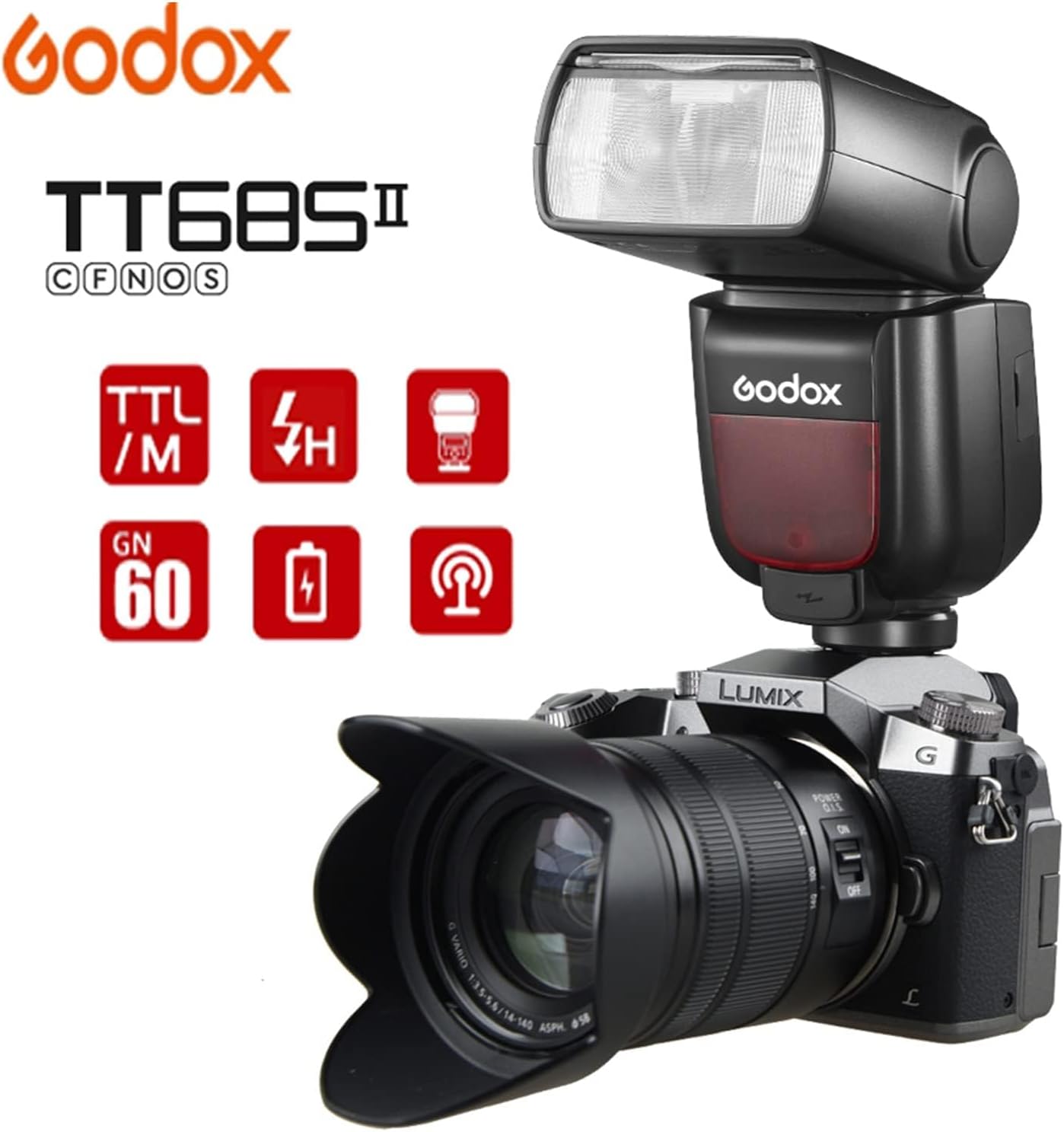
Illustration of opening the battery compartment for battery insertion.
3.3 Mounting the Flash to Your Camera
The TT685II-N features a quick-release hot-shoe lock for easy and secure attachment to your Nikon camera.
- Slide the flash hot-shoe into your camera's hot-shoe mount.
- Push the quick-release lock forward until it clicks into place, securing the flash.
- To remove, push the quick-release lock backward and slide the flash off.

The quick-release hot-shoe lock ensures secure attachment to the camera.
4. Operating Modes and Functions
4.1 Power On/Off
To power on the flash, slide the power switch to the "ON" position. To power off, slide it to "OFF".
4.2 Flash Modes: TTL, Manual, Multi
The TT685II-N supports various flash modes to suit different shooting scenarios:
- TTL (Through-The-Lens) Mode: The flash automatically adjusts its output for optimal exposure based on the camera's metering system.
- Manual Mode: Allows you to manually set the flash power output from 1/1 to 1/128.
- Multi (Stroboscopic) Mode: Fires a series of rapid flashes during a single exposure to capture multiple movements of a subject.

TTL mode automatically adjusts flash output for balanced exposure.
4.3 High-Speed Sync (HSS)
The flash supports High-Speed Sync (HSS) up to 1/8000s, allowing you to use wider apertures in bright conditions or freeze fast-moving subjects with flash.
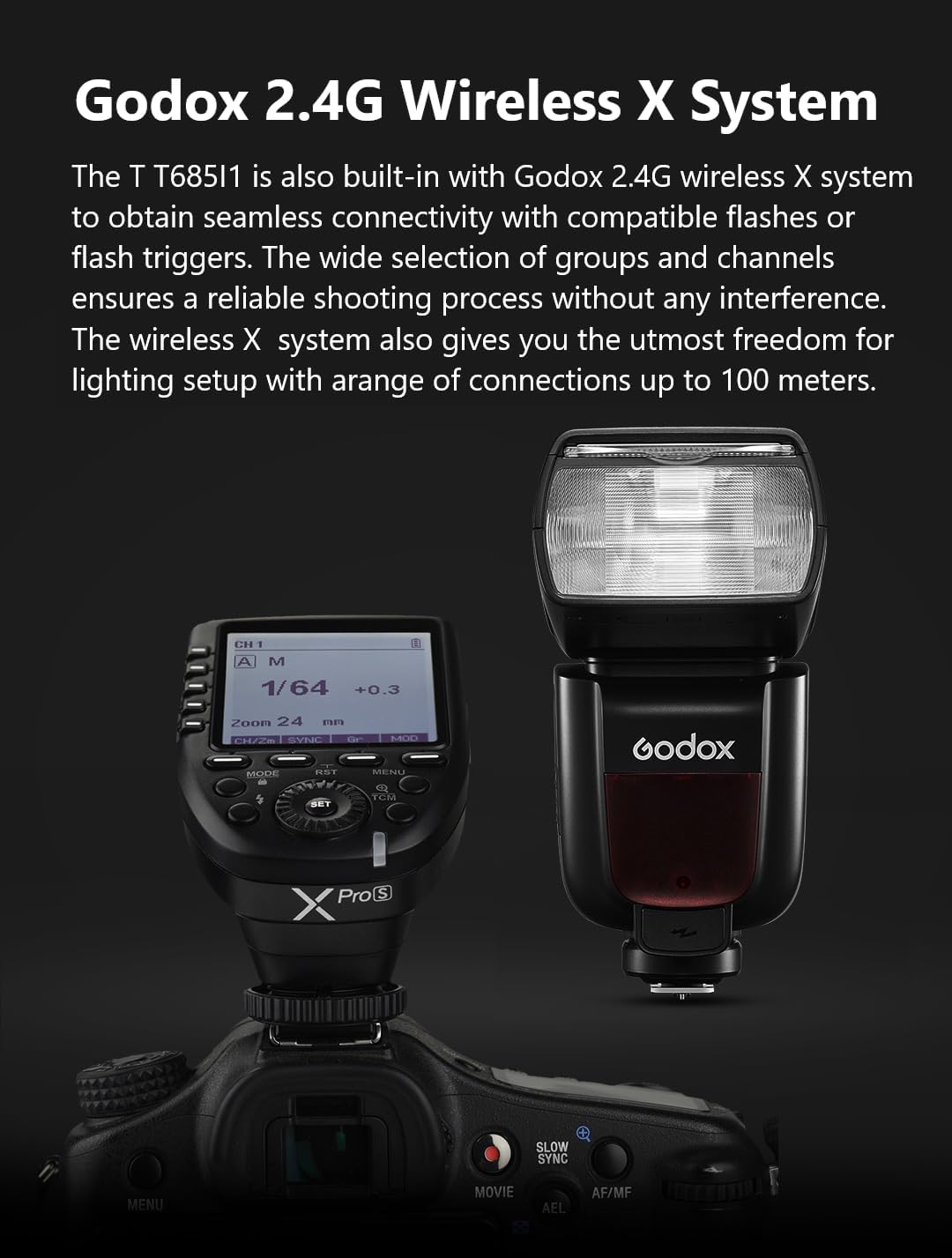
4.4 Godox 2.4G Wireless X System
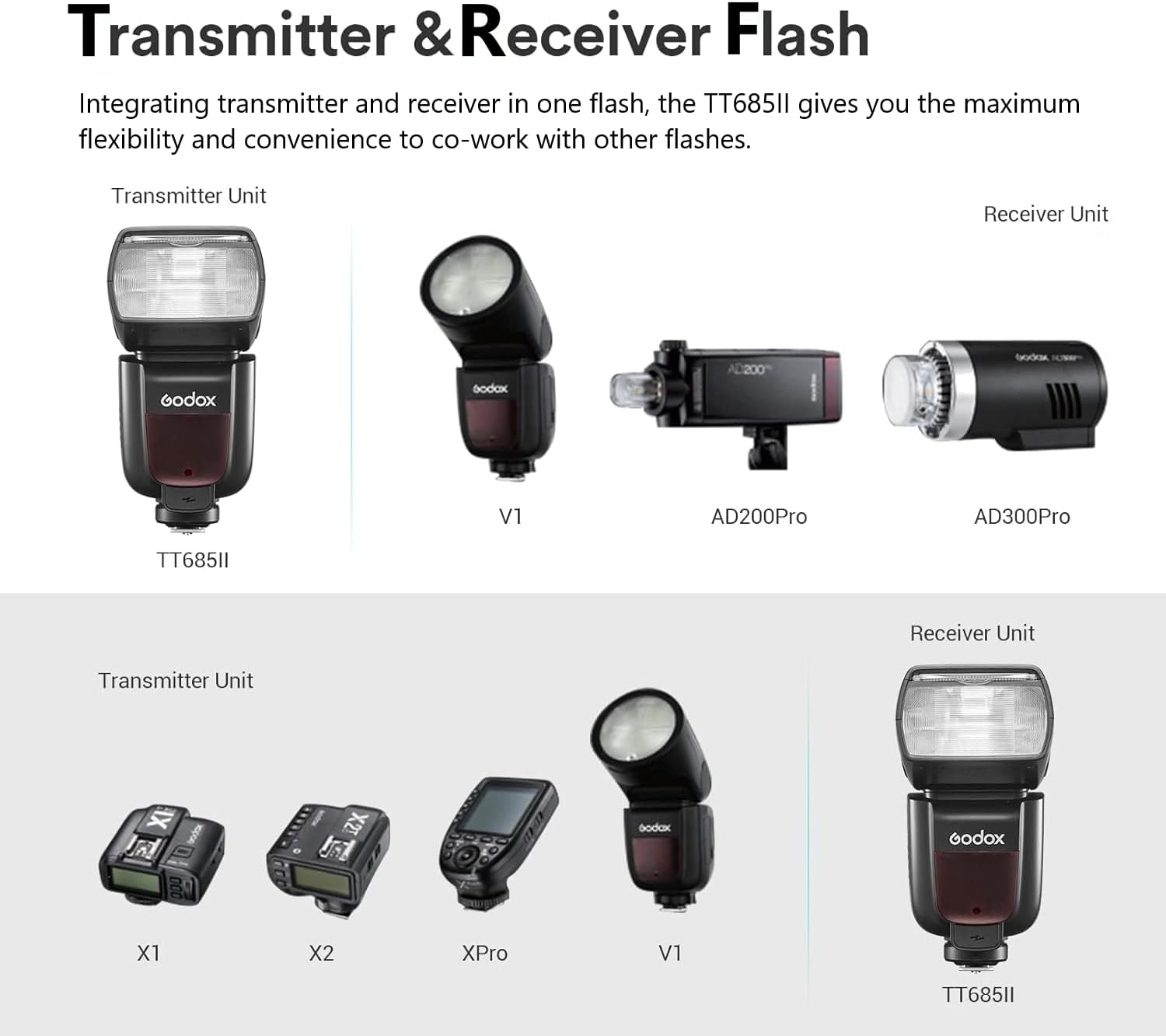
The built-in Godox 2.4G Wireless X System enables seamless communication with compatible Godox flashes and triggers. It supports both transmitter and receiver functions, offering flexible lighting setups with a range of up to 100 meters.

The Godox TT685II-N can act as both a transmitter and receiver within the 2.4G Wireless X System.
4.5 TCM Instant Conversion
The TCM (TTL Converted to Manual) function allows for instant conversion of TTL exposure values to manual power settings. This helps to lock in a desired exposure and maintain consistency across shots.
The flash display showing ETTL mode, where the TCM function can be activated for instant conversion to manual settings.
4.6 FEB Function (Flash Exposure Bracketing)
Flash Exposure Bracketing (FEB) allows the flash to fire three consecutive shots with different exposure values (underexposure, correct exposure, overexposure). This helps in achieving optimal flash exposure in challenging lighting conditions.
4.7 Broader Bounce Angle
The flash head offers a broader tilt angle from -7° to 120° and can rotate 330°. This flexibility allows for various bounce flash angles, both on and off-camera, to achieve softer and more natural lighting.

The flash head can be tilted and rotated for flexible light direction.
5. Advanced Features
5.1 External Power Supply
The TT685II-N is equipped with a Type-C port and a sync cord jack, allowing connection to an external Lithium-Ion power pack, such as the Godox PB960 (sold separately). This significantly boosts flash performance and recycling speed for extended shooting sessions.
Connecting the flash to an external power supply like the PB960 for enhanced performance.

The Type-C port allows for external power connection and firmware updates.
6. Maintenance
- Cleaning: Use a soft, dry cloth to clean the flash unit. For stubborn dirt, a slightly damp cloth can be used, followed by a dry one. Do not use strong detergents or solvents.
- Storage: When not in use for extended periods, remove the batteries to prevent leakage. Store the flash in a cool, dry place, away from direct sunlight and extreme temperatures.
- Flash Tube: Avoid touching the flash tube directly with bare hands, as oils can reduce its lifespan. If touched, clean with a soft cloth moistened with alcohol.
7. Troubleshooting
| Problem | Possible Cause | Solution |
|---|---|---|
| Flash does not fire. |
|
|
| Flash output is too dark/bright. |
|
|
| Wireless triggering fails. |
|
|
8. Specifications
| Feature | Detail |
|---|---|
| Model | TT685II-N |
| Brand | GODOX |
| Compatible Mountings | Nikon |
| Camera Flash Type | Hotshoe |
| Flash Sync Speed | 1/8000s (High-Speed Sync) |
| Wireless System | Godox 2.4G Wireless X System |
| Flash Modes | TTL, Manual, Multi |
| Guide Number (GN) | 60 (m ISO 100) |
| Bounce Angle | Tilt: -7° to 120°, Rotate: 330° |
| External Power Port | Type-C, Sync Cord Jack (for PB960) |
| Batteries | 4x AA batteries (not included) |
| Item Weight | 1.32 pounds (approx. 599g) |
| Package Dimensions | 8.07 x 3.66 x 3.27 inches |
| Date First Available | November 30, 2022 |
9. Warranty and Support
GODOX products are designed and manufactured to the highest quality standards. For warranty information and customer support, please refer to the warranty card included with your product or visit the official GODOX website.
If you encounter any issues or have questions regarding your TT685II-N flash, please contact GODOX customer service or your authorized dealer for assistance.
Online Resources:
- Official GODOX Website: www.godox.com
- Product Support Page: (Refer to official website for specific product support pages)


