
1. Introduction
This manual provides essential information for the safe and efficient operation of your Philips Portable AM/FM Radio. Please read these instructions carefully before using the device and retain them for future reference.
The Philips Portable AM/FM Radio offers clear reception, dual power options, and a compact design for versatile listening. It features a built-in speaker and a 3.5mm headphone jack for private listening.
2. Product Overview
2.1 Components
- Main Radio Unit
- Telescopic Antenna
- AC Power Cord (for mains operation)
- 3.5mm Headphone Jack
- Auxiliary Cable
- Batteries (2 x 1.5V R20/UM1/D, not always included)
2.2 Controls and Connections
Familiarize yourself with the radio's controls and connections:

Image: Front view of the Philips Portable AM/FM Radio, showing the speaker grille, frequency dial, and control knobs on top.
- Frequency Dial: Displays the current AM/FM frequency.
- Tuning Knob: Located on the side, used to select radio stations.
- Band Selector Switch: Toggles between AM and FM bands.
- Volume/Power Knob: Controls the power and adjusts the audio volume.
- Tone Control Switch: Adjusts the audio tone (e.g., News/Music).
- Telescopic Antenna: Extends for improved FM reception.
- Headphone Jack (3.5mm): For connecting headphones for private listening.
- AC Power Input: For connecting the AC power cord.
- Battery Compartment: Located on the back, for battery power.

Image: Close-up view of the tone control switch on the top of the radio, labeled "NEWS" and "TONE" (likely for Music).

Image: Close-up view of the simple controls on the top of the radio, showing the volume/power knob and the band selector switch.
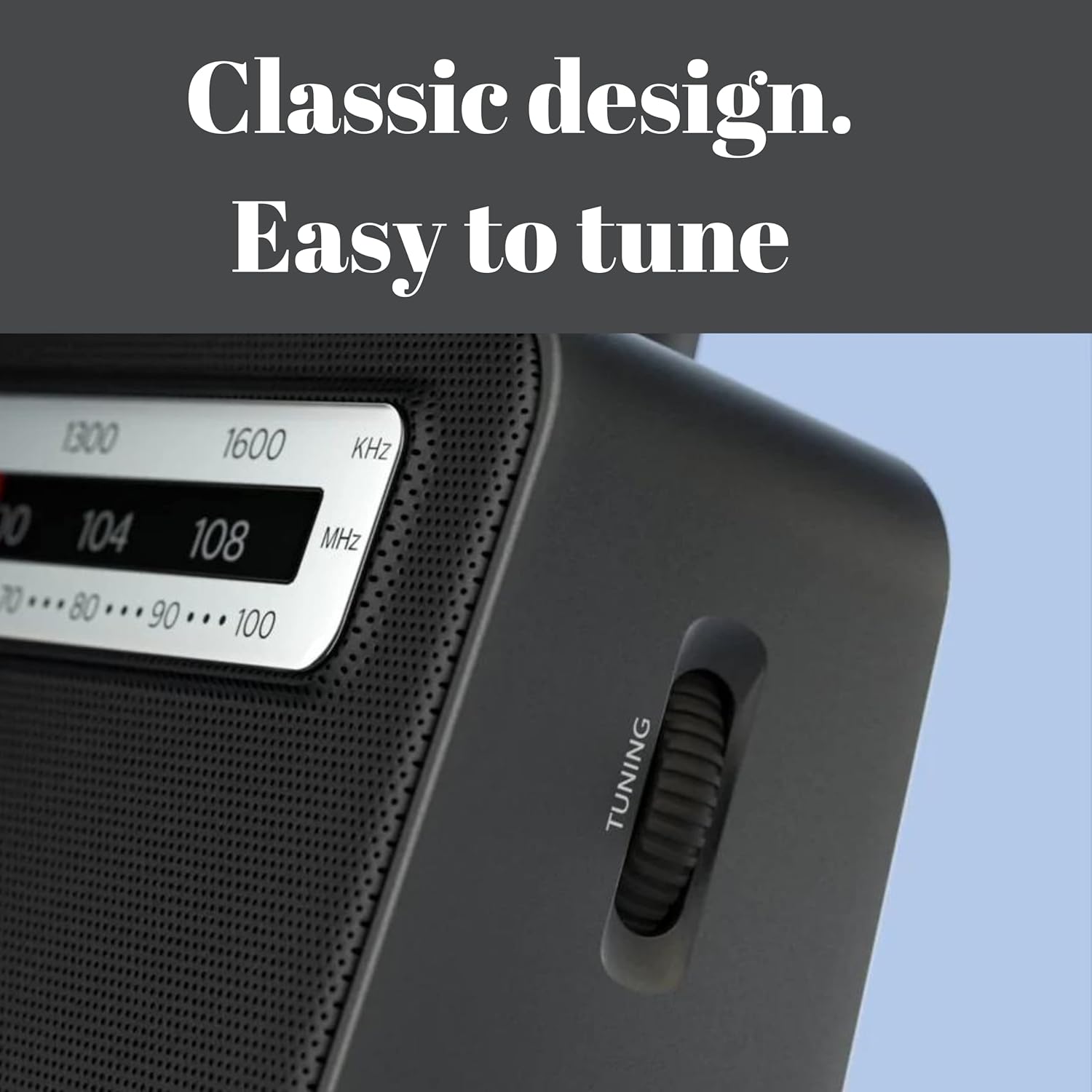
Image: Close-up view of the tuning knob located on the side of the radio, labeled "TUNING".
3. Setup
3.1 Powering the Radio
Your Philips Portable AM/FM Radio can be powered by either AC current or batteries.
AC Power (Mains)
- Ensure the radio's power knob is in the "OFF" position.
- Connect the AC power cord to the AC power input on the radio.
- Plug the other end of the AC power cord into a wall outlet.
Battery Power
For portable use, the radio requires 2 x 1.5V R20/UM1/D batteries (not always included).
- Ensure the radio's power knob is in the "OFF" position.
- Open the battery compartment cover on the back of the radio.
- Insert 2 x 1.5V R20/UM1/D batteries, observing the correct polarity (+/-) as indicated inside the compartment.
- Close the battery compartment cover securely.
Note: Remove batteries if the radio will not be used for an extended period to prevent leakage.
4. Operating Instructions
4.1 Turning On/Off and Volume Control
- To turn on the radio, rotate the Volume/Power knob clockwise until you hear a click and the radio powers on.
- Continue rotating the knob clockwise to increase the volume, or counter-clockwise to decrease it.
- To turn off the radio, rotate the Volume/Power knob counter-clockwise until it clicks into the "OFF" position.
4.2 Tuning to a Radio Station
- Select Band: Use the Band Selector switch to choose between AM or FM.
- Extend Antenna: For FM reception, fully extend the telescopic antenna. For AM reception, the internal antenna is generally sufficient, but rotating the radio may improve reception.
- Tune Station: Slowly rotate the Tuning knob (located on the side) to scan for stations. Observe the frequency dial to identify the desired station.
- Adjust Tone: Use the Tone Control switch to select between "NEWS" (for clearer speech) or "MUSIC" (for richer audio).
Tip: For optimal FM reception, adjust the position and angle of the telescopic antenna. For AM, try rotating the entire radio.
4.3 Using Headphones
To listen privately, connect any standard 3.5mm stereo headphones to the headphone jack on the radio. The built-in speaker will automatically mute when headphones are connected.
5. Maintenance
5.1 Cleaning
- Wipe the radio with a soft, damp cloth. Do not use abrasive cleaners, alcohol, or solvents, as these can damage the finish.
- Ensure the radio is unplugged from AC power and batteries are removed before cleaning.
5.2 Storage
- Store the radio in a cool, dry place away from direct sunlight and extreme temperatures.
- If storing for an extended period, remove the batteries to prevent leakage and potential damage.
6. Troubleshooting
| Problem | Possible Cause | Solution |
|---|---|---|
| No power |
|
|
| Poor reception / Static |
|
|
| No sound from speaker when headphones are removed |
|
|
7. Specifications

Image: The Philips Portable AM/FM Radio shown with its dimensions: 9.3 inches length, 3.5 inches width, and 7.7 inches height.
- Model Number: 5060991740540
- Product Dimensions: 9.3 x 3.5 x 7.7 inches (23.6 x 8.9 x 19.6 cm)
- Item Weight: 2.14 pounds (0.97 kg)
- Brand: PHILIPS
- Color: Black
- Connectivity Technology: Auxiliary
- Tuner Technology: FM, AM
- Power Source: AC/Battery Powered
- Battery Type: 2 x 1.5V R20/UM1/D
- Special Features: 3.5mm AUX, Built-In AM/FM Antenna, Lightweight, Portable
- Included Components: 3.5mm Headphone Jack, Auxiliary Cable, Telescopic Antenna
8. Warranty and Support
For warranty information and customer support, please refer to the documentation included with your purchase or visit the official Philips website. Keep your proof of purchase for warranty claims.
Online Support: www.philips.com/support