
1. Introduction
This manual provides essential instructions for setting up, operating, maintaining, and troubleshooting your STGAubron Gaming PC Desktop Computer. Please read this manual thoroughly before using your new computer to ensure optimal performance and longevity.
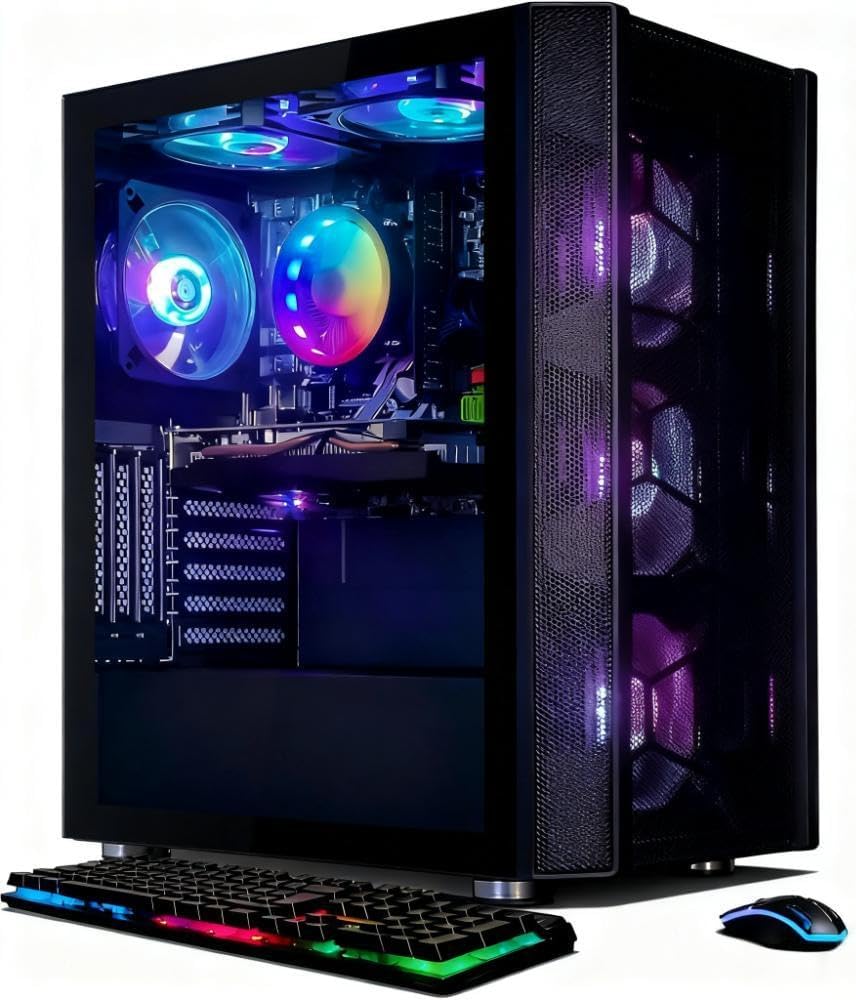
Image 1.1: STGAubron Gaming PC Desktop Computer with included peripherals.
2. Package Contents
Verify that all items listed below are included in your package. If any items are missing or damaged, please contact customer support immediately.
- STGAubron Gaming PC Desktop Computer (Model ABR0622)
- RGB Gaming Keyboard
- Gaming Mouse
- RGB Bluetooth Sound Bar
- Mouse Pad
- Microphone
- Power Cord
- USB Wi-Fi Adapter
- USB Bluetooth 5.0 Adapter
3. Setup Instructions
Follow these steps to set up your STGAubron Gaming PC Desktop Computer.
3.1 Unboxing and Placement
- Carefully remove the computer and all accessories from the packaging. Note that the computer tower may contain internal foam packaging to protect components during transit. Remove this foam before powering on.
- Place the computer tower on a stable, flat surface with adequate ventilation. Ensure there is enough space around the tower for airflow, especially at the front, top, and rear.

Image 3.1: STGAubron Gaming PC Desktop Computer with visible internal components and RGB lighting.
3.2 Connecting Peripherals
Refer to the rear panel diagram (Image 3.2) for port identification.
- Monitor: Connect your monitor to the graphics card (NVIDIA GeForce RTX 3060) using an HDMI, DisplayPort, or DVI cable. Ensure the cable is securely fastened.
- Keyboard and Mouse: Connect the gaming keyboard and mouse to any available USB ports on the rear panel.
- Audio: Connect the RGB Bluetooth Sound Bar or other audio devices to the appropriate audio-out connector.
- Network: For wired internet, connect an Ethernet cable to the RJ-45 port. For wireless internet, insert the provided USB Wi-Fi adapter into an available USB port.
- Bluetooth: Insert the provided USB Bluetooth 5.0 adapter into an available USB port for Bluetooth connectivity.
- Power: Connect the power cord to the power supply unit (PSU) at the rear of the computer, then plug the other end into a grounded electrical outlet.

Image 3.2: Rear panel connectivity ports.
3.3 Initial Power On
- Press the power button located on the front of the computer tower.
- The system will boot into Windows 11 Home. Follow the on-screen instructions to complete the initial setup, including language, region, and user account creation.
- Install any necessary drivers for your monitor or other external devices if prompted.
4. Operating Instructions
Your STGAubron Gaming PC is designed for high-performance tasks, including gaming, content creation, and general computing.
4.1 General Usage
- Operating System: The computer comes pre-installed with Windows 11 Home 64-bit. Familiarize yourself with the Windows interface for navigation and application management.
- RGB Lighting: The computer features six RGB fans (3 front, 2 top, 1 back) and RGB peripherals. Use the included remote control (if applicable) or pre-installed software to customize lighting effects.
4.2 Gaming Performance
Equipped with an Intel Core i7 processor and an NVIDIA GeForce RTX 3060 12G GDDR6 graphics card, this system is capable of running a wide range of popular PC games at 60+ FPS, including:
- Fortnite
- Call of Duty Warzone
- Escape from Tarkov
- GTA V
- World of Warcraft
- Valorant
- Apex Legends
- Elden Ring
- Rocket League
- Hogwarts Legacy
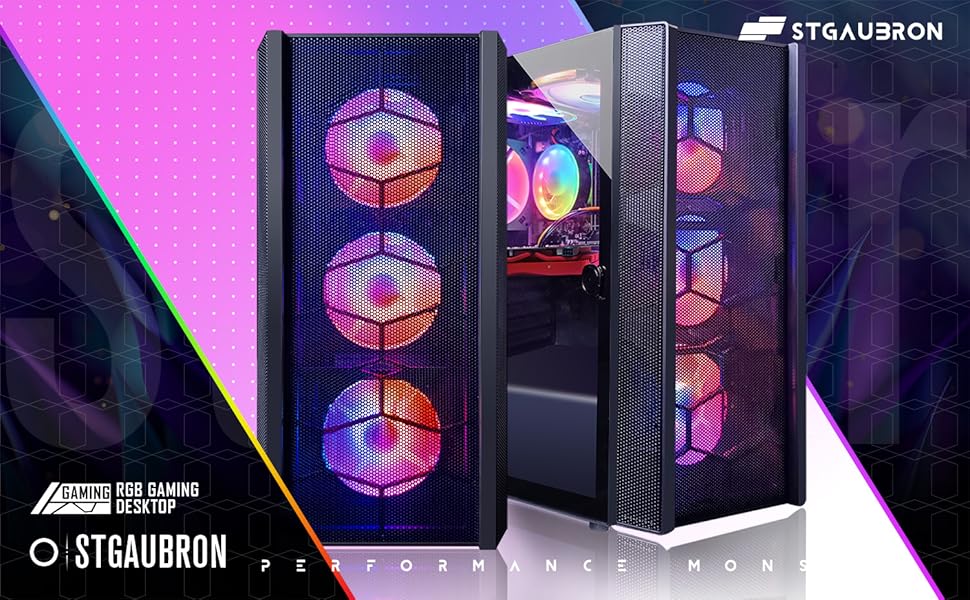
Image 4.1: NVIDIA GeForce RTX 3060 graphics card supporting various games.
5. Maintenance
Regular maintenance helps ensure the longevity and optimal performance of your gaming PC.
5.1 Cleaning
- Exterior: Use a soft, dry cloth to wipe down the exterior of the computer case. Avoid abrasive cleaners.
- Dust: Periodically use compressed air to clear dust from fan vents and internal components. Ensure the computer is powered off and unplugged before cleaning.
5.2 Software Updates
- Regularly update your Windows operating system, graphics drivers (NVIDIA), and other software to ensure security and performance.
6. Troubleshooting
This section addresses common issues you might encounter. For more complex problems, refer to the Warranty and Support section.
6.1 Common Issues and Solutions
- No Power: Ensure the power cord is securely connected to both the computer and the wall outlet. Check if the power supply switch on the rear of the PC is in the 'ON' position.
- No Display: Verify that the monitor cable is securely connected to the graphics card (not the motherboard's integrated graphics ports) and the monitor. Ensure the monitor is powered on and set to the correct input source.
- Intermittent Wi-Fi/Bluetooth: Ensure the USB Wi-Fi and Bluetooth adapters are securely plugged into a USB port. Try moving the adapters to different USB ports. Ensure drivers are correctly installed. For critical online gaming, a wired Ethernet connection is recommended for stability.
- System Not Responding: If the system freezes, press and hold the power button for 5-10 seconds to force a shutdown. Wait a few moments, then power it back on.
6.2 When to Contact Support
Contact STGAubron customer support if you experience any of the following:
- The machine is defective upon arrival.
- The machine stops working after use.
- Persistent hardware or software issues that cannot be resolved with basic troubleshooting.
7. Specifications
Detailed technical specifications for your STGAubron Gaming PC Desktop Computer (Model ABR0622).
| Component | Specification |
|---|---|
| Model Number | ABR0622 |
| Processor | Intel Core i7 (3.4 GHz, up to 3.9 GHz) |
| RAM | 32 GB SDRAM (DIMM) |
| Storage | 1 TB SSD (Solid State Drive) |
| Graphics Card | NVIDIA GeForce RTX 3060 12G GDDR6 |
| Operating System | Windows 11 Home 64-bit |
| Wireless Connectivity | 802.11n Wi-Fi, Bluetooth 5.0 |
| USB Ports | 2x USB 2.0, 2x USB 3.0 (Rear) |
| Video Output | 1x HDMI, 1x DisplayPort, 1x DVI |
| Network | 1x RJ-45 Ethernet |
| Audio Ports | 1x Audio-out, 1x Audio-in, 1x Microphone |
| Cooling | 6x RGB Fans (3 Front, 2 Top, 1 Back) |
| Item Weight | 21.2 pounds |
| Package Dimensions | 23.2 x 22.2 x 13.2 inches |
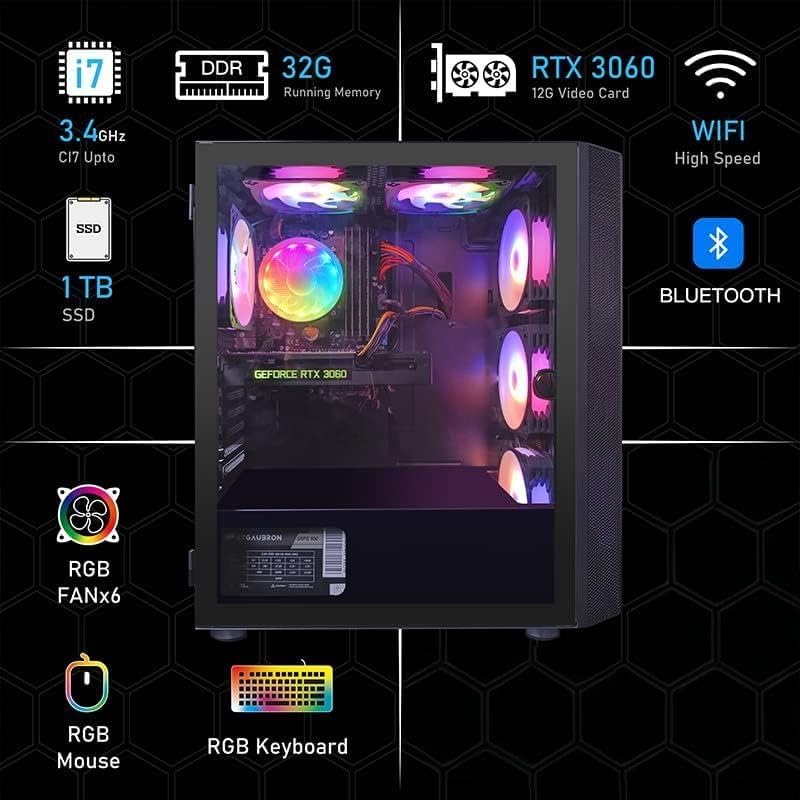
Image 7.1: Key features overview.
8. Warranty and Support
STGAubron is committed to providing excellent customer service and support for your product.
8.1 Warranty Information
- Parts & Labor: Your STGAubron Gaming PC comes with a 1-year warranty covering parts and labor.
- Coverage: Enjoy 365-Day Warranty Coverage from the date of purchase.
8.2 Technical Support
- Lifetime Support: Free lifetime technical support is provided for your product.
- Response Time: Expect professional services and troubleshooting support within 24 hours.
- Contact Methods: You can reach out to us through various methods including online, hotline, and email.
8.3 Contact Information
- Email: support@astsys.com
- Phone: 1-855-489-0795 (EXT.224) (Monday-Friday, 9am-5pm EST)

Image 8.1: STGAubron Customer Support details.