Introduction
Welcome to the user manual for your HOLDLAMP Rechargeable Par Lights. These versatile RGBW 4-in-1 LED uplights are designed for various events, offering battery-powered convenience, sound activation, remote control, and DMX capabilities. This manual provides essential information for setup, operation, maintenance, and troubleshooting to ensure optimal performance.

This image displays the four HOLDLAMP Rechargeable Par Lights, showcasing their compact design and the included remote controls.
Product Features
- High-Capacity Battery: Built-in rechargeable battery provides 9-16 hours of use after 3-5 hours of charging.
- Perfect Lighting Effect & High Quality: RGBW 4-in-1 HD lamp beads offer 7 colors with effects like jumping, fading, and strobe. Durable with a lifespan of up to 20,000 hours.
- Multiple Control Modes: Supports remote control, sound activation, DMX512 (8CH), automatic mode, and master-slave mode. Includes timer function.
- Versatile Mounting: Double bracket allows hanging on truss, wall, or floor. Adjustable light angle.
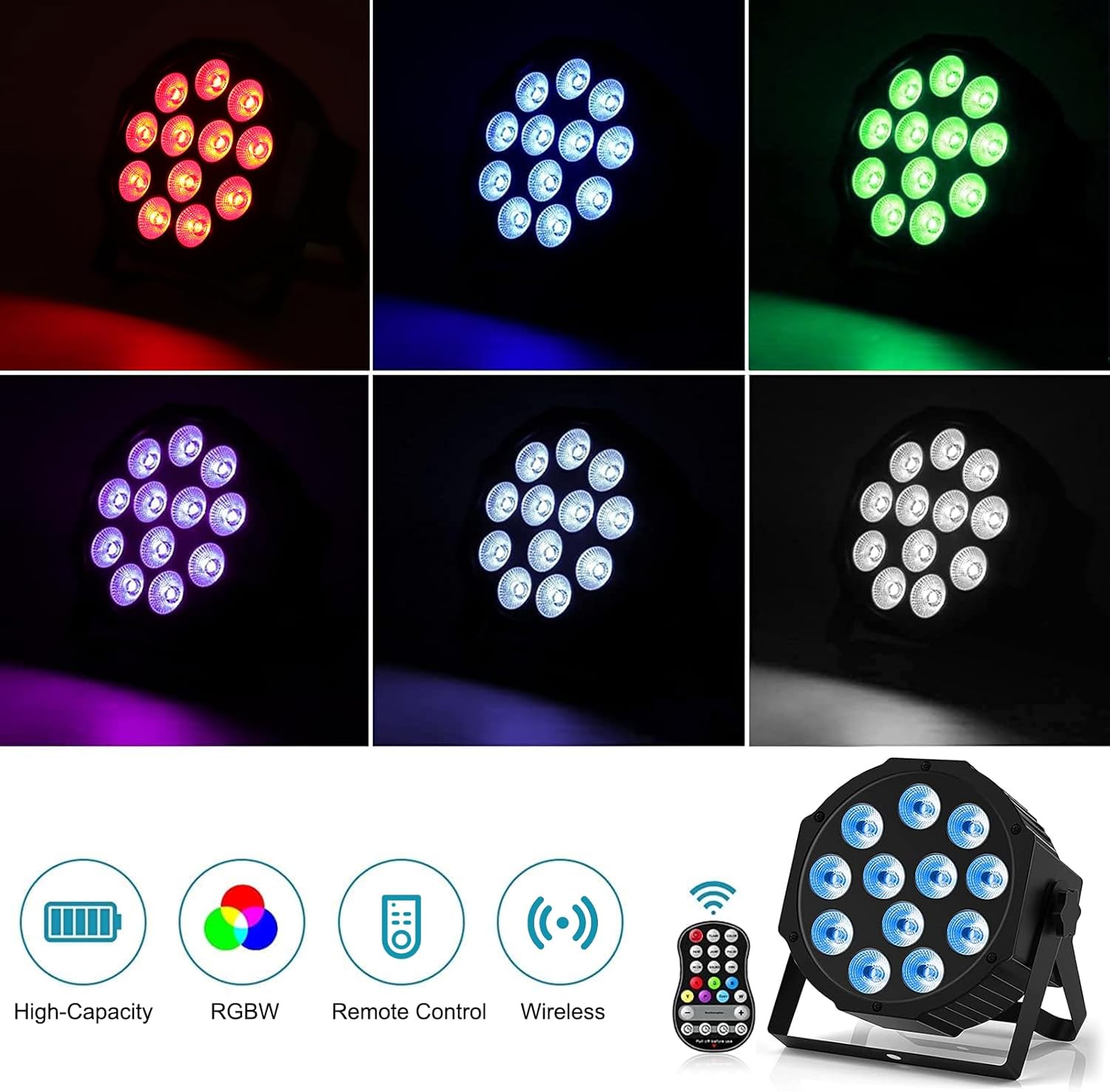
This image highlights the key features of the par lights: High-Capacity Battery, RGBW color mixing, Remote Control, and Wireless operation.
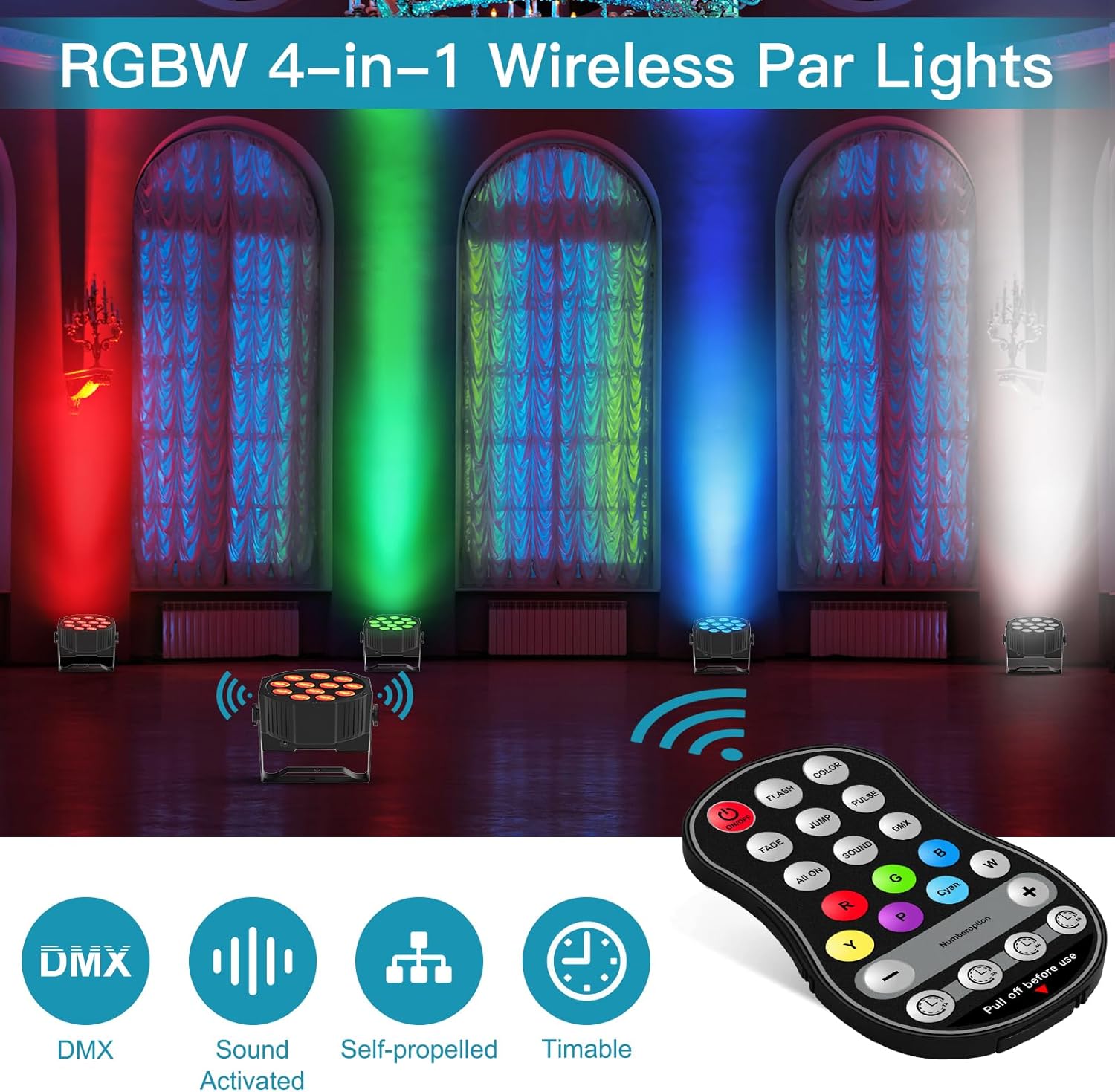
This image illustrates additional control options: DMX, Sound Activated mode, Self-propelled (Auto) mode, and Timable functions.
What's in the Box
- Rechargeable Par Lights (4 Packs)
- Remote Control
- Power Adapter
- Double Brackets
- User Manual

This image displays the typical contents of the product package, including one par light, a remote control, a power adapter, mounting brackets, and the user manual.
Setup
Initial Setup
- Unpacking: Carefully remove all components from the packaging.
- Charging: Before first use, fully charge the lights. Connect the power adapter to the charging port (C on diagram). The battery indicator (B on diagram) will show charging progress. Charging time is approximately 3-5 hours.
- Placement: Use the double bracket to position the light as desired – on a truss, wall, or floor. Ensure stable placement.
- Power On: Locate the ON/OFF switch (A on diagram) on the back of the unit and switch it to 'ON'.

This image illustrates the built-in high-capacity 5000mAh battery, showing that it charges in 3-5 hours and provides 9-16 hours of use.
Operating Instructions
Control Panel and Remote
The par light can be controlled via the onboard control panel or the included remote control.

This detailed diagram shows the back panel of the par light with its display and buttons (Menu, Up, Down, Enter), along with the remote control and its various functions.
Remote Control Functions
| Button | Function |
|---|---|
| ON/OFF | Power On/Off |
| FLASH | Strobe effect |
| COLOR | Color switch |
| FADE | Fade effect |
| JUMP | Jump change |
| PULSE | Pulse effect |
| ALL ON | All lights on |
| SOUND | Sound activated mode |
| DMX | DMX control mode |
| R, G, B, Y, P, Cyan, W | Select individual colors (Red, Green, Blue, Yellow, Purple, Cyan, White) |
| +/- | Color brightness up/down, Jump/Strobe/Fade speed up/down, DMX up/down |
| Timer Buttons (1h, 3h, 4h, 6h) | Set timer for automatic shut-off |
DMX Control
For advanced control, connect the lights via DMX512. The lights support an 8-channel DMX mode. Refer to the DMX section in the full manual (if available) for detailed channel assignments.
Use the DMX IN and DMX OUT ports (D and E on diagram) to daisy-chain multiple lights.
Maintenance
Care and Maintenance
- Cleaning: Wipe the lights with a soft, dry cloth. Do not use harsh chemicals or abrasive cleaners.
- Battery Care: To prolong battery life, avoid fully discharging the lights frequently. Recharge them regularly, even if not in use for extended periods.
- Storage: Store the lights in a cool, dry place when not in use.
- Avoid Overheating: Ensure proper ventilation during operation. Do not block the ventilation holes.
Troubleshooting
Common Issues and Solutions
| Problem | Possible Cause | Solution |
|---|---|---|
| Light does not turn on | Battery is dead; Power switch is off | Charge the battery; Ensure power switch is ON |
| Remote control not working | Remote battery is dead; Obstruction between remote and light; Remote not pointed correctly | Replace remote battery; Ensure clear line of sight; Point remote directly at the light's sensor |
| Lights not responding to DMX | Incorrect DMX address; Loose DMX cable connection; Incorrect DMX mode selected | Verify DMX address setting; Check DMX cable connections; Ensure DMX mode is active on the light |
| Short battery life | Battery not fully charged; Old battery; High brightness settings | Ensure full charge cycle; Battery may need replacement over time; Reduce brightness for longer runtime |
Specifications
Technical Specifications
- Model: ZQ01026
- Color: Black
- Shape: Rectangular
- Material: Acrylonitrile Butadiene Styrene (ABS)
- Light Source Type: LED (RGBW 4-in-1)
- Power Source: Battery Powered
- Item Weight: 9.6 Pounds
- Number of Batteries: 1 CR2 battery required (included)
- Battery Type: Lithium-Ion
- Voltage: 110 Volts
- Maximum Compatible Light Source Wattage: 36 Watts
- Number of Light Sources: 12
- Mounting Type: Wall Mount, Floor Mount, Truss Mount
- Bulb Features: Dimmable
- Product Dimensions: 8.3"L x 5.3"W x 8.3"H
- Manufacturer: HOLDLAMP
- Date First Available: November 21, 2022

This image provides the precise dimensions of the par light unit, including length, width, and height, for accurate planning and installation.
Warranty and Support
Warranty and Customer Support
HOLDLAMP offers a 180-day no-reason return policy for this product.
If you have any questions, concerns, or require technical assistance, please do not hesitate to contact our excellent after-sales service team. We are committed to resolving any issues within 24 hours.
For support, please refer to the contact information provided on the product packaging or the official HOLDLAMP website.
Visit the official HOLDLAMP Store for more information: HOLDLAMP Store