
Important Safety Instructions
Please read all instructions carefully before using this electric ceramic heater. Failure to follow these instructions may result in fire, electric shock, injury, or property damage. Keep this manual for future reference.
- Placement: Always place the heater on a firm, level surface. Do not place on soft surfaces like beds or rugs where openings may be blocked.
- Clearance: Maintain a minimum distance of 3 feet (0.9 meters) from walls, furniture, curtains, and other combustible materials.
- Power Source: Connect the heater directly into a 1500W rated wall outlet. Do not use extension cords or power strips, as they may overheat and cause a fire risk.
- Moisture: Do not use the heater in wet or damp locations, such as bathrooms, laundry areas, or near sinks. Never immerse the heater in water.
- Supervision: Close supervision is necessary when the heater is used by or near children or individuals with reduced physical, sensory, or mental capabilities.
- Overheat Protection: This heater is equipped with an automatic overheat protection system. If the heater overheats, it will automatically shut off. Unplug the heater, allow it to cool for 10 minutes, then plug it back in. If it continues to shut off, contact customer support.
- Tip-Over Switch: The heater includes a safety tip-over switch that automatically turns off the unit if it is accidentally knocked over. Place the heater upright on a stable surface to resume operation.
- Ventilation: Do not block air inlets or outlets. Ensure proper ventilation to prevent overheating.
- Moving the Heater: Always turn off and unplug the heater before moving it. Use the integrated handle for safe transport.
Product Overview
The MediaTech MT-CH003 Electric Ceramic Heater is designed to provide efficient and safe heating for indoor spaces. It features ceramic heating elements for quick warmth and a compact design for portability.
Key Features:
- Power Settings: Offers two heat levels (750W and 1500W) for customizable warmth.
- Oscillation: 90-degree oscillation feature for wide air distribution.
- Modes: Multiple air options including fan-only, warm, and hot settings.
- Adjustable Thermostat: Allows precise temperature control to maintain desired room temperature.
- Safety Features: Equipped with overheat protection and a safety tip-over switch for enhanced user safety.
- Indicator Light: A light indicator shows when the heater is operating.
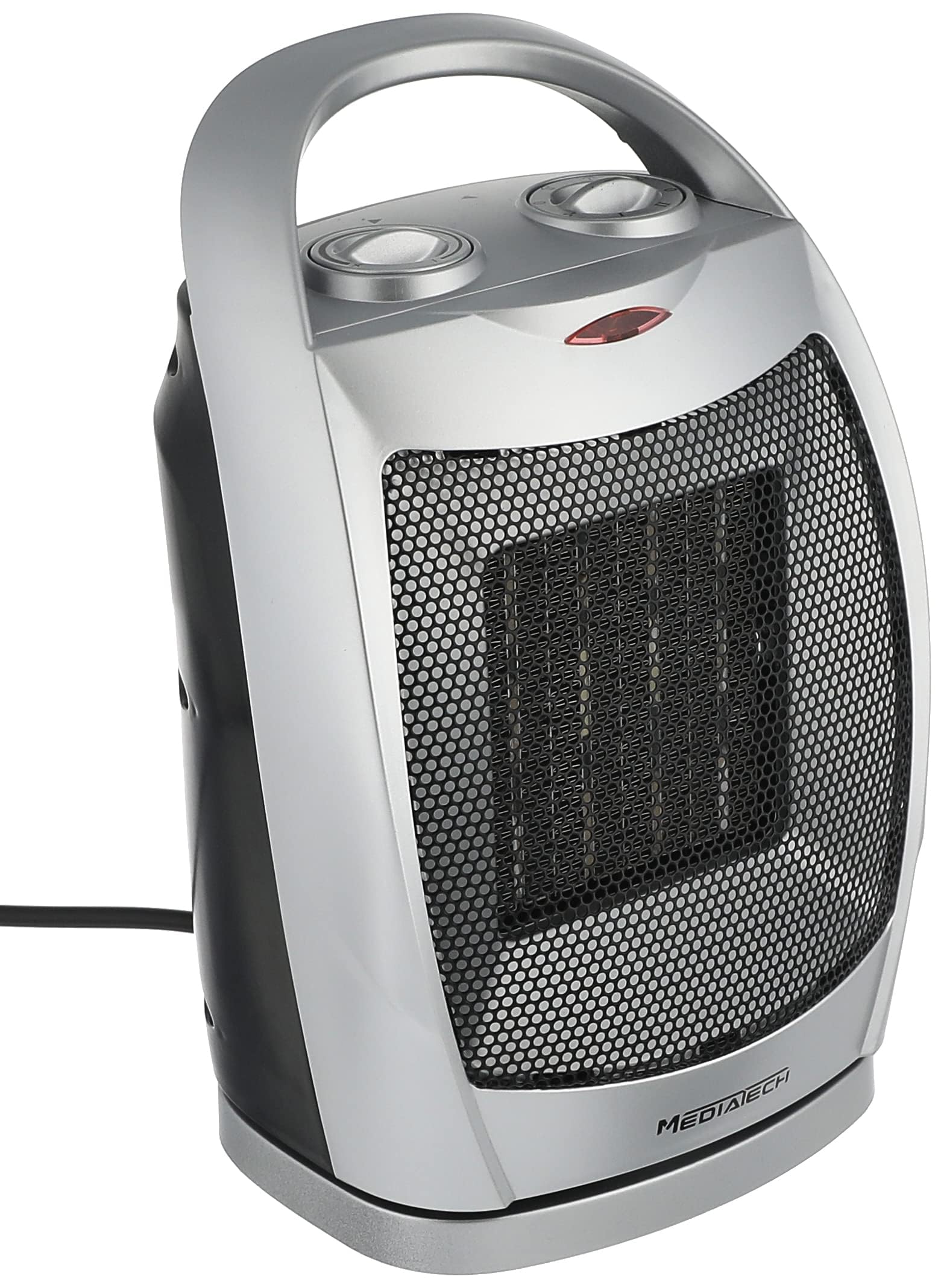
Figure 1: Front view of the MediaTech MT-CH003 Electric Ceramic Heater, showcasing its compact design and front grille.
Setup
- Unpacking: Carefully remove the heater from its packaging. Retain packaging for storage or in case of return.
- Placement: Place the heater on a stable, flat, and heat-resistant surface. Ensure it is at least 3 feet (0.9 meters) away from any walls, furniture, or flammable materials.
- Power Connection: Ensure the heater is switched off (both dials set to 'OFF' or minimum) before plugging it into a standard 1500W electrical outlet. Do not use extension cords.
- Initial Check: Verify that the power cord is not damaged and is securely plugged into the outlet.
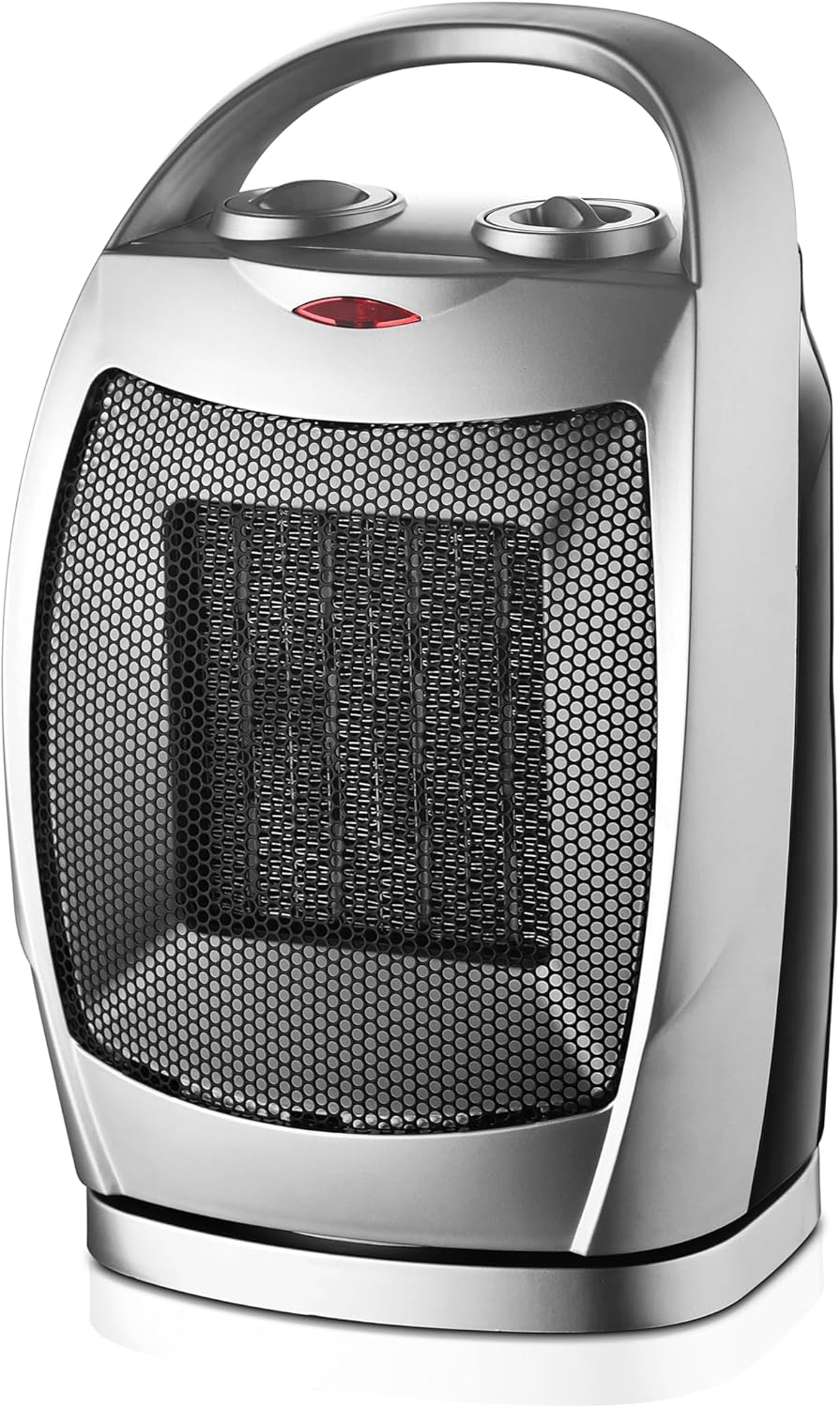
Figure 2: Front view of the heater, showing the air outlet grille and control panel at the top.
Operation
The MediaTech MT-CH003 heater features two control dials on its top panel for easy operation.

Figure 3: Close-up view of the two control dials and the power indicator light on the top of the heater.
Control Dials:
- Left Dial (Mode/Power Selection):
- OFF: Turns the heater off.
- FAN: Activates the fan without heat, circulating air.
- LOW HEAT (750W): Provides a lower heat output.
- HIGH HEAT (1500W): Provides maximum heat output.
- Right Dial (Thermostat Control):
- Adjust this dial to set your desired room temperature. The heater will cycle on and off to maintain this temperature.
- Turn clockwise for higher temperatures, counter-clockwise for lower temperatures.
Operating Steps:
- Plug the heater into a suitable electrical outlet.
- Turn the Left Dial (Mode/Power) to your desired setting: FAN, LOW HEAT (750W), or HIGH HEAT (1500W). The power indicator light will illuminate.
- Adjust the Right Dial (Thermostat Control) to your preferred temperature.
- To activate the 90-degree oscillation feature, press the oscillation button (if present, typically a small button near the dials or on the side).
- To turn off the heater, turn the Left Dial to the 'OFF' position and unplug the unit from the wall outlet.
Video 1: This video demonstrates the physical dimensions of the heater and highlights its 1500W power capability. It shows the heater being placed and its controls being pointed out.
Video 2: This video illustrates the operation of the control dials, showing how to select different power settings and adjust the thermostat.
Maintenance
Regular maintenance ensures optimal performance and longevity of your heater.
- Cleaning: Always unplug the heater and allow it to cool completely before cleaning. Use a soft, damp cloth to wipe the exterior surfaces. Do not use abrasive cleaners or solvents.
- Dust Removal: Use a vacuum cleaner with a brush attachment to gently remove dust from the air intake and exhaust grilles.
- Storage: When not in use, store the heater in a cool, dry place, preferably in its original packaging, away from direct sunlight and moisture.
- Cord Care: Do not wrap the power cord tightly around the heater. Avoid placing heavy objects on the cord.

Figure 4: Side view of the heater, highlighting the rear air intake grille which should be kept clear of dust.
Troubleshooting
If you encounter issues with your heater, refer to the following common problems and solutions:
| Problem | Possible Cause | Solution |
|---|---|---|
| Heater does not turn on. |
|
|
| Heater produces no heat. |
|
|
| Heater cycles on and off frequently. |
|
|
If the problem persists after trying these solutions, please contact MediaTech customer support.
Specifications
| Brand: | MediaTech |
| Model Number: | MT-CH003 |
| Power: | 750W / 1500W |
| Number of Speeds: | 2 (Heat settings) + Fan-only |
| Heating Method: | Ceramic Convection |
| Special Features: | Thermostat, Overheat Protection, Tip-Over Switch, Oscillation, Noiseless |
| Item Dimensions (D x W x H): | 18D x 22W x 33H centimeters (approx. 7.1D x 8.7W x 13H inches) |
| Item Weight: | 2 Kilograms (approx. 4.4 lbs) |
| Power Source: | Corded Electric |
| Indoor/Outdoor Usage: | Indoor |
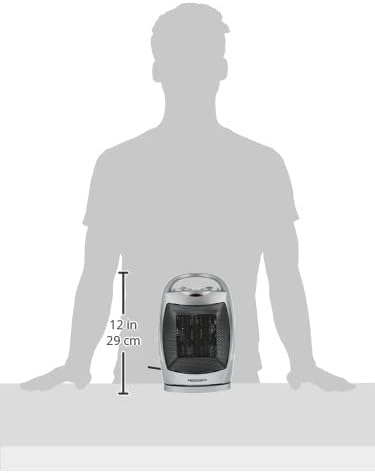
Figure 5: Diagram illustrating the approximate dimensions of the heater (12 inches / 29 cm height shown).
Warranty and Support
This MediaTech product comes with a manufacturer's warranty. Please refer to the warranty card included in your product packaging for specific terms and conditions, including warranty duration and coverage details.
For technical support, service, or warranty claims, please contact MediaTech customer service through the contact information provided on your warranty card or the official MediaTech website.