
Introduction
Thank you for choosing the Bitmore E-Pulse ProWireless Bluetooth Headphones. This manual provides essential information for the safe and efficient use of your new headphones. Please read it thoroughly before use and retain it for future reference.
The Bitmore E-Pulse headphones are designed for a superior audio experience, featuring Bluetooth 5.0 wireless technology, up to 10 hours of playback, and an integrated microphone for hands-free calls. They are also crafted with sustainability in mind, utilizing recycled plastics.

Image: Bitmore E-Pulse ProWireless Bluetooth Headphones in black, showcasing the over-ear design and earcups.
Package Contents
- Bitmore E-Pulse ProWireless Bluetooth Headphones
- USB Charging Cable
- AUX Cable (3.5mm Jack)
- User Manual
Setup
1. Charging the Headphones
Before first use, fully charge your headphones. A full charge takes approximately 6 hours.
- Connect the small end of the USB charging cable to the charging port on the headphone earcup.
- Connect the larger end of the USB charging cable to a USB power adapter (not included) or a computer's USB port.
- The LED indicator light will illuminate during charging and change color or turn off when charging is complete.
Note: Do not use the headphones while charging to ensure optimal battery life and safety.
2. Powering On/Off
- To Power On: Press and hold the Power button (usually located on one of the earcups) for a few seconds until the LED indicator light flashes.
- To Power Off: Press and hold the Power button again for a few seconds until the LED indicator light turns off.
3. Bluetooth Pairing
Pair your headphones with your device (smartphone, tablet, computer) to enable wireless audio.
- Ensure the headphones are powered off.
- Press and hold the Power button for approximately 5-7 seconds until the LED indicator light flashes rapidly, indicating pairing mode.
- On your device, go to Bluetooth settings and ensure Bluetooth is enabled.
- Search for available devices. You should see "Bitmore E-Pulse Pro" or a similar name appear in the list.
- Select the headphones from the list to connect. Once connected, the LED indicator light will typically show a slow flash or solid blue light.
- If prompted for a password, enter "0000".
The headphones have a wireless range of up to 10 meters (33 feet).
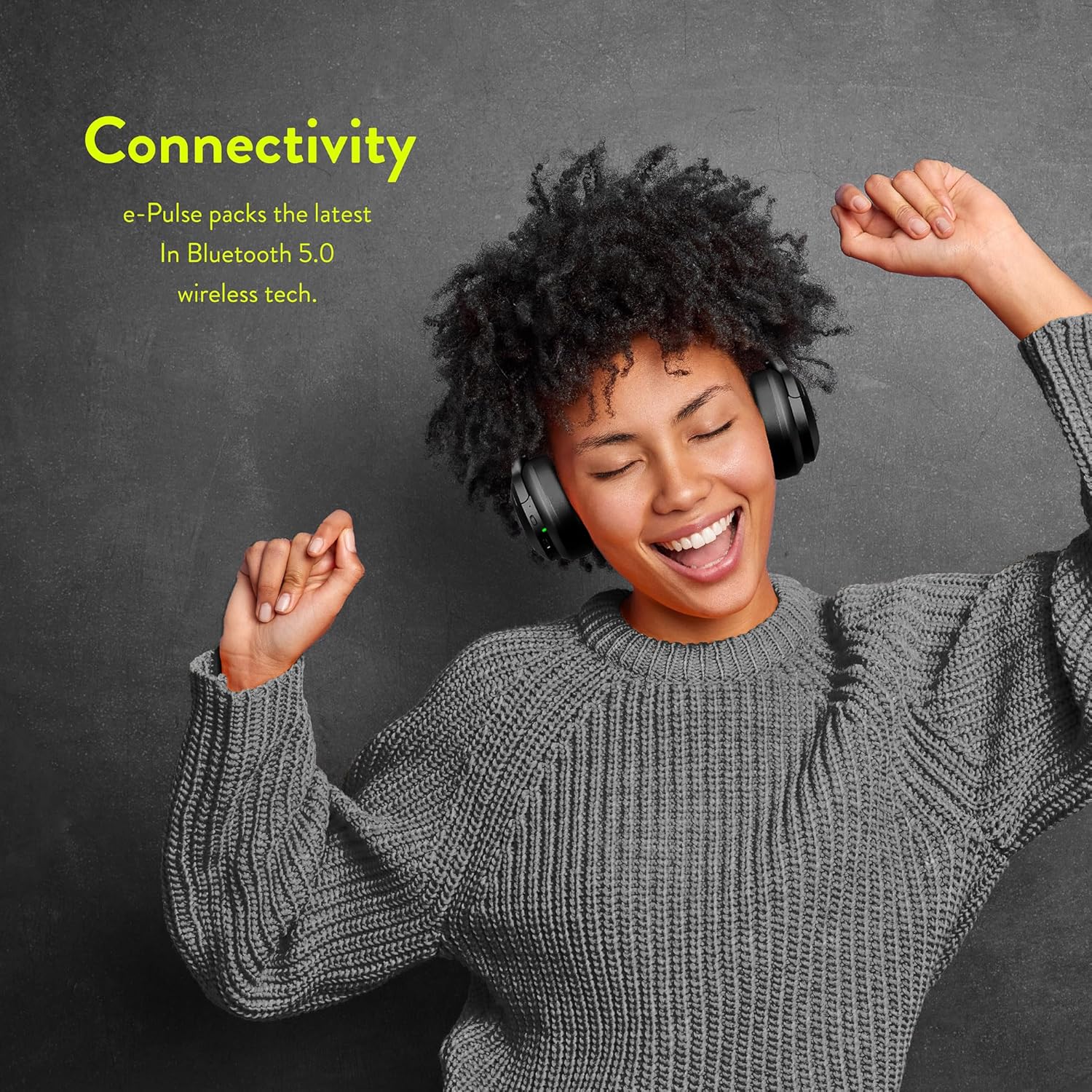
Image: A person happily listening to music with Bitmore E-Pulse headphones, illustrating the wireless connectivity feature.
Operating Instructions
1. Music Playback
Once connected via Bluetooth, you can control music playback directly from the headphones.

Image: A person adjusting the volume on the earcup of the Bitmore E-Pulse headphones, demonstrating the integrated controls.
- Play/Pause: Press the Multi-function button (often the Power button or a dedicated play/pause button) once.
- Next Track: Press and hold the Volume Up button or a dedicated 'next' button.
- Previous Track: Press and hold the Volume Down button or a dedicated 'previous' button.
- Volume Up: Press the Volume Up button.
- Volume Down: Press the Volume Down button.
The headphones offer up to 10 hours of continuous playback on a single charge.
2. Hands-Free Calling
The integrated microphone allows for convenient hands-free calls when connected to a smartphone.
- Answer Call: Press the Multi-function button once when a call comes in.
- End Call: Press the Multi-function button once during a call.
- Reject Call: Press and hold the Multi-function button for approximately 2 seconds when a call comes in.
- Redial Last Number: Double-press the Multi-function button.
3. Using the AUX Cable (Wired Mode)
You can use the included 3.5mm AUX cable to connect the headphones to devices without Bluetooth or when the battery is depleted.
- Ensure the headphones are powered off.
- Plug one end of the 3.5mm AUX cable into the AUX port on the headphone earcup.
- Plug the other end into the 3.5mm audio jack of your device.
Note: In wired mode, the headphone's built-in controls (volume, play/pause, microphone) may not function, and control will be managed by the connected device.
Maintenance
1. Cleaning
- Wipe the headphones with a soft, dry, lint-free cloth.
- Do not use abrasive cleaners, solvents, or chemical sprays.
- Avoid getting moisture into any openings.
2. Storage
- Store the headphones in a cool, dry place, away from extreme temperatures and direct sunlight.
- When not in use for extended periods, charge the headphones periodically (e.g., once every three months) to maintain battery health.
- The headphones are foldable for compact storage and transport.

Image: Bitmore E-Pulse headphones in a folded position, highlighting features like Bluetooth 5.0, 10 hours playback, 10m range, AUX adapter, and hands-free calling.
Troubleshooting
| Problem | Possible Cause | Solution |
|---|---|---|
| Headphones do not power on. | Low battery. | Charge the headphones fully. |
| Cannot pair with device. | Bluetooth is off on device; headphones not in pairing mode; too far from device. | Ensure Bluetooth is enabled on your device. Put headphones in pairing mode (rapid flashing LED). Move headphones closer to the device (within 10m). Forget previous pairings on your device and try again. |
| No sound. | Volume too low; headphones not connected; incorrect audio output selected on device. | Increase volume on both headphones and device. Ensure headphones are successfully paired and connected. Check your device's audio output settings. |
| Poor sound quality. | Interference; low battery; device too far. | Move away from other wireless devices. Charge headphones. Move closer to the connected device. |
| Microphone not working. | Incorrect input selected on device; headphones not fully connected. | Check your device's microphone input settings. Ensure headphones are properly connected via Bluetooth. |
Specifications
| Feature | Detail |
|---|---|
| Model Name | e-pulse Pro |
| Model Number | BM-ECBTOE |
| Connectivity Technology | Wireless (Bluetooth 5.0) |
| Wireless Range | Up to 10 meters |
| Playback Time | Up to 10 hours (up to 12 hours with specific usage/conditions) |
| Charge Time | Approximately 6 hours |
| Frequency Range | 20 Hz - 20000 Hz |
| Weight | 290 Grams |
| Material | Plastic (recycled) |
| Ear Placement | Over-Ear (Circum-aural) |
| Sound Isolation | Passive Acoustic Isolation |
| Headphone Jack | 3.5 mm Jack (for AUX cable) |
| Compatible Devices | Computer, Laptop, Mobile Phone |
| Battery Composition | Lithium-ion / Lithium-polymer |
| Special Features | Hands-free calls, Lightweight and foldable, AUX adapter included |
Warranty and Support
Warranty Information
Bitmore products are designed and manufactured to the highest quality standards. For specific warranty details regarding your Bitmore E-Pulse ProWireless Bluetooth Headphones, please refer to the warranty card included in your product packaging or visit the official Bitmore website. Keep your proof of purchase for warranty claims.
Customer Support
If you encounter any issues or have questions not covered in this manual, please contact Bitmore customer support. You can usually find contact information (email, phone, or support portal) on the official Bitmore website.
For more information, visit: www.bitmore.co.uk
Environmental Responsibility
The Bitmore E-Pulse headphones are made from 100% recycled BPA-free plastic. The packaging is FSC certified and uses eco-friendly inks, ensuring easy home recycling. Bitmore is committed to being 100% carbon neutral and contributes 1% of its revenue to environmental causes through the "1% for the Planet" initiative.

Image: Bitmore E-Pulse headphones displayed alongside logos for "1% for the Planet" and "Carbon Neutral" certification, emphasizing the product's environmental commitment.