
Pandasaurus Games PAN-202203
Pandasaurus Games The Wolves Board Game Instruction Manual
Model: PAN-202203
Introduction
The Wolves is a pack-building strategy game designed for 2-5 players, where the goal is to establish the largest and most dominant wolf pack. Players compete by claiming territory, recruiting lone wolves, and hunting prey. The game features a unique action-selection mechanism where players flip terrain tiles to perform actions, influencing future choices. As your pack expands its control, you can upgrade its attributes, enabling more aggressive actions. This highly interactive and thematic strategy game offers a rich experience for players aged 14 and up.
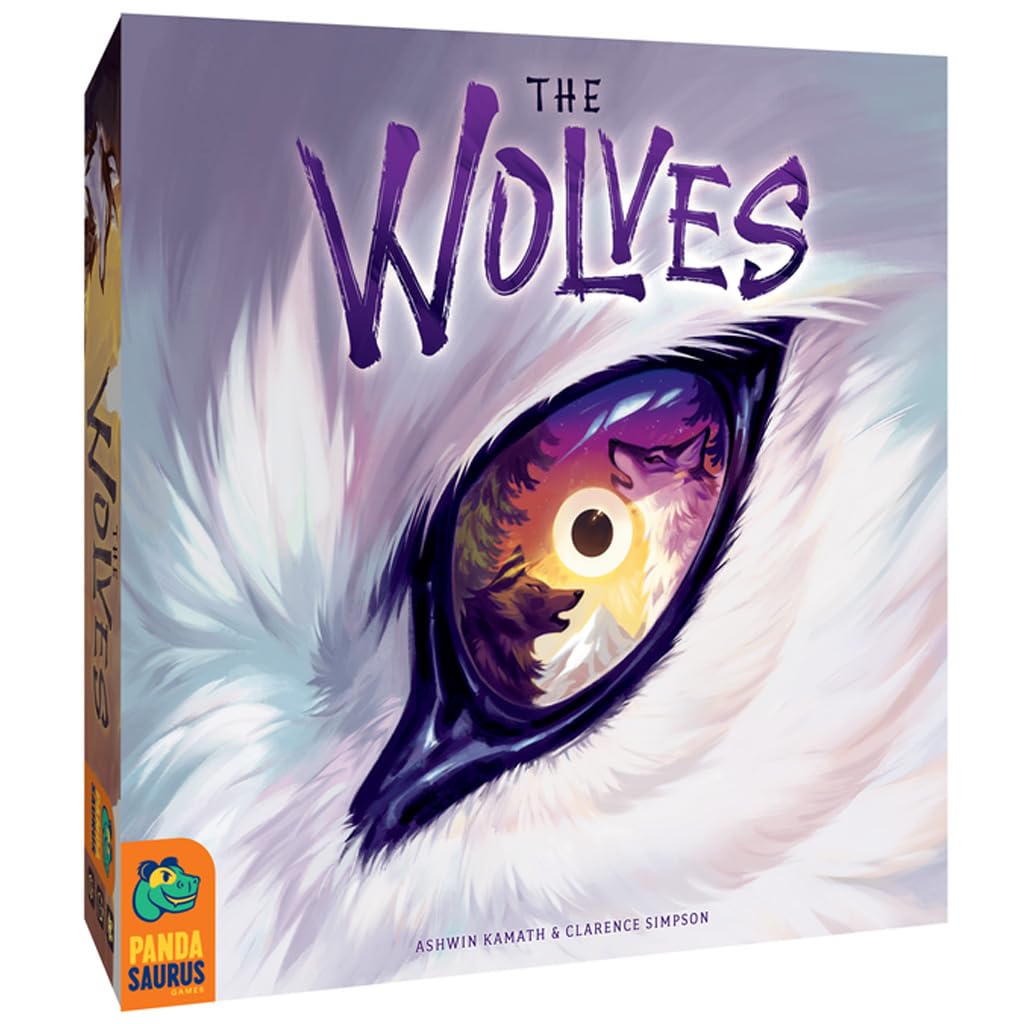
Image: Front of The Wolves board game box, showcasing the game title and artwork.
Components
Before starting, ensure all components listed below are present in your game box:
- 1 Start Board
- 10 Region Boards
- 5 Double-Sided Player Boards
- 1 Double-Sided Moonlight Board
- 30 Double-Sided Terrain Tiles
- 20 Alpha Wolf Meeples (5 colors)
- 40 Pack Wolf Meeples (5 colors)
- 60 Dens (5 colors)
- 20 Lairs (5 colors)
- 20 Lone Wolf Tokens
- 20 Prey Tokens
- 10 Region Scoring Tokens (3 types)
- 50 VP Tokens (3 types)
- 12 Bonus Action Tokens
- 12 Bonus Terrain Tokens
- 4 Region Scoring Reminder Tokens
- 5 Reference Cards
- 1 Rulebook

Image: Back of the game box, detailing the list of included components and game overview.
Setup
- Assemble the Game Board: Place the Start Board in the center of your playing area. Randomly arrange the 10 Region Boards around the Start Board to form the game's terrain. Ensure the connections between boards are aligned.
- Player Boards and Components: Each player selects a color and takes the corresponding Double-Sided Player Board, Alpha Wolf Meeples, Pack Wolf Meeples, Dens, and Lairs. Place your player board in front of you.
- Moonlight Board: Place the Double-Sided Moonlight Board within easy reach of all players. This board tracks the game rounds and scoring phases.
- Terrain Tiles: Shuffle the 30 Double-Sided Terrain Tiles and place them face-down in a draw pile. Each player draws a starting hand of terrain tiles as specified in the rulebook.
- Place Tokens: Distribute Lone Wolf Tokens, Prey Tokens, Region Scoring Tokens, VP Tokens, Bonus Action Tokens, Bonus Terrain Tokens, and Region Scoring Reminder Tokens as indicated in the main rulebook for initial setup.
- Reference Cards: Each player takes a Reference Card for quick access to game rules and actions.

Image: An overhead view of the game board during initial setup, showing the central region and surrounding terrain tiles.

Image: A close-up of the Moonlight board, showing various tokens placed on the moon phase track.

Image: A player board (Rocky Wolf) displaying tracks for Pack Spread, Wolf Speed, Howl Range, and Hunting Prey, with corresponding meeples and tokens.
Operating (Gameplay)
The game is played over several rounds, each consisting of player turns. On your turn, you will perform actions by flipping terrain tiles from your player board.
Action Selection Mechanism
Each player board has a set of terrain tiles. To perform an action, you must flip one or more terrain tiles matching the terrain type where you wish to take your action. The flipped tiles become unavailable until the next round, influencing your strategic choices.
Available Actions
- Move: Move your Alpha Wolf or Pack Wolves across the game board. The number of spaces you can move depends on your Wolf Speed track.
- Howl: Expand your influence by placing new Pack Wolves or converting Lone Wolves to your pack. The range of your howl depends on your Howl Range track.
- Build Den/Lair: Establish Dens on the board to mark your territory. Dens can be upgraded to Lairs, providing stronger control and scoring opportunities.
- Dominate: Convert an opponent's wolf in an adjacent territory to your own, weakening their presence and strengthening yours. This action typically requires flipping multiple matching terrain tiles.
Pack Attributes and Upgrades
As you take actions, you will also have opportunities to upgrade your pack's attributes on your player board. These upgrades enhance your abilities, such as increasing the number of wolves you can move (Pack Spread), the distance your wolves can travel (Wolf Speed), or the reach of your Howl action (Howl Range).
Hunting Prey
Hunting Prey tokens scattered across the board provides additional victory points and strategic advantages. Successfully hunting prey requires specific conditions, often involving surrounding the prey token with your wolves.
Scoring
Scoring occurs at specific intervals marked on the Moonlight Board. Players earn points based on their control of regions, the number of dens and lairs established, and prey tokens collected. The player with the most victory points at the end of the game wins.

Image: A comprehensive view of the game board during active play, showing multiple player pieces, dens, and terrain tiles.

Image: A detailed shot of a section of the game board, highlighting wolf meeples and various terrain types.

Image: Another close-up of the game board, showing player pieces interacting with terrain and other game elements.
Official Product Video
Video: An official product video titled "The Wolves by Pandasaurus Games," providing an overview of the game and its mechanics.
Maintenance
To ensure the longevity of your game components, follow these maintenance guidelines:
- Storage: Store all game components in their designated slots within the game box. Keep the box in a cool, dry place away from direct sunlight and extreme temperatures.
- Cleaning: Use a soft, dry cloth to gently wipe dust or debris from game boards and plastic components. Avoid using abrasive cleaners or liquids, as these may damage the artwork or material.
- Handling: Handle cards and tokens carefully to prevent bending, creasing, or tearing. Avoid eating or drinking directly over the game area to prevent spills.
- Component Check: Periodically check for any worn or damaged components. If a component is damaged, contact customer support for possible replacements.
Troubleshooting
If you encounter any issues while setting up or playing The Wolves, refer to the following common solutions:
- Missing Components: Carefully review the "Components" section and cross-reference with the contents of your box. If any pieces are missing, contact Pandasaurus Games customer support.
- Rule Clarification: The rulebook provides detailed explanations for all game mechanics. If a specific rule is unclear, re-read the relevant section. Many online communities and video tutorials also offer clarifications.
- Game Flow Issues: If the game feels slow or confusing, ensure all players understand the action selection mechanism and the sequence of a turn. Practice rounds can help familiarize players with the flow.
- Strategic Difficulty: The Wolves is a strategic game. If you find it challenging, try focusing on one or two scoring objectives per game to simplify your approach.
Specifications
| Brand Name | Pandasaurus Games |
| Model Number | PAN-202203 |
| UPC | 850029278658 |
| Genre | Strategy |
| Number of Players | 2-5 |
| Estimated Playing Time | 75 minutes |
| Age Range Description | 14 years and up |
| Material Type | Cardboard |
| Item Dimensions (L x W x H) | 11.6 x 11.6 x 2.8 inches |
| Item Weight | 500 g |
Warranty Information
Warranty details for The Wolves board game are not explicitly provided in the product information. Please refer to the manufacturer's official website or contact their customer support for specific warranty terms and conditions.
Support
For further assistance, inquiries, or to explore other products, please contact Pandasaurus Games directly:
- Manufacturer: Pandasaurus Games
- Official Store: Visit the Pandasaurus Games Store on Amazon
- Website: Refer to the game box or official rulebook for the most current website address.
Ask a question about this manual
Ask about setup, troubleshooting, compatibility, parts, safety, or missing instructions. Manuals+ will review the question and use this page’s manual context to help answer it.