
1. Product Overview
The Anywin Cowboy Duck Night Light is a versatile and safe lighting solution designed for various indoor environments. Made from BPA-free, soft silicone, it offers a warm LED light that is gentle on the eyes. This rechargeable night light features adjustable brightness, a convenient 20-minute timer, and can also function as a phone holder.
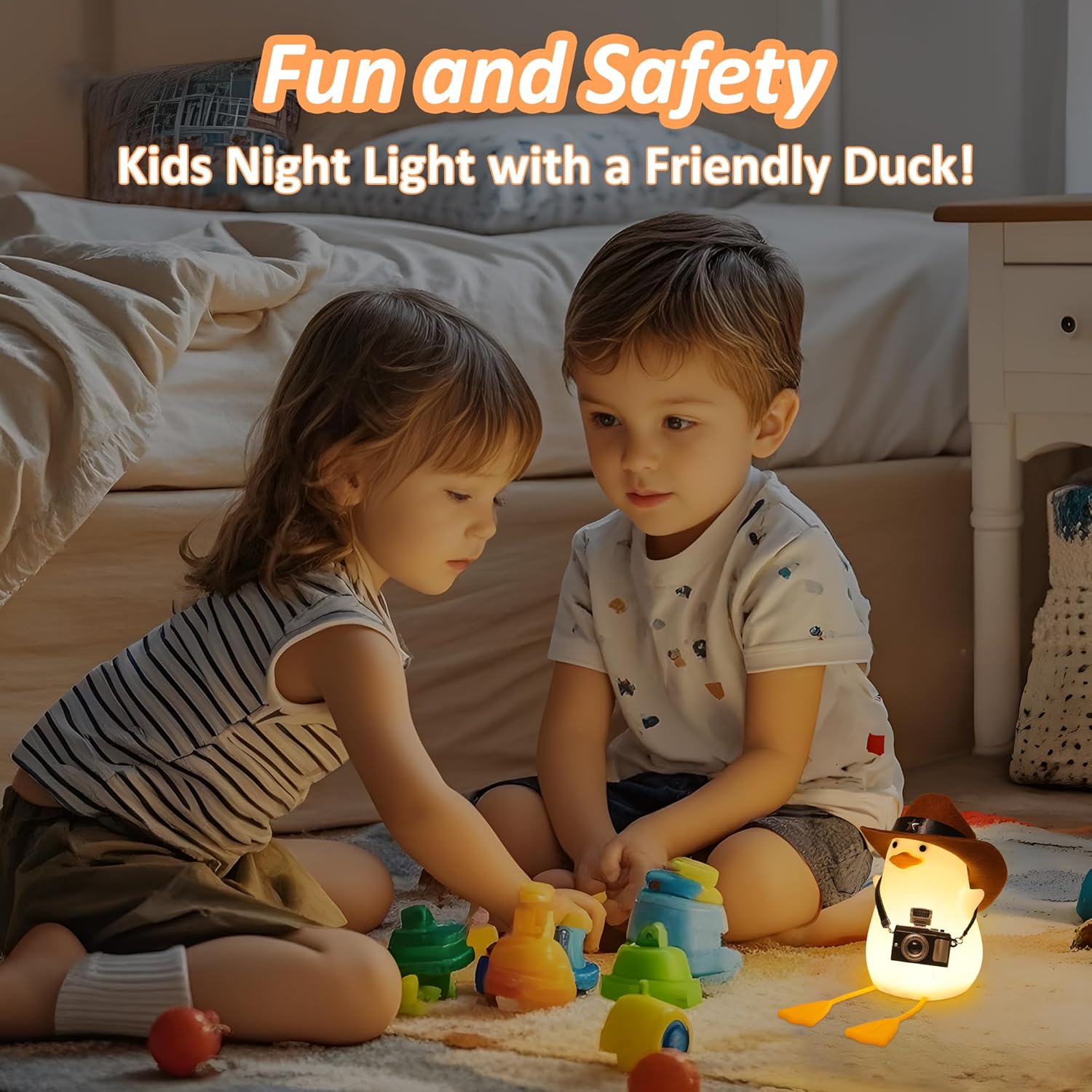
Image: The Anywin Cowboy Duck Night Light, showcasing its design and included accessories.
2. Setup
2.1 Unboxing and Initial Charge
Carefully remove the Cowboy Duck Night Light and its accessories from the packaging. The package includes the night light, a cowboy hat, a mini camera accessory, and a micro USB charging cable. Before first use, fully charge the device using the provided micro USB cable. The charging port is located on the base of the duck. A full charge provides over 12 hours of use.

Image: Unboxed components of the Cowboy Duck Night Light, including the charging cable.
2.2 Attaching Accessories
The cowboy hat and mini camera are decorative accessories. The hat can be placed on the duck's head, and the camera can be hung around its neck. These accessories are removable.
3. Operating Instructions
3.1 Power On/Off and Timer Function
Locate the switch on the base of the night light. It has three positions: OFF, 20', and ON.
- To turn the light ON, slide the switch to the 'ON' position.
- To activate the 20-minute timer, slide the switch to the '20'' position. The light will automatically turn off after 20 minutes.
- To turn the light OFF, slide the switch to the 'OFF' position.

Image: The control switch on the base of the night light for power and timer settings.
3.2 Brightness Adjustment
When the light is ON, you can adjust its brightness by gently tapping or touching the silicone body of the duck. This allows you to cycle between darker and brighter light settings to suit your environment.

Image: Visual representation of the night light's dual brightness settings.
3.3 Phone Holder Feature
The duck's legs are designed to serve as a convenient phone holder. Simply place your smartphone between the duck's legs for hands-free viewing.

Image: The night light functioning as a phone holder.
4. Maintenance
4.1 Cleaning
To clean the night light, gently wipe its silicone surface with a soft, damp cloth. Avoid using abrasive cleaners or harsh chemicals, as these may damage the material or finish.
4.2 Battery Care
The night light contains a built-in 1200mA rechargeable battery. To prolong battery life, avoid fully discharging the battery frequently. Recharge the device when the light dims or stops working. The battery is firmly fixed in the base for safety.
5. Troubleshooting
- Light does not turn on: Ensure the night light is charged. Connect it to a power source using the micro USB cable and check if the switch on the base is set to 'ON' or '20''.
- Light flickers or is dim: The battery may be low. Recharge the night light fully.
- Timer function not working: Verify that the switch is set to the '20'' position. If the issue persists, ensure the device is adequately charged.
6. Specifications
| Feature | Detail |
|---|---|
| Model Name | duck |
| Item Model Number | FS-S019-YZ-1 |
| Material | Silicone |
| Light Source Type | LED |
| Light Color | Warm White |
| Special Feature | Dimmable |
| Control Method | Touch |
| Power Source | Battery Powered |
| Battery Capacity | 1200mA (Built-in) |
| Battery Life | 12 Hours |
| Product Dimensions | 5"D x 6"W x 2"H |
| Item Weight | 0.2 Kilograms / 7 ounces |
| Voltage | 1.5 Volts (DC) |
| Wattage | 1 watts |
| Included Components | Power Cable |

Image: Energy efficiency label. For more details, visit EPREL Database.
7. Product Videos
7.1 Cowboy Duck Night Light Overview
Video: An overview of the Cute Duck Night Light, demonstrating its features and appearance.
7.2 Duck Family Lamp Demonstration
Video: A demonstration featuring the duck family lamps, highlighting their various styles and uses.
7.3 Duck Family Story
Video: A short story featuring the duck family night lights.
8. Warranty and Support
For warranty information and customer support, please refer to the documentation included with your product or contact the retailer where the product was purchased. You may also visit the official Anywin store for additional resources and contact information: Anywin Store.