
1. Introduction
Thank you for choosing the Rogue Iron Factor Disc Golf Rangefinder. This device is specifically designed to enhance your disc golf game by providing precise distance, vertical height, and angle measurements. This manual will guide you through the setup, operation, and maintenance of your new rangefinder to ensure optimal performance and longevity.
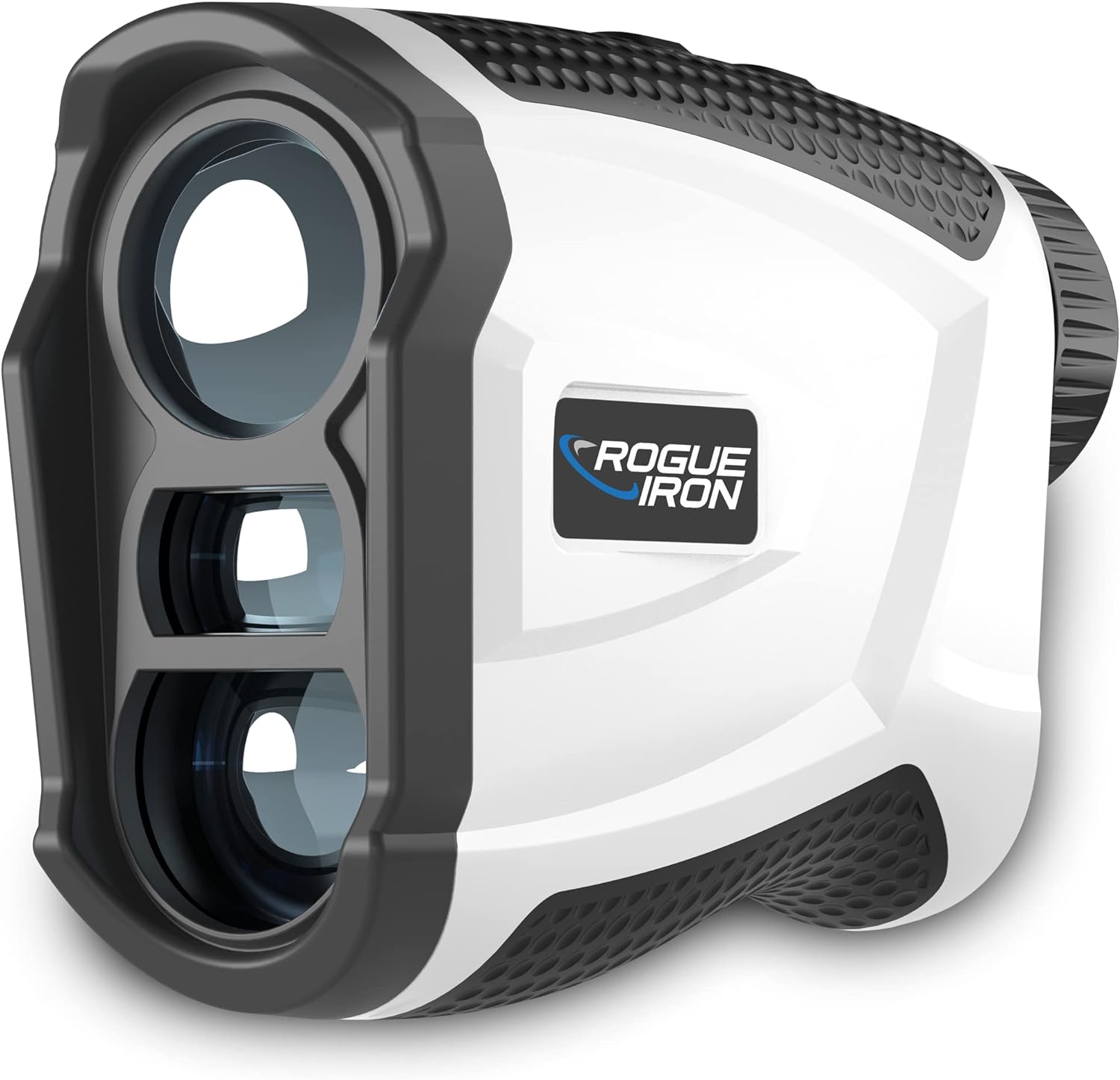
Image 1.1: The Rogue Iron Factor Disc Golf Rangefinder. This image displays the sleek, ergonomic design of the rangefinder, highlighting its primary lens and measurement sensors.
2. Package Contents
Please inspect the package contents to ensure all items are present and in good condition:
- Rogue Iron Factor Disc Golf Rangefinder
- Protective Carry Case
- USB Charging Cable
- Microfiber Cleaning Cloth
- User Manual (this document)

Image 2.1: Included Accessories. This image shows the rangefinder, its hard protective case, a charging cable, and a cleaning cloth, all neatly arranged.
3. Product Features
The Rogue Iron Factor Rangefinder is equipped with several features designed for disc golf:
- DG Mode: A dedicated mode providing distance, vertical height (elevation), and angle readings on a single, easy-to-read screen.
- Magnification: 6.5x magnification with a 24mm objective lens for clear viewing.
- Measurement Units: Measures in feet by default, with options to switch to yards or meters.
- Rechargeable Battery: Integrated lithium-ion battery for convenient recharging.
- Magnetic Mount: Allows for easy attachment to metal surfaces.
- Continuous Scanning: For quick and multiple target acquisition.

Image 3.1: Key Features Overview. This graphic highlights the main functionalities of the Factor rangefinder, including DG Mode, measurement units, and rechargeable battery.
4. Setup
4.1 Charging the Battery
- Locate the charging port on the rangefinder.
- Connect the provided USB charging cable to the rangefinder and a compatible USB power source (e.g., computer, wall adapter).
- The battery indicator on the display will show charging status. A full charge typically takes approximately 2-3 hours.
- Disconnect the cable once fully charged.
4.2 Powering On/Off
- To power on, press the power button (usually located on the top or side).
- The display will illuminate.
- To power off, press and hold the power button, or the device will automatically shut off after a period of inactivity to conserve battery.
5. Operating Instructions
5.1 Understanding the Display
The rangefinder's display provides critical information at a glance:

Image 5.1: Display Layout. This diagram illustrates the various indicators within the rangefinder's viewfinder, including battery level, distance, aiming reticle, vertical height, and angle.
- Battery Level: Indicates remaining battery power.
- Distance: The measured distance to the target.
- Aiming Reticle: Crosshairs for precise targeting.
- Vertical Height (VD): The elevation difference to the target.
- Angle: The angle of inclination or declination to the target.
5.2 Using DG Mode
The DG Mode is optimized for disc golf measurements:

Image 5.2: DG Mode in Action. This illustration demonstrates how the DG Mode calculates and displays distance, vertical height, and slope for a disc golf shot, showing a basket and a player.
- Ensure the rangefinder is powered on.
- Look through the eyepiece and align the aiming reticle with your target (e.g., the disc golf basket).
- Press the measurement button (often the same as the power button, or a dedicated 'M' button).
- The display will instantly show the distance, vertical height, and angle to your target.
- For continuous scanning, press and hold the measurement button while sweeping across multiple targets. The display will update measurements in real-time.
5.3 Changing Measurement Units
The rangefinder defaults to feet. To change to yards or meters:
- With the device powered on, locate the 'MODE' button (if separate from the power button).
- Press and hold the 'MODE' button for a few seconds until the unit changes (e.g., from 'F' for feet to 'Y' for yards or 'M' for meters).
- Release the button when your desired unit is displayed.
6. Maintenance
6.1 Cleaning the Lenses
- Use the provided microfiber cleaning cloth to gently wipe the lenses.
- Avoid using abrasive materials or harsh chemicals, as they can damage the lens coatings.
- If necessary, a small amount of lens cleaning solution designed for optics can be applied to the cloth, not directly to the lens.
6.2 Battery Care
- Recharge the battery regularly, especially if the device will be stored for an extended period.
- Avoid completely draining the battery frequently, as this can reduce its lifespan.
- Store the rangefinder in a cool, dry place.
6.3 Storage
- Always store the rangefinder in its protective carry case when not in use to prevent scratches and damage.
- Keep the device away from extreme temperatures and direct sunlight.
7. Troubleshooting
If you encounter issues with your Rogue Iron Factor Rangefinder, refer to the following common problems and solutions:
| Problem | Possible Cause | Solution |
|---|---|---|
| Device does not power on. | Low or depleted battery. | Charge the battery fully using the provided USB cable. |
| Inaccurate measurements. | Obstructed view, dirty lens, or target too close/far. | Ensure a clear line of sight. Clean lenses with microfiber cloth. Ensure target is within the device's measurement range. |
| Display is dim or flickering. | Low battery or extreme temperature. | Recharge the battery. Allow the device to return to normal operating temperature. |
| Cannot change measurement units. | Incorrect button press sequence. | Ensure you are pressing and holding the 'MODE' button for the required duration. |
If the problem persists after trying these solutions, please contact Rogue Iron Sports customer support.
8. Specifications
| Feature | Specification |
|---|---|
| Model | Factor |
| Magnification | 6.5x |
| Objective Lens Diameter | 24mm |
| Measurement Units | Feet (default), Yards, Meters |
| Battery Type | Rechargeable Lithium-Ion |
| Weight | 155 g |
| Dimensions (L x W x H) | 18.21 x 11.71 x 7.8 cm (approximate parcel dimensions) |
| Water Resistance | Water Resistant |
| Material | Plastic |
9. Warranty and Support
The Rogue Iron Factor Disc Golf Rangefinder comes with a warranty. For specific details regarding your warranty coverage, please refer to the warranty card included with your product or contact Rogue Iron Sports customer service directly.
For technical support, troubleshooting assistance, or any other inquiries, please visit the official Rogue Iron Sports website or contact their customer service department. Contact information can typically be found on the product packaging or the brand's official online presence.