
1. Introduction and Overview
The ACROPAQ Cable Management Box (Model ACM006) is designed to organize and power your electronic devices efficiently. This innovative product combines a cable organizer with a powerful 2500-watt power strip, featuring 5 EU sockets and 3 USB ports (USB-A, USB 3.0 Quick Charge, and USB-C Power Delivery) for fast charging. It helps eliminate unsightly cable clutter, keeping your space tidy while ensuring all your devices are charged and ready.
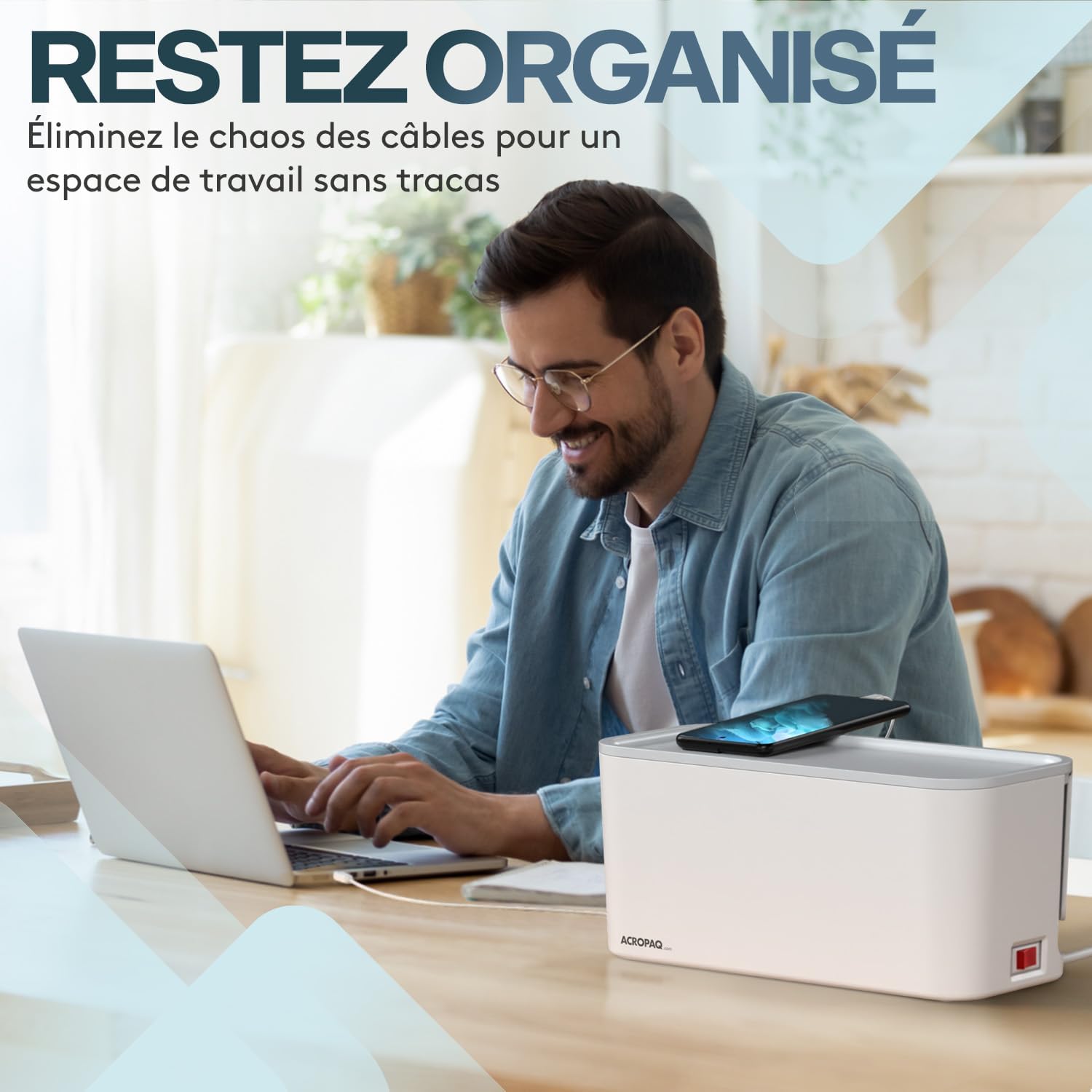
Image 1.1: The ACROPAQ Cable Management Box helps maintain an organized workspace.
2. Product Features
- Integrated Power Strip: Features 5 EU Type F power sockets with a maximum capacity of 2500W.
- Multiple USB Charging Ports: Includes 3 USB ports with a total maximum output of 20W:
- 1x USB-A port (12W max)
- 1x USB 3.0 Quick Charge port (18W max)
- 1x USB-C Power Delivery port (20W max), capable of charging laptops.
- Smart Design: L-shaped slots on the bottom ensure better airflow and facilitate cable management. Non-slip pads provide stability on various surfaces.
- High-Quality Materials: Constructed from fire-retardant material (up to 850°C) with high-quality copper welding and 33% thicker cables for enhanced conductivity and safety.
- Safety Features: Equipped with overvoltage protection, an IPX6 splash-proof switch and housing, and special child-safe outlet shutters.

Image 2.1: Detailed view of the 5 EU power sockets and 3 USB charging ports.

Image 2.2: Intelligent design features for heat dissipation, cable management, and stability.
3. Safety Instructions
Please read and follow these safety instructions carefully to prevent injury or damage to the product and connected devices:
- Overvoltage Protection: The unit includes built-in overvoltage protection to safeguard your devices.
- Splash-Proof Design: The switch and housing are IPX6 rated, offering protection against water splashes. However, do not immerse the product in water.
- Child Safety: Special safety shutters on the outlets prevent children and pets from accessing live parts.
- Indoor Use Only: This product is intended for indoor use in dry environments.
- Avoid Overloading: Do not exceed the maximum power rating of 2500W.
- Proper Ventilation: Ensure the L-shaped slots on the bottom are not obstructed to allow for proper heat dissipation.
- Inspect Regularly: Periodically check the cable and unit for any signs of damage. Discontinue use if damaged.

Image 3.1: The cable management box helps mitigate risks associated with exposed power strips.
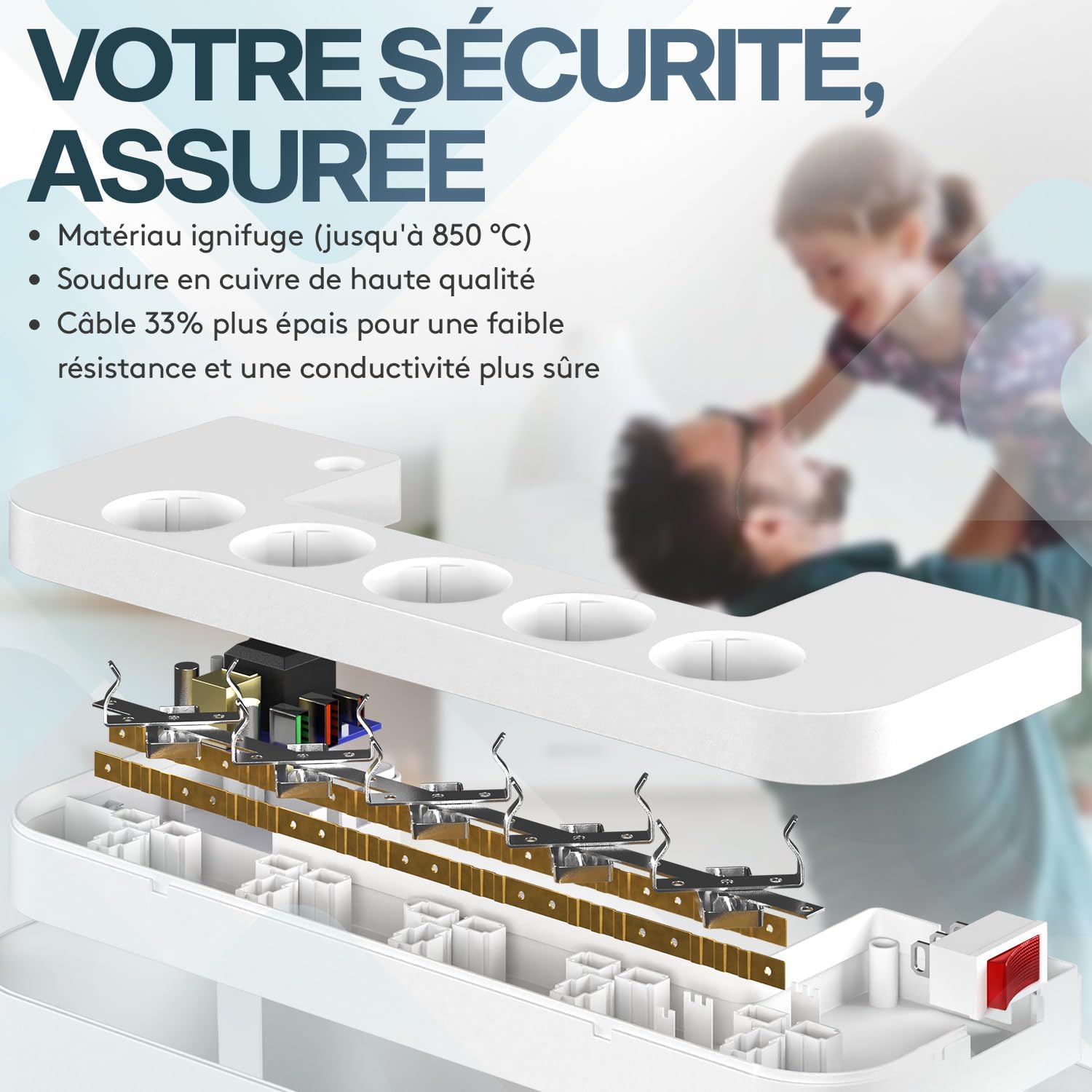
Image 3.2: High-quality, fire-retardant materials and robust wiring ensure user safety.
4. Setup
- Unpack: Carefully remove the cable management box from its packaging.
- Open the Lid: Gently lift the lid of the box to access the interior.
- Place Power Strip: Position the integrated power strip securely inside the box.
- Route Cables: Connect your device power adapters and USB cables to the power strip. Route the cables through the designated openings on the sides or back of the box.
- Close the Lid: Once all cables are connected and organized, securely close the lid.
- Connect to Wall Outlet: Plug the main power cable of the ACROPAQ Cable Management Box into a suitable wall outlet.
Video 4.1: Demonstration of opening the cable management box and storing cables inside.
5. Operating Instructions
- Power On/Off: Use the integrated on/off switch located on the side of the box to control power to all connected devices. The switch will illuminate when power is active.
- Using AC Outlets: Plug your devices directly into the 5 EU power sockets. Ensure the total power consumption does not exceed 2500W.
- Using USB Ports: Connect your USB-powered devices to the appropriate USB-A, USB 3.0 QC, or USB-C PD ports for charging. The USB-C PD port is suitable for fast charging compatible laptops and other high-power devices.
- Fast Charging: For optimal fast charging, use cables compatible with Quick Charge (QC) or Power Delivery (PD) standards for devices connected to the respective USB ports.
6. Maintenance
- Cleaning: Before cleaning, always unplug the cable management box from the wall outlet. Use a dry, soft cloth to wipe the exterior surfaces.
- Avoid Liquids: Do not use liquid cleaners, sprays, or solvents, as these may damage the unit or pose an electrical hazard.
- Ventilation: Ensure the ventilation slots remain clear of dust and debris to maintain proper airflow.
7. Troubleshooting
- No Power to Devices:
- Check if the main power switch on the cable management box is in the 'ON' position (illuminated).
- Verify that the cable management box is securely plugged into a functioning wall outlet.
- Ensure the wall outlet itself is receiving power by testing it with another device.
- Devices Not Charging via USB:
- Confirm the cable management box is powered on.
- Check if the USB cable is properly connected to both the port and your device.
- Try a different USB port or cable to rule out a faulty connection or cable.
- Ensure your device is compatible with the charging specifications of the USB ports.
- Overload Protection Triggered: If the unit stops providing power, it may be due to an overload. Disconnect some devices, turn the main switch off, wait a few moments, and then turn it back on. Reduce the total load to prevent future overloads.
8. Specifications
| Model Number | ACM006 |
| Dimensions (L x W x H) | 30 cm x 14 cm x 14 cm |
| Weight | 600 Grams |
| Cable Length | 2 meters |
| Max Power Output | 2500W |
| Voltage | 250V |
| Current | 10A |
| AC Outlets | 5 x EU Type F |
| USB Ports | 1x USB-A (12W), 1x USB 3.0 QC (18W), 1x USB-C PD (20W) |
| Material | Fire-retardant (up to 850°C) |
| Special Features | Overvoltage Protection, IPX6 Splash-proof Switch/Housing, Child Safety Shutters |

Image 8.1: Product dimensions and cable length. Note: The image indicates 33cm length, while product specifications state 30cm. Please refer to the table for precise measurements.
9. Warranty and Support
This ACROPAQ product is covered by a 2-year manufacturer's warranty from the date of purchase. This warranty covers defects in materials and workmanship under normal use.
For warranty claims, technical support, or any questions regarding your product, please contact ACROPAQ customer service through the retailer where the product was purchased or visit the official ACROPAQ website for contact information.
Please retain your proof of purchase for warranty purposes.