
ZEXMTE 1A2272484337
Contents
ZEXMTE USB Bluetooth Adapter User Manual
Brand: ZEXMTE | Model: 1A2272484337
1. Introduction and Overview
The ZEXMTE USB Bluetooth Adapter is designed to provide your PC with advanced Bluetooth 5.1 connectivity, enabling seamless wireless communication with a wide range of Bluetooth-enabled devices. This adapter features a high-gain dual antenna for extended range and stable connections, supporting distances up to 492 feet (150 meters) in open areas. Its plug-and-play design ensures easy setup on Windows 10 and 11 systems without the need for complex driver installations.

Image: The ZEXMTE USB Bluetooth Adapter, showcasing its compact design and dual rotatable antennas.
Key Features:
- Latest Bluetooth 5.1 Chip: Enhances anti-interference ability and stability, supporting Bluetooth 5.1 Low Energy (BLE) for efficient transmission.
- Plug & Play: Automatic installation on Windows 10/11, no drivers required.
- Long Range Connectivity: Equipped with a 2dBi high-gain antenna and Class 1 radio technology, offering a transmission range of up to 492ft (150m).
- Rotatable Dual Antennas: Antennas can be rotated vertically (90°) and horizontally (180°) to optimize signal strength and stability.
- Multiple Device Connection: Connect up to 7 different types of devices simultaneously, including headsets, speakers, keyboards, mice, mobile phones, game controllers, tablets, and printers.
2. Setup and Installation
The ZEXMTE USB Bluetooth Adapter is designed for hassle-free installation on compatible Windows operating systems.
System Requirements:
- Operating System: Windows 10 or Windows 11
- Available USB Port
Installation Steps:
- Plug In: Insert the ZEXMTE USB Bluetooth Adapter into an available USB port on your desktop or laptop computer.
- Automatic Installation: Your Windows 10 or Windows 11 operating system will automatically detect the adapter and install the necessary drivers. This process typically completes in under a minute.
- Verify Installation: Once installed, the adapter's LED indicator will illuminate (if present), and you should see a Bluetooth icon appear in your system tray.

Image: The Bluetooth adapter connected to a PC, illustrating the plug-and-play setup.
No manual driver installation is required for Windows 10/11. If you encounter any issues, please refer to the Troubleshooting section.
3. Operating Instructions
After successful installation, you can begin connecting your Bluetooth devices to your computer.
Connecting Bluetooth Devices:
- Enable Bluetooth: Ensure Bluetooth is enabled on your computer. You can usually find this in Windows Settings > Devices > Bluetooth & other devices.
- Pairing Mode: Put your Bluetooth device (e.g., headphones, speaker, keyboard) into pairing mode. Refer to your device's manual for specific instructions on how to do this.
- Add Device: On your computer, click "Add Bluetooth or other device" in the Bluetooth settings. Select "Bluetooth" from the options.
- Select Device: Your computer will scan for nearby Bluetooth devices. Select your device from the list when it appears.
- Confirm Pairing: Follow any on-screen prompts to complete the pairing process. This may involve entering a PIN or confirming a code.
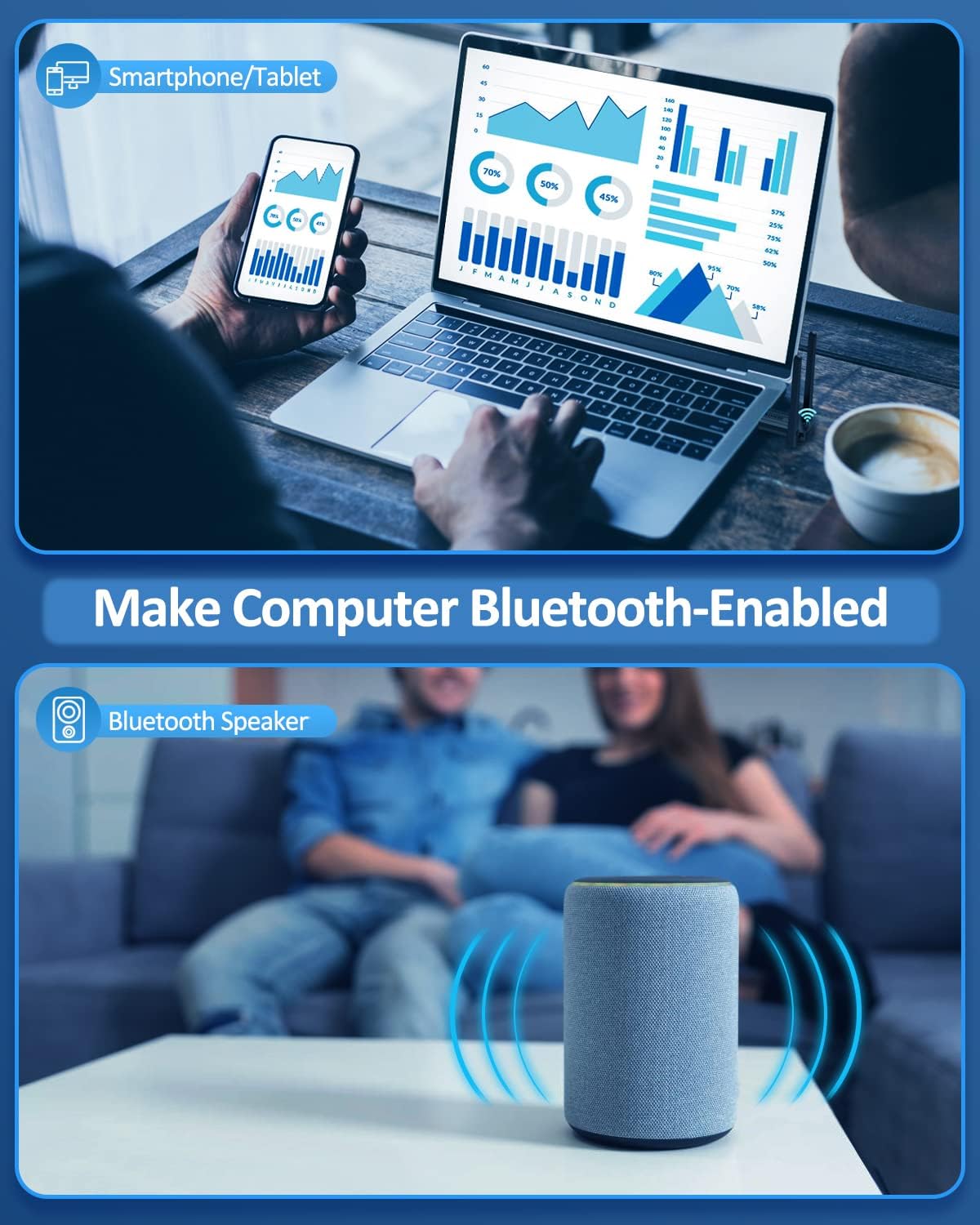
Image: The adapter's compatibility with various devices, including headphones, speakers, keyboards, mice, printers, and smartphones/tablets.
Optimizing Signal Strength:
The dual antennas on the ZEXMTE adapter are rotatable to help you achieve the best possible signal strength and range.
- Adjust Antenna Angle: You can rotate the antennas vertically up to 90 degrees and horizontally up to 180 degrees. Experiment with different angles to find the optimal position for your environment and device placement.
- Minimize Obstructions: For best performance, try to minimize physical obstructions (walls, large furniture, metal objects) between the adapter and your connected Bluetooth devices.

Image: Illustration of the rotatable dual antennas, demonstrating their 90° vertical and 180° horizontal adjustment capabilities for improved signal.
4. Maintenance
To ensure the longevity and optimal performance of your ZEXMTE USB Bluetooth Adapter, follow these simple maintenance guidelines:
- Cleaning: Use a soft, dry cloth to gently wipe the adapter's surface. Avoid using liquid cleaners, aerosols, or harsh chemicals.
- Storage: When not in use for extended periods, store the adapter in a cool, dry place away from direct sunlight and extreme temperatures.
- Handling: Handle the adapter by its body, avoiding excessive force on the antennas or the USB connector.
- Environment: Keep the adapter away from water, moisture, and dusty environments.
5. Troubleshooting
If you encounter issues with your ZEXMTE USB Bluetooth Adapter, try the following troubleshooting steps:
| Problem | Possible Solution |
|---|---|
| Adapter not recognized / "Device not recognized" error |
|
| No Bluetooth devices found / Cannot pair |
|
| Poor range or unstable connection |
|
| Adapter not working on Windows 7/8 |
|
If these steps do not resolve your issue, please refer to the official ZEXMTE user manual PDF or contact ZEXMTE customer support for further assistance.
6. Specifications
Detailed technical specifications for the ZEXMTE USB Bluetooth Adapter:
| Feature | Detail |
|---|---|
| Model Number | 1A2272484337 |
| Bluetooth Version | 5.1 EDR (Enhanced Data Rate) |
| Connectivity Technology | Bluetooth, USB |
| Hardware Interface | Bluetooth, USB |
| Operating System Compatibility | Windows 10, Windows 11 |
| Max Transmission Range | Up to 492 feet (150 meters) in open areas |
| Antenna Type | 2dBi High Gain Dual Antennas (Rotatable) |
| Data Transfer Rate | 3 Megabits Per Second |
| Item Weight | 1.41 ounces |
| Package Dimensions | 5.28 x 3.23 x 0.63 inches |
| Manufacturer | ZEXMTE |
7. Warranty and Support
For detailed warranty information and customer support, please refer to the official ZEXMTE resources.
- Official User Manual (PDF): A comprehensive user manual is available for download at: https://manuals.plus/m/79668a9cab7b1f6afebf722ae49dc3ce04ab661c47cdc606aea98b8d47a91e91
- ZEXMTE Store: Visit the official ZEXMTE store on Amazon for product information and support: ZEXMTE Store
- Customer Service: For technical assistance or warranty claims, please contact ZEXMTE customer service through the contact information provided in the product packaging or on their official website.
Ask a question about this manual
Ask about setup, troubleshooting, compatibility, parts, safety, or missing instructions. Manuals+ will review the question and use this page’s manual context to help answer it.