
1. Introduction
This instruction manual provides detailed guidance for the installation, operation, and maintenance of your Brick Shine Light Kit, specifically designed for the LEGO Elf Club House 10275. This kit enhances your LEGO model with bright, long-lasting LED lights, creating a stunning display. Please read these instructions carefully before beginning installation.
Note: The LEGO Elf Club House 10275 set is not included with this light kit.
2. Safety Information
- Keep small components away from young children to prevent choking hazards.
- Handle wires and LED lights gently to avoid damage.
- Ensure the power source is appropriate for the kit (AAA/AA batteries or USB power bank/adapter). Do not use incompatible power sources.
- Avoid exposing the light kit to water or excessive moisture, as it is not water-resistant.
- Do not attempt to modify the electrical components of the kit.
3. Package Contents
Please verify that all components are present before starting the installation:
- Brick Shine Light Kit components (LED lights, connecting cables, light bricks)
- Battery pack (batteries not included)
- USB power cable
- Digital User Manual (accessible online)
4. Setup and Installation
The Brick Shine Light Kit is designed for easy, plug-and-play installation, requiring no specialized electronic knowledge. For detailed, step-by-step visual instructions, please refer to the digital manual available on the official Brick Shine website. This section provides general guidelines.
4.1. Preparation
- Ensure your LEGO Elf Club House 10275 set is fully assembled and stable.
- Gather necessary tools: AAA or AA batteries (if using battery pack), and a USB power bank or wall adapter (if using USB).
- Work in a well-lit area to clearly see small components and connections.
4.2. Connecting the Lights
Carefully integrate the LED light components into your LEGO model. The kit is designed for seamless integration, matching the color, texture, and shape of the original bricks.
- Follow the digital instructions to identify specific placement points for each light and cable.
- Gently route the connecting cables between LEGO bricks, ensuring they are not pinched or strained.
- Connect the LED lights to the main circuit board or designated connection points.
4.3. Power Source Connection
Choose one of the following methods to power your light kit:
- Battery Pack: Insert the required AAA or AA batteries (not included) into the battery pack. Connect the battery pack to the main power input of the light kit.
- USB Power: Connect the built-in USB cable from the light kit to a USB power bank or a USB wall adapter (not included).
Ensure the power connection is secure before proceeding.
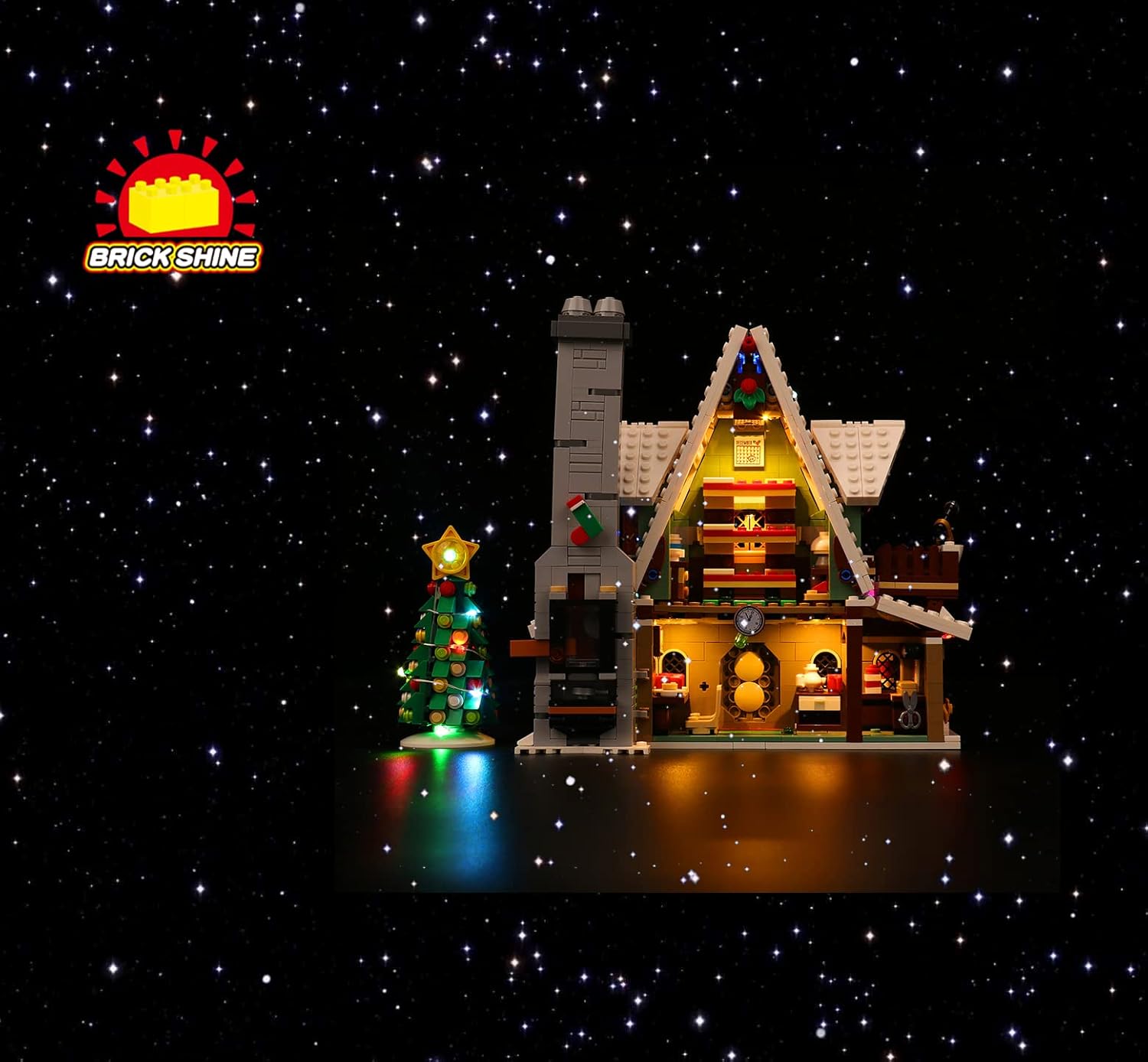
Image 1: The LEGO Elf Club House 10275 fully illuminated with the Brick Shine Light Kit.
5. Operating Instructions
Once the light kit is fully installed and connected to a power source, operation is straightforward.
- Power On/Off: The light kit features a touch-sensitive control method. Locate the designated touch switch (refer to the digital manual for exact location) and gently tap it to turn the lights on or off.
- Music Version Features: As a Music Version kit, your lights may include integrated sound or light synchronization features. For specific controls and functions related to the music aspect, please consult the detailed digital instructions.
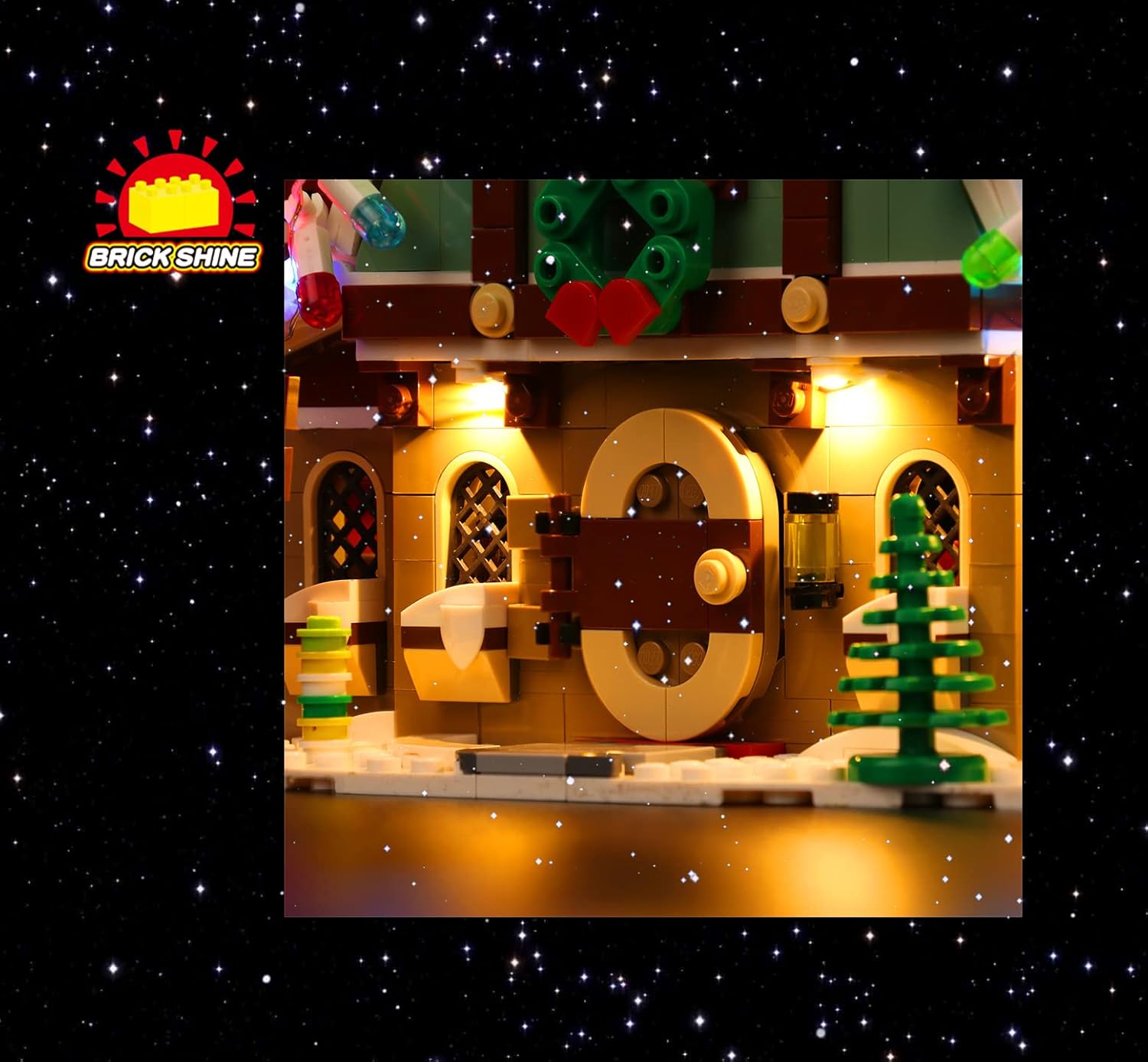
Image 2: Detailed view of the illuminated exterior elements of the Elf Club House.
6. Maintenance
Proper care will ensure the longevity and optimal performance of your Brick Shine Light Kit.
- Cleaning: Gently wipe the LED lights and wires with a dry, soft cloth. Do not use liquid cleaners or abrasive materials.
- Battery Replacement: If using the battery pack, replace all batteries simultaneously when lights dim or cease to function. Ensure correct polarity.
- Storage: If storing the LEGO model with the light kit, ensure wires are not tangled or crushed. Disconnect the power source.
- Handling: Avoid unnecessary bending or pulling of wires and connections.
7. Troubleshooting
If you encounter issues with your light kit, refer to the following common solutions:
| Problem | Possible Cause | Solution |
|---|---|---|
| Lights do not turn on. | No power, loose connection, dead batteries. |
|
| Some lights are flickering or dim. | Loose connection, low battery power, damaged wire. |
|
| Music feature not working (Music Version). | Incorrect operation, software issue. |
|
If troubleshooting steps do not resolve the issue, please contact Brick Shine customer support.
8. Specifications
- Model Name: Light Kit for LEGO Elf Club House 10275 (Music Version)
- Brand: Brick Shine
- Light Source Type: LED
- Material: ABS Plastic (for light bricks), Copper Wire (for cables), Acrylic (general material listed, likely for some components)
- Power Source: Battery Powered (AAA/AA batteries, not included) or USB Powered (USB power bank/adapter, not included)
- Control Method: Touch
- Assembly Required: Yes
- Water Resistance Level: Not Water Resistant
- Recommended Age: 8 years and up
9. Warranty and Support
Brick Shine is committed to providing quality products and customer satisfaction. While specific warranty details are not provided in this manual, Brick Shine is an Australian brand known for its quality products and customer service.
For detailed warranty information, product support, or to access the full digital instruction manual, please visit the official Brick Shine website or contact their customer service department directly.
Online Resources: www.brickshine.com (Note: This is a placeholder link, please replace with the actual website if available.)
Customer Service: Refer to the Brick Shine website for contact information.