
Nexete BY08
Nexete Universal Ceiling Fan Remote Control Kit
Model: BY08
Brand: Nexete
Introduction
This manual provides detailed instructions for the installation, operation, and maintenance of your Nexete Universal Ceiling Fan Remote Control Kit. This kit is designed to add wireless remote control functionality to most standard ceiling fans, including those from Hunter, Westinghouse, Honeywell, and Hampton Bay, without requiring complex in-wall wiring modifications.
The kit includes a compact receiver and a versatile remote control that can be used handheld or mounted on a wall as a switch.
What's Included
- 1 x Universal Ceiling Fan Receiver
- 1 x Wireless Remote Control
- 1 x Wall Mount Plate for Remote Control
- 1 x CR2032 Battery (pre-installed in remote)
- Wire Nuts and Mounting Screws

Specifications
| Product Dimensions | 5 x 3 x 2 inches (Receiver) |
| Item Weight | 6 ounces |
| Model Number | BY08 |
| Batteries | 1 x CR2032 (included for remote) |
| Compatible Devices | Ceiling Fans (Universal compatibility with most AC motor fans) |
| Max Number of Supported Devices | 6 (Multiple remotes can control one receiver) |
| Wireless Range | Up to 100 feet (RF signal works through walls/doors/windows) |
Installation Guide
1. Safety Precautions
- WARNING: To avoid possible electrical shock, be sure to turn off power at the main circuit breaker or fuse box before beginning installation.
- Ensure all wiring connections are secure and properly insulated.
- If you are unsure about electrical wiring, consult a qualified electrician.
2. Receiver Installation
- Turn off power to the ceiling fan at the circuit breaker.
- Remove the canopy from your ceiling fan to access the wiring.
- Disconnect the existing wiring from the ceiling fan to the house wiring.
- Connect the receiver wires according to the diagram below:
- White (Receiver) to White (AC Neutral Line) from house wiring.
- Black (Receiver) to Black (AC Live Line) from house wiring.
- Black (Receiver) to Black (Live Line to FAN) from ceiling fan.
- Blue (Receiver) to Blue (Live Line to LIGHT) from ceiling fan.
- Carefully tuck the receiver into the fan's mounting bracket or canopy. Ensure it fits without obstruction. The compact size of the Nexete receiver allows it to fit in most standard junction boxes.
- Reattach the fan canopy.

3. Remote Control Setup
The remote control and receiver are pre-paired at the factory for immediate use. No additional pairing steps are typically required.
- The remote control comes with a CR2032 battery pre-installed. If replacement is needed, open the battery compartment on the back of the remote and insert a new CR2032 battery, observing polarity.
- The remote can be used as a handheld device or mounted on a wall. To mount, attach the included wall plate to any desired location using the provided screws. The remote magnetically attaches to the wall plate, allowing for easy removal and reattachment.

Operation
Once installed, restore power to the ceiling fan at the circuit breaker. The remote control allows you to manage your ceiling fan and light functions wirelessly.

Remote Control Functions:
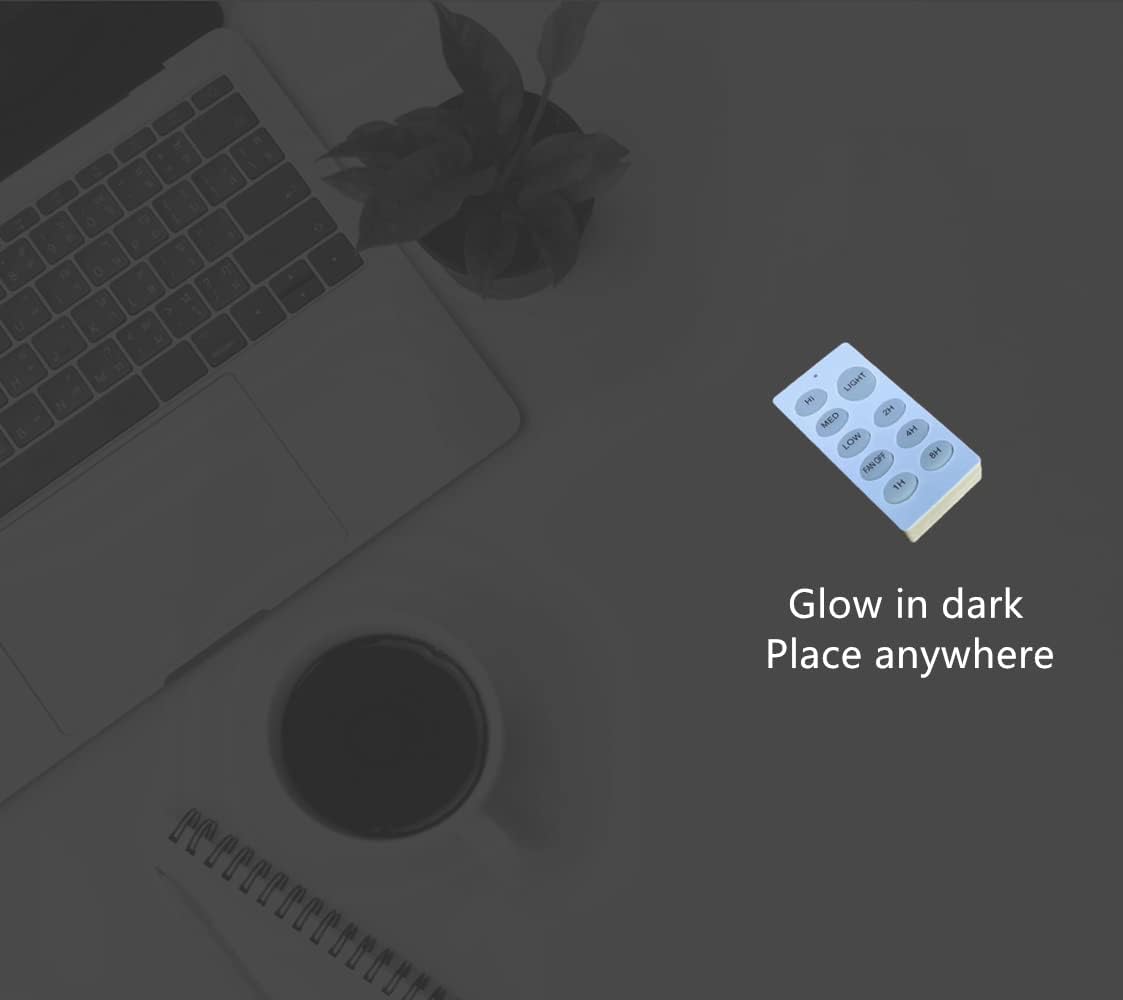
- HI: Sets fan speed to High.
- MED: Sets fan speed to Medium.
- LOW: Sets fan speed to Low.
- FAN OFF: Turns the fan off.
- LIGHT: Toggles the fan light ON/OFF. (Note: This remote does not support dimming functions for the light.)
- 1H / 2H / 4H / 8H: Timer functions. Sets the fan to turn off automatically after 1, 2, 4, or 8 hours, respectively.

Universal Compatibility
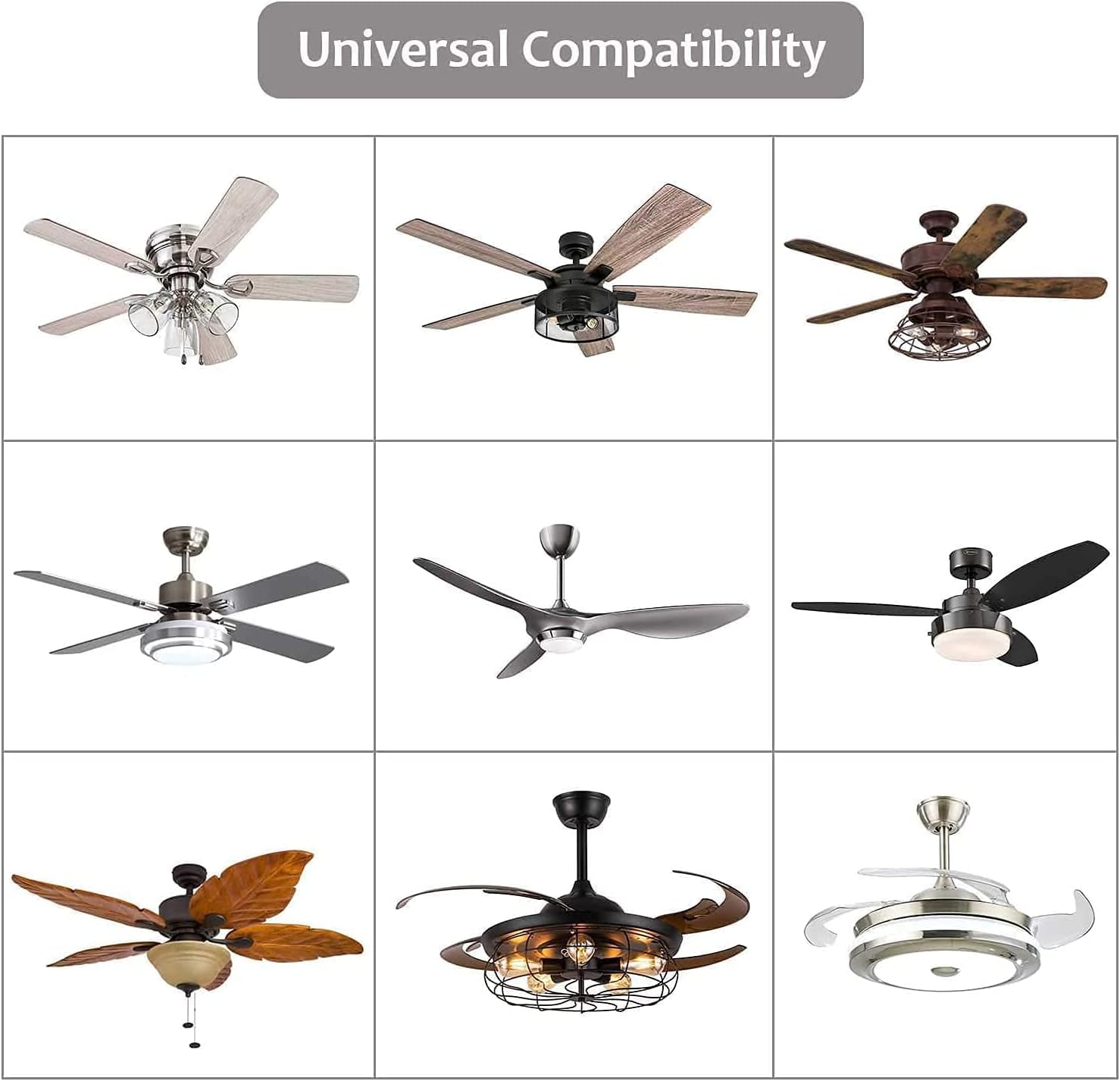
The Nexete Universal Ceiling Fan Remote Control Kit is designed to be compatible with approximately 98% of regular AC motor ceiling fans. This includes popular brands such as Hunter, Westinghouse, Honeywell, and Hampton Bay.
Troubleshooting
| Problem | Possible Cause / Solution |
|---|---|
| Fan or Light does not respond to remote. |
|
| Fan operates, but light does not. |
|
| Remote range is poor. |
|
| Interference with other RF devices. |
|
Maintenance
- Clean the remote control and wall plate with a soft, dry cloth. Do not use abrasive cleaners or solvents.
- Replace the CR2032 battery in the remote control annually or when performance degrades.
- Ensure the receiver area within the fan canopy remains free of dust and debris.
Warranty and Support
Nexete products are manufactured to high-quality standards. For warranty information, technical support, or customer service inquiries, please contact Nexete directly through their official website or the retailer where the product was purchased.
Please retain your proof of purchase for warranty claims.
For more information, visit the Nexete Store on Amazon.
Related documentsBY08


Ask a question about this manual
Ask about setup, troubleshooting, compatibility, parts, safety, or missing instructions. Manuals+ will review the question and use this page’s manual context to help answer it.