
HISION G01-A
HISION Mini Portable Bluetooth Movie Projector
Model: G01-A
1. Introduction
The HISION G01-A Mini Portable Bluetooth Movie Projector offers a vibrant 1080P resolution with 4K compatibility and 8500 lumens brightness, designed for both indoor and outdoor cinematic experiences. Its compact and modern design makes it highly versatile for various entertainment needs.

Image: The HISION G01-A Mini Portable Bluetooth Movie Projector, showcasing its sleek design and front lens.
2. What's in the Box
Upon unboxing your HISION G01-A projector, you will find the following components:
- HISION Mini Projector (Model G01-A)
- Remote Control
- Power Cord
- AV Cable
- HDMI Cable
- User Manual
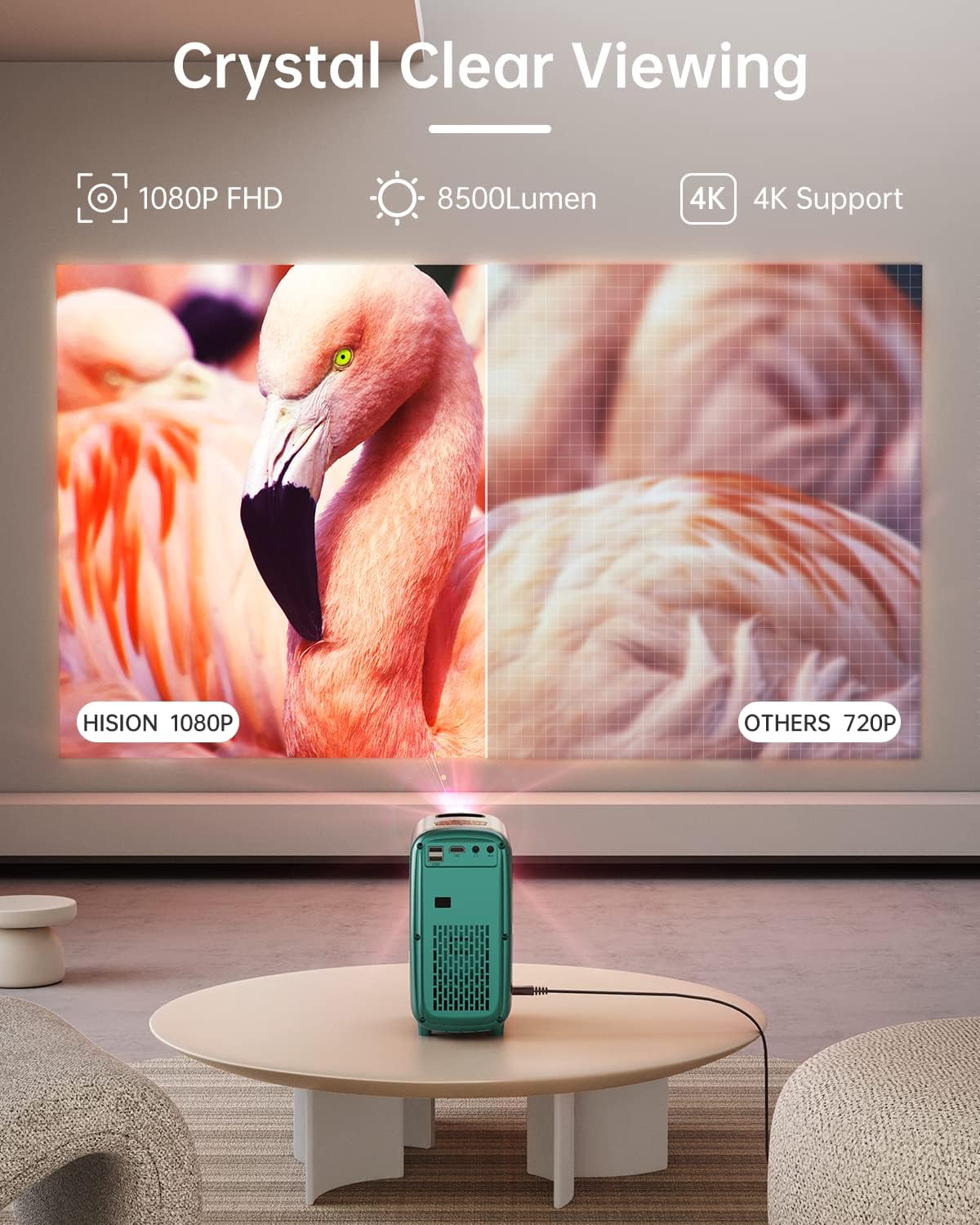
Image: The HISION projector alongside its remote control, power adapter, AV cables, and HDMI cable.
3. Setup Guide
3.1 Physical Placement
Place the projector on a stable, flat surface. For optimal viewing, ensure the projection surface (wall or screen) is clean and smooth. The projector supports adjustable screen sizes from 30 to 200 inches with a projection distance of 2.3 to 16.3 feet.

Image: The HISION projector displaying a large image, illustrating its adjustable screen size capability.
3.2 Power Connection
Connect the provided power cord to the projector's AC input port and then to a power outlet.
3.3 Focus Adjustment
Adjust the focus by rotating the lens adjustment ring located at the top of the projector until the image appears clear and sharp on the screen.

Image: Close-up of the projector lens, indicating the focus adjustment mechanism.
3.4 Mounting Options
The projector features a mount point on its bottom for compatibility with standard tripods, offering flexible placement options.
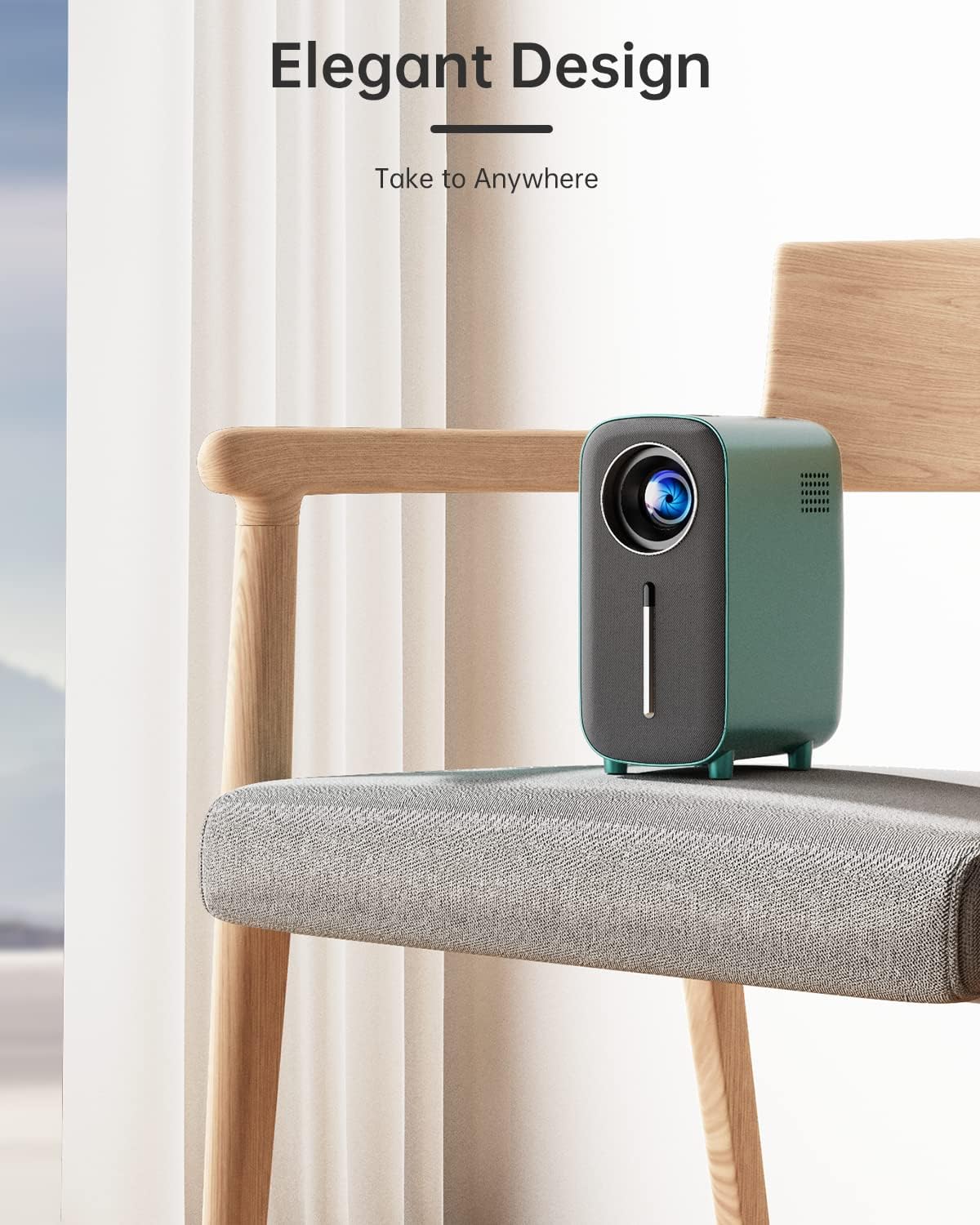
Image: The HISION projector placed on a chair, highlighting its elegant and portable design.
4. Operating Instructions
4.1 Power On/Off
Press the power button on the projector's top panel or the remote control to turn the device on or off.
4.2 Navigation and Menu System
Use the navigation buttons on the top panel or the remote control to browse the intuitive menu system. Options include Photo, Music, Movie, and Settings.
4.3 Input Source Selection
The projector supports multiple input sources:
- HDMI: Connect laptops, TV sticks, gaming consoles (PS5/Xbox).
- USB: Play media directly from USB drives.
- AV: Connect older devices using the AV cable.
- 3.5mm Audio: For external audio output.

Image: The HISION projector connected to various devices like a laptop, game console, and TV stick, demonstrating its wide compatibility.
4.4 Bluetooth Connectivity
The advanced Bluetooth 5.3 chip allows seamless connection to Bluetooth speakers and headphones for enhanced audio. Note: Bluetooth does not support phone connections for content mirroring.

Image: The HISION projector shown with Bluetooth speakers and headphones, illustrating its audio connectivity options.
4.5 Optimal Viewing Environment
For the best visual experience, operate the projector in a dimly lit or dark room. This maximizes the clarity and vibrancy of the projected image.
5. Maintenance
5.1 Cooling System
The HISION G01-A features an advanced cooling system designed to ensure long-lasting performance, with an estimated LED lifespan of up to 10 years.

Image: Diagram illustrating the advanced cooling system of the HISION projector.
5.2 Lens Care
To maintain optimal image quality, keep the projector lens clean. Use a soft, lint-free cloth specifically designed for optical lenses. Avoid harsh chemicals or abrasive materials. If dust accumulates inside the lens, do not attempt to clean it yourself; contact customer support for assistance.
6. Troubleshooting
- No Image/Poor Image Quality: Ensure the power cord is securely connected and the projector is turned on. Adjust the focus ring for clarity. Verify the input source is correctly selected and the room lighting is adequate (dim or dark is recommended).
- Bluetooth Pairing Issues: Ensure your Bluetooth audio device is in pairing mode and within range. Confirm that Bluetooth is enabled in the projector's settings. Remember, the projector's Bluetooth does not support direct phone connections for content mirroring.
- Overheating: Ensure the projector's ventilation vents are not obstructed. Operate the projector in a well-ventilated area. If overheating persists, power off the device and allow it to cool before restarting.
- Dust in Lens: If you notice dust inside the lens that affects image quality, do not attempt to disassemble the projector. Contact HISION customer support for professional cleaning or service.
7. Specifications
| Feature | Detail |
|---|---|
| Model Number | G01-A |
| Product Dimensions | 3.9 x 5.5 x 7.9 inches |
| Item Weight | 3.39 pounds |
| Display Resolution | 1920 x 1080 (1080P), 4K Compatible |
| Brightness | 8500 Lumens |
| Connectivity Technology | Bluetooth, HDMI, USB, AV |
| Special Features | Built-In Speaker (5W), Dust-Proof, Portable, Lightweight |
| Recommended Uses | Home Cinema, Gaming |
| Visible Screen Diagonal | Up to 200" / 508 cm |
| Manufacturer | HISION |
| Country of Origin | China |
8. Warranty and Support
HISION is committed to providing high-quality products and unparalleled customer service. The HISION G01-A Bluetooth movie projector comes with a 3-year warranty and lifetime technical support.
If you have any questions or concerns, or require technical assistance, please feel free to contact HISION customer support. They are dedicated to ensuring your complete satisfaction with your purchase.
For support, please refer to the contact information provided in your product packaging or visit the official HISION website.
Related documentsG01-A

Ask a question about this manual
Ask about setup, troubleshooting, compatibility, parts, safety, or missing instructions. Manuals+ will review the question and use this page’s manual context to help answer it.