
Introduction
The Coolado tPump X is a compact, portable, and wireless tire inflator designed for various applications, including car, motorcycle, bicycle, and sports ball inflation. This manual provides essential information for safe and efficient operation, setup, maintenance, and troubleshooting of your tPump X device.
Safety Information
- Read all instructions before use.
- Keep out of reach of children.
- Do not operate in wet conditions or near flammable liquids/gases.
- Avoid prolonged continuous operation to prevent overheating. Allow the device to cool down between uses.
- Ensure the correct pressure setting for the item being inflated to prevent over-inflation and potential damage or injury.
- Use only the provided charging cable and adapters.
- Do not disassemble or modify the device.
Package Contents
The Coolado tPump X package includes the following items:
- Coolado tPump X Wireless Tire Inflator
- Air hose with Schrader valve adapter
- Presta valve adapter
- Ball needle adapter
- Plastic nozzle adapter for various inflatables
- USB-C charging cable
- Protective transport case

Product Features
- Lightweight Design: Weighs approximately 480g for easy portability.
- Wireless USB-C Charging: Convenient and modern charging solution.
- Versatile Adapters: Includes 4 adapters compatible with 5 different valve types.
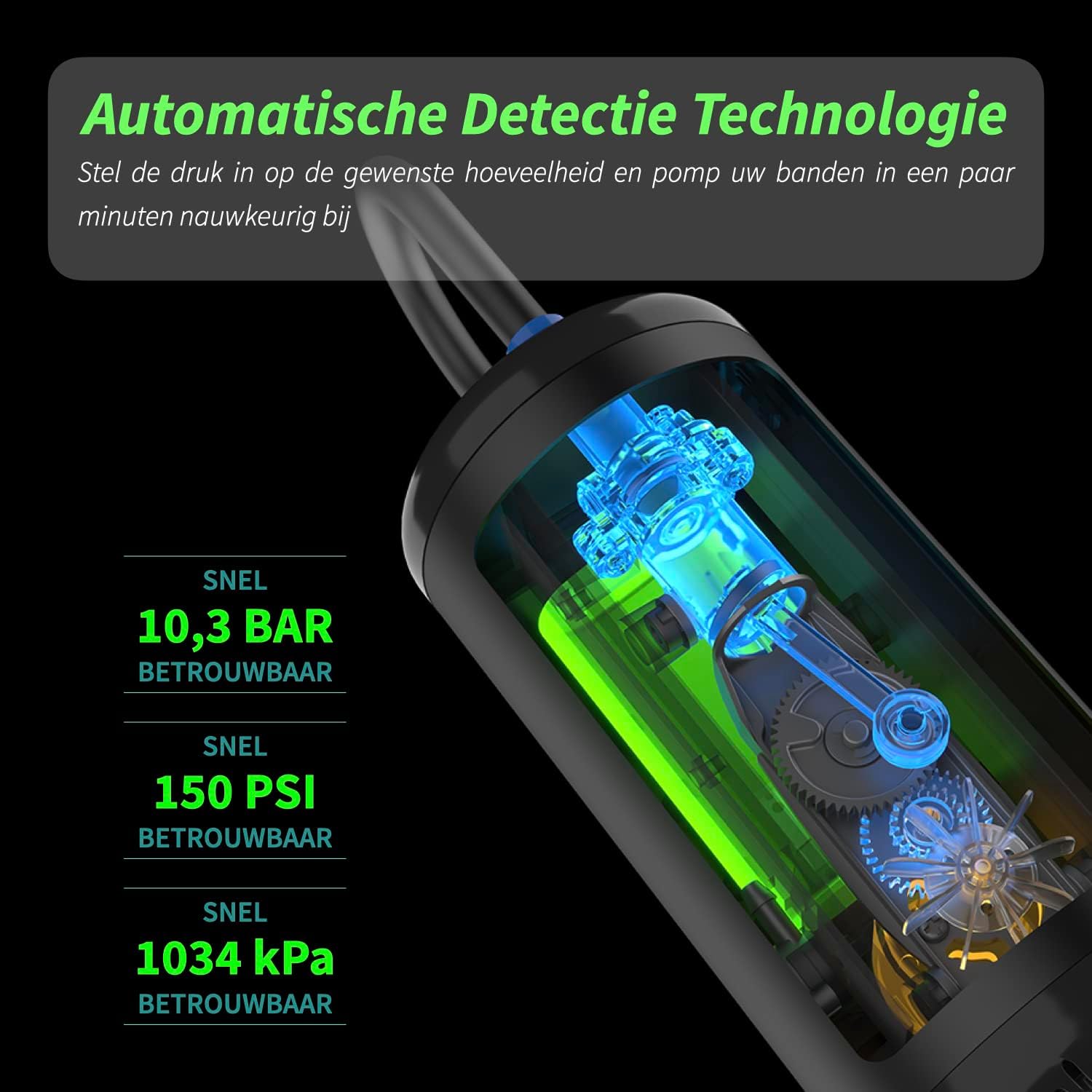
- High Pressure Capability: Inflates up to 150 PSI / 10.3 BAR.
- Long-lasting Battery: Equipped with a 2600 mAh battery.
- Intuitive LCD Touchscreen: Easy to read and operate display.
- Integrated LED Light: Features a bright LED light with an SOS mode for emergencies.
- Automatic Tire Pressure Measurement: Accurately detects current pressure.
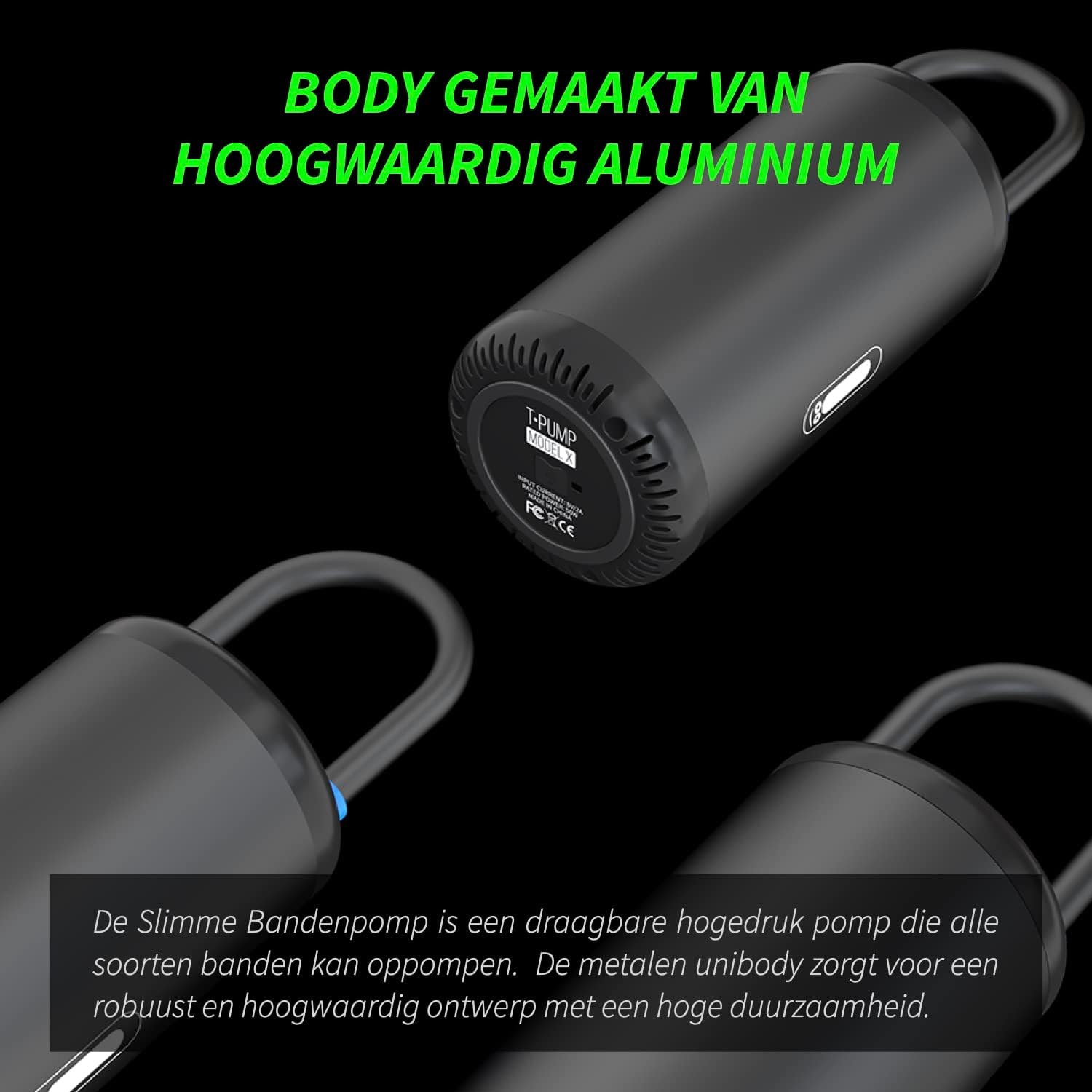
- Durable Construction: Body made from high-quality aluminum.

Setup
1. Charging the Device
Before first use, fully charge the tPump X. Connect the provided USB-C cable to the charging port on the device and to a compatible USB power source (e.g., wall adapter, power bank). The display will indicate charging status. A full charge allows for up to 30 minutes of continuous pumping.

2. Attaching the Air Hose and Adapters
- Screw the air hose securely onto the tPump X's air outlet.
- Select the appropriate valve adapter for the item you wish to inflate.
- Attach the chosen adapter to the end of the air hose.


Operating Instructions
1. Power On/Off
Press and hold the power button (U) on the touchscreen to turn the device on or off.
2. Selecting an Inflation Mode
The tPump X features 5 smart modes with pre-programmed pressure settings. Press the mode selection button (gear icon) to cycle through modes for car, motorcycle, bicycle, and sports balls. You can also manually adjust the pressure.


3. Setting Desired Pressure
- After selecting a mode, the display will show a default pressure.
- Use the '+' and '-' buttons to adjust the target pressure.
- Press the unit button (often represented by a 'BAR' or 'PSI' icon) to switch between PSI and BAR units.
4. Starting Inflation
- Connect the air hose with the correct adapter to the valve of the item you want to inflate. The device will automatically detect the current pressure.
- Press the power button (U) briefly to start inflation. The pump will automatically stop once the preset pressure is reached.
- Disconnect the hose from the valve and the device.
5. Using the LED Light
The tPump X includes a multifunctional LED light for visibility in low-light conditions or emergencies.
- Press the light button (lightbulb icon) once for a steady light.
- Press again for a flashing SOS light mode.
- Press a third time to turn the light off.

Maintenance
- Cleaning: Wipe the device with a soft, dry cloth. Do not use harsh chemicals or immerse in water.
- Storage: Store the tPump X in its protective transport case in a cool, dry place, away from direct sunlight and extreme temperatures.
- Battery Care: For optimal battery life, charge the device at least once every three months if not in regular use.
- Hose and Adapters: Inspect the air hose and adapters regularly for any signs of wear or damage. Replace if necessary.

Troubleshooting
| Problem | Possible Cause | Solution |
|---|---|---|
| Device does not turn on | Low battery or no charge. | Charge the device fully using the provided USB-C cable. |
| Pump does not start inflating | Hose not securely attached or adapter not properly connected. | Ensure the air hose is tightly screwed onto the device and the adapter is firmly connected to the valve. |
| Inaccurate pressure reading | Loose connection or faulty valve. | Check all connections for tightness. Ensure the valve of the item being inflated is not damaged. |
| Device overheats and shuts off | Prolonged continuous use. | Allow the device to cool down for at least 15-20 minutes before resuming operation. |
Specifications
| Feature | Detail |
|---|---|
| Brand | Coolado |
| Model Number | TPUMPX |
| Product Dimensions | 14 x 7 x 7 cm |
| Item Weight | 440 g |
| Max Pressure | 10.3 BAR / 150 PSI |
| Battery | 1 Lithium-ion battery (included) |
| Material | Plastic, Metal |
| Assembly Required | No |
Warranty and Support
For warranty information, technical support, or further inquiries, please visit the official Coolado website or contact their customer service. You can find more information about the tPump X at www.coolado.com/discover-tpump-x.


