
1. Introduction
This manual provides essential information for the safe and effective operation, setup, and maintenance of your YESWELDER CUT-45D 45Amp Plasma Cutter. Please read this manual thoroughly before using the equipment to ensure proper function and safety.

Figure 1.1: The YESWELDER CUT-45D Plasma Cutter and its included accessories, including the main unit, cutting torch, ground clamp, gas hose, and air filter regulator.
2. Safety Instructions
Always prioritize safety when operating plasma cutting equipment. Failure to follow these instructions can result in serious injury or death.
- Electrical Safety: Ensure the machine is properly grounded. Do not operate in wet conditions. Disconnect power before performing any maintenance or changing consumables.
- Eye and Face Protection: Always wear a welding helmet with appropriate shade settings to protect against intense light and UV radiation.
- Body Protection: Wear flame-resistant clothing, gloves, and safety shoes to protect against sparks, heat, and electric shock.
- Ventilation: Ensure adequate ventilation to remove fumes and gases produced during cutting. Avoid inhaling fumes.
- Fire Prevention: Keep flammable materials away from the cutting area. Have a fire extinguisher readily available.
- Compressed Air: Use only clean, dry, oil-free compressed air. Ensure air lines are properly connected and free of leaks.
- Work Area: Keep the work area clean and free of clutter. Ensure stable footing.
3. Product Overview
3.1. Included Components and Dimensions
The YESWELDER CUT-45D Plasma Cutter comes with the following components:
- Plasma Cutter Main Unit
- PT31 Plasma Torch
- 3m Earth Clamp
- Gas Hose
- Air Compressor Filter / Regulator
- Torch Accessories (consumables)

Figure 3.1: Overview of the plasma cutter and its accessories. The main unit dimensions are approximately 32cm (length) x 12cm (width) x 20cm (height), with a weight of 4.6 kg.
3.2. Front Panel Controls and Indicators
The front panel provides access to all necessary controls and displays for operation.

Figure 3.2: Front Panel Introduction.
- Digital Display: Shows current settings and status.
- Power Light: Indicates the machine is powered on.
- Time Second: Indicator for pre-flow/post-flow time settings.
- Amperage: Indicator for cutting current setting.
- Adjustment Knob: Used to set amperage, pre-flow, and post-flow times.
3.3. Cutting Torch Components
The PT31 plasma torch consists of several consumable parts that require periodic inspection and replacement.

Figure 3.3: Cutting Torch Components.
- Ceramic Cup: Directs the plasma arc.
- Copper Tip: Focuses the plasma arc.
- Ceramic Ring: Insulates and guides the electrode.
- Double Sided Electrode: Generates the plasma arc.
- CUT ON/OFF Trigger: Activates the plasma arc.
4. Setup
Follow these steps to set up your plasma cutter before operation.
- Connect Air Supply: Attach the gas hose to the air inlet on the rear of the machine. Connect the air compressor filter/regulator to the gas hose and then to your compressed air source. Ensure the recommended gas input pressure of 0.35-0.45Mpa is maintained.
- Connect Ground Clamp: Securely attach the ground clamp to the workpiece or a clean, bare metal part of the work table. A good ground connection is crucial for safe and effective cutting.
- Connect Plasma Torch: Connect the PT31 plasma torch to the designated port on the front panel.
- Power Connection: Connect the machine to a 230V power supply. Ensure the power switch on the rear of the unit is in the OFF position before plugging in.

Figure 4.1: Proper connection of the air regulator and filter to the plasma cutter.
5. Operation
Once the machine is set up, follow these guidelines for cutting.
5.1. Material Compatibility
The YESWELDER CUT-45D is suitable for cutting a variety of metallic materials.
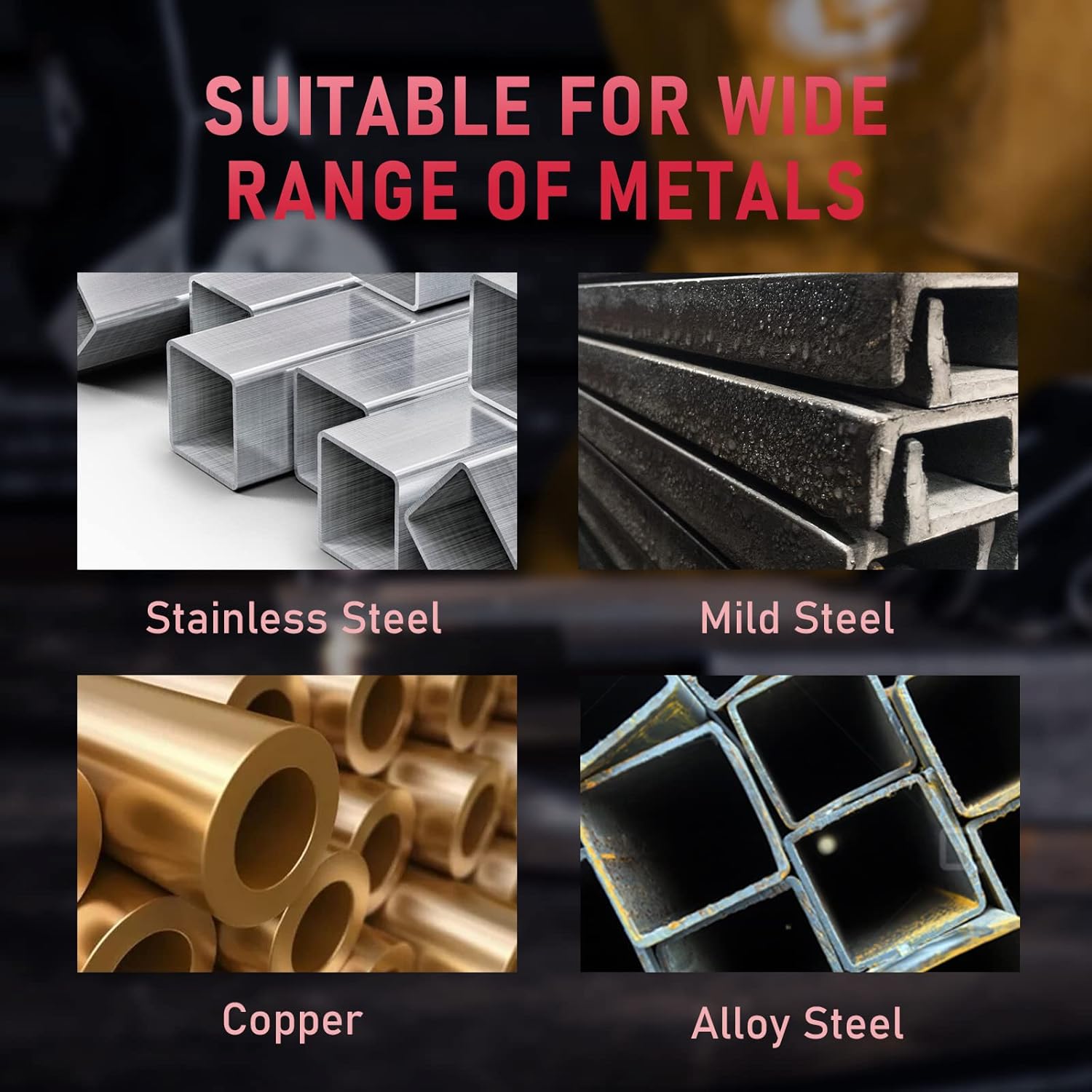
Figure 5.1: The plasma cutter is suitable for stainless steel, mild steel, copper, and alloy steel.
5.2. Adjusting Settings
- Amperage: Use the adjustment knob to set the desired cutting amperage (20-45A) based on the material type and thickness.
- Pre-flow Time: Adjust the pre-flow time (0.1-2s) to allow air to flow before the arc starts, which helps to clear the cutting path.
- Post-flow Time: Adjust the post-flow time (2-20s) to cool the torch and consumables after cutting, extending their lifespan.
5.3. Cutting Procedure
- Turn on the plasma cutter.
- Set the appropriate amperage, pre-flow, and post-flow settings for your material.
- Position the torch nozzle close to the workpiece.
- Press the trigger on the torch to initiate the pilot arc.
- Once the arc transfers to the workpiece, move the torch steadily along the desired cut line. Maintain a consistent speed and standoff distance.
- Release the trigger to stop cutting. The post-flow air will continue to cool the torch.

Figure 5.2: Example of plasma cutting in action.
5.4. Cutting Capacity
The machine offers specific cutting capabilities based on material thickness.
- Nominal Clean Cut: Up to 6 mm thickness.
- Maximum Severance Cut: Up to 12 mm thickness.

Figure 5.3: Visual representation of cutting thickness capabilities.
6. Maintenance
Regular maintenance ensures optimal performance and extends the lifespan of your plasma cutter.
- Consumable Inspection: Regularly inspect the ceramic cup, copper tip, ceramic ring, and electrode for wear. Replace them when signs of damage or excessive wear are visible.
- Air Filter: Check and drain the water trap on the air filter/regulator regularly. Replace the filter element if it becomes clogged or damaged.
- Cleaning: Keep the machine and torch clean and free of dust and metal particles. Use compressed air to blow out internal components if necessary (with power disconnected).
- Cable Inspection: Periodically check all cables (power, torch, ground) for damage, cuts, or frayed insulation. Replace damaged cables immediately.
7. Troubleshooting
Refer to this section for common issues and their potential solutions.
| Problem | Possible Cause | Solution |
|---|---|---|
| No power | Power cable disconnected, circuit breaker tripped, machine switch off | Check power connections, reset breaker, turn machine switch on |
| No arc / Weak arc | Poor ground connection, worn consumables, insufficient air pressure, incorrect amperage setting | Ensure good ground, replace consumables, check air pressure (0.35-0.45Mpa), adjust amperage |
| Poor cut quality | Worn consumables, incorrect cutting speed, wrong amperage, dirty workpiece | Replace consumables, adjust cutting speed, verify amperage, clean workpiece surface |
| Air leaks | Loose hose connections, damaged hose/fittings | Tighten connections, inspect and replace damaged parts |
| Overheat indicator active | Exceeded duty cycle, poor ventilation | Allow machine to cool down, ensure adequate ventilation around the unit |
8. Specifications
Technical specifications for the YESWELDER CUT-45D Plasma Cutter.

Figure 8.1: Detailed specifications of the CUT-45D.
| Feature | Specification |
|---|---|
| Model Number | CUT-45D-EU-NEW |
| Manufacturer | YESWELDER |
| Input Voltage | 230V, 1-Phase, 50/60Hz |
| Output Current Range | 20-45A DC |
| Duty Cycle | 60% |
| Nominal Clean Cut Thickness | 6 mm |
| Maximum Severance Cut Thickness | 12 mm |
| Recommended Gas Pressure | 0.35-0.45 Mpa |
| Cooling Mode | Fan Cooling |
| Insulation Grade | F |
| Protection Class | IP21S |
| Dimensions (L x W x H) | 32 x 12 x 20 cm |
| Weight | 4.6 kg |
9. Warranty and Support
For warranty information or technical support, please refer to the contact details provided with your purchase documentation or visit the official YESWELDER website. Keep your purchase receipt as proof of purchase.