
1. Introduction
The KuWFi CPE400 is an outdoor point-to-point wireless bridge designed to extend your network connectivity over long distances without the need for physical network cables. This device operates on the 5.8G frequency band and supports transmission distances of up to 3 kilometers, making it ideal for connecting networks between buildings such as garages, barns, shops, or for extending surveillance camera systems.
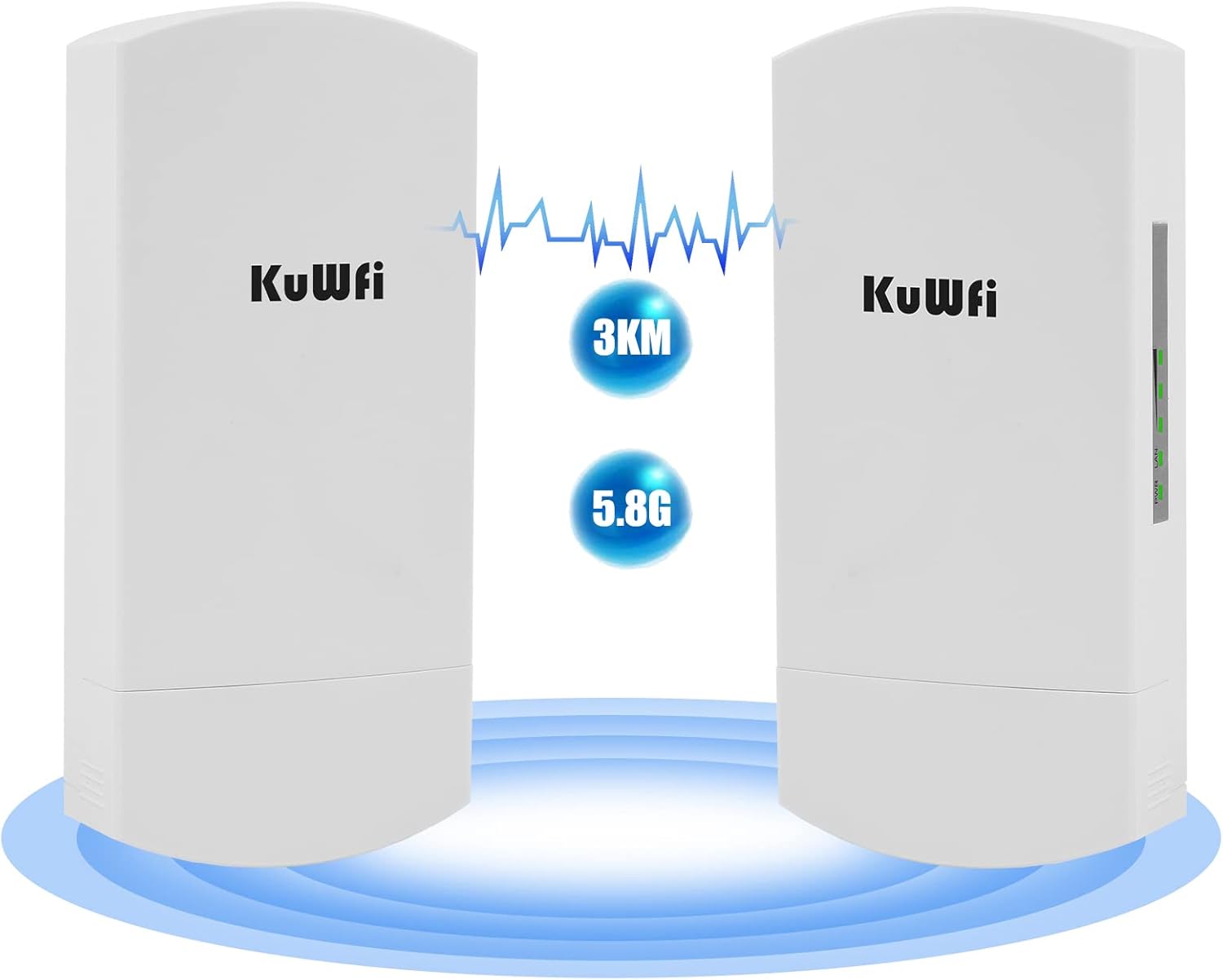
Figure 1: KuWFi CPE400 Wireless Bridge units in a point-to-point setup, highlighting 3KM and 5.8G capabilities.
Key features include 3 RJ45 LAN ports, pre-programmed pairing for ease of use, and support for 48V Power over Ethernet (PoE). Its robust IP65 weatherproof enclosure ensures stable performance in various outdoor conditions.
2. Setup Guide
2.1. What's in the Box
- 2 x KuWFi Wireless Bridge Units
- 2 x PoE Adapters
- 2 x Ethernet Cables
- Mounting Accessories (e.g., zip ties)
- Quick Installation Guide

Figure 2: Package contents of the KuWFi CPE400 Wireless Bridge.
2.2. Physical Connections
- Connect Power: Connect each wireless bridge unit to its respective PoE adapter using an Ethernet cable. Plug the PoE adapter into a power outlet.
- Identify Ports: Each unit features multiple ports. The 'LAN2 (In POE 48V)' port is for power input from the PoE adapter. Other LAN ports (LAN1, LAN3) can be used for data. The 'DC 12V (Out)' ports provide power to external devices like cameras.

Figure 3: Detailed view of the KuWFi CPE400 ports and dimensions.
2.3. Initial Pairing & Network Integration
- Pre-Programmed Pairing: The KuWFi CPE400 units come pre-programmed for easy pairing. Simply power on both units, and they will automatically attempt to establish a connection. The digital display on each unit will show a pairing status (e.g., '0' for master, '1' for slave, or signal strength).
- Master/Slave Configuration: One unit will act as the 'Master' (AP mode), connected to your main network (e.g., your router). The other unit will act as the 'Slave' (Client mode), placed at the remote location. You can switch between AP/STA (Master/Slave) modes using the toggle switch on the unit.
- Connect to Network:
- Master Unit: Connect the LAN port of the Master unit to your main network router or switch using an Ethernet cable.
- Slave Unit: At the remote location, connect the LAN port of the Slave unit to your desired device (e.g., computer, IP camera, or a secondary router) using an Ethernet cable.

Figure 4: Master and Slave bridge configuration for easy pairing.

Figure 5: Point-to-point network extension to a second building.
3. Operation
The KuWFi CPE400 provides stable and high-speed wireless access for various applications. Its 5.8G frequency band minimizes interference, ensuring reliable data transmission.

Figure 6: High-speed 5.8G wireless transmission.
3.1. Network Extension
Utilize the point-to-point access to extend your existing network to remote locations. This is particularly useful for:
- Connecting a secondary building (e.g., detached office, guest house) to your main network.
- Providing internet access to outdoor areas where Wi-Fi signals are weak.
3.2. Surveillance Camera Integration
The CPE400 is well-suited for extending surveillance camera networks. Its multiple LAN ports and DC 12V output jacks allow for direct power supply to cameras, simplifying installation and reducing the need for additional switches.

Figure 7: Multi-camera transmission and DC power supply capabilities.

Figure 8: Flexible networking options for surveillance systems.
4. Maintenance
The KuWFi CPE400 is designed for outdoor use with a durable, weatherproof enclosure.

Figure 9: IP65 durable weatherproof enclosure for outdoor conditions.
4.1. General Care
- Regularly inspect the units for any physical damage or debris accumulation.
- Ensure all cable connections are secure and free from moisture.
- Keep unused ports covered to prevent dust and water ingress.
4.2. Environmental Protection
The device features ESD and surge protection, safeguarding it against harsh outdoor conditions and ensuring stable wireless coverage.
5. Troubleshooting
5.1. No Power
- Verify that the PoE adapter is correctly connected to the 'LAN2 (In POE 48V)' port on the bridge unit.
- Ensure the PoE adapter is securely plugged into a functional power outlet.
5.2. No Connection or Poor Signal
- Check the alignment of both bridge units. They require a clear line-of-sight for optimal performance.
- Observe the LED signal indicators on the units to assess connection quality.
- Confirm that the Master and Slave units are correctly configured (AP/STA mode).
- Inspect all Ethernet cables for damage and ensure they are properly seated in their respective ports.
- If experiencing network issues or IP conflicts, consult the advanced configuration options via the web UI (refer to the full user guide for details).
6. Specifications
| Feature | Detail |
|---|---|
| Model Name | KF-CPE400 |
| Brand | KuWFi |
| Connectivity Technology | Wi-Fi |
| Wireless Communication Standard | 802.11a, 802.11n |
| Frequency Band Class | Single-Band (5.8 GHz) |
| Transmission Distance | Up to 3 kilometers |
| LAN Ports | 3 x 10/100Mbps RJ45 |
| DC Output | 2 x DC 12V (Out) |
| Power Supply | 24V/48V PoE |
| Special Feature | Access Point Mode, Remote Access, Weatherproof (IP65) |
| Item Weight | 2.7 pounds |
| Package Dimensions | 10.98 x 8.5 x 3.03 inches |
7. Warranty & Support
KuWFi stands behind the quality of its products.
- Money-Back Guarantee: Backed by a 30-day money-back guarantee.
- Free Replacement: One month free replacement.
- Manufacturer Warranty: 1-year manufacturer warranty.
- Technical Support: Professional technical support is available for assistance.
For detailed information and advanced configurations, please refer to the official User Guide (PDF).