
jioeuinly Alldocube X Game T1023
DIWOR Tablet Case for Alldocube X Game T1023 User Manual
Model: Alldocube X Game T1023
1. Product Overview
This protective case is designed specifically for the Alldocube X Game T1023 Tablet, offering comprehensive protection and enhanced functionality. It features a durable polyurethane material with a vibrant inkjet pattern, ensuring both style and longevity. The case provides precise cutouts for all essential tablet functions and includes an integrated stand for convenient hands-free viewing.

Image 1.1: Front view of the DIWOR Tablet Case, showcasing its colorful unicorn design.
2. Key Features
- Precise Cutouts: Allows normal use of all hardware, including webcam, flash, fingerprint reader, and speakers, without removing the case.
- Durable Protection: Features a foldable cover and thickened silicone protective ring, providing lightweight yet excellent overall protection against drops and scratches.
- Vibrant Design: Exquisite inkjet pattern that remains bright and does not fade over time, adding a personal touch to your tablet.
- Integrated Stand Function: The case can be folded to prop up the tablet for comfortable hands-free viewing, ideal for watching videos or making video calls.
- Note: This case does not include a keyboard position.
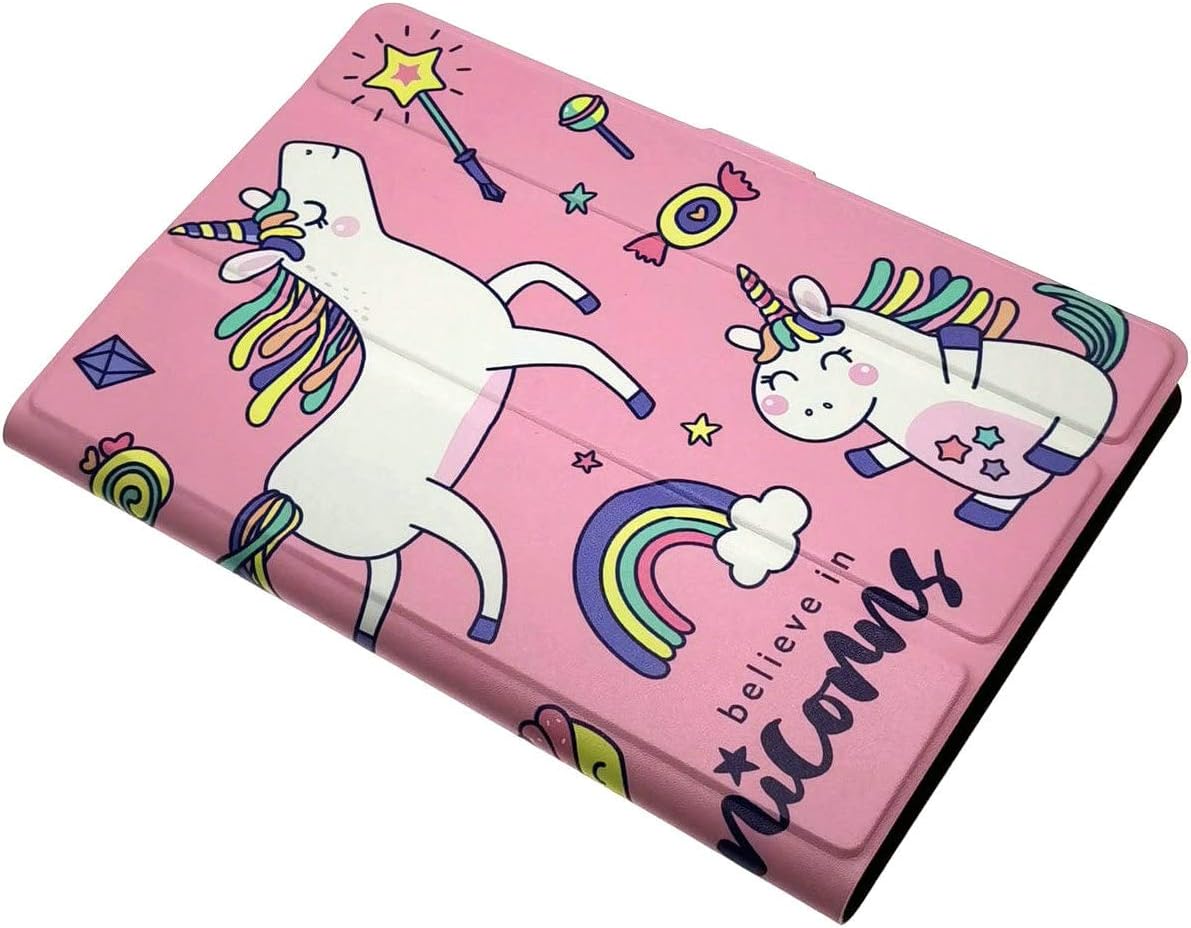
Image 2.1: The case partially open, demonstrating its foldable design.
3. Setup Guide
- Prepare Your Tablet: Ensure your Alldocube X Game T1023 Tablet is clean and free of dust or debris.
- Align the Tablet: Gently align your tablet with the case, starting with one of the longer sides.
- Insert Securely: Carefully push the tablet into the flexible silicone frame of the case. Apply gentle, even pressure around the edges until all corners are securely fitted.
- Verify Alignment: Once inserted, check that all ports (charging, audio), buttons (power, volume), and camera cutouts align perfectly with your tablet's features. Ensure no part of the tablet is obstructed.

Image 3.1: Visual guide for tablet insertion and port alignment.
4. Operating Instructions
Using the Integrated Stand
The DIWOR Tablet Case features a convenient foldable cover that transforms into a stand, allowing for hands-free viewing of your tablet.
- Open the Cover: Fully open the front cover of the tablet case.
- Fold into Stand: Locate the pre-defined creases on the inside of the cover. Fold the cover along these creases to form a triangular support structure.
- Position Tablet: Place the edge of your tablet into the groove created by the folded cover. The tablet should now stand upright at a comfortable viewing angle.
- Adjust Angle: Some cases may offer multiple grooves or folding options for different viewing angles. Adjust as needed for optimal comfort.
Image 4.1: The tablet case in stand mode, providing a stable viewing angle.
5. Maintenance
Proper care will extend the life and maintain the appearance of your DIWOR Tablet Case.
- Cleaning: To clean your tablet case, gently wipe it with a soft, slightly damp cloth. For stubborn stains, a mild soap solution can be used.
- Avoid Chemicals: Do not use harsh chemicals, abrasive cleaners, or solvents, as these may damage the polyurethane material or the printed design.
- Drying: Ensure the case is completely dry before reinserting your tablet to prevent moisture damage.
- Storage: Store the case in a cool, dry place away from direct sunlight when not in use for extended periods.
6. Troubleshooting
If you encounter any issues with your tablet case, please refer to the following common solutions:
- Tablet does not fit:
Ensure you have the correct tablet model, Alldocube X Game T1023. Gently re-align the tablet and apply even pressure to fit it into the case. Do not force the tablet, as this may cause damage to either the tablet or the case.
- Ports or buttons are blocked:
Double-check that the tablet is correctly seated within the case, ensuring it aligns perfectly with all cutouts. If misaligned, carefully remove the tablet and reinsert it, paying close attention to the alignment.
- Stand is unstable:
Ensure the folds for the stand function are crisp and fully formed. Place the case on a flat, stable surface. The stand is designed for viewing and light interaction, not for heavy pressure or constant tapping.
7. Specifications
| Feature | Detail |
|---|---|
| Brand | jioeuinly |
| Color | Colorful |
| Form Factor | Case |
| Material | Polyurethane |
| Special Feature | Stand |
| Pattern | Personality fashion |
| Compatible Models | Alldocube X Game T1023 Tablet |
| Item Dimensions (L x W x H) | 30 x 20 x 1 centimeters |
8. Warranty Information
This product comes with a standard manufacturer's warranty. For specific warranty terms, conditions, and duration, please refer to the product packaging or contact the seller directly through the platform where the product was purchased. Keep your proof of purchase for any warranty claims.
9. Customer Support
For any questions, technical assistance, or support regarding your DIWOR Tablet Case, please contact our customer service team. You can typically reach us through the messaging system on the e-commerce platform where you made your purchase. Please provide your order number and a detailed description of your inquiry to help us assist you more efficiently.
We are committed to ensuring your satisfaction with our product.