
Introduction
Thank you for choosing the enclize LED Neck Reading Light. This manual provides essential information for the safe and effective use of your new device. Please read these instructions carefully before use and retain them for future reference.

Image: The enclize LED Neck Reading Light in Gold Rose color, worn comfortably around a person's neck, illuminating a book they are reading.
Product Features
- Adjustable Brightness: Two independent LED heads offer 10% to 100% adjustable brightness.
- Three Color Temperatures: Choose between White Light (5000K), Warm Light (3000K), and Warm White Light (4000K) for various activities and environments.
- Long-Lasting Battery: Equipped with a 1000mAh Lithium Polymer battery, providing up to 80 hours of illumination on the lowest setting and 20 hours on the highest.
- Type-C Charging: Fast and convenient charging via the included Type-C USB cable.
- Lightweight & Flexible Design: Weighing only 5.6 ounces (158.76 grams) with a 360° flexible neckband for comfortable, hands-free use and optimal light positioning.
- Eye Protection Technology: Delivers wide, even, and gentle illumination without flickering or harsh shadows, designed to protect your eyes and prevent fatigue.
- Portable: Compact dimensions (7.44"D x 7"W x 1.3"H) make it easy to carry for travel, camping, or any activity.
Setup Guide
What's in the Box
- enclize LED Neck Reading Light
- Type-C USB Charging Cable
- User Manual (this document)
Initial Charging
Before first use, fully charge your neck reading light. Connect the provided Type-C USB cable to the charging port located on one of the light arms and plug the other end into a compatible USB power source (e.g., wall adapter, computer, power bank). A red indicator light will illuminate during charging. The light will turn off when fully charged.
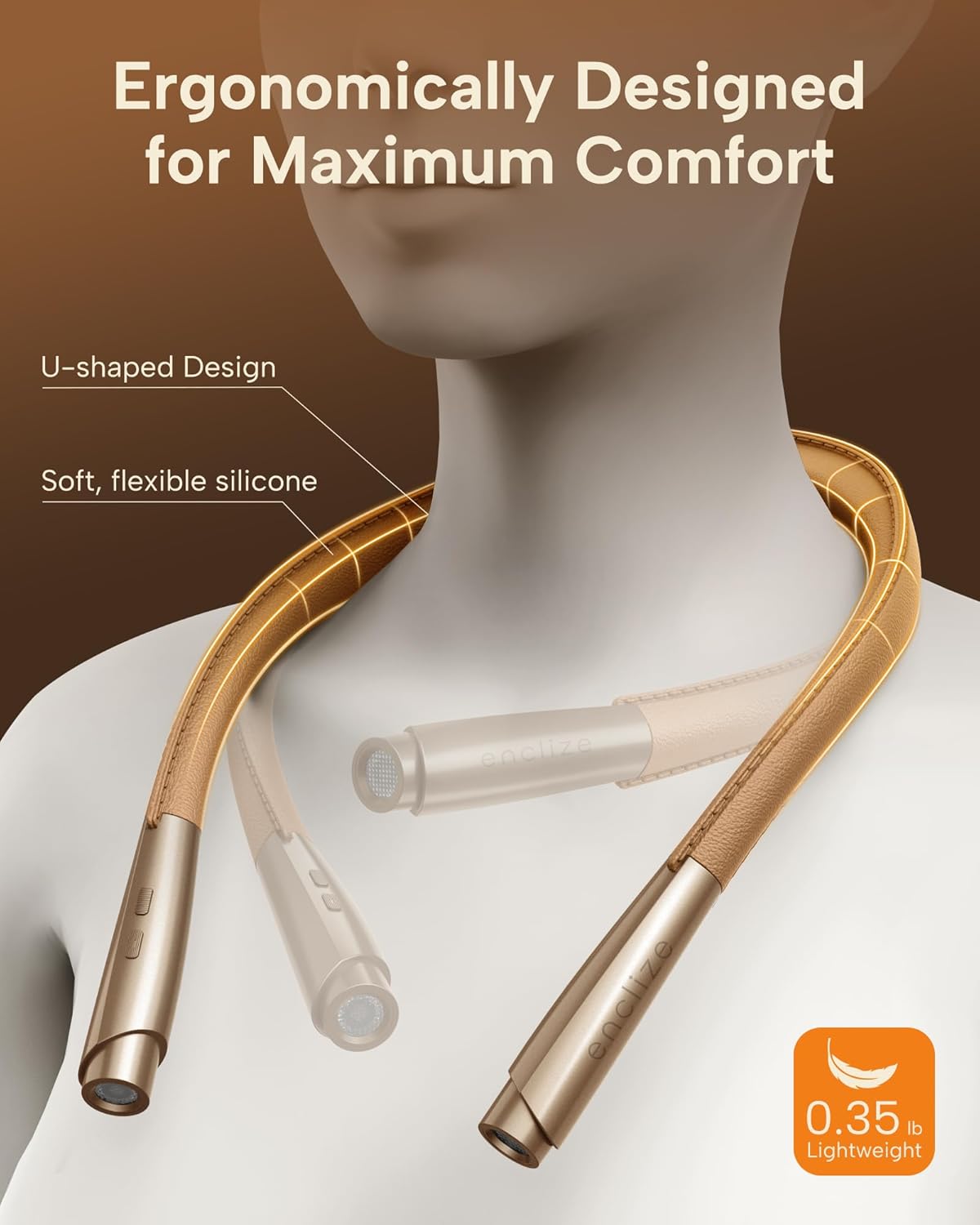
Image: A close-up view of the neck light's charging port, indicating a Type-C cable connected and a red light showing it is charging.
Wearing the Neck Light
Gently place the flexible neckband around your neck. The lightweight design ensures comfort. Adjust the two light arms to direct illumination precisely where needed, whether for reading, crafting, or other tasks.
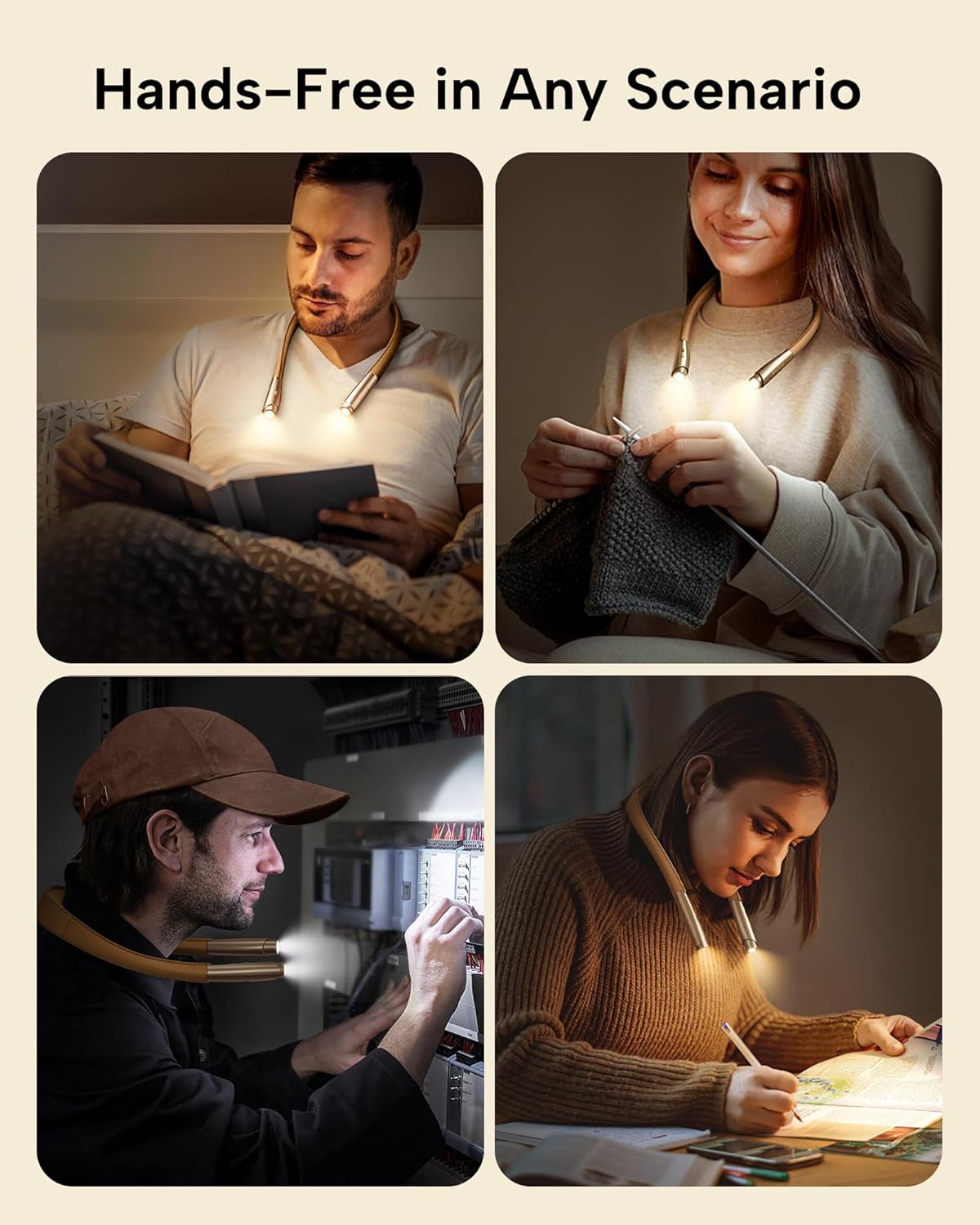
Image: A person adjusting the flexible arms of the neck light to position the illumination, highlighting its adaptability.
Operating Your Neck Light
Power On/Off
Press the power button (usually the front button on one of the light arms) to turn the light on or off.
Adjusting Brightness
With the light on, press and hold the power button. The brightness will cycle smoothly from 10% to 100%. Release the button when your desired brightness level is reached.
Changing Color Temperature
With the light on, short press the mode button (usually the button behind the power button) to cycle through the three color temperature modes: Warm Light, White Light, and Warm White Light.

Image: A detailed view of the control buttons on one of the light arms, illustrating how to operate the device.
Care and Maintenance
Charging
Recharge the device using the provided Type-C USB cable when the battery is low. A full charge can provide up to 80 hours of light on the lowest setting or 20 hours on the highest setting.
Cleaning
Wipe the device with a soft, dry cloth. Do not use abrasive cleaners or immerse the device in water.
Storage
Store the neck light in a cool, dry place away from direct sunlight and extreme temperatures when not in use. The flexible design allows for compact storage.
Troubleshooting
| Issue | Possible Cause | Solution |
|---|---|---|
| Light does not turn on | Low battery | Charge the device fully using the Type-C USB cable. |
| Light flickers or is dim | Low battery or internal issue | Ensure the device is fully charged. If flickering persists, contact customer support. |
| Cannot change brightness/color | Incorrect button press | Refer to the "Operating Your Neck Light" section for correct button usage (short press vs. long press). |
Product Specifications
| Feature | Detail |
|---|---|
| Model Name | SE-Es04 |
| Light Source Type | LED |
| Brightness | 95 Lumens (Max) |
| Color Temperatures | 3 (White, Warm, Warm White) |
| Brightness Levels | 9 (10% to 100% stepless dimming) |
| Battery Type | 1 Lithium Polymer (included) |
| Battery Life | Up to 80 hours (low setting), 20 hours (high setting) |
| Charging Port | Type-C USB |
| Product Dimensions | 7.44"D x 7"W x 1.3"H (18.89 cm x 17.78 cm x 3.3 cm) |
| Item Weight | 5.6 ounces (158.76 Grams) |
| Material | Plastic |
| Average Life | 50000 Hours |
Warranty and Customer Support
Your enclize LED Neck Reading Light is covered by a 24-Month Coverage from the date of purchase. enclize is committed to providing Lifetime Support for its products.
For any questions, technical assistance, or warranty claims, please contact our customer support team:
- Email: support@enclize.com
- Website: enclize Official Store on Amazon
