
Introduction
This manual provides comprehensive instructions for the Winnes TK905B GPS Tracker. It covers setup, operation, maintenance, and troubleshooting to ensure optimal performance and longevity of your device. Please read this manual carefully before using the product.
Product Overview
Key Features
- Advanced 4G LTE GPS Technology: Utilizes 4G LTE and GPS satellites for remote tracking of vehicles, motorcycles, trucks, buses, and boats.
- Strong Long Standby Battery: Equipped with a built-in 10000mAh battery, offering up to 150 days in standby mode or approximately 1 month in continuous positioning mode.
- Vehicle Historical Route & Electronic Geofencing: Stores historical routes for up to 6 months and allows setting up virtual boundaries for instant notifications.
- Effortless Installation: Features 5 powerful built-in magnetic mounts for quick and stable attachment to metal surfaces.
- Multifunctional Alarm: Provides comprehensive security features including low battery alerts, vibration sensors, and speed alerts.
Components
The Winnes TK905B GPS Tracker package typically includes:
- Winnes TK905B GPS Tracker device
- USB-C Charging Cable
- User Manual
- SIM card removal tool

Image: The Winnes TK905B GPS Tracker, showing its compact size, USB-C port, SIM card slot, and lanyard hole. Also pictured are the charging cable, user manual, and packaging box.
Setup
SIM Card Installation
- Ensure the device is powered off.
- Locate the SIM card slot on the device.
- Insert a 4G LTE Nano-SIM card into the slot. Ensure the SIM card is active and has data, SMS, and call capabilities.
- Close the SIM card slot cover securely.

Image: Detailed view of the Winnes TK905B GPS Tracker showing its USB port, SIM card slot, and lanyard hole, along with dimensions.
Initial Charging
Before first use, fully charge the device using the provided USB-C cable. Connect the cable to the device's USB-C port and a standard USB power adapter.
The charging indicator light will show charging status (refer to LED indicator section for details in the physical manual).
App Download and Account Registration
Download the official tracking application from your device's app store (iOS/Android) or access the web platform. Search for "Winnes GPS" or refer to the QR code in the physical manual for direct links.
Register a new account and add your device using its unique ID number (usually found on the device itself or packaging, e.g., 9051006293).

Image: Screenshots of the Winnes GPS tracking application interface and the web platform, demonstrating real-time tracking and various settings.
Operating Instructions
Real-time Tracking
Once the device is powered on and connected to the network, you can view its real-time location through the mobile app or web platform. The location is updated regularly (e.g., every 10 seconds) and displayed on a map interface.

Image: The Winnes TK905B GPS Tracker alongside a smartphone displaying the real-time tracking interface on a map, indicating 100 days of battery life and 4G connectivity.

Image: A visual representation of the Winnes GPS Tracker providing real-time location data to a smartphone, tablet, and PC, with data updates every 10 seconds, shown over a background of a truck.
Geo-fencing
Set up virtual boundaries (geo-fences) on the map within the app. You will receive an alert if the tracker enters or exits these predefined zones.

Image: A map interface showing the setup of a geo-fence zone and the history route playback feature, indicating that the tracker can record up to 6 months of historical data.
History Route Playback
The device stores historical route data for up to 6 months. You can review past movements and routes through the app or web platform.
Alarm Functions
The TK905B supports various alarm types:
- Low Battery Alarm: Notifies you when the battery level drops below a critical threshold.
- Vibration Alarm: Alerts you if the device detects significant vibration or movement when it should be stationary.
- Overspeed Alarm: Sends an alert if the tracked vehicle exceeds a preset speed limit.
- Movement Alarm: Notifies you if the device moves from its current location.

Image: Illustrations of various alarm functions including low battery, overspeed, and vibration alarms, alongside a map showing movement and shift alarms.
Installation
Magnetic Mounting
The TK905B features 5 powerful built-in magnets for easy and secure attachment to any metal surface.
Common installation locations include under the car chassis, inside the trunk, or under seats.

Image: Diagram showing the strong magnetic mounting feature of the Winnes TK905B GPS Tracker, highlighting its 5 powerful magnets and suggesting various mounting locations on a vehicle.
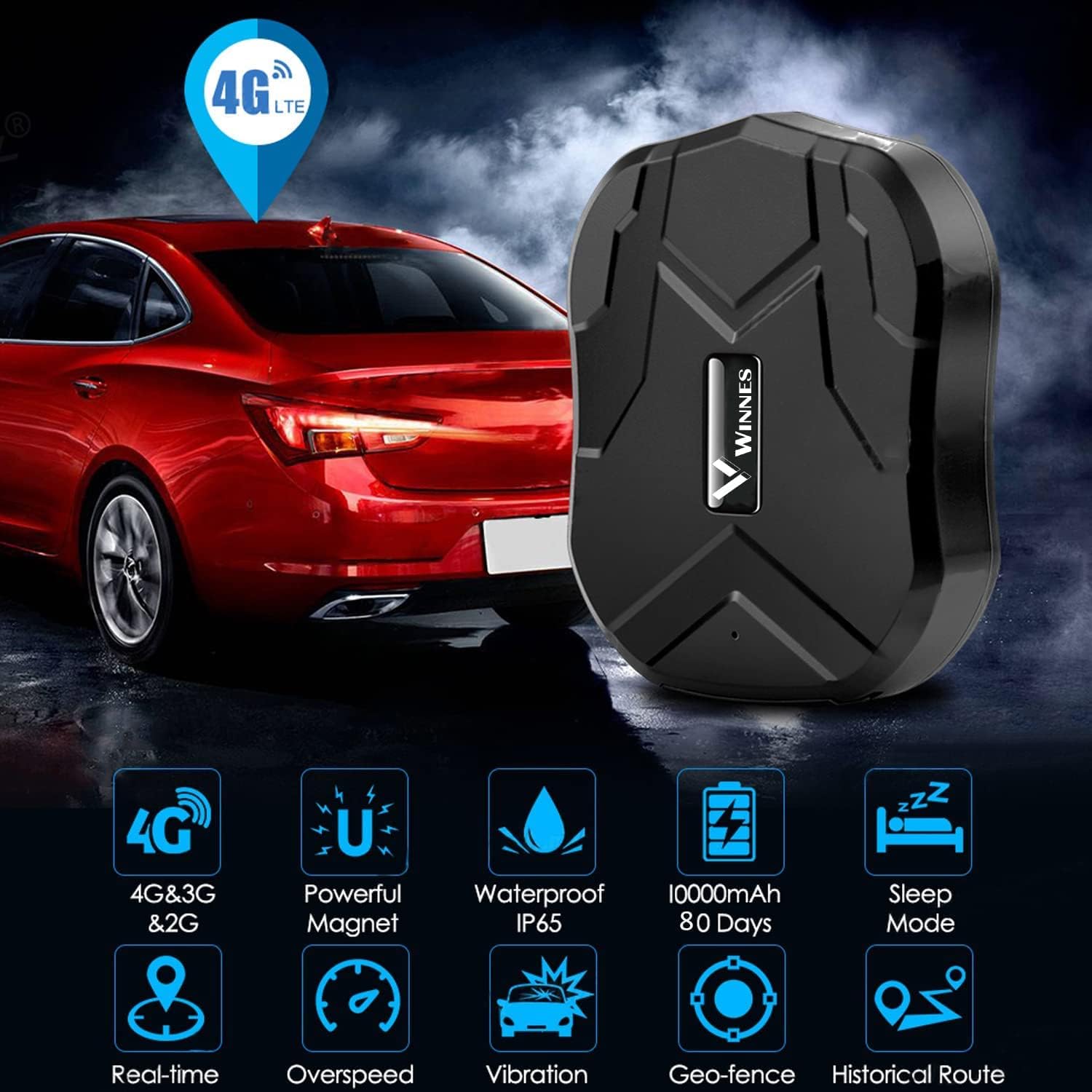
Image: The Winnes TK905B GPS Tracker positioned next to a car, illustrating its compact size and highlighting features like 4G/3G/2G compatibility, powerful magnet, IP65 waterproof rating, 10000mAh battery, sleep mode, real-time tracking, overspeed alarm, vibration alarm, geo-fence, and historical route.
Maintenance
Battery Management
To maximize battery life, ensure the device is fully charged before long periods of inactivity. The device features a power-saving mode and smart sleep modes to conserve battery.

Image: Diagram illustrating the 10000mAh large battery of the Winnes TK905B GPS Tracker, highlighting power saving mode, low battery alarm, and APP real-time battery check.
Cleaning
Wipe the device with a soft, dry cloth. Avoid using harsh chemicals or abrasive cleaners.
Storage
Store the device in a cool, dry place away from direct sunlight and extreme temperatures.
Troubleshooting
| Problem | Possible Cause | Solution |
|---|---|---|
| Device not powering on | Low battery | Charge the device fully. |
| No GPS signal / Inaccurate location | Device is indoors or in an area with poor signal; SIM card issue | Move the device to an open area with clear sky view. Ensure SIM card is properly inserted and active. |
| App not connecting to device | Incorrect device ID; Network issue; SIM card data expired | Verify device ID. Check internet connection on your phone/PC. Ensure SIM card has active data plan. |
| Battery drains quickly | Continuous positioning mode; Frequent alarms | Adjust tracking frequency settings in the app. Review alarm settings and disable unnecessary ones. |
Specifications
| Feature | Detail |
|---|---|
| Model Number | TK905B:10000mAh |
| Connectivity Technology | 4G LTE, 3G WCDMA, 2G GSM |
| Battery Capacity | 10000mAh Lithium Ion (included) |
| Standby Time | Up to 150 days |
| Continuous Positioning Mode Battery Life | Approximately 1 month |
| Location Accuracy | GPS + LBS (Location Based Service) |
| Historical Route Storage | Up to 6 months |
| Waterproof Rating | IP65 |
| Magnetic Mounts | 5 powerful magnets |
| Dimensions | Approx. 3.54 x 2.83 x 1.26 inches |
| Weight | 14.1 ounces |
| Supported Application | iOS/Android App, Web Platform, SMS |
| Special Features | Geo-fence, Real-time Tracking, Movement Alarm, Overspeed Alarm, Vibration Alarm, Low Battery Alert, Sleep Mode |
Warranty and Support
For warranty information and technical support, please refer to the contact details provided on the product packaging or the official Winnes website.
Online resources, including FAQs and updated software, may also be available.
Product ID: 9051006293


