
1. Introduction
Thank you for choosing the Ktaxon 61 Key Keyboard Piano Electric Keyboard. This manual provides essential information for setting up, operating, and maintaining your new instrument. Please read it thoroughly before use to ensure proper function and longevity of your product.
2. Package Contents
Upon opening the package, please verify that all the following items are included:
- 61 Key Keyboard Piano
- Headphones
- Microphone
- Music Rest
- Power Adapter
- Piano Stand (H-type)
- Piano Bench
- User Manual (this document)

Image: All components included in the Ktaxon 61 Key Keyboard Piano Electric Keyboard set.

Image: Visual representation of all items provided with the keyboard set.
3. Product Overview
3.1 Key Features
- 61-key full-size keyboard.
- Built-in dual 1.5W stereo speakers for rich sound.
- 200 Timbres, 200 Rhythms, and 60 Demo Songs.
- 3 Intelligent Teaching Modes: One-Key, Follow, and Ensemble.
- Record/Play function for practice and composition.
- Functions include Program, Sustain, Chord, Sync, Vibrato, and Fill-in.
- Power options: Included power adapter or 4 AA batteries (not included).
- Connectivity: Microphone input, Headphone output, Audio In, USB.
3.2 Interfaces and Connections
The keyboard features various ports for enhanced functionality:
- DC5V Power Interface: For connecting the included power adapter.
- Audio Out Interface: For connecting to external speakers or audio systems.
- Audio In Interface: For connecting external audio sources (e.g., MP3 player).
- MIC (Microphone) Interface: For connecting the included microphone.
- USB Transmission Interface: For connecting to a computer or other USB devices.

Image: Detailed view of the keyboard's input/output ports.
4. Setup
4.1 Assembling the Piano Stand
- Unfold the H-type piano stand.
- Ensure all locking mechanisms are securely engaged.
- Adjust the height of the stand using the adjustable height knobs to your preferred playing position. The stand offers multiple height settings.
- Place the keyboard securely on top of the stand, ensuring it is stable.

Image: Features and adjustability of the keyboard stand.
4.2 Assembling the Piano Bench
- Unfold the X-style piano bench.
- Adjust the height of the bench using the adjustable height knob to a comfortable level for playing. The bench offers 3 height adjustments.
- Ensure the bench is stable before sitting on it.

Image: Features and adjustability of the piano bench.
4.3 Power Connection
- Connect the included power adapter to the DC5V Power Interface on the back of the keyboard.
- Plug the power adapter into a standard electrical outlet.
- Alternatively, for portable use, insert 4 AA batteries (not included) into the battery compartment located on the underside of the keyboard.
4.4 Connecting Accessories
- Microphone: Plug the microphone into the MIC interface.
- Headphones: Plug the headphones into the Audio Out interface for private practice.
- Music Rest: Insert the music rest into the designated slots on the top of the keyboard.
5. Operating Instructions
5.1 Basic Operation
- Press the Power button to turn on the keyboard.
- Adjust the master volume using the dedicated volume controls.
- Select a desired timbre (instrument sound) from the 200 available options.
- Choose a rhythm from the 200 available rhythms to accompany your playing.
- Play along with one of the 60 demo songs for practice or enjoyment.

Image: The keyboard offers a wide selection of tones, rhythms, and demo songs.

Image: The keyboard features a double stereo speaker system for enhanced sound.
5.2 Intelligent Teaching Modes
The keyboard includes three teaching modes to assist beginners:
- One-Key Mode: Allows you to play any key to advance the melody.
- Follow Mode: Guides you to play the correct notes by waiting for your input.
- Ensemble Mode: Plays the accompaniment while you play the melody.
Utilize the 3-digit LED digital display for guidance during these modes.

Image: The keyboard's intelligent teaching modes are designed to help beginners learn effectively.
5.3 Recording and Playback
The record/play function allows you to capture your performances:
- Press the "Record" button to begin recording your playing.
- Press the "Play" button to listen to your recorded performance.
5.4 Advanced Functions
The keyboard includes several advanced functions for musical expression:
- Program: Allows for programming sequences.
- Sustain: Extends the decay of notes.
- Chord: Enables automatic chord accompaniment.
- Sync: Synchronizes rhythm with your playing.
- Vibrato: Adds a wavering effect to the sound.
- Fill-in: Inserts a short rhythmic pattern.
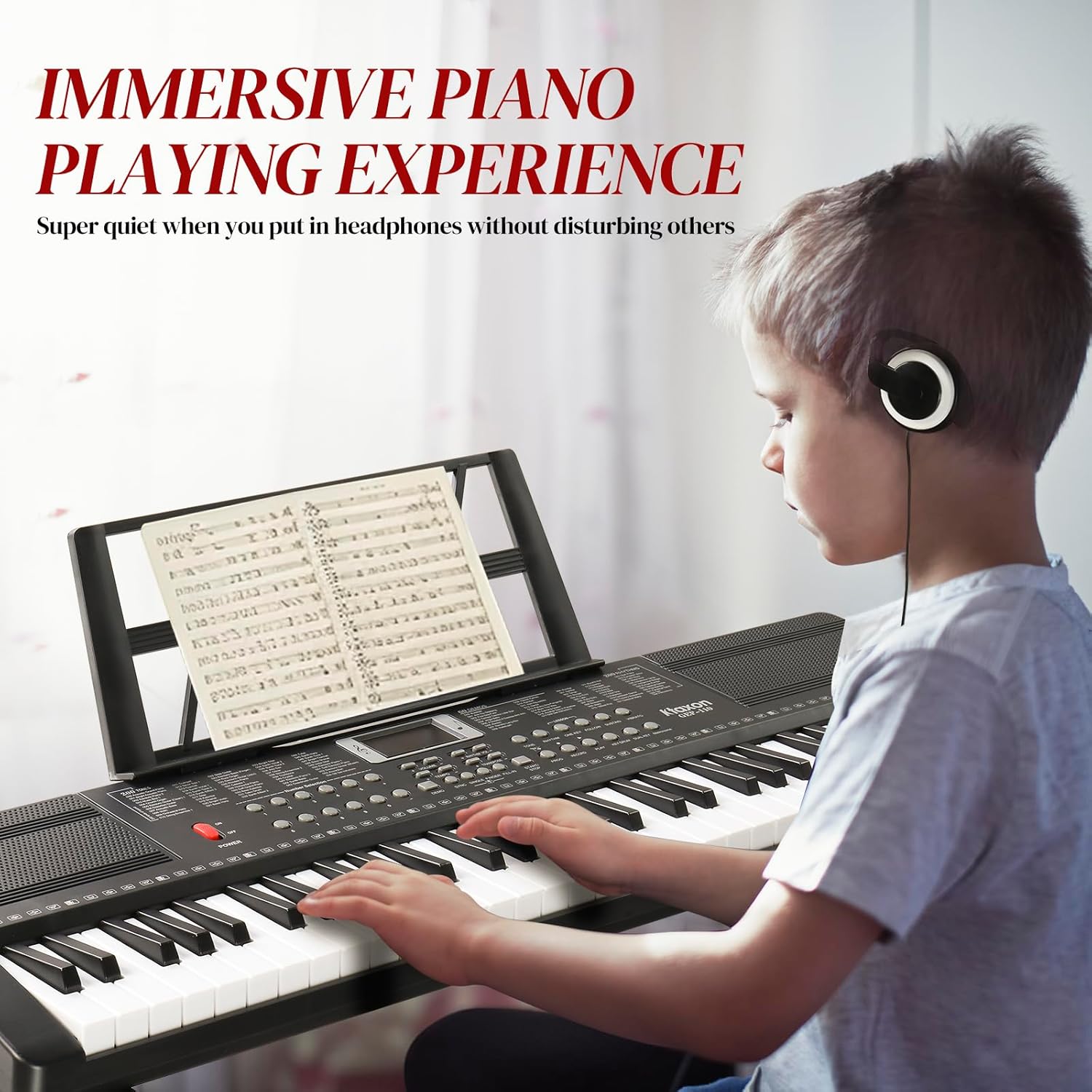
Image: Using headphones provides an immersive and private piano playing experience.
6. Maintenance
- Keep the keyboard clean by wiping it with a soft, dry cloth. Avoid using abrasive cleaners or solvents.
- Protect the keyboard from direct sunlight, extreme temperatures, and high humidity.
- When not in use for extended periods, disconnect the power adapter and remove any batteries.
- Avoid placing heavy objects on the keyboard.
- Handle all connections and cables with care to prevent damage.
7. Troubleshooting
| Problem | Possible Cause | Solution |
|---|---|---|
| No power | Power adapter not connected or faulty; batteries drained or incorrectly inserted. | Ensure power adapter is securely connected and plugged into a working outlet. Check battery orientation and replace if drained. |
| No sound | Volume too low; headphones connected; incorrect timbre selected. | Increase master volume. Disconnect headphones if using speakers. Select a different timbre. |
| Microphone not working | Microphone not fully plugged in; microphone faulty. | Ensure microphone is securely plugged into the MIC interface. Test with another microphone if available. |
| Keys not responding | Keyboard in a specific teaching mode; internal malfunction. | Check if the keyboard is in a teaching mode (One-Key, Follow, Ensemble) and switch to normal play if needed. If problem persists, contact customer support. |
8. Specifications
| Feature | Detail |
|---|---|
| Model Name | 17b2caa7-5491-4b58-bd6a-e5d5efa11d7b |
| Number of Keys | 61 |
| Keyboard Dimensions (L x W x H) | Approx. 33 in x 9.8 in x 7.8 in |
| Keyboard Stand Dimensions (W x H x D) | Approx. 28.7 in x 21.7-32.9 in (adjustable) x 12.2 in |
| Piano Stool Dimensions (W x H) | Approx. 12 in x 13-20 in (adjustable) |
| Item Weight | 18.76 pounds (total package weight) |
| Body Material | ABS plastic |
| Power Source | Corded Electric (Power Adapter included) or 4 AA Batteries (not included) |
| Connectivity Technology | Auxiliary, USB |
| Connector Type | 3.5mm Jack, USB |
| Timbres | 200 |
| Rhythms | 200 |
| Demo Songs | 60 |

Image: Detailed dimensions of the keyboard, stand, and stool.
9. Warranty and Support
For warranty information and customer support, please refer to the warranty card included in your package or visit the official Ktaxon website. If you encounter any issues not covered in this manual, please contact Ktaxon customer service for assistance.
You can also visit the Ktaxon Store on Amazon for more product information and support resources.