

1. Introduction
Thank you for choosing the SureLock Security QuickTouch Flip Top Vault Digital + Bio. This vault is designed to provide secure and rapid access to your handgun, utilizing a combination of digital keypad, biometric fingerprint recognition, and traditional key access. Its compact design allows for discreet placement and versatile mounting options. Please read this manual thoroughly before operating your new vault to ensure proper setup and functionality.
2. Safety Information
- Always store firearms unloaded in the vault.
- Keep the vault locked and secured at all times when not in use.
- Store override keys in a secure location away from the vault and out of reach of children.
- Do not store the vault in areas with extreme temperatures or high humidity.
- Ensure the vault is securely mounted or placed to prevent unauthorized removal.
- This vault is not water resistant. Avoid exposure to water or excessive moisture.
3. Package Contents
Please verify that all items are present in your package:
- SureLock QuickTouch Flip Top Vault Digital + Bio
- Override Keys (2)
- Mounting Hardware (screws, anchors)
- User Manual (this document)
4. Product Overview
The QuickTouch Flip Top Vault offers multiple access methods and a robust design for securing your handgun.
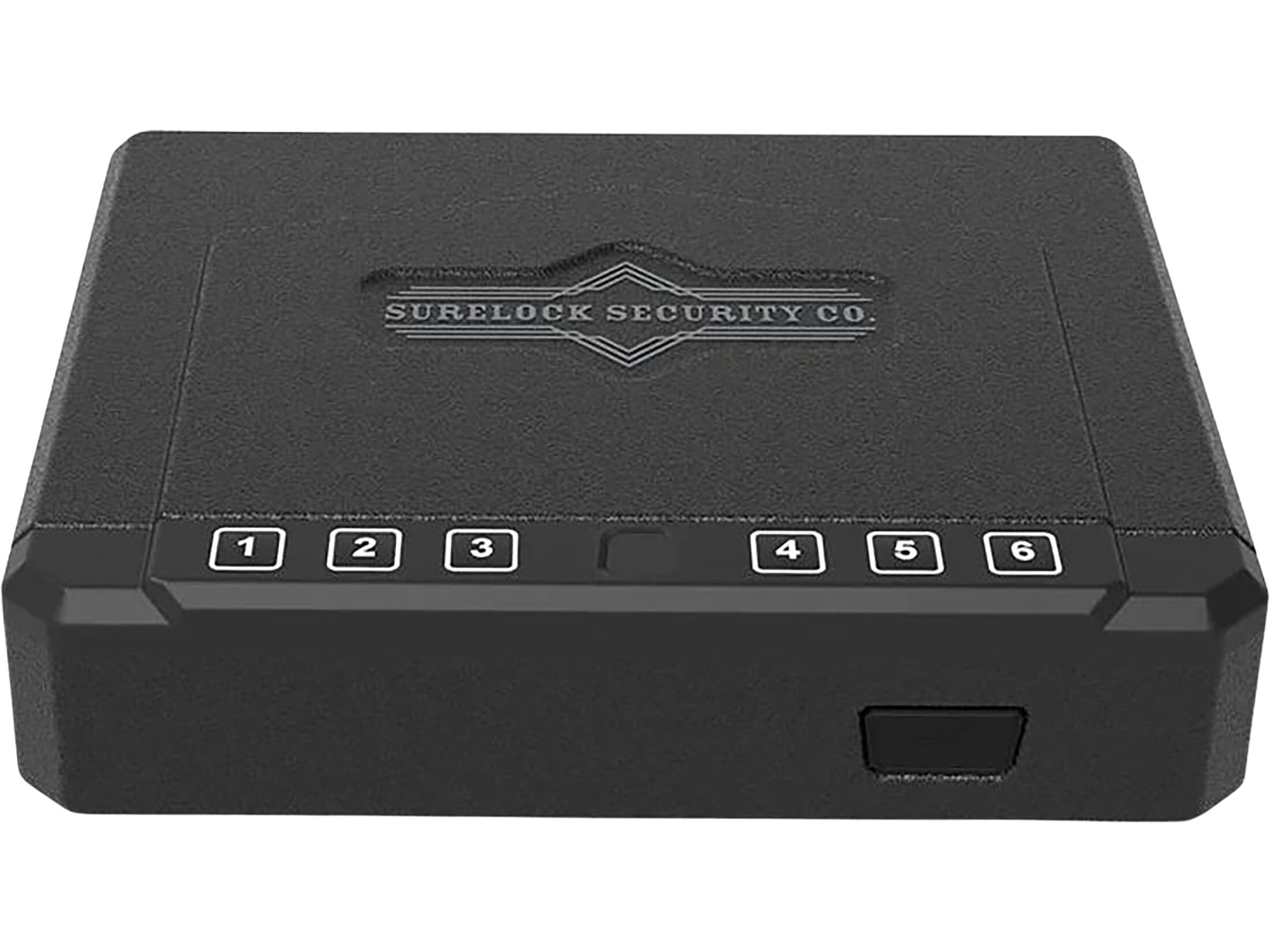
Image 4.1: SureLock QuickTouch Flip Top Vault with the lid open, showing the interior foam padding and the keypad on the front.
- Digital Keypad: Allows for a 5-digit entry code for quick access.
- Biometric Scanner: Stores up to 20 unique fingerprints for personalized access.
- Hard Key Access: Provides a reliable manual override in case of battery failure or forgotten codes.
- Flip Top Design: Enables rapid, quiet access to contents.
- Mounting Options: Can be freestanding or securely wall-mounted.
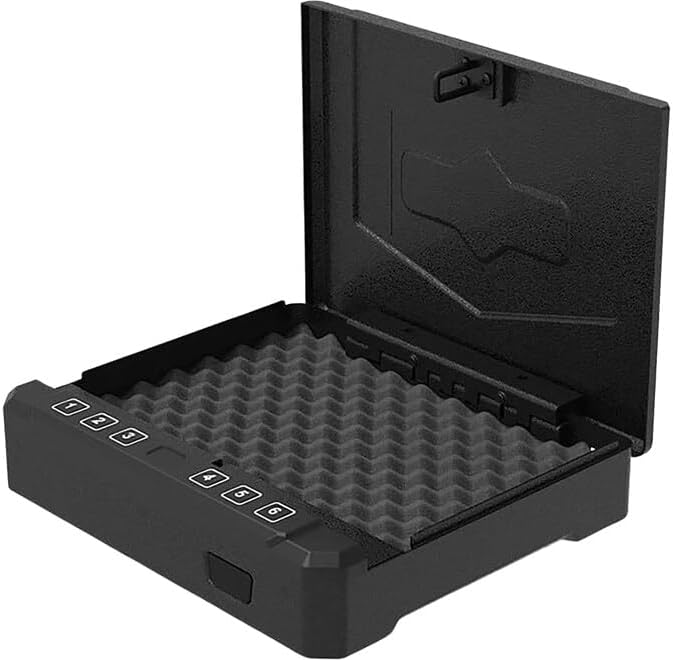
Image 4.2: SureLock QuickTouch Flip Top Vault in a closed position, showcasing its compact and discreet design.
5. Setup
5.1 Battery Installation
- Locate the battery compartment, typically on the underside or rear of the vault.
- Open the battery compartment cover.
- Insert the required number of AA batteries (not included), ensuring correct polarity (+/-).
- Close the battery compartment cover securely.
5.2 Mounting the Vault
The vault can be used freestanding or securely mounted.
Freestanding Placement:
- Place the vault on a flat, stable surface.
- Ensure it is out of reach of children and unauthorized individuals.
Wall Mounting:
- Choose a suitable location on a solid wall stud or use appropriate wall anchors.
- Mark the desired drilling points using the vault's pre-drilled mounting holes as a template.
- Drill pilot holes.
- Secure the vault to the wall using the provided mounting hardware. Ensure it is firmly attached and does not wobble.
6. Operating Instructions
6.1 Setting a Digital Entry Code
- With the vault open, locate the programming button (often inside the battery compartment or on the door edge).
- Press the programming button. The indicator light should illuminate.
- Enter your desired 5-digit code on the keypad.
- Press the programming button again to confirm. The indicator light should flash green, confirming the code is set.
- Test the new code with the vault open before closing it.
6.2 Registering Fingerprints
The vault can store up to 20 unique fingerprints.
- With the vault open, press and hold the programming button until the indicator light turns blue.
- Place the finger you wish to register firmly on the biometric scanner. Lift and repeat this process 4-5 times from different angles until the indicator light flashes green.
- Repeat for additional fingerprints.
- Test each registered fingerprint with the vault open before closing it.
6.3 Opening the Vault
Using Digital Code:
- Enter your 5-digit code on the keypad.
- The vault will open automatically with its flip-top mechanism.
Using Biometric Scanner:
- Place a registered finger firmly on the biometric scanner.
- The vault will open automatically.
Using Hard Key:
- Insert the override key into the keyhole, typically located discreetly on the front or side.
- Turn the key to unlock the vault.
- The vault will open.
6.4 Stealth Opening Technology
The vault is designed for quiet operation. When opening via digital code or biometric scan, the flip-top mechanism engages smoothly and silently to minimize noise.
7. Maintenance
- Cleaning: Wipe the exterior with a soft, damp cloth. Avoid abrasive cleaners or solvents.
- Battery Replacement: Replace batteries annually or when the low battery indicator light appears. Always use fresh, high-quality AA batteries.
- Keypad/Scanner: Keep the keypad and biometric scanner clean and free of debris for optimal performance.
8. Troubleshooting
- Vault does not open with code/fingerprint:
- Ensure batteries are fresh and correctly installed.
- Re-enter the code carefully.
- Ensure your finger is clean and placed correctly on the scanner. Try re-registering your fingerprint.
- Use the override key to open the vault.
- Indicator lights not working:
- Check battery installation and replace batteries if necessary.
- Forgotten digital code:
- Use the override key to open the vault, then reset the code following section 6.1.
9. Specifications
| Feature | Detail |
|---|---|
| Model Number | 3418977 |
| Brand | SureLock Security Company |
| Product Dimensions | 12"D x 12"W x 12"H |
| Lock Type | Electronic, Key |
| Color | Black |
| Mounting Type | Freestanding, Wall Mount |
| Item Weight | 10 Pounds |
| Water Resistance Level | Not Water Resistant |
| UPC | 810034189776 |
| Batteries Required | Yes (AA, not included) |
10. Warranty and Support
For warranty information and customer support, please refer to the documentation included with your purchase or visit the official SureLock Security Company website. Keep your purchase receipt for warranty claims.