
1. Introduction
This manual provides essential information for the safe and effective use of your Reebok FR20z Floatride Treadmill. Please read all instructions carefully before assembly, operation, or maintenance. Retain this manual for future reference.
The Reebok FR20z Floatride Treadmill is designed for home use, offering a robust and quiet running experience with advanced cushioning and connectivity features.
2. Safety Information
Always consult with a healthcare professional before starting any new exercise program. Ensure the treadmill is placed on a level, stable surface with adequate clearance around it (at least 2 meters behind and 0.6 meters on each side).
- Keep children and pets away from the treadmill during operation.
- Do not operate the treadmill if it is damaged or malfunctioning.
- Wear appropriate athletic footwear.
- Use the safety key at all times.
- Maximum user weight: 120 kg (264 lbs).
3. Setup and Assembly
The Reebok FR20z Floatride Treadmill requires assembly. Follow the instructions provided in the separate assembly guide for detailed steps. Ensure all components are present and undamaged before beginning assembly.

Image: The Reebok FR20z Treadmill showing its dimensions (177 cm length, 69 cm width, 115 cm height) and highlighting its fixed running deck for stability.
Key Setup Points:
- Placement: Position the treadmill on a flat, solid surface.
- Stability: The fixed running deck provides a strong, stable platform. Use the floor level adjustment feature for optimal stability.
- Power Connection: Connect the power cord to a grounded outlet.
- Transport: Integrated transport wheels allow for easier relocation of the unit.
4. Operating Instructions
Familiarize yourself with the control console before starting your workout.

Image: A close-up view of the treadmill's LED touch response display, showing speed, time, and incline controls.
4.1. Starting a Workout
- Ensure the safety key is properly placed on the console and clipped to your clothing.
- Step onto the treadmill belt, holding the handrails for support.
- Press the 'Start' button on the LED touch response display. The belt will begin to move at a low speed.
- Adjust speed using the '+' and '-' buttons or quick speed keys on the hand rests.
- Adjust incline using the incline buttons or quick incline keys on the hand rests. The treadmill offers 15 levels of power incline.
4.2. Console Features

Image: An overview of the treadmill's console and additional features, including small item storage, integrated transport wheels, quick speed/incline keys, LED display, floor level adjustment, and solid build quality.
- Display: LED touch response display with illuminated bezel shows metrics such as time, distance, speed, and calories burned.
- Programs: Choose from 24 pre-set fitness programs or define 3 user-defined programs.
- Target Modes: Set targets for distance, time, or calories.
- Heart Rate Monitoring: Hand pulse sensors provide on-the-go heart rate tracking.
- Tablet Holder: A built-in tablet/phone holder provides an optimum viewing angle for your devices.
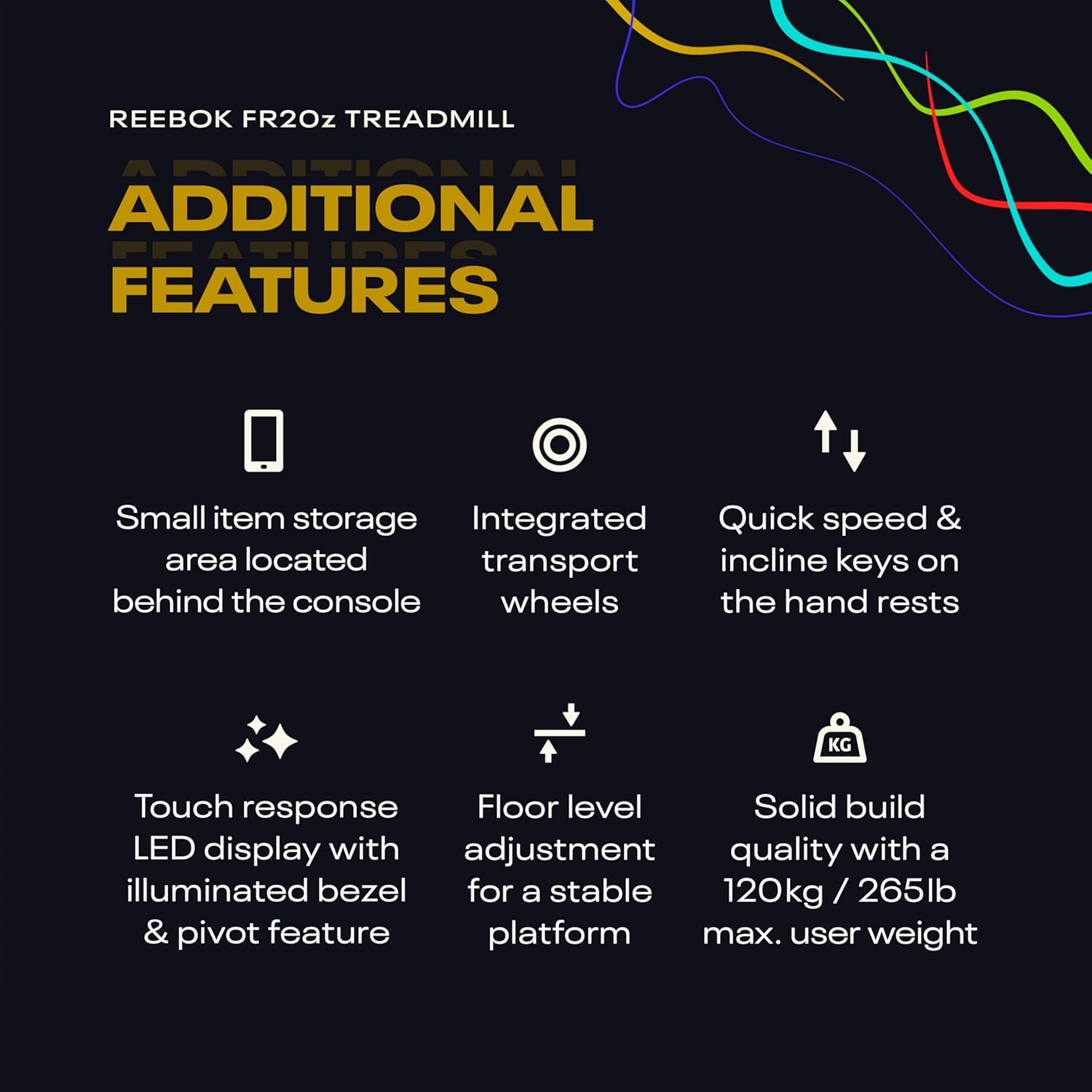
Image: The integrated tablet holder on the Reebok FR20z Treadmill console, designed for optimal viewing of fitness apps and classes.
4.3. Connectivity
- Bluetooth: Connect your device via Bluetooth to the treadmill's surround sound speakers for audio.
- Console App: Sync workout data with apps like Apple Health, Google Fit, and Strava. The console app offers enhanced features and additional programs.
- Kinomap Compatible: Run virtual routes and engage in coaching and interval training. A Kinomap subscription is required.
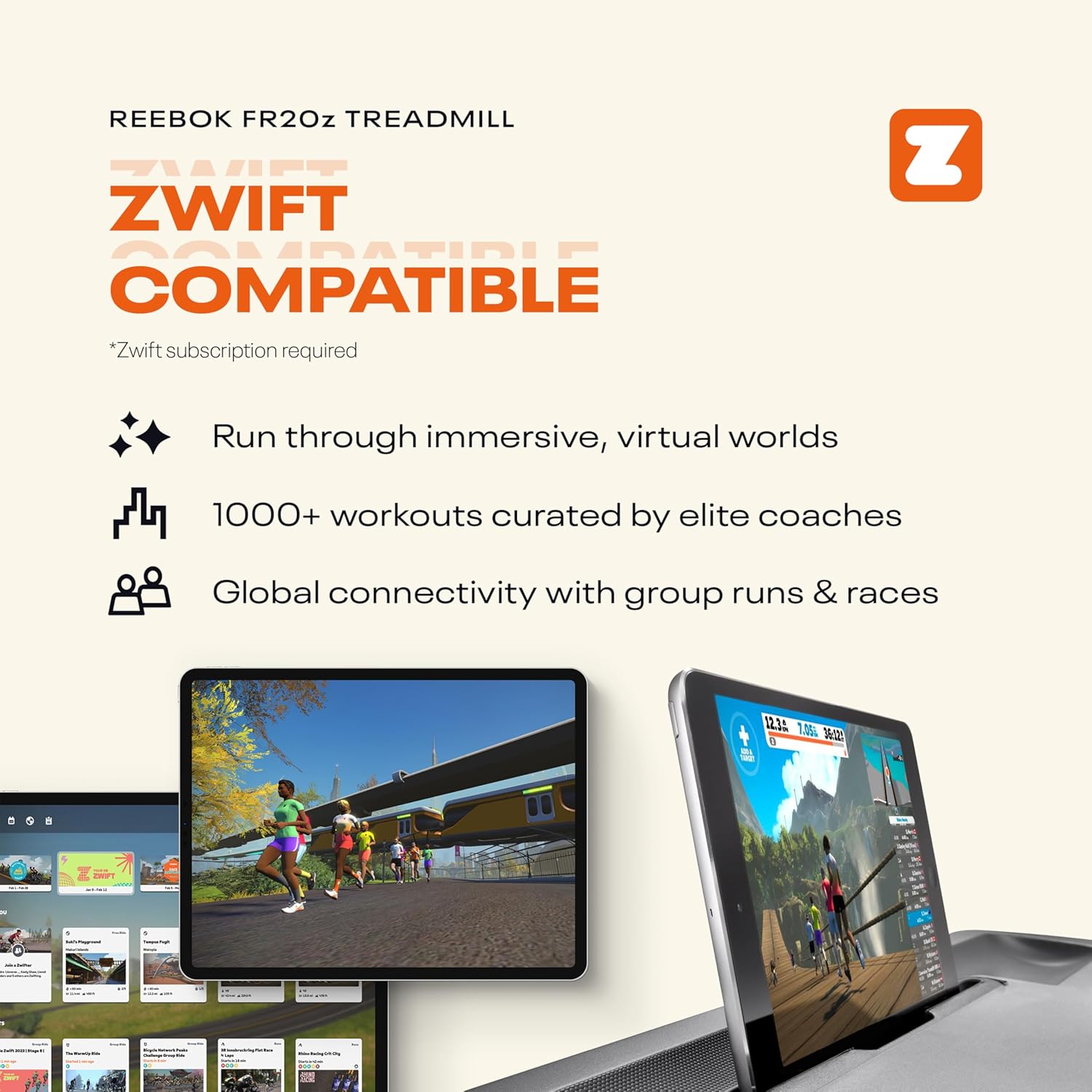
Image: The Reebok FR20z Treadmill highlighting its compatibility with Kinomap, showing virtual running routes and workout options.
- Zwift Compatible: Experience immersive virtual worlds and curated workouts. A Zwift subscription is required.

Image: The Reebok FR20z Treadmill demonstrating compatibility with Zwift, displaying virtual running environments on a tablet.
4.4. Stopping a Workout
- Press the 'Stop' button on the console. The belt will gradually slow down and stop.
- Alternatively, pull the safety key to immediately stop the treadmill in an emergency.
- Once the belt has stopped, carefully step off the treadmill.
5. Maintenance
Regular maintenance ensures the longevity and optimal performance of your treadmill.
- Cleaning: Wipe down the console and other surfaces with a damp cloth after each use. Avoid abrasive cleaners.
- Belt Lubrication: Refer to the separate assembly guide or manufacturer's recommendations for treadmill belt lubrication frequency and procedure. Proper lubrication is crucial for smooth operation and to prevent wear.
- Belt Tension and Alignment: Periodically check the running belt for proper tension and alignment. Adjust as needed according to the assembly guide.
- Motor Area: Keep the area around the motor clean and free of dust and debris to ensure proper ventilation.
6. Troubleshooting
If you encounter issues with your treadmill, refer to the following common solutions:
- Treadmill not starting: Ensure the power cord is securely plugged in and the safety key is correctly placed on the console. Check the circuit breaker.
- Belt slipping or hesitating: The running belt may require tension adjustment or lubrication. Refer to the maintenance section and assembly guide.
- Unusual noises: Check for loose parts or foreign objects under the belt. If the noise persists, discontinue use and contact customer support.
- Display not working: Ensure all connections are secure. If the issue persists, power cycle the treadmill.
For issues not covered here, please contact Reebok customer support.
7. Specifications

Image: A side profile of the Reebok FR20z Floatride Treadmill, showcasing its design and footprint.
| Feature | Detail |
|---|---|
| Model Name | FR20z Floatride Treadmill |
| Motor | 2.25 HP eco-Kinetic Motor |
| Maximum Speed | 11.2 MPH (18 KPH) |
| Incline Levels | 15 levels of power incline |
| Cushioning | Floatride+ Cushioning Technology |
| Display Type | LED Touch Response Display |
| Workout Programs | 24 pre-set, 3 user-defined |
| Connectivity | Bluetooth, Kinomap Compatible, Zwift Compatible |
| Metrics Measured | Calories Burned, Distance, Speed, Time, Heart Rate |
| Product Dimensions (L x W x H) | 177D x 69W x 115H Centimeters |
| Item Weight | 72 Kilograms |
| Maximum User Weight | 120 Kilograms (264 lbs) |
| Material | Metal Plastic |
| Included Components | Power Cord |
8. Warranty and Support
The Reebok FR20z Floatride Treadmill motor is backed by a 10-year guarantee, reflecting its rigorous testing and reliability.
For specific warranty details, claims, or technical support, please refer to the warranty card included with your product or contact Reebok customer service directly. Contact information can typically be found on the manufacturer's official website or in your purchase documentation.


