
1. Introduction
This manual provides essential instructions for the safe and effective use of your Dysead 12V 3A AC Adapter. This power adapter is designed to provide reliable power to compatible devices, specifically the Lepy LP-168S 2.1CH 2x40W+68W Bass Audio HiFi Amplifier. Please read this manual thoroughly before use and retain it for future reference.
2. Product Overview
The Dysead 12V 3A AC Adapter is engineered for compatibility and efficiency, ensuring stable power delivery to your audio equipment. It features built-in safety mechanisms to protect both the adapter and your connected devices.
Key Features:
- Validated compatibility with Lepy LP-168S 2.1CH 2x40W+68W Bass Audio HiFi Amplifier.
- High power exchange efficiency for stable operation and temperature control.
- Built-in safety protections: Short circuit protection, Over-current protection, Over-voltage protection, Over-temperature protection.
- Environmentally friendly design.
Package Contents:
- 1 x Dysead 12V 3A AC Adapter Replacement

Front view of the Dysead 12V 3A AC Adapter, showing its compact design.
3. Setup Instructions
Follow these steps to properly set up your AC adapter:
- Verify Compatibility: Before connecting, ensure that your device (e.g., Lepy LP-168S amplifier) requires a 12V DC input with a current draw of 3A or less, and that the DC connector type matches the adapter's output plug.
- Connect to Device: Insert the DC output plug of the adapter firmly into the power input port of your amplifier or compatible device.
- Connect to Power Outlet: Plug the AC input prongs of the adapter into a standard 100-240V AC wall outlet. Ensure the outlet is easily accessible and not overloaded.
- Power On: Once connected, you may power on your device according to its own operating instructions.
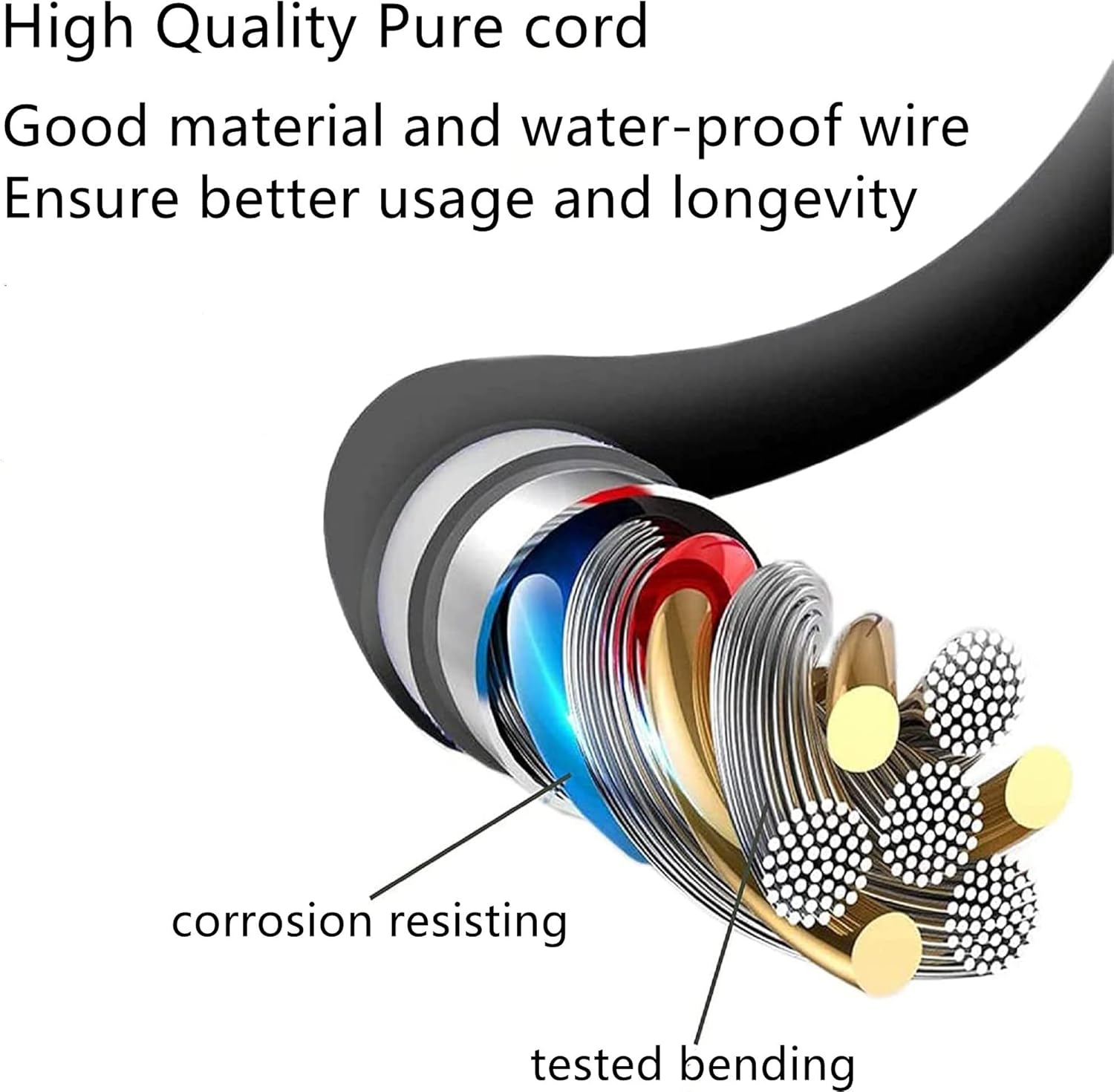
The Dysead 12V 3A AC Adapter with its power cable and DC output connector, ready for connection.
4. Operating Instructions
The Dysead 12V 3A AC Adapter operates automatically once connected to a power source and a compatible device. No user intervention is required for its basic function.
- Ensure the adapter is placed in a well-ventilated area to prevent overheating.
- Do not cover the adapter during operation.
- If the adapter feels excessively hot, disconnect it immediately and check for proper ventilation or potential device overload.
- Always unplug the adapter from the wall outlet when not in use for extended periods.

Illustrations of the adapter being used in different environments such as home, travel, study, and work, highlighting its versatility.
5. Maintenance
Proper maintenance ensures the longevity and safe operation of your adapter.
- Cleaning: Disconnect the adapter from both the power outlet and your device before cleaning. Use a soft, dry cloth to wipe the exterior. Do not use liquid cleaners or solvents.
- Storage: Store the adapter in a cool, dry place away from direct sunlight and moisture when not in use. Avoid tightly winding the cable to prevent damage.
- Inspection: Periodically inspect the adapter's casing and cable for any signs of damage, such as cuts, fraying, or exposed wires. If any damage is found, discontinue use immediately and replace the adapter.
6. Troubleshooting
If you encounter issues with your Dysead 12V 3A AC Adapter, refer to the following common troubleshooting steps:
- No Power to Device:
- Ensure the adapter is securely plugged into a working wall outlet.
- Verify that the DC output plug is fully inserted into your device's power input.
- Test the wall outlet with another device to confirm it is supplying power.
- Check the adapter's cable for any visible damage.
- Adapter is Overheating:
- Ensure the adapter is in a well-ventilated area and not covered.
- Verify that the connected device's power requirements do not exceed the adapter's specifications (12V, 3A).
- If overheating persists, discontinue use.
- Device Not Functioning Correctly:
- Confirm that the adapter's output voltage and current match your device's requirements.
- Ensure your device itself is functioning correctly with its original power supply (if available).
If these steps do not resolve the issue, please contact customer support.
7. Specifications
Detailed technical specifications for the Dysead 12V 3A AC Adapter:
| Specification | Value |
|---|---|
| Brand | Dysead |
| Input Voltage | 12 Volts (AC 100-240V) |
| Output Voltage | 12 Volts |
| Current Rating | 3 Amps |
| Wattage | 68 watts |
| Power Source | Corded Electric |
| Main Power Connector Type | 2 Pin (AC input) |
| Mounting Type | Wall Mount |
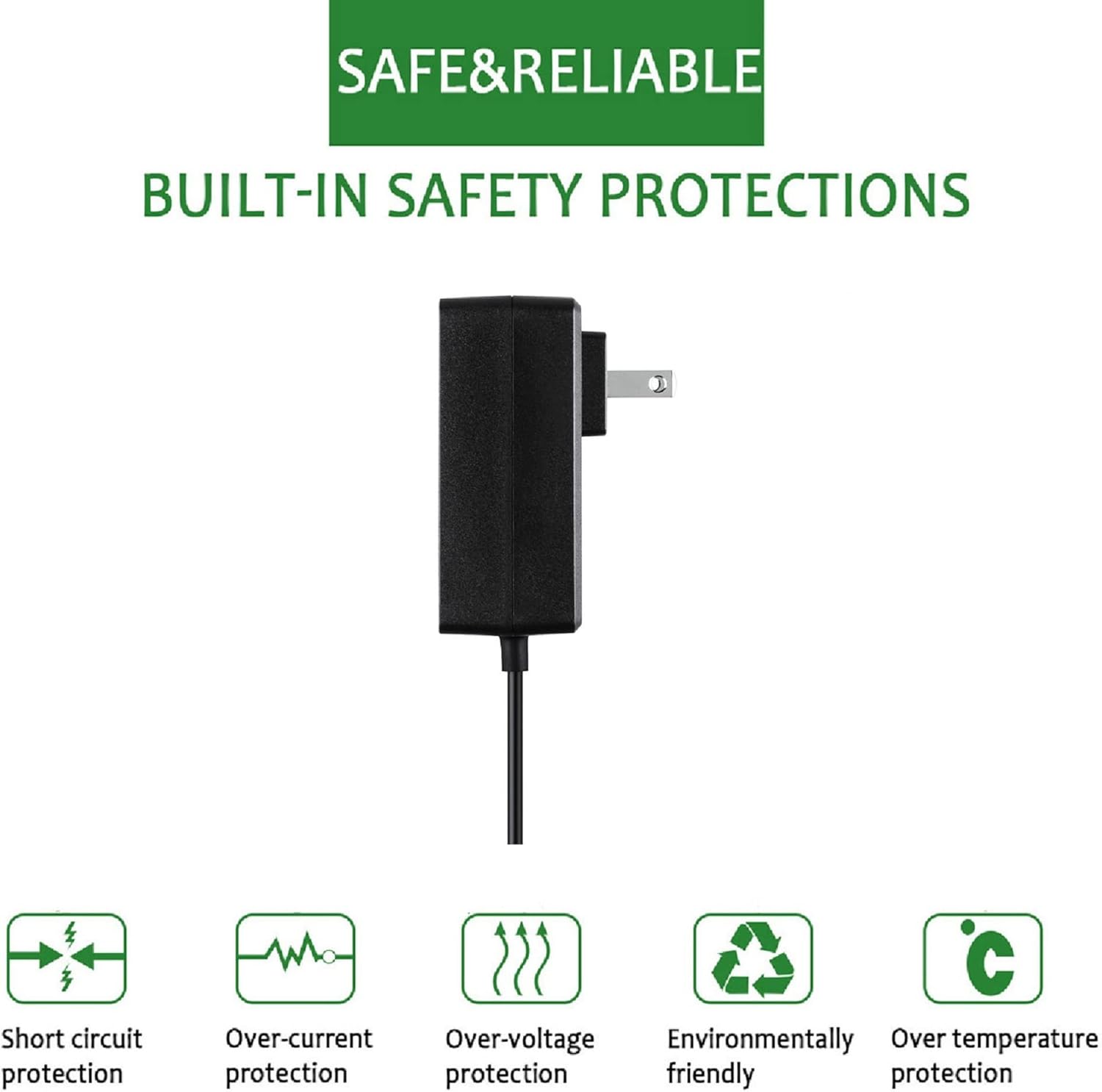
Diagram illustrating the built-in safety protections of the adapter, including short circuit, over-current, over-voltage, environmental friendliness, and over-temperature protection.

Various views of the Dysead 12V 3A AC Adapter, showcasing its compact design and connector from different angles.
8. Warranty and Support
For warranty information or technical support, please refer to the documentation provided with your purchase or contact Dysead customer service directly. Ensure you have your product model and purchase details available when contacting support.