
Introduction
This manual provides detailed instructions for the installation, operation, and maintenance of your Stetsom IR 800.4 Digital Multichannel Amplifier. Please read this manual thoroughly before attempting to install or operate the amplifier to ensure proper function and safety. The Stetsom IR 800.4 is a compact, high-fidelity digital amplifier designed for car audio systems, offering 800 Watts RMS across 4 channels at 2 Ohms.
Safety Information
Always observe the following safety precautions:
- Disconnect the vehicle's battery before any electrical installation to prevent short circuits.
- Ensure all wiring is correctly sized and fused according to specifications to prevent overheating and damage.
- Mount the amplifier securely in a well-ventilated area, away from moisture and direct heat.
- Avoid installing the amplifier in locations that obstruct vehicle operation or safety features.
- Consult a professional installer if you are unsure about any part of the installation process.
- Do not operate the amplifier with damaged cables or if it has been exposed to water.
Product Overview
The Stetsom IR 800.4 amplifier features a compact design with robust performance. It includes controls for level adjustment, high-pass filter (HPF), low-pass filter (LPF), and bass boost, allowing for precise audio tuning. It supports both RCA and high-level inputs for versatile integration with various head units.

Figure 1: Angled view of the Stetsom IR 800.4 Digital Multichannel Amplifier, showcasing its compact design.

Figure 2: Top view of the amplifier showing the control panel with Level, HPF, LPF, and Bass Boost adjustments for channels 1/2 and 3/4, along with High Input connections.

Figure 3: Bottom view of the amplifier displaying the power, ground, remote, and speaker output terminals.
Setup and Installation
Proper installation is crucial for optimal performance and safety. Follow these steps carefully:
1. Power Connections
- Power (BATT+): Connect a 6 AWG cable from the positive terminal of the vehicle's battery to the BATT+ terminal on the amplifier. Install a 40A fuse within 12 inches (30 cm) of the battery.
- Ground (GND): Connect a 6 AWG cable from the GND terminal on the amplifier to a clean, unpainted metal point on the vehicle's chassis. Ensure a solid electrical connection.
- Remote (REM): Connect an 18 AWG cable from the remote output of your head unit (or an ignition-switched 12V source) to the REM terminal on the amplifier. This turns the amplifier on and off with your head unit.

Figure 4: Diagram illustrating the power (6 AWG), ground, remote (18 AWG), and RCA input connections from the radio/player to the amplifier. Note the fuse placement near the battery.
2. Audio Input Connections
The IR 800.4 supports both RCA (low-level) and High Input (high-level) connections. Do not use both simultaneously, as this can cause unwanted noise and amplifier problems.
- RCA Input: Connect RCA cables from your head unit's pre-out to the RCA input jacks on the amplifier (CH1/CH2 and CH3/CH4).
- High Input: If your head unit does not have RCA pre-outs, use the high-level inputs. Connect the speaker wires from your head unit directly to the High Input terminals on the amplifier.

Figure 5: Diagram detailing the High Input wiring for channels CH1, CH2, CH3, and CH4 using gray and blue wires. It explicitly states that RCA and High Input connections should not be used simultaneously.
3. Speaker Connections
Connect your speakers to the amplifier's speaker output terminals using 13 AWG cables. Ensure correct polarity (+ to + and - to -). The IR 800.4 supports both stereo and bridge modes. Always check the minimum impedance supported by the amplifier for your chosen configuration.
- Stereo Mode: Connect one speaker per channel. Minimum impedance is 2 Ohms per channel.
- Bridge Mode: Combine two channels to power a single speaker or subwoofer for increased power. Minimum impedance is 4 Ohms in bridge mode.
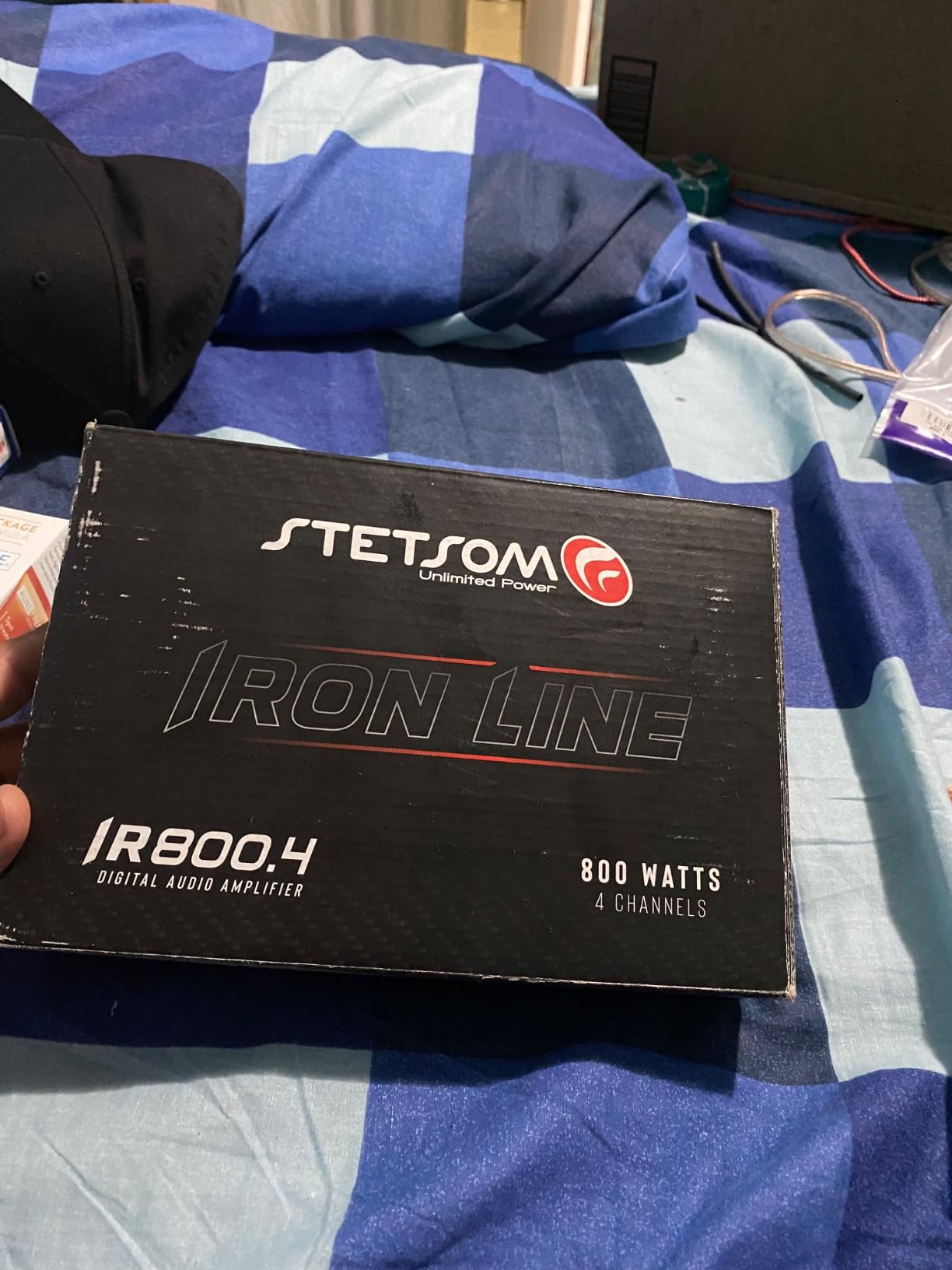
Figure 6: Diagram illustrating speaker installation examples for the Stetsom IR 800.4 amplifier, showing connections for 4 speakers (2 Ohms each) in stereo mode, and configurations for subwoofers in bridge mode (4 Ohms minimum).
Operating Instructions
Once installed, adjust the amplifier settings for optimal audio performance:
- Level Control: Adjust the "LEVEL" knob for each channel pair (CH1/CH2 and CH3/CH4) to match the output voltage of your head unit. Start with the level at minimum and slowly increase it until the sound is clear and distortion-free at your desired maximum volume.
- Crossover Settings (HPF/LPF):
- HPF (High Pass Filter): Fixed at 90 Hz. When active, it allows frequencies above 90 Hz to pass through, typically used for full-range speakers to prevent low bass distortion.
- LPF (Low Pass Filter): Fixed at 90 Hz. When active, it allows frequencies below 90 Hz to pass through, typically used for subwoofers.
- FLAT Mode: When selected, both HPF and LPF are deactivated, allowing the amplifier to reproduce all frequencies supported by the amplifier without filtering.
- Bass Boost: Use this control to enhance low-frequency output. Adjust carefully to avoid distortion.
Maintenance
The Stetsom IR 800.4 amplifier requires minimal maintenance:
- Keep the amplifier clean and free from dust and debris. Use a soft, dry cloth for cleaning.
- Ensure adequate ventilation around the amplifier to prevent overheating. Do not block cooling fins.
- Periodically check all wiring connections for tightness and corrosion.
Troubleshooting
If you experience issues with your amplifier, refer to the following common problems and solutions:
| Problem | Possible Cause | Solution |
|---|---|---|
| No Power / Amplifier does not turn on | Blown fuse, loose power/ground/remote wire, faulty head unit remote output. | Check fuse near battery. Verify all power, ground, and remote connections are secure and have proper voltage. |
| No Sound Output | Loose RCA/High Input cables, incorrect input selection, speaker wires disconnected, amplifier in protect mode. | Check RCA/High Input connections. Ensure speaker wires are connected correctly and not shorted. Check if the "PROT" indicator is lit. |
| Distorted Sound | Gain (Level) set too high, incorrect crossover settings, speaker impedance mismatch, poor ground connection. | Reduce the "LEVEL" setting. Adjust HPF/LPF. Verify speaker impedance matches amplifier's capabilities. Improve ground connection. |
| Amplifier Overheats | Insufficient ventilation, impedance too low, prolonged high volume use. | Ensure amplifier has clear airflow. Check speaker impedance. Reduce volume or allow amplifier to cool. |
Specifications
Key technical specifications for the Stetsom IR 800.4 amplifier:
- Model: IR800.4
- Channels: 4
- RMS Power (12.6V): 800W RMS (4 x 200W RMS @ 2 Ohms)
- Peak RMS Power (14.4V): 1060W RMS @ 2 Ohms
- Minimum Impedance: 2 Ohms per channel (Stereo), 4 Ohms (Bridge)
- Input Type: RCA (Low-Level) and High Input (High-Level)
- Crossover: HPF (fixed at 90 Hz), LPF (fixed at 90 Hz), Flat Mode
- Power Connectors: 6 AWG (Power/Ground)
- Remote Connector: 18 AWG
- Speaker Connectors: 13 AWG
- Recommended Fuse: 40A (maximum 12 inches from battery)
- Cooling: Compact and powerful for improved ventilation
- Item Weight: Approximately 3.3 Pounds
Warranty and Support
For warranty information and technical support, please refer to the documentation included with your purchase or visit the official Stetsom website. Keep your proof of purchase for warranty claims.
Stetsom is committed to providing high-quality products and customer satisfaction. If you encounter any issues not covered in this manual, please contact Stetsom customer service for assistance.