
EvoFox 583
EvoFox Frost Laptop Cooling Pad User Manual
Model: 583
Introduction
Thank you for choosing the EvoFox Frost Laptop Cooling Pad. This manual provides essential information for the proper setup, operation, and maintenance of your cooling pad. Please read it thoroughly before use to ensure optimal performance and longevity of your device.
What's in the Box
- EvoFox Frost Laptop Cooling Pad
Product Overview
The EvoFox Frost Laptop Cooling Pad is designed to enhance the cooling efficiency of laptops up to 15.6 inches, providing a stable and ergonomic platform. It features a robust metal mesh design, silent cooling fans, adjustable height settings, and integrated USB ports.
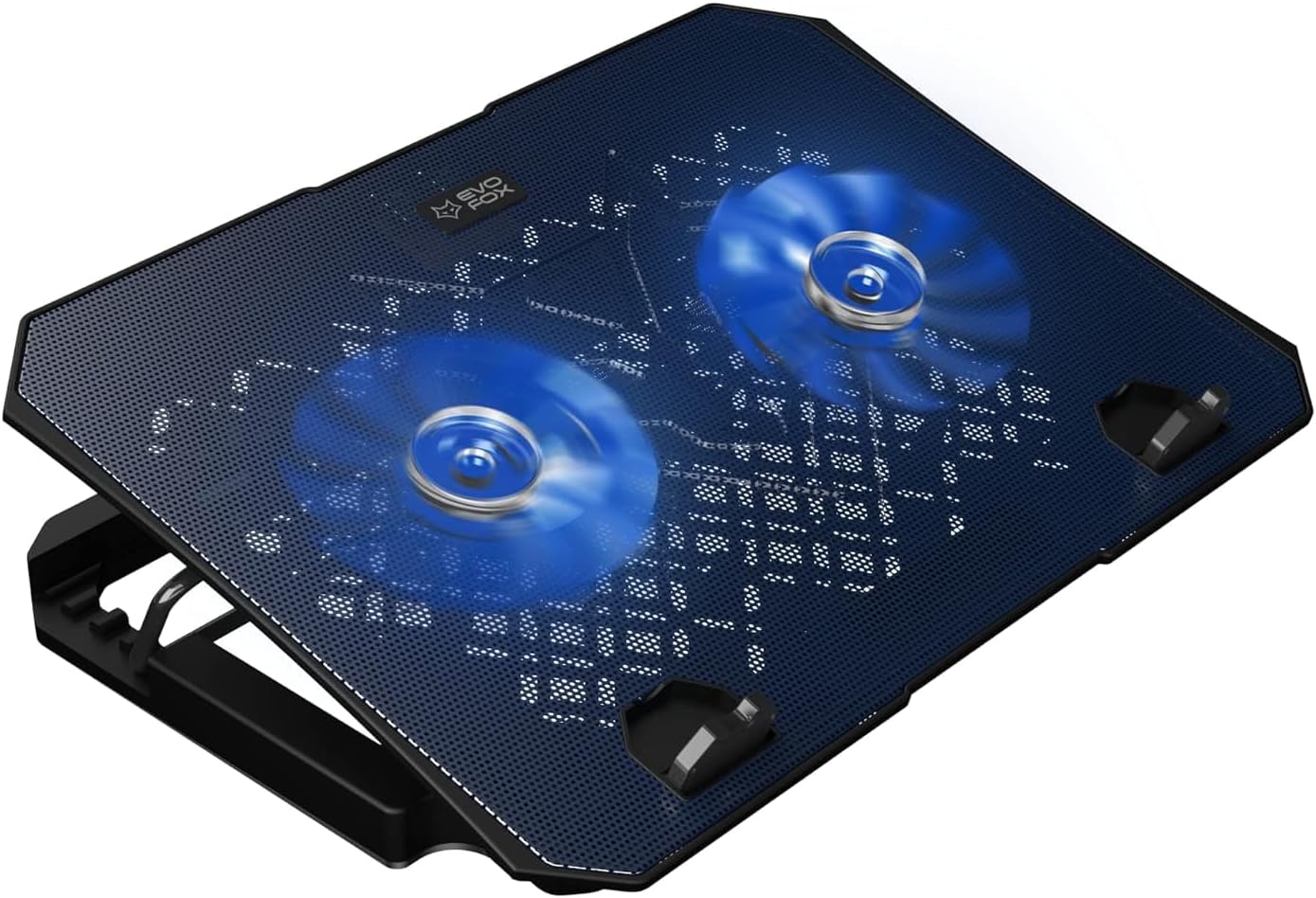
Figure 1: EvoFox Frost Laptop Cooling Pad with its two active blue LED fans, showcasing the metal mesh surface.
Key Features:
- Durable Construction: Large, sturdy, and robust design with a metal mesh surface for enhanced strength and cooling.
- Silent Cooling Fans: Equipped with two large, super silent fans operating at 1000 RPM for effective airflow.
- Adjustable Ergonomics: 5 adjustable height levels to raise your laptop for improved posture and comfort.
- Integrated USB Ports: Features 2 USB ports, functioning as a USB extender.
- LED Illumination: Blue LED lights provide ambient lighting.
- Stable Grip: Silicon pads ensure a stable grip for your laptop on the cooling pad.
- Braided USB Cable: High-quality braided USB cable for durability.
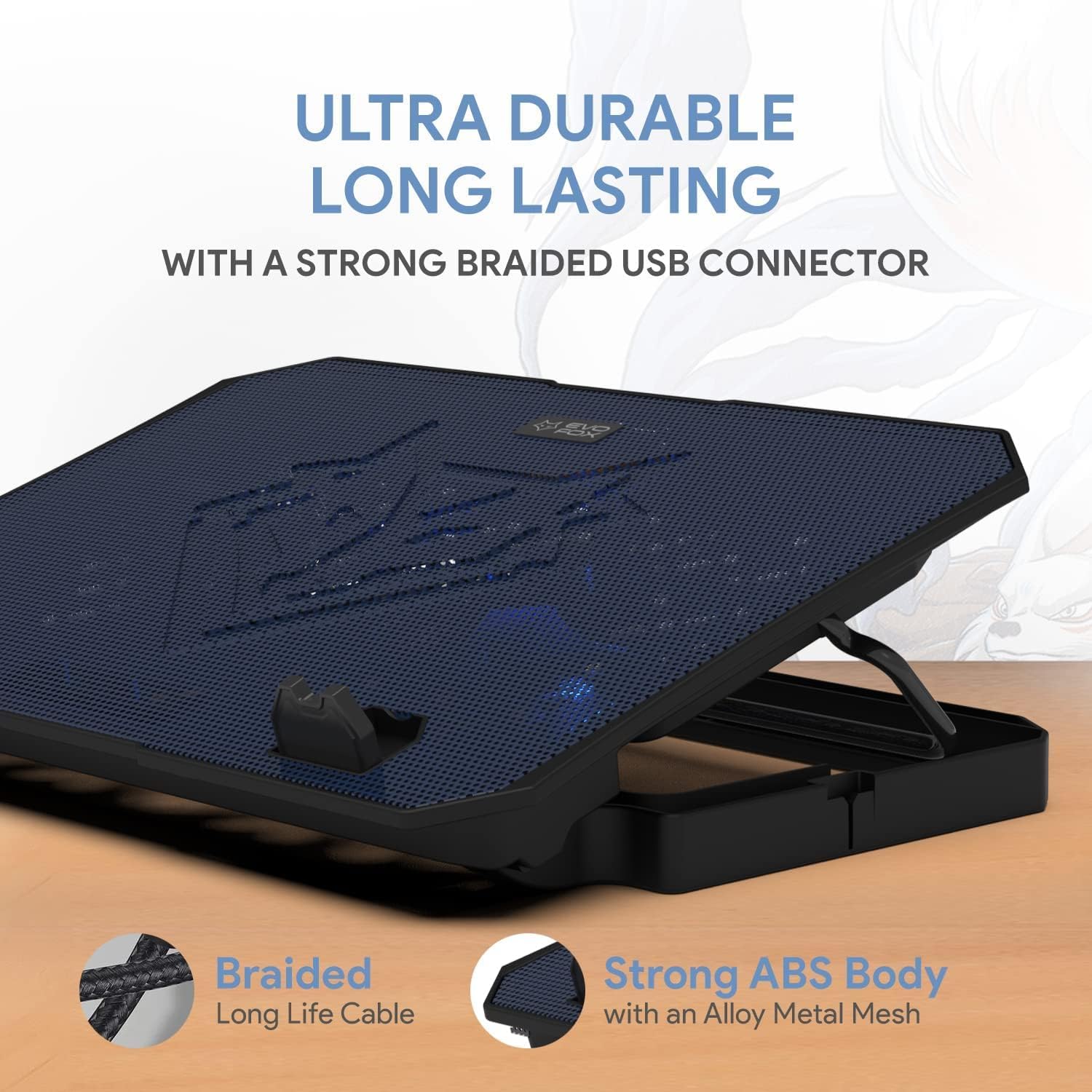
Figure 2: The cooling pad showcasing its ultra-durable, long-lasting design with a strong braided USB connector and robust ABS body with alloy metal mesh.

Figure 3: Illustration of the super efficient cooling design, highlighting the undulated surface acting as a heat sink and the 1000 RPM super silent fans.

Figure 4: The cooling pad's dimensions (345mm x 250mm) and its suitability for laptops up to 15.6 inches, also showing the gripping silicone pads for stability.
Setup
- Unpack: Carefully remove the cooling pad from its packaging.
- Placement: Place the cooling pad on a flat, stable surface.
- Connect USB: Connect the braided USB cable from the cooling pad to an available USB port on your laptop. The cooling pad will draw power from this connection, and the fans will begin to operate, and LED lights will illuminate.
- Position Laptop: Carefully place your laptop on top of the cooling pad, ensuring it is centered and stable on the silicon pads.
Operating Instructions
Adjusting Height:
The EvoFox Frost cooling pad offers 5 adjustable height levels to optimize your viewing angle and improve ergonomic posture. To adjust the height:
- Gently lift the laptop off the cooling pad.
- Locate the adjustable stand mechanism on the underside of the cooling pad.
- Lift the stand and select one of the available notches to set your desired height. The available angles are approximately 0, 16, 22, 26, 28, and 30 degrees.
- Ensure the stand is securely locked into place before placing your laptop back on the pad.

Figure 5: The cooling pad demonstrating its 6 adjustable angles for ergonomic laptop positioning, aiding in maintaining proper back posture.
Using USB Ports:
The cooling pad is equipped with two USB ports. One port is used to power the cooling pad, and the other can be used as a USB extender for connecting other peripherals such as a mouse, keyboard, or USB drive.
- Simply plug your USB device into the available USB port on the cooling pad.
LED Lights:
The cooling pad features blue LED lights that illuminate when the device is powered on, providing an aesthetic ambiance.

Figure 6: A close-up view of the cooling pad's blue grill and illuminated LED lights, designed to add style to your setup.
Maintenance
- Cleaning: To clean the cooling pad, disconnect it from your laptop. Use a soft, dry cloth to wipe down the surface. For stubborn dust, especially on the mesh and fan blades, a can of compressed air can be used.
- Avoid Liquids: Do not use liquid cleaners or immerse the cooling pad in water.
- Storage: When not in use, store the cooling pad in a cool, dry place away from direct sunlight and extreme temperatures.
Troubleshooting
| Problem | Possible Cause | Solution |
|---|---|---|
| Fans are not spinning / LED lights are off. | No power supply. | Ensure the USB cable is securely connected to a working USB port on your laptop. Try a different USB port. |
| Cooling performance is low. | Dust accumulation on fans or mesh. | Clean the fans and mesh surface using a soft cloth or compressed air. Ensure laptop vents are not blocked. |
| Laptop slides on the cooling pad. | Laptop not properly seated on silicon pads. | Ensure your laptop is centered and resting firmly on the silicon pads at the bottom of the cooling pad. |
Specifications
| Model Number | 583 |
| Product Dimensions | 13.58 x 9.84 x 1.1 inches (345mm x 250mm x 28mm approx.) |
| Item Weight | 1.36 pounds (0.62 Kilograms) |
| Material | Metal (Mesh), ABS (Body) |
| Color | Black |
| Fan Speed | 1000 RPM (approx.) |
| USB Ports | 2 (1 for power, 1 for extension) |
| Compatible Laptop Size | Up to 15.6 inches |
| Manufacturer | Allied Electronics & Magnetics Private Limited |
Warranty and Support
The EvoFox Frost Laptop Cooling Pad comes with a 1-Year Manufacturing Warranty. This warranty covers defects in materials and workmanship under normal use.
For technical support, warranty claims, or any inquiries, please contact:
- Phone/WhatsApp: +919312691448
- Email: techsupport@amkette.in
Please have your product model number (583) and purchase details ready when contacting support.
Ask a question about this manual
Ask about setup, troubleshooting, compatibility, parts, safety, or missing instructions. Manuals+ will review the question and use this page’s manual context to help answer it.