
1. Product Overview
The Emerson Quiet Kool Portable Air Conditioner (Model EAP02) is designed for flexible, energy-saving spot cooling in small indoor/outdoor areas such as tents, campers, vans, garages, or pet houses up to 100 sq. ft. This unit also functions as a dehumidifier, utilizing auto evaporation technology to reduce unwanted moisture in the air.
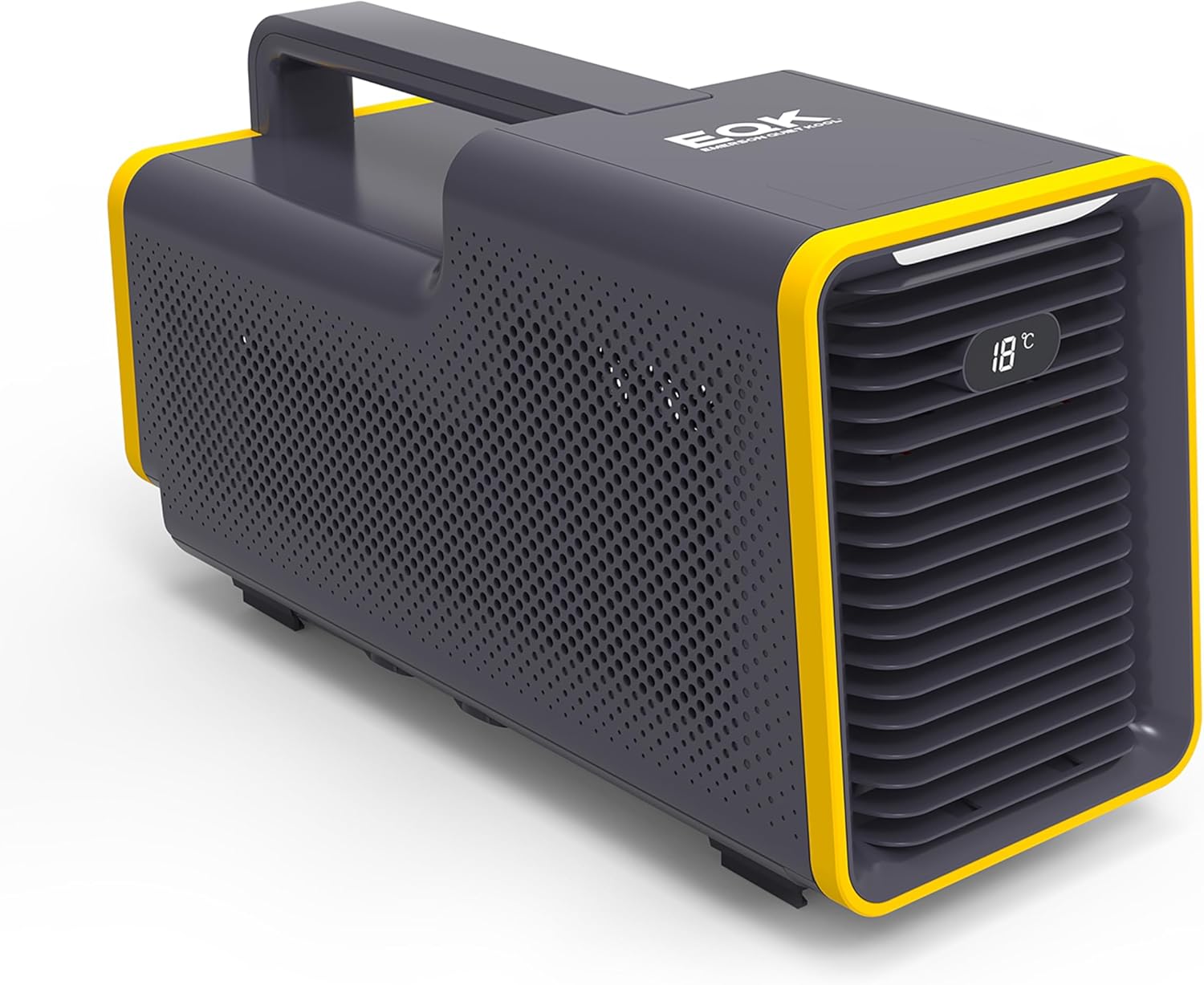
Figure 1: Emerson Quiet Kool Portable Air Conditioner, Model EAP02. This image shows the compact, gray and yellow unit with a handle on top, designed for portability.
2. Setup and Installation
The portable design of the EAP02 allows for easy installation and operation in various outdoor and small indoor environments. Follow these steps for proper setup:
- Placement: Position the unit on a stable, flat surface in the area you wish to cool. Ensure adequate clearance around the air intake and outlet for optimal airflow.
- Power Connection: Connect the unit to a suitable power source using the provided 5.9 ft. power cord with a UL 3-pin plug. The unit operates on a low voltage DC24V power supply.
- Drainage Setup (Dehumidification): For continuous dehumidification, remove the drain plug and connect a drain pipe (hose not included) for easy, hands-free disposal of moisture. The unit features auto evaporation technology, but external drainage is recommended for prolonged dehumidifier use.
- Ventilation: While the unit is designed for portability, some models may include a vent duct for directing exhaust air. Please check your specific unit for this accessory.
- Filter Access: The filter is designed for easy cleaning. Refer to the Maintenance section for instructions. Note that some unit designs may not feature an easily accessible external filter panel; in such cases, the filter is typically internal and can be cleaned with a vacuum brush attachment.
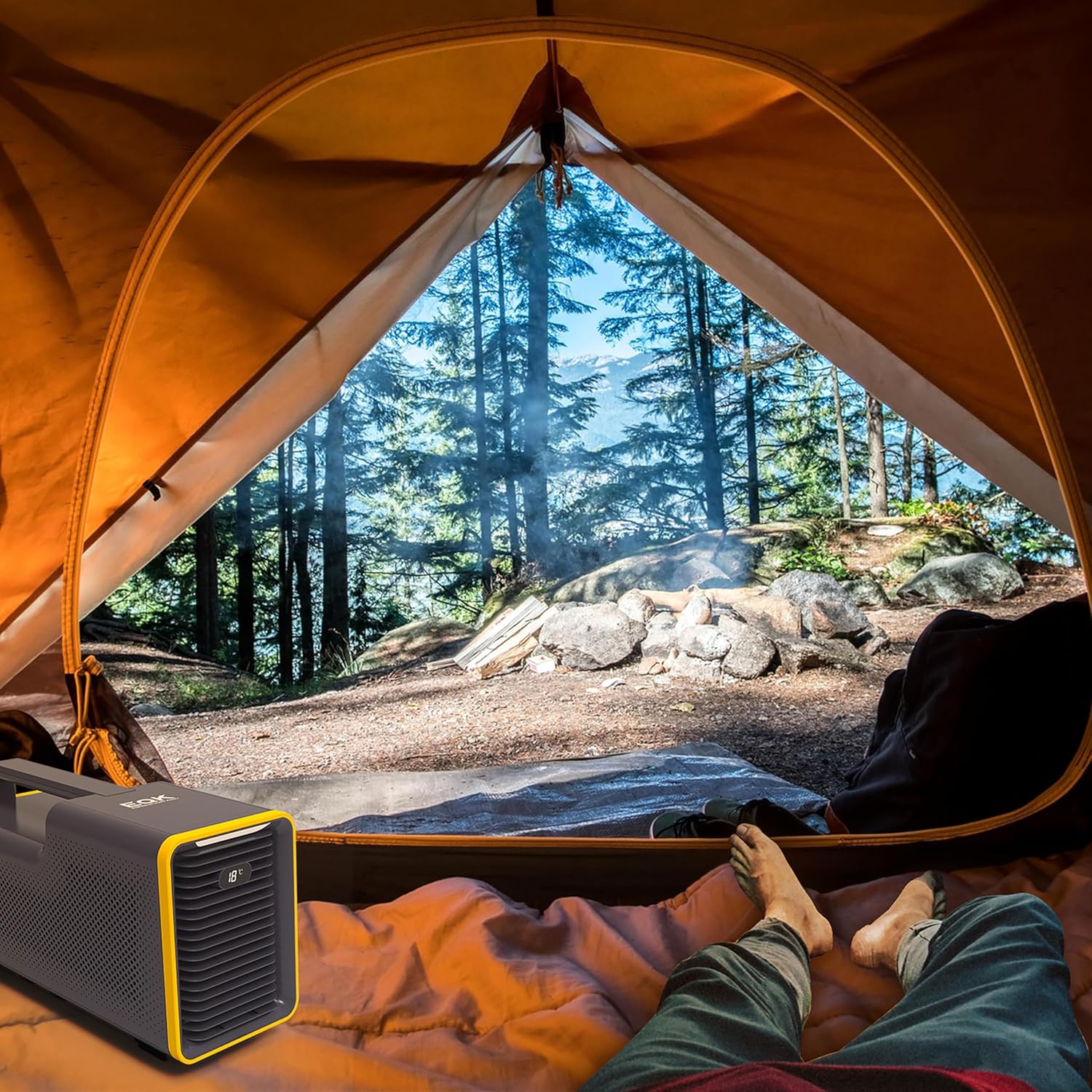
Figure 2: The portable air conditioner positioned inside a tent, demonstrating its utility for camping environments.
3. Operating Instructions
The Emerson Quiet Kool Portable Air Conditioner features a user-friendly control panel for easy operation. Familiarize yourself with the controls and modes for optimal performance.
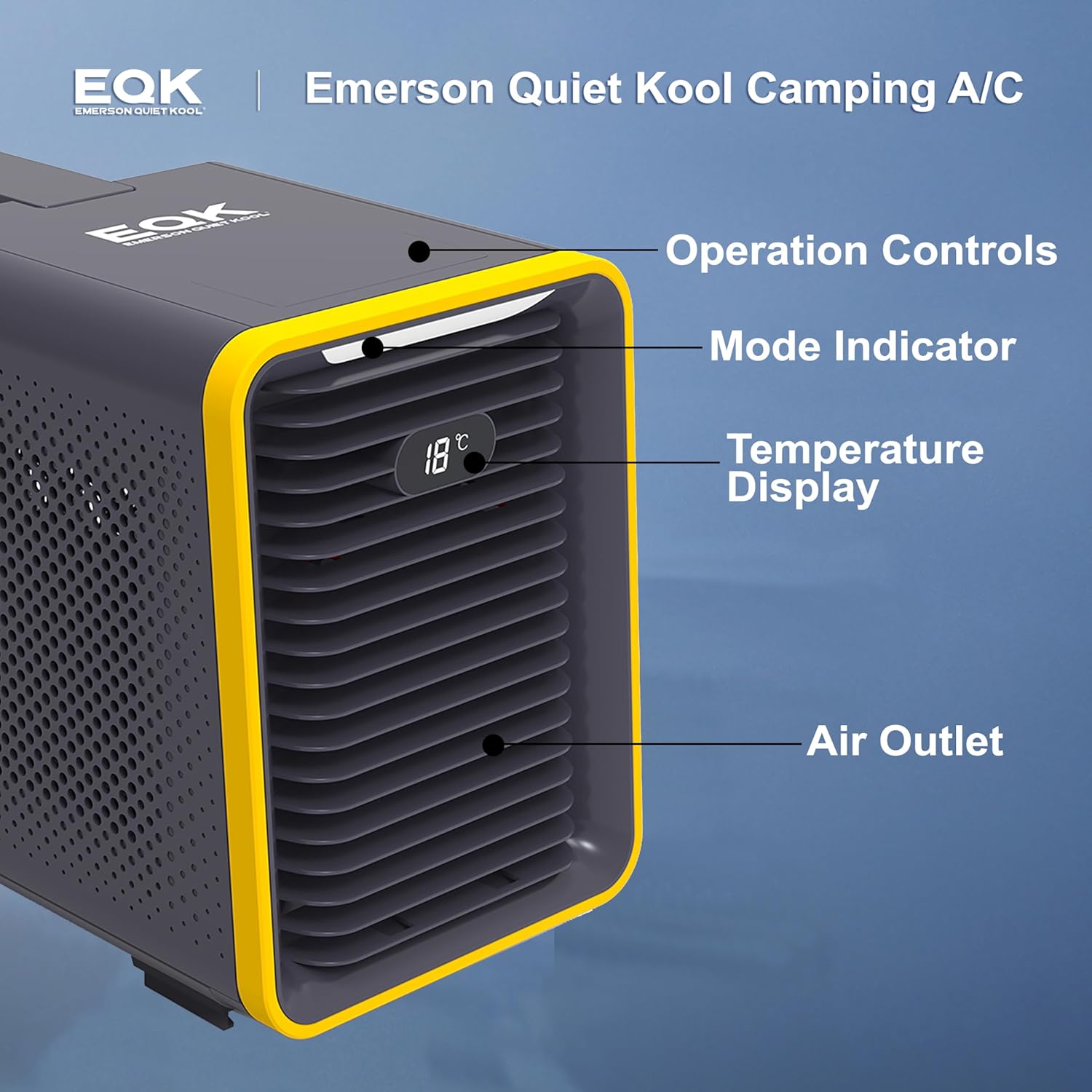
Figure 3: Detailed view of the control panel, showing operation controls, mode indicator, temperature display, and air outlet.
Control Panel Functions:
- Power Button (⏻): Press to turn the unit on or off. A red light indicates standby, and a blue light indicates active operation.
- Mode Button (M): Toggles between cooling mode and ventilation mode.
- Cooling Mode: Indicated by a blue light. The compressor will activate to provide cooling.
- Ventilation Mode: Indicated by a red light. The unit will circulate air without engaging the compressor.
- Fan Speed Button (❄): Adjusts fan speed between high and low.
- One Light: Normal fan speed.
- Two Lights: Increased fan speed.
Note: Using the higher fan speed setting may decrease the cooling performance of the unit.
- Light Button (☀): Controls the unit's ambient light (all on, half on, and off).
Important Operation Tip:
The compressor has a 3-minute protection function. If the unit is turned off and then immediately turned back on, it will take approximately 3 minutes for the compressor to restart and begin cooling. This is a normal function to protect the compressor.
The unit's noise level is approximately 53 dB, which is comparable to a quiet conversation. Users should be aware of this operational sound.
For optimal cooling, ensure the ambient temperature is above 60°F (15.5°C), as the compressor may not cycle below this temperature, resulting in only air circulation.
4. Maintenance
Regular maintenance ensures the longevity and efficient operation of your portable air conditioner.
- Filter Cleaning: The unit's filter should be cleaned regularly to maintain airflow and cooling efficiency. Use the brush attachment of a vacuum cleaner to easily clean the filter. While some older models may have a more visible access panel, the filter on this unit is designed for straightforward cleaning with a vacuum.
- Exterior Cleaning: Wipe the exterior of the unit with a soft, damp cloth. Do not use harsh chemicals or abrasive cleaners.
- Storage: When storing the unit for extended periods, ensure it is completely dry. Drain any remaining water from the unit. Store in a cool, dry place.
5. Troubleshooting
If you encounter issues with your Emerson Quiet Kool Portable Air Conditioner, refer to the following common troubleshooting tips:
- Unit Not Cooling / Not Blowing Cold Air:
- Ensure the unit is in cooling mode (blue light indicator).
- Allow up to 3 minutes for the compressor to start after turning the unit on or changing modes due to the built-in protection function.
- Verify the ambient temperature is above 60°F (15.5°C). The compressor may not activate in colder conditions.
- Check if the air filter is clean. A clogged filter can restrict airflow and reduce cooling performance.
- Unit is Loud:
- The unit operates at approximately 53 dB. This noise level is normal during operation.
- Power Adapter Gets Hot:
- It has been reported that the power adapter can become very warm during use. Ensure the adapter is placed in a well-ventilated area and not covered. If it becomes excessively hot or you notice any melting, discontinue use and contact customer support.
- Difficulty Connecting Power Cable:
- Ensure the power cable connector is perfectly round and not bent or damaged. A damaged connector may prevent proper connection and operation. If the connector is damaged upon arrival, contact customer support for a replacement.
6. Specifications
| Brand | Emerson Quiet Kool |
| Model Number | EAP02 |
| Item Weight | 21.1 pounds |
| Product Dimensions | 21.25"D x 8.39"W x 11.25"H |
| Cooling Power | 1500 British Thermal Units |
| Floor Area Coverage | Up to 100 Square Feet |
| Voltage | 115 Volts |
| Cable Length | 5.9 Feet |
| Noise Level | 53 dB |
| Special Feature | Dehumidifier |
| Included Components | Camping Air Conditioner, manual, warranty, exhaust hose |
7. Warranty and Support
The Emerson Quiet Kool Portable Air Conditioner comes with a 1-year limited warranty. For any product-related inquiries, technical support, or warranty claims, please refer to the official documentation provided with your unit or visit the Emerson Quiet Kool website.
Additional resources:
- User Manual (PDF): Download User Manual
- User Guide (PDF): Download User Guide
- Visit the Emerson Quiet Kool Store: Emerson Quiet Kool Store