
Introduction
This manual provides essential information for the safe and effective operation of your Jupiter Creations RoboLizard. Please read these instructions carefully before use and retain them for future reference. The RoboLizard is an interactive remote-controlled lizard designed to sense motion and recognize obstacles, offering multiple modes of play with LED lights and sounds.
Product Overview
The RoboLizard features an engaging design with interactive capabilities. Key features include:
- RC Control: Operate the lizard's movements and actions using the included remote control.
- Motion Sensing: The RoboLizard can detect motion in its environment.
- Obstacle Recognition: Equipped with sensors to identify and react to obstacles.
- LED Lights & Sounds: Enhances playtime with dynamic visual and auditory effects.
- Frill Action: The lizard's frill can open and shake for added realism and interaction.
- Motion Control: Interact with the lizard using simple hand movements.
Setup
- Battery Installation (RoboLizard):
The RoboLizard requires 7 AA batteries (not included). Locate the battery compartment on the underside of the lizard. Use a small screwdriver to open the compartment, insert the batteries according to the polarity indicators (+/-), and securely close the cover.

Image: Underside of the RoboLizard, highlighting the battery compartment and the fan mechanism for wall climbing.
- Battery Installation (Remote Control):
The remote control typically requires 2 AAA batteries (not included). Open the battery compartment on the back of the remote, insert the batteries with correct polarity, and close the cover.
- Power On:
Locate the ON/OFF switch on the RoboLizard and the remote control. Switch both devices to the 'ON' position. The lizard's eyes may light up, indicating it is powered on and ready for pairing.
- Pairing:
The RoboLizard and its remote control should automatically pair when both are turned on. If pairing fails, turn both devices off and then on again, ensuring they are close to each other.
Operating Instructions
The RoboLizard offers various interactive play modes:
- Movement Control:
Use the directional controls on the remote to move the RoboLizard forward, backward, left, and right. Experiment with the controls to master its movements.
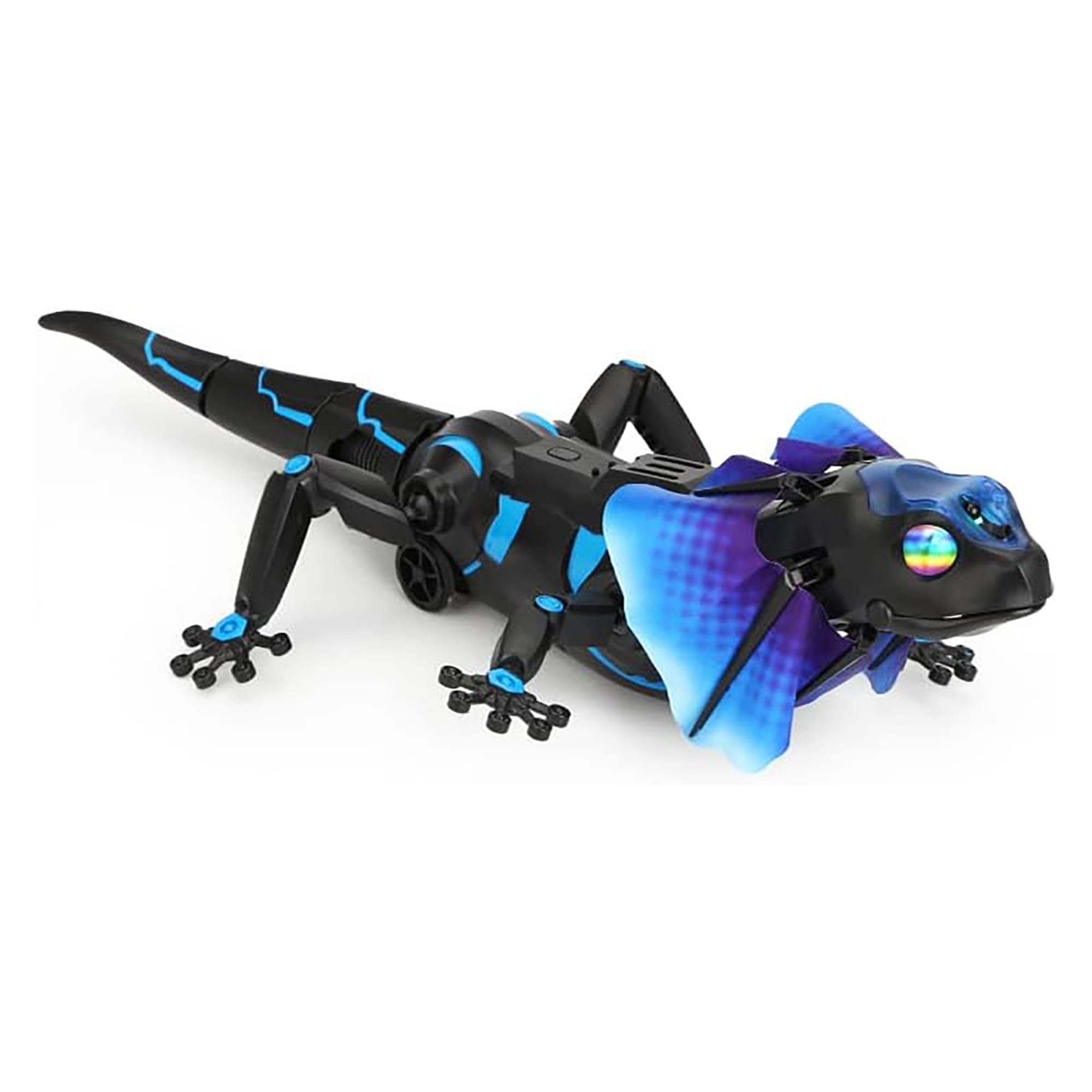
Image: The RoboLizard, its remote control, and a hand indicating motion control capabilities.
- Frill Action:
Press the designated button on the remote control to make the RoboLizard open and shake its frill. This action is accompanied by sounds and LED lights.

Image: A detailed view of the RoboLizard's head, showcasing its extended frill.
- Obstacle Detection Mode:
Activate the obstacle detection mode (refer to remote control buttons for specific activation). In this mode, the RoboLizard will move autonomously, sensing and reacting to objects in its path.
- Motion Control Mode:
Engage motion control mode. The RoboLizard can be guided by simple hand movements, allowing for interactive play without direct remote input.
- Sneak Attack:
Utilize the RoboLizard's features for playful