
COOYES 712858733312
Cooyes Professional Metal Detector User Manual
Model: 712858733312
Brand: COOYES
1. Introduction
Thank you for choosing the Cooyes Professional Metal Detector. This device is engineered for high accuracy and versatility, featuring a 10-inch IP68 waterproof coil and multiple detection modes. It is designed to assist both beginners and experienced users in efficiently locating various metal objects underground or in shallow water environments.
This manual provides detailed instructions for assembly, operation, maintenance, and troubleshooting to ensure optimal performance and longevity of your metal detector.

Image 1.1: Cooyes Metal Detector and Accessories.
2. Package Contents
Please verify that all items listed below are present in your package:
- 1 x Cooyes Metal Detector Unit
- 1 x Folding Shovel
- 1 x Headphone Set
- 1 x User Manual
Note: Two 9V batteries are required for operation and are not included in the package.

Image 2.1: Included Accessories.
3. Setup and Assembly
The Cooyes Metal Detector is designed for easy assembly. Follow these steps to set up your device:
- Attach the Search Coil: Connect the 10-inch waterproof search coil to the lower stem using the provided angle adjustment knob and stem lock nut. Ensure it is securely fastened.
- Connect Stems: Insert the lower stem into the middle stem, and then connect the middle stem to the upper stem (control box assembly).
- Adjust Stem Length: Loosen the adjustable collar on the stem and extend or retract the stem to a comfortable length (adjustable from 43 to 56 inches). Tighten the collar to secure the length.
- Install Batteries: Open the battery compartment on the control box and insert two 9V batteries, observing the correct polarity. Close the compartment securely.
- Attach Armrest: Ensure the comfortable and steady armrest is properly positioned for ergonomic use.
- Connect Headphones: Plug the headphones into the 3.5mm headphone jack on the control box if desired.

Image 3.1: Metal Detector Components and Assembly Points.

Image 3.2: Adjustable Stem Mechanism.
4. Operating Instructions
4.1 Powering On/Off
Press and hold the power button (usually marked with a circle and vertical line) on the control panel to turn the detector on or off. The LCD display will illuminate upon activation.
4.2 Understanding the LCD Display
The intuitive LCD display provides crucial information for effective metal detection:
- Target ID: Numeric value indicating the probable type of metal detected.
- Depth Cursor: Indicates the approximate depth of the detected object.
- Sensitivity Level: Shows the current sensitivity setting.
- Battery Level: Displays remaining battery power.
- Mode Indicator: Shows the currently selected detection mode.
- Volume Indicator: Displays the current audio volume level.

Image 4.1: Detailed LCD Display Overview.
4.3 Detection Modes
The Cooyes metal detector features 5 distinct detection modes to optimize your search:
- SENS MODE: Adjusts the sensitivity of the detector. Higher sensitivity allows detection of smaller or deeper objects but may increase false signals.
- DISC MODE (Discrimination): Allows you to discriminate against unwanted metals (e.g., iron trash) and focus on specific target types. The 9 metal classifications help in this process.
- NOTCH MODE: Enables selective rejection of specific metal categories by 'notching out' their corresponding Target ID ranges.
- A-M MODE (All-Metal): Detects all types of metals without discrimination. This mode offers the greatest depth detection.
- VOL MODE: Adjusts the audio volume of the detection signals.
Use the MENU button to cycle through modes and the ENTER button to confirm selections. The up/down arrows typically adjust values within a mode.

Image 4.2: Discrimination Mode for Target Selection.
4.4 Sweeping and Detection
Hold the detector with the search coil parallel to the ground, about 1-2 inches above the surface. Sweep the coil slowly from side to side in overlapping arcs. When a metal object is detected, the detector will emit an audio tone, and the LCD display will show the Target ID and approximate depth.

Image 4.3: Effective Sweeping Technique.
4.5 Pinpointing
Once a target is detected, narrow down its exact location by using the pinpoint function (often activated by a dedicated button or a specific mode). Move the coil slowly over the detected area until the strongest signal is heard, indicating the center of the target.

Image 4.4: Ergonomic Handle for Control.
4.6 Using in Various Environments
The IP68 waterproof search coil allows for detection in shallow water, such as beaches or streams. The detector is suitable for use in various terrains including gardens, forests, fields, and hills.
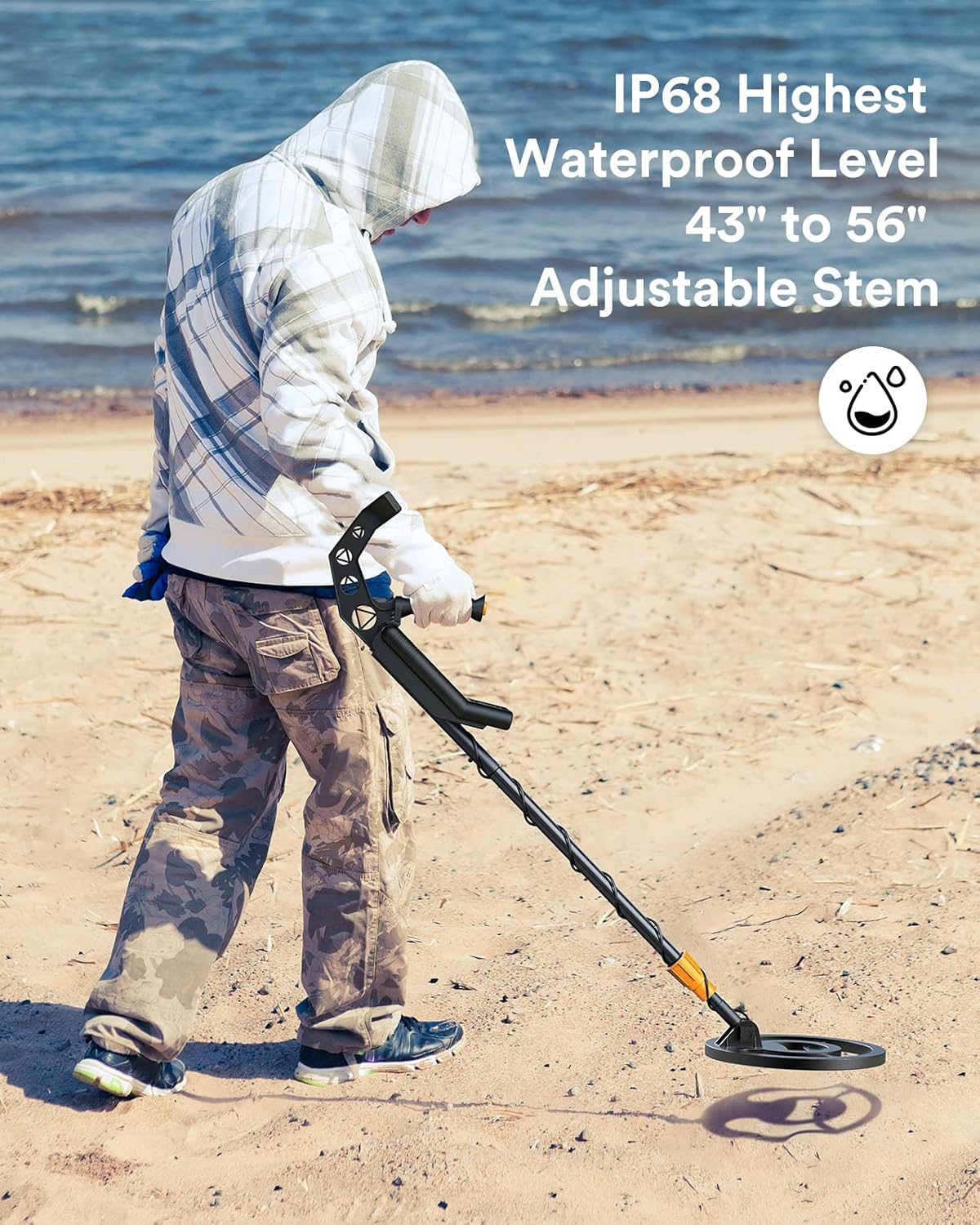
Image 4.5: Metal Detector Use on a Beach.

Image 4.6: Versatility Across Different Terrains.
5. Maintenance
Proper maintenance ensures the longevity and performance of your metal detector:
- Cleaning: After each use, especially in sandy or muddy conditions, wipe down the search coil and stem with a damp cloth. Avoid using abrasive cleaners or solvents.
- Control Box Care: The control box is not waterproof. Protect it from moisture, rain, and direct sunlight. Clean it with a soft, dry cloth.
- Battery Storage: Remove batteries if the detector will not be used for an extended period to prevent leakage and damage.
- Storage: Store the detector in a cool, dry place, away from extreme temperatures. Disassemble if necessary for compact storage.
- Coil Protection: Avoid striking the search coil against hard objects, as this can cause damage.
6. Troubleshooting
If you encounter issues with your metal detector, refer to the following common problems and solutions:
| Problem | Possible Cause | Solution |
|---|---|---|
| No power | Dead or incorrectly installed batteries | Replace batteries with fresh 9V batteries, ensuring correct polarity. |
| Constant false signals / Chatter | High sensitivity setting, electromagnetic interference, mineralized ground | Reduce sensitivity. Move away from power lines or other electronic devices. Try adjusting ground balance if available (not explicitly stated as a feature, but common). |
| Detector not finding metal | Incorrect mode (e.g., too much discrimination), low sensitivity, coil not sweeping correctly | Switch to All-Metal (A-M) mode. Increase sensitivity. Ensure slow, overlapping sweeps. |
| Weak or inconsistent signals | Low battery, loose coil connection, deep target | Check battery level and replace if low. Ensure search coil cable is securely connected. |
7. Specifications
| Feature | Specification |
|---|---|
| Brand | COOYES |
| Model Number | 712858733312 |
| Search Coil Size | 10 inches |
| Waterproof Rating | IP68 (Search Coil) |
| Detection Modes | 5 (SENS, DISC, NOTCH, A-M, VOL) |
| Metal Classifications | 9 levels |
| Display Type | LCD with Backlight |
| Adjustable Stem Length | 43 - 56 inches |
| Power Source | Battery Powered (2 x 9V, not included) |
| Operating Frequency | 7.69 KHz |
| Item Weight | 4.57 pounds |
| Product Dimensions | 10 x 10 x 39.4 inches |
8. Warranty and Support
For warranty information and technical support, please refer to the contact details provided with your purchase documentation or visit the official COOYES website. Keep your purchase receipt as proof of purchase for any warranty claims.
If you have any questions or require assistance beyond the scope of this manual, please do not hesitate to contact our customer support team.