
1. Introduction
Thank you for choosing the NN BEN NEVIS Kids Digital Sport Watch. This watch is designed for children aged 5-12, offering a range of features including time display, date, alarm clock, stopwatch, pedometer, distance tracking, and calorie calculation. It is built with a comfortable silicone strap and is waterproof for daily activities. This manual provides detailed instructions to help you and your child get the most out of this product.
2. Safety Information
- This watch is not a professional medical device. Fitness data is for reference only and should not be used for medical purposes.
- Avoid pressing buttons underwater to prevent damage.
- Frequent contact with water may reduce the watch's service life.
- Keep out of reach of very young children to prevent choking hazards from small parts.
3. Package Contents
- NN BEN NEVIS Kids Digital Sport Watch (Model 2024)
- USB Charging Cable
- Instruction Manual
4. Product Overview
The watch features a digital display with two control buttons, typically located on the sides or integrated into the design for easy access to functions like time, date, and fitness tracking modes.

This diagram illustrates the various functions of the watch, including time/date display, water resistance, backlight, pedometer, calorie tracking, USB charging, dual alarms, distance tracking, and stopwatch.
5. Setup
5.1. Charging the Watch
Before first use, fully charge the watch. The watch features a built-in USB charging port. To charge, carefully remove one side of the watch strap to reveal the USB connector. Insert this connector into any standard USB power adapter (not included) or a computer's USB port. A full charge typically takes about 1 hour and provides 10-20 days of battery life.

The watch integrates a USB charging port directly into its design. Simply detach one side of the strap and plug it into a USB power source.

A visual representation of the watch's charging time (1 hour) and extended battery life (10-20 days) from its 65mAh battery.
Video 1: Unboxing and Charging Instructions
This video demonstrates the unboxing process and how to access and use the integrated USB charging port for the children's watch.
Video 2: Kids Watch Charging Demonstration
A short video showing the watch's charging mechanism, where the watch face detaches to reveal a USB connector for direct charging.
5.2. Attaching/Detaching the Strap
The watch features a removable silicone strap. To detach, gently pull the watch module from the strap. To reattach, align the module with the strap's opening and push it firmly into place until it clicks securely. This design allows for easy charging and cleaning.
5.3. Initial Power On & Basic Settings
After charging, the watch should power on automatically. Use the side buttons to navigate through settings. Refer to the included mini-manual for specific button functions to set the correct time, date, and any personal information for accurate fitness tracking.
6. Operating Instructions
The watch operates without the need for a smartphone app, making it simple and independent for children to use.
6.1. Navigating Menus
The watch typically has two buttons. One button (often on the side) is used to cycle through different display modes (time, date, steps, calories, etc.). Another button (often on the top or integrated) is used to activate the backlight or confirm settings.
6.2. Time and Date Display
Press the main button to view the current time. Press it again to cycle to the date display. The watch supports 12/24-hour formats.
6.3. Fitness Tracking (Pedometer, Distance, Calories)
The watch automatically tracks steps, calculates distance, and estimates calories burned based on the user's input height and weight. Cycle through the display modes to view these metrics.
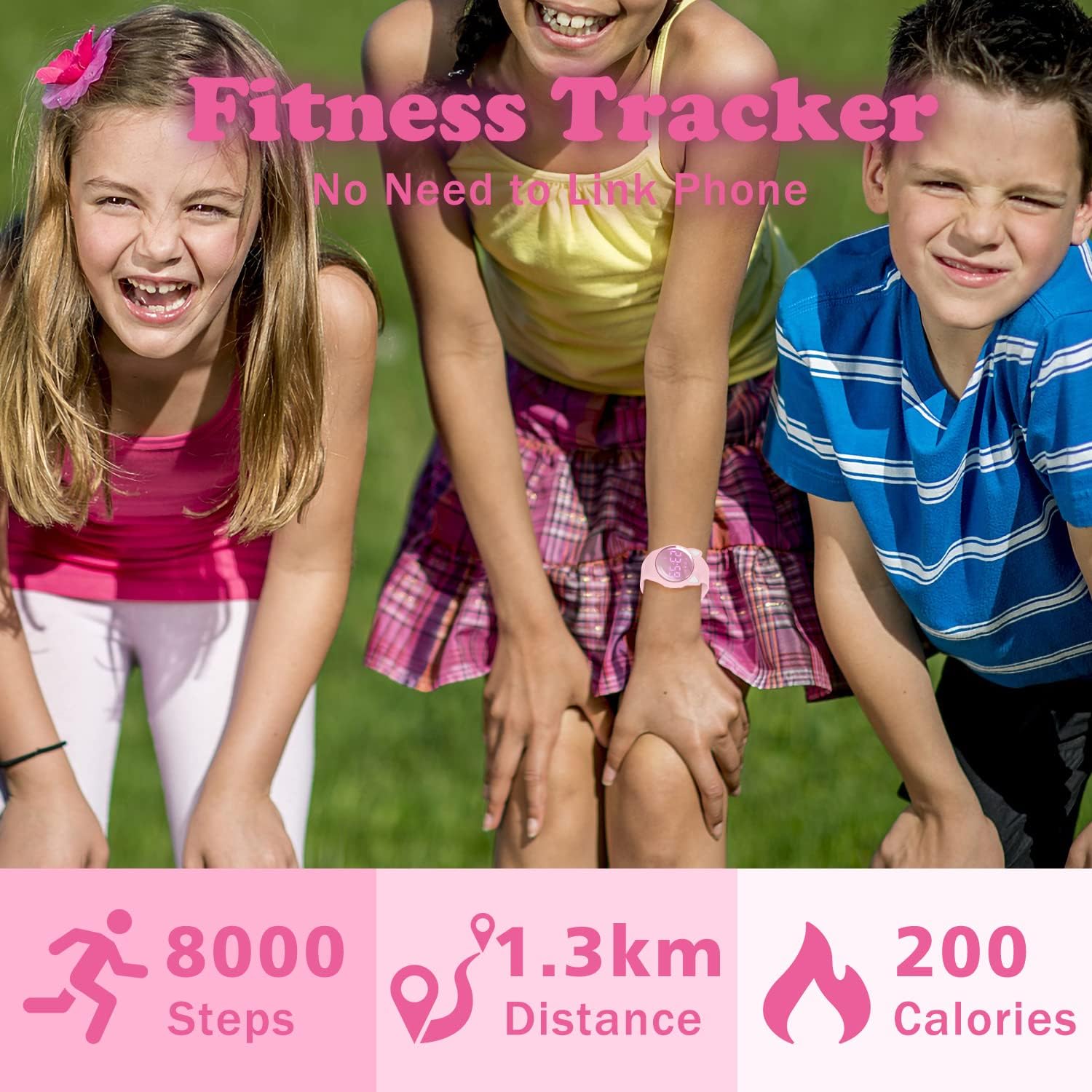
The watch displays steps taken, distance covered, and calories burned, encouraging activity without needing a phone connection.

This image highlights the watch's core functionalities, such as alarm, stopwatch, time formats, water resistance, backlight, date, pedometer, silicone strap, and USB charging.
6.4. Alarm Clock
The watch supports two vibration alarm reminders. This feature is useful for children to manage their study, rest, or other activities without disturbing others, especially in quiet environments like classrooms.

The watch includes a vibrating alarm feature, ideal for gentle reminders without sound, perfect for school or quiet settings.
6.5. Stopwatch
Activate the stopwatch function to time activities. This can be useful for sports, games, or timed tasks.
6.6. Backlight
The watch features an EL-Backlight for easy readability in low-light conditions. Press the designated button to activate the backlight.
7. Maintenance
7.1. Cleaning the Watch
Wipe the watch and strap regularly with a soft, damp cloth. Avoid using harsh chemicals or abrasive materials that could damage the watch's surface or strap.
7.2. Water Resistance
The watch is 50-meter (5 ATM) waterproof, suitable for handwashing, rain, and splash protection. It is not recommended for swimming, diving, or prolonged submersion in water. Do not press buttons while the watch is wet or submerged.

The watch is designed to withstand daily water exposure such as handwashing, rain, and splashes, but is not intended for swimming or diving.
7.3. Battery Care
For optimal battery life, charge the watch fully before its first use. If the watch is not used for an extended period, recharge it every three months to maintain battery health.
8. Troubleshooting
- Watch not turning on: Ensure the watch is fully charged. Connect it to a USB power source for at least 1 hour.
- Incorrect time/date: Refer to the included mini-manual for specific instructions on how to adjust the time and date using the watch buttons.
- Fitness tracking inaccurate: Ensure the user's height and weight settings are correctly entered in the watch. Movement patterns can affect accuracy.
- Display issues: If the display is dim or unresponsive, try recharging the watch. If the issue persists, contact customer support.
9. Specifications
| Feature | Detail |
|---|---|
| Model Name | T6F-DJ (Model 2024) |
| Display Type | Digital (LED) |
| Movement Type | Quartz |
| Strap Material | Silicone |
| Water Resistance Depth | 50 Meters (5 ATM) |
| Power Source | Battery Powered (65mAh) |
| Charging Time | Approx. 1 hour |
| Battery Life | 10-20 days (typical use) |
| Watch Weight | 33g |
| Case Diameter | 1.46 Inches |
| Band Width | 0.55 Inches |
| Case Thickness | 10 Millimeters |
10. Warranty
This product comes with a limited warranty against manufacturing defects. Please retain your proof of purchase for any warranty claims. For specific warranty terms and conditions, refer to the product packaging or contact customer support.
11. Support
For further assistance, technical support, or inquiries regarding your NN BEN NEVIS Kids Digital Sport Watch, please refer to the contact information provided on the product packaging or the official NN BEN NEVIS website.