
Introduction

Image: The PyleUsa 8-Channel Bluetooth Stage Powered Mixer, showcasing its front panel controls and overall design.
This manual provides detailed instructions for the setup, operation, maintenance, and troubleshooting of your PyleUsa 8-Channel Bluetooth Stage Powered Mixer (Model: PMX840BT.5). Please read this manual thoroughly before operating the device to ensure proper use and to maximize its performance and longevity.
Product Features
- 8-Channel Audio Mixer System with Pro Audio Stage Powered Design
- Bluetooth Wireless Music Streaming (Version 2.1+EDR, Range: 30'+ ft.)
- Digital LCD Display and Front Panel Audio Control Center
- MP3 Digital Audio File Support via USB Flash Drive & SD Memory Card Readers
- Aux (3.5mm) Input Jack for external devices
- 3-Pin Low Impedance Balanced Microphone Inputs
- 1/4'' Line/High Impedance Balanced Inputs
- Headphone Output: 1/4'' TRS Stereo Connector
- RCA & 1/4'' Effects Loop Connectors, Additional RCA Inputs (Tape Play/Record)
- Master 5 Band Graphic Equalizer
- Independent Channel Volume, EQ & EFFX Adjustment
- EQ & Master EFFX Control of Level, Echo & Reverb Controls
- Convenient Carry Handle and Built-in Cooling Fan
- Power Output: 800 Watt MAX, 8 Ohm Impedance Each Channel
What's in the Box

Image: The PyleUsa 8-Channel Bluetooth Stage Powered Mixer and its included power cable.
- 8-Ch. Bluetooth Stage Powered Mixer
- Power Cable
Setup
1. Unpacking and Placement
Carefully remove the mixer from its packaging. Place the mixer on a stable, flat surface. Ensure adequate ventilation around the unit, especially for the built-in cooling fan located at the rear.
2. Power Connection
Connect the supplied power cable to the AC IN port on the rear of the mixer and then to a suitable power outlet. Ensure the power switch on the rear panel is in the OFF position before connecting to power.
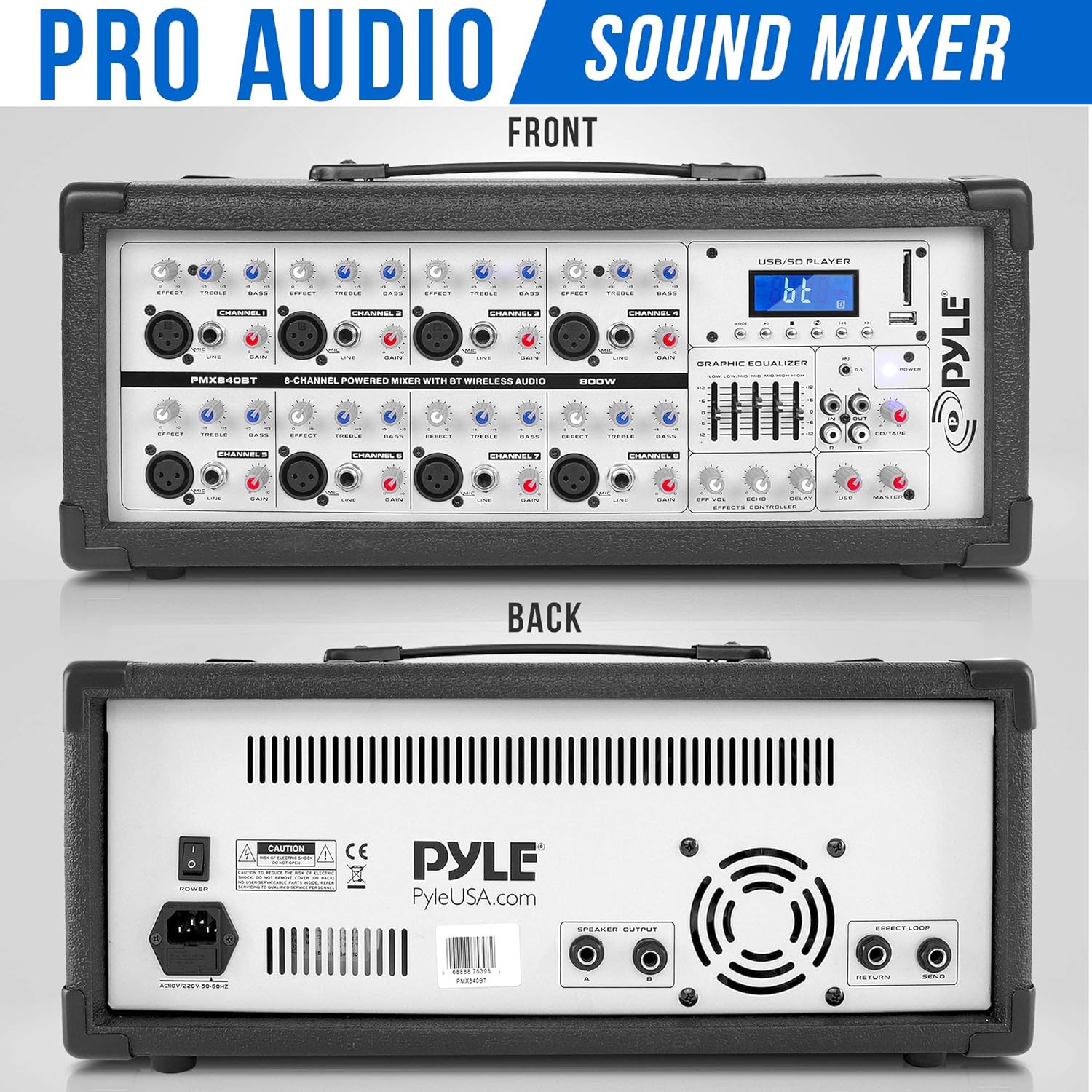
Image: Rear panel of the mixer, highlighting the power input and speaker outputs.
3. Connecting Audio Devices
The mixer features various input and output options:
- Microphones: Connect microphones to the 3-Pin Low Impedance Balanced Microphone Inputs (XLR).
- Line/High Impedance Inputs: Connect instruments or other line-level devices to the 1/4'' Line/High Impedance Balanced Inputs.
- External Devices (Aux): Use the Aux (3.5mm) Input Jack for connecting smartphones, tablets, or other portable audio players.
- USB/SD Readers: Insert USB flash drives or SD memory cards into the dedicated slots for MP3 playback.
- Tape Play/Record: Use the RCA inputs/outputs for connecting tape decks or other recording/playback devices.
- Effects Loop: Utilize the 1/4'' TS Connectors for external effects processors.
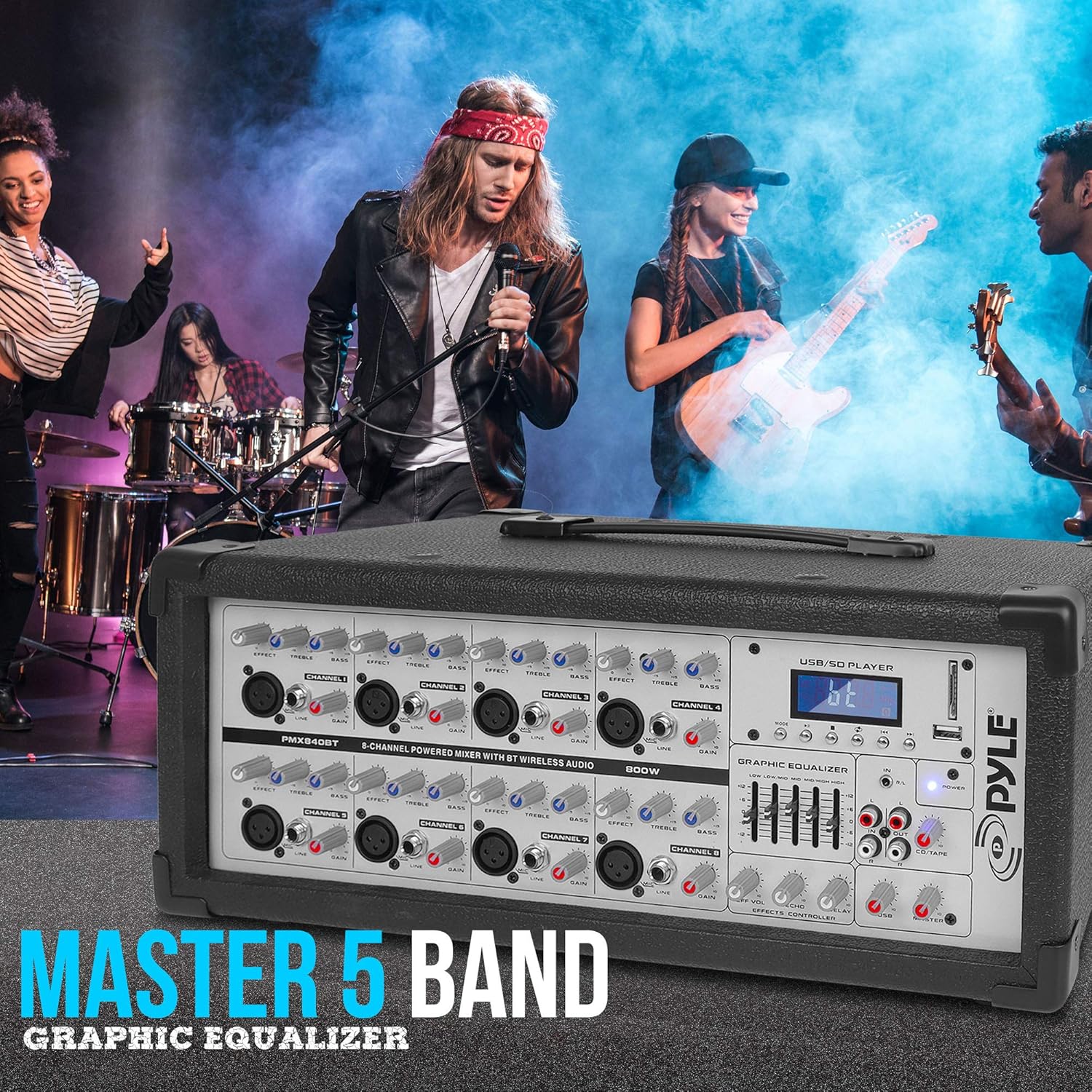
Image: Detailed view of the mixer's input and output section, including XLR, 1/4-inch, USB, and SD card slots.
4. Speaker Connection
Connect your passive speakers to the speaker output terminals on the rear panel. Ensure correct polarity (+ to + and - to -) for optimal sound. The mixer provides 800 Watt MAX power output with 8 Ohm impedance per channel.
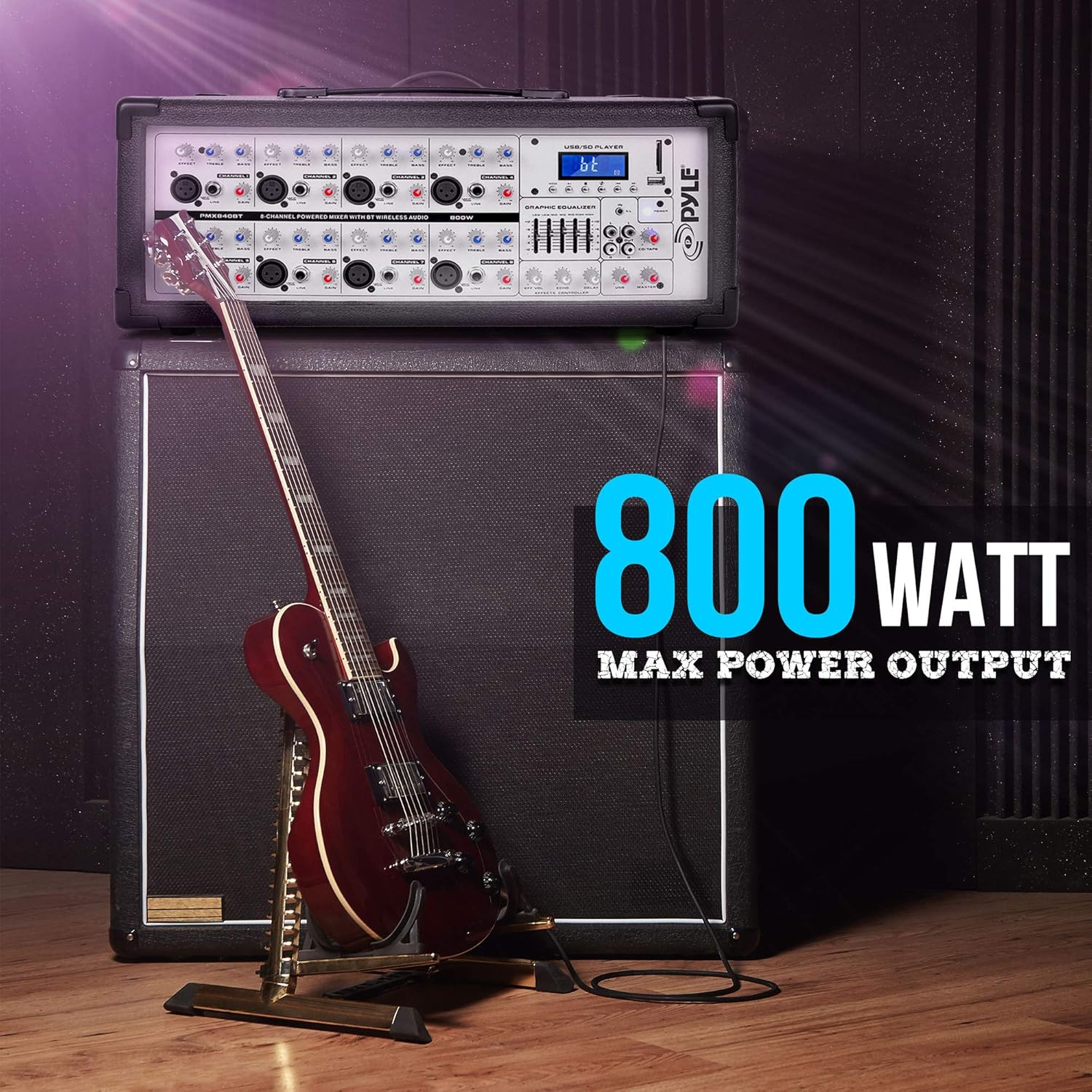
Image: The mixer positioned atop a large speaker, emphasizing its power output capability.
Operating Instructions
1. Powering On
After all connections are made, switch the power button on the rear panel to the ON position. The digital LCD display will illuminate.
2. Channel Control
Each of the 8 channels features independent controls:
- GAIN: Adjusts the input sensitivity for the connected microphone or line device.
- EQ (TREBLE, BASS): Controls the high and low frequencies for each channel.
- EFFX: Adjusts the amount of effect (echo/reverb) applied to the channel.
- VOLUME: Controls the individual channel's output level.

Image: The mixer's front panel, detailing the layout of the 8 input channels and their respective controls.
3. Bluetooth Wireless Music Streaming
- Press the "MODE" button on the USB/SD Player section until "bt" appears on the digital LCD display.
- On your external device (smartphone, tablet, laptop), enable Bluetooth and search for available devices.
- Select the network name "AC46XX" from the list.
- Once paired, you can stream audio wirelessly to the mixer. The wireless range is approximately 30+ feet.

Image: A visual representation of connecting a mobile device via Bluetooth to the mixer.
4. USB/SD Playback
Insert a USB flash drive or SD memory card containing MP3 audio files into the respective slot. The mixer will automatically detect and begin playing the files. Use the controls on the USB/SD Player section (MODE, PLAY/PAUSE, PREV, NEXT) to navigate and control playback.
5. Master Controls
- GRAPHIC EQUALIZER: The 5-band graphic equalizer allows for overall tone shaping of the main mix. Adjust the sliders for specific frequency bands (60Hz, 250Hz, 1KHz, 4KHz, 12KHz) to boost or cut by +/-12dB.
- EFFECTS CONTROLLER: Adjust the LEVEL, ECHO, and REVERB controls to fine-tune the built-in effects.
- MASTER VOLUME: Controls the overall output volume of the mixer.
- HEADPHONE: Connect 1/4'' TRS stereo headphones to monitor the main mix.
Maintenance
- Cleaning: Use a soft, dry cloth to clean the exterior of the mixer. Avoid using abrasive cleaners or solvents.
- Ventilation: Ensure the cooling fan and ventilation slots are free from dust and obstructions to prevent overheating.
- Storage: When not in use for extended periods, store the mixer in a cool, dry place, away from direct sunlight and extreme temperatures.
- Cable Management: Regularly check all cables for damage and ensure they are securely connected.
Troubleshooting
| Problem | Possible Cause | Solution |
|---|---|---|
| No sound output |
|
|
| Bluetooth not connecting |
|
|
| Distorted sound |
|
|
Specifications
| Power Output | 800 Watt MAX |
| Impedance | 8 Ohm (Each Channel Line Level) |
| Line Level Impedance | 10K Ohms @ -10dBv |
| Microphone Inputs | XLR: Electronically Balanced Discrete Input Circuit |
| Frequency Response | <10Hz–150kHz (-1dB), <10Hz–200kHz (-3dB) |
| Gain Range | +10 - +60dB |
| Max. Input Level | +12dBu @ +10dB Gain |
| Signal-to-Noise Ratio | 110dB / 112dB, A–Weighted |
| Distortion (THD+N) | 0.005% / 0.004%, A-Weighted |
| Channel Equalization Control Range | High @ 10K +/-15dB, Low @ 60K +/-15dB |
| Master EQ Frequency Hz | 60, 250, 1K, 4K, 12K |
| Boost/Cut Control | +/-12dB |
| Effects Loop & Send | 1/4'' TS Connectors Unbalanced |
| Impedance (Effects Loop) | Approx 1k Ohm -10dBv |
| Bluetooth Version | 2.1+EDR |
| Wireless Range | 30'+ ft. |
| Item Weight | 21.8 lbs. |
| Product Dimensions | 12.79 x 20.66 x 9.64 inches |
Warranty and Support
For warranty information and technical support, please refer to the official PyleUsa website or contact their customer service. Keep your purchase receipt for warranty claims.
PyleUSA Website: www.pyleusa.com


