
1. Introduction
Thank you for purchasing the TOHUNZO S25 IP68 Waterproof Swimming Headphones. This manual provides essential information for the safe and effective use of your device. Please read it thoroughly before operation and retain it for future reference.
2. Product Overview
Key Features:
- IP68 Professional Waterproof: Designed for immersion up to 20 feet (6 meters) for 16 hours, suitable for swimming and water sports.
- Dual Mode Operation: Supports Bluetooth 5.3 for wireless connection and MP3 mode with 32GB built-in memory for offline music.
- Comfortable In-Ear Design: Flexible ear hooks ensure a secure fit and are designed to prevent water entry during swimming.
- Hi-Fi Sound Quality: Delivers clear stereo sound with effective noise cancellation.
- Extended Playtime: Up to 17 hours of continuous playback on a single charge.

Figure 1: TOHUNZO S25 Waterproof Swimming Headphones. This image displays the overall design of the black in-ear headphones with a red connecting cable.

Figure 2: Comparison illustrating the waterproof advantages of in-ear headphones over bone conduction headphones. It shows how in-ear headphones prevent water from disturbing sound, unlike bone conduction which can allow water into the ear canal.
3. Setup
3.1 Charging the Headphones
Before first use, fully charge the headphones. Connect the charging cable to the charging port on the headphones and a USB power source. The charging indicator will show the charging status. A full charge typically takes 1-2 hours.
3.2 Loading Music (MP3 Mode)
The headphones have a built-in 32GB memory for MP3 mode. To load music:
- Connect the headphones to a computer using the provided USB cable.
- The headphones will appear as a removable disk drive.
- Drag and drop your desired MP3 audio files into the headphone's storage folder.
- Safely eject the device from your computer before disconnecting the cable.
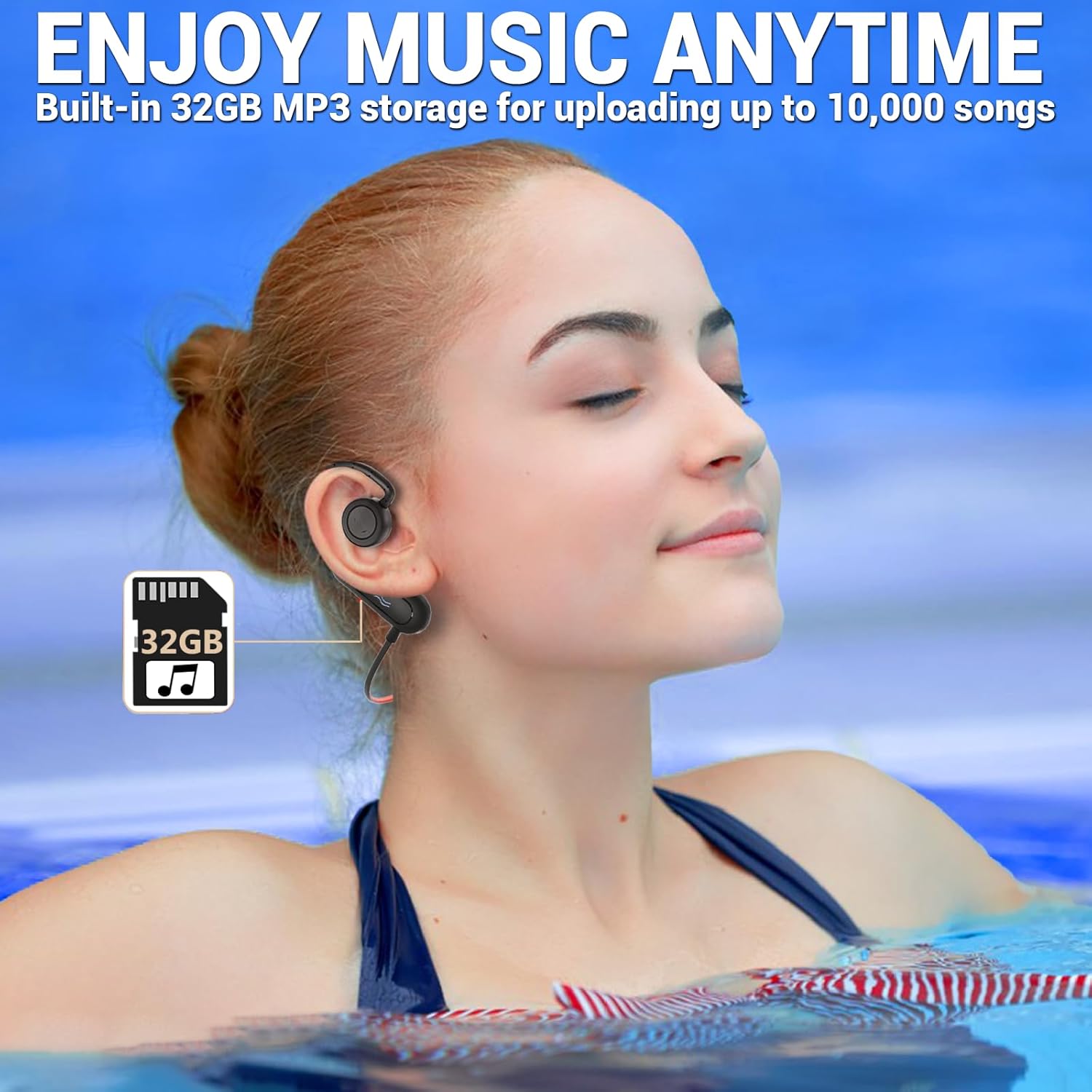
Figure 3: Image depicting a person swimming while wearing the headphones, highlighting the 32GB MP3 storage feature for enjoying music underwater.
4. Operating Instructions
4.1 Power On/Off
- To Power On: Press and hold the Power button until the indicator light illuminates.
- To Power Off: Press and hold the Power button until the indicator light turns off.
4.2 Bluetooth Mode
Bluetooth mode is suitable for use out of water, connecting to smartphones or other Bluetooth-enabled devices.
- Pairing: With the headphones powered on, they will automatically enter pairing mode (indicator light flashes).
- On your device, enable Bluetooth and search for "TOHUNZO S25" (or similar).
- Select the headphones to connect. A voice prompt will confirm successful connection.
- Note: Bluetooth connectivity is not supported underwater. For underwater use, switch to MP3 mode.
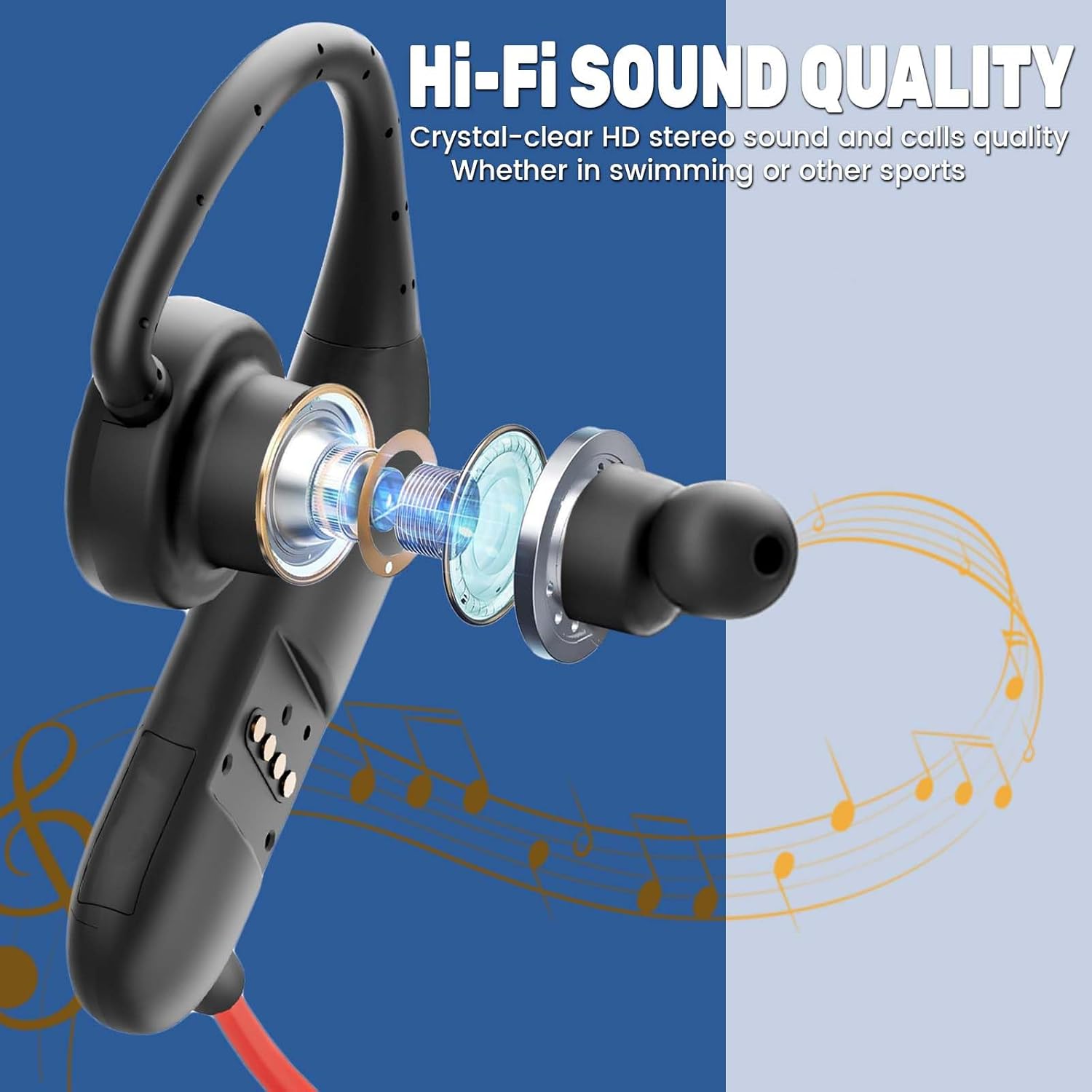
Figure 4: Diagram illustrating the Bluetooth 5.3 technology with a 10m (33 ft) transmission range. It also explicitly states that Bluetooth mode is not supported underwater and MP3 mode should be used instead.

Figure 5: Close-up image of a microchip labeled "Bluetooth 5.3," emphasizing the latest generation technology for lower latency, lower power consumption, and superior sound quality.
4.3 MP3 Mode
MP3 mode allows you to listen to stored music without a Bluetooth connection, ideal for swimming and other activities where Bluetooth is not feasible.
- Switching Modes: To switch between Bluetooth and MP3 mode, press and hold both the Volume Up (+) and Volume Down (-) buttons simultaneously. A voice prompt will indicate the current mode.
- Playback Controls:
- Play/Pause: Press the Power button once.
- Next Track: Press and hold the Volume Up (+) button.
- Previous Track: Press and hold the Volume Down (-) button.
- Volume Up: Short press the Volume Up (+) button.
- Volume Down: Short press the Volume Down (-) button.
4.4 Wearing the Headphones
Place the ear hooks over your ears and gently insert the earbuds into your ear canals. Adjust for a comfortable and secure fit. The flexible design is intended to prevent water from entering your ears during aquatic activities.
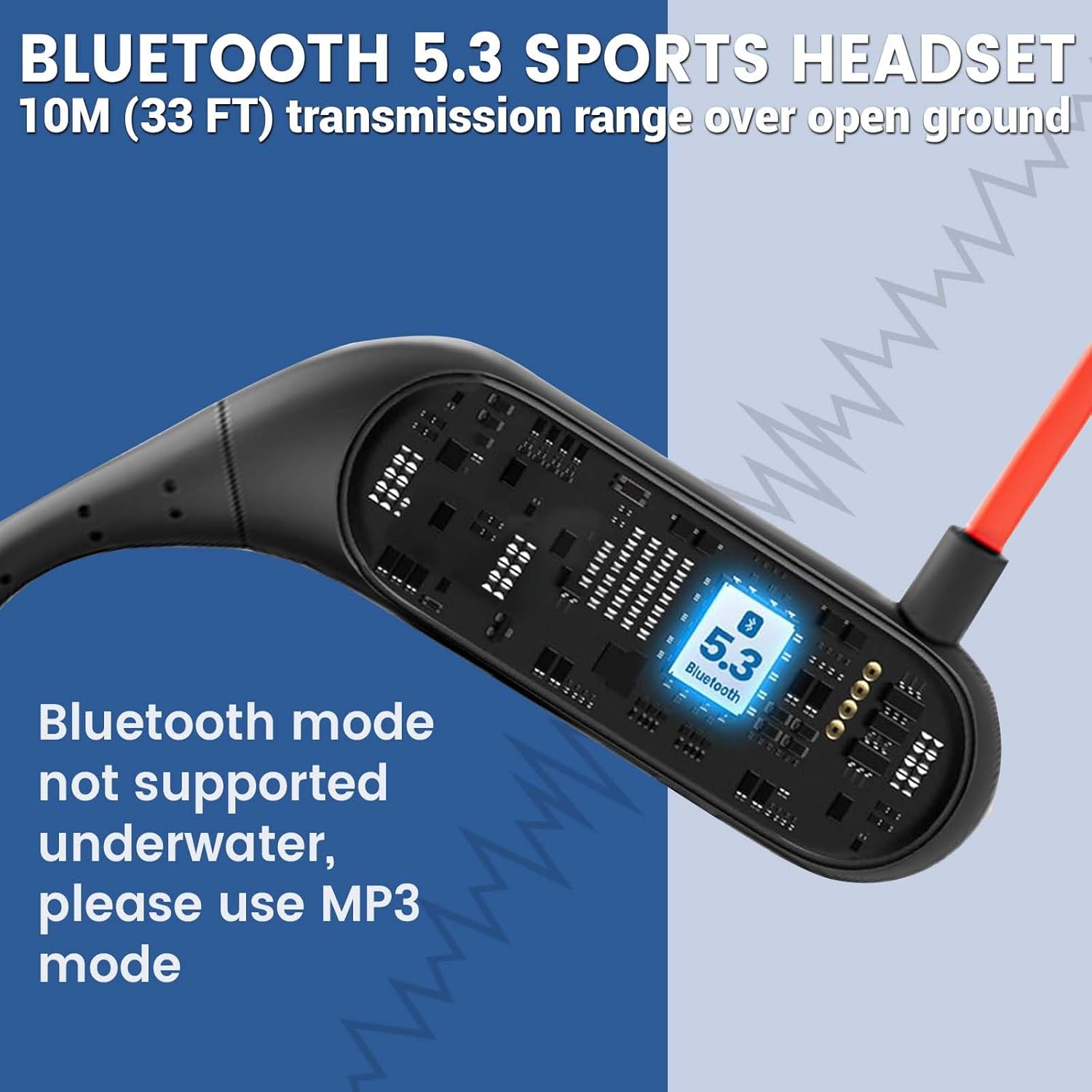
Figure 6: Exploded view of the earbud components, illustrating the internal structure that contributes to Hi-Fi stereo sound quality for both swimming and other sports.

Figure 7: A swimmer wearing the TOHUNZO S25 headphones and goggles, demonstrating their use during aquatic activities. This image highlights the IPX8 waterproof rating, 32GB MP3 storage, Bluetooth 5.3, long battery life, and lightweight design.
5. Maintenance
- Cleaning: After use, especially after swimming, rinse the headphones with fresh water to remove chlorine or salt residue. Wipe them dry with a soft cloth.
- Storage: Store the headphones in a cool, dry place away from direct sunlight and extreme temperatures.
- Avoid Impact: Do not drop the headphones, as this can compromise the waterproof seals.
- Charging Port: Ensure the charging port is dry before connecting the charging cable.
6. Troubleshooting
| Problem | Possible Cause | Solution |
|---|---|---|
| Headphones do not power on. | Low battery. | Charge the headphones fully. |
| Cannot connect via Bluetooth. | Headphones not in pairing mode; device Bluetooth off; too far from device. | Ensure headphones are in pairing mode. Turn on device Bluetooth. Move closer to device (within 10m). |
| No sound in MP3 mode. | No music files loaded; volume too low; incorrect mode. | Load MP3 files. Increase volume. Ensure headphones are in MP3 mode. |
| Sound unclear underwater. | Water in ear canal; earbud fit. | Ensure earbuds are properly seated to create a seal. Clear any water from ear canal. |
| Cannot switch between modes. | Incorrect button press. | Press and hold both Volume Up (+) and Volume Down (-) buttons simultaneously. |
7. Specifications
- Model: S25
- Waterproof Rating: IP68 (up to 20ft / 6m for 16 hours)
- Bluetooth Version: 5.3
- Internal Memory: 32GB
- Playtime: Up to 17 hours
- Charging Time: 1-2 hours
- Material: Plastic
- Color: Black
- Compatible Devices: Smartphone (for Bluetooth mode)
8. Warranty and Support
TOHUNZO products come with a standard manufacturer's warranty. For specific warranty details, please refer to the product packaging or contact your retailer. For technical support or further assistance, please visit the official TOHUNZO website or contact customer service through your purchase platform.
Please retain your proof of purchase for warranty claims.