
Pioneer DMH-A4450BT
Pioneer Car Stereo DMH-A4450BT User Manual
Model: DMH-A4450BT
Introduction
This manual provides detailed instructions for the installation, operation, and maintenance of your Pioneer DMH-A4450BT Multimedia Receiver. This unit features a 17.3 cm (6.8 inch) WVGA Capacitive Touchscreen Display, LED backlight, Android Auto, Apple CarPlay, Android Phone Mirroring (AutoLink App), built-in Bluetooth, and HD Video Playback from USB devices. Please read this manual thoroughly before using your new car stereo to ensure proper and safe operation.
What's in the Box
Upon opening the package, please verify that all the following components are included:
- 1N Car Audio Player
- 1N Cord Connector
- 1N Power Cable
- 1N USB Cable
- 1N Microphone
- 2N AV Cables
- 1N Panel
- 1N Installation Parts Set
- 1N Warranty Card
- 1N Manual (this document)
Setup and Installation
Proper installation is crucial for optimal performance and safety. It is highly recommended that installation be performed by a qualified professional.
Screen Dimensions and Type
The DMH-A4450BT features a 17.3 cm (6.8 inch) WVGA Capacitive Touchscreen. This type of screen offers responsive and accurate touch control.

Image: The 17.3 cm (6.8 inch) WVGA Capacitive Touchscreen of the Pioneer DMH-A4450BT.
Wiring and Connections
Utilize the provided Cord Connector, Power Cable, and AV Cables for connecting the unit to your vehicle's power supply, speakers, and other external devices. Ensure all connections are secure and correctly polarized to prevent damage to the unit or vehicle's electrical system. Refer to the detailed wiring diagram in the separate installation guide for specific connections.
Microphone Installation
Install the included microphone in a location that allows for clear voice pickup, such as on the steering column or near the rearview mirror, for optimal hands-free calling performance.
Operating Instructions
The DMH-A4450BT offers a variety of features accessible via its intuitive touchscreen interface.
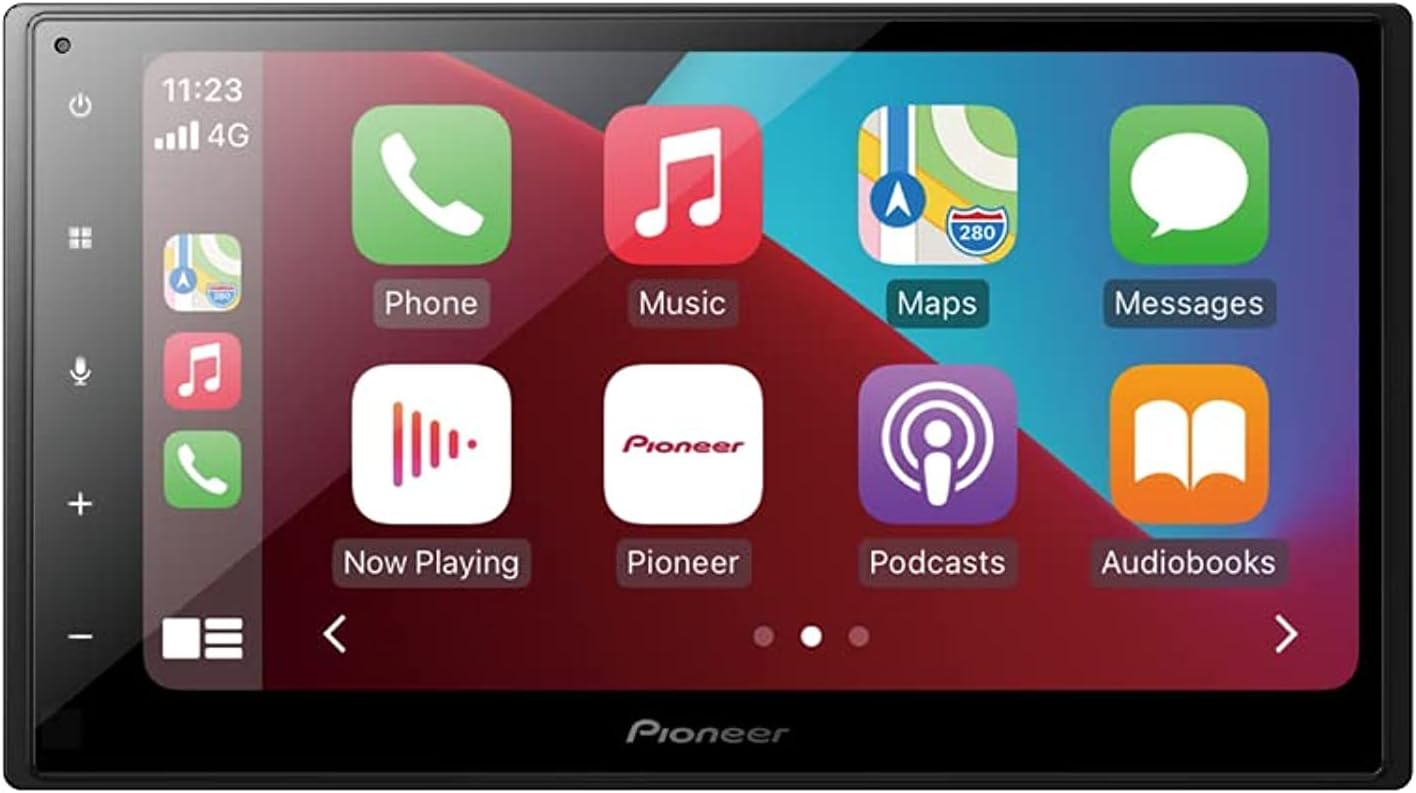
Image: The main interface of the Pioneer DMH-A4450BT, displaying various application icons.
Touchscreen Operation
Navigate through menus and control functions by tapping, swiping, and dragging on the capacitive touchscreen. The responsive display ensures smooth interaction.
Apple CarPlay (Wired)
Connect your iPhone via a USB cable to access Apple CarPlay. This feature allows you to use compatible iPhone apps, make calls, send messages, and get directions directly from the stereo's display. Voice control via Siri is also supported.
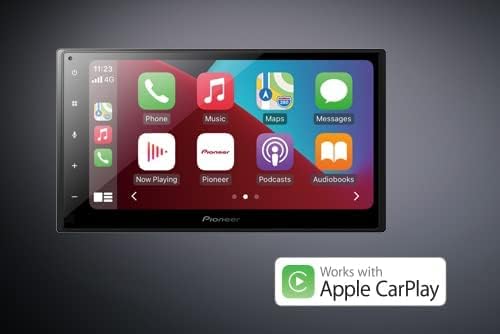
Image: The Pioneer DMH-A4450BT interface showing Apple CarPlay in action.
Android Auto (Wired)
Connect your Android smartphone via a USB cable to utilize Android Auto. This provides access to Google Maps, Google Assistant, music apps, and more, all optimized for the car environment.
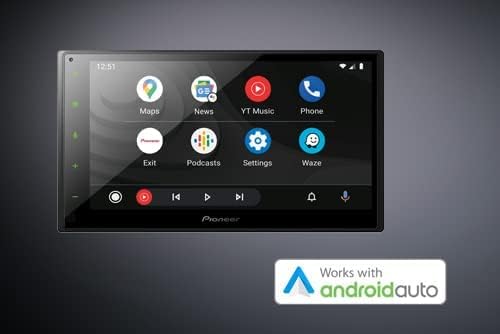
Image: The Pioneer DMH-A4450BT interface showing Android Auto in action.
Weblink - Android Mirroring (AutoLink App)
The Weblink feature, via the AutoLink App, allows for mirroring your Android phone's screen directly onto the stereo display. This enables you to view and control compatible smartphone applications from the larger screen.
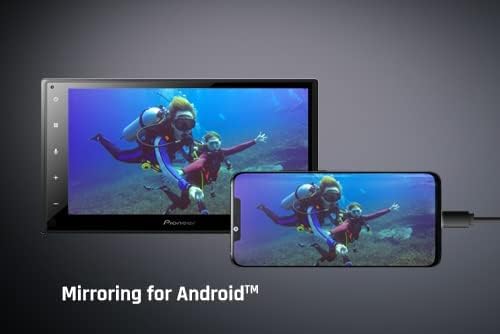
Image: The Pioneer DMH-A4450BT displaying a mirrored Android phone screen.
Bluetooth Connectivity
Pair your smartphone via Bluetooth for wireless audio streaming and hands-free calling. The included microphone ensures clear communication during calls.
Media Playback (USB/AUX/Radio)
Play audio and Full HD video files from a USB device. Connect external audio players via the AUX input. Tune into your favorite radio stations using the built-in radio tuner.
Audio Customization
Utilize the 13-Band Equalizer (EQ) to fine-tune the audio output to your preference. The unit also features 3 (2V) Pre-outs for connecting external amplifiers and subwoofers, allowing for further expansion of your car audio system.
Maintenance
To ensure the longevity and optimal performance of your Pioneer DMH-A4450BT, follow these maintenance guidelines:
- Cleaning the Screen: Use a soft, lint-free cloth to gently wipe the touchscreen. For stubborn smudges, slightly dampen the cloth with water or a screen-safe cleaner. Avoid abrasive materials or harsh chemicals.
- General Cleaning: Keep the unit free from dust and debris. Use a soft brush or compressed air to clean vents and button areas.
- Temperature: Avoid exposing the unit to extreme temperatures, direct sunlight for prolonged periods, or excessive humidity.
- Connections: Periodically check all cable connections to ensure they are secure and free from corrosion.
Troubleshooting
If you encounter issues with your DMH-A4450BT, refer to the following common troubleshooting steps:
- Unit Not Powering On: Check the power cable connection and ensure the vehicle's ignition is on. Verify the fuse in the vehicle's fuse box and on the unit's wiring harness.
- No Sound: Check speaker connections. Ensure the volume is not muted or set to minimum. Verify audio source selection.
- Bluetooth Connection Issues: Ensure Bluetooth is enabled on both the stereo and your device. Delete previous pairings and attempt to re-pair. Move closer to the unit if interference is suspected.
- USB Device Not Recognized: Ensure the USB device is formatted correctly (e.g., FAT32) and contains compatible media files. Try a different USB device or cable.
- Steering Wheel Control Syncing Issues: If you experience difficulty syncing steering wheel controls, this may be due to specific vehicle wiring or the need for an additional interface module. Consult with a professional installer or your vehicle's manufacturer for compatibility and setup.
- Unit Unresponsive/Frozen: Perform a soft reset by pressing the reset button (usually a small pinhole) with a thin object. If the issue persists, disconnect the vehicle's battery for a few minutes to perform a hard reset.
If the problem persists after attempting these steps, please contact Pioneer customer support or an authorized service center.
Specifications
| Feature | Specification |
|---|---|
| Product Dimensions | 7.01 x 8.66 x 4.92 inches |
| Item Weight | 2.87 pounds |
| Item Model Number | DMH-A4450BT |
| Manufacturer | Pioneer India Electronics Pvt ltd |
| Brand | Pioneer |
| Connectivity Technology | Bluetooth, USB |
| Controller Type | Android |
| Special Feature | Touchscreen |
| Compatible Devices | Smartphone |
| Connector Type | USB |
| Audio Output Mode | Stereo, Surround |
| Surround Sound Channel Configuration | 2.1 |
| Video Encoding | H.264, H.265/HEVC |
| Color | black |
Warranty and Support
Your Pioneer DMH-A4450BT comes with a Warranty Card. Please retain this card and your proof of purchase for any warranty claims. For technical assistance, service, or warranty inquiries, please contact Pioneer customer support or an authorized Pioneer service center. Details for contacting support can typically be found on the warranty card or Pioneer's official website.
Ask a question about this manual
Ask about setup, troubleshooting, compatibility, parts, safety, or missing instructions. Manuals+ will review the question and use this page’s manual context to help answer it.