
1. Introduction
This manual provides essential information for the proper use and maintenance of your YOTOPT K110W Android Tablet. Please read this manual thoroughly before operating the device to ensure optimal performance and longevity. Keep this manual for future reference.
2. Product Overview
The YOTOPT K110W is a 10.1-inch Android 11 tablet designed for various applications, from entertainment to productivity. It features a 1.8GHz processor, 4GB RAM, and 64GB internal storage, expandable up to 128GB via a microSD card (not included).
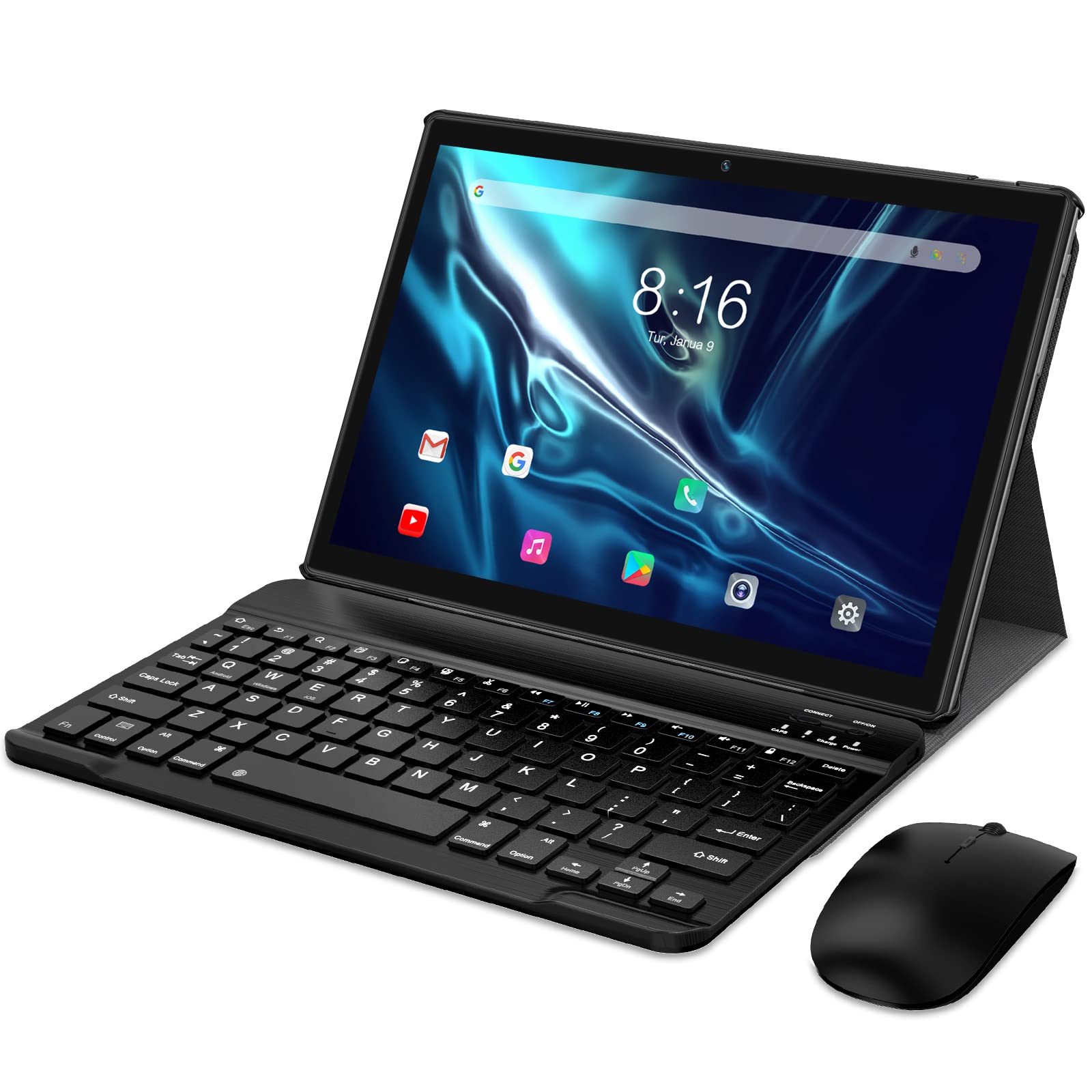
Figure 2.1: YOTOPT K110W Tablet showing key features like Android 11, Octa-core processor, 2.4GHz WiFi, 1.8GHz processor, 1280x800 IPS display, 2GB RAM + 64GB ROM.
Key Features:
- Operating System: Android 11 Go Edition (GMS certified)
- Processor: 1.8GHz Octa-core RK processor
- Memory: 4GB RAM
- Storage: 64GB ROM, expandable up to 128GB (total 196GB)
- Display: 10.1-inch 1280 x 800 IPS 2.5D screen with eye protection and dark modes
- Connectivity: 2.4G WiFi, Bluetooth, GPS, USB Type-C
- Cameras: 5MP rear camera
- Battery: 1 Lithium-polymer battery (19.25 Wh)
3. Setup
3.1 Initial Charging
Before first use, fully charge your tablet using the provided USB Type-C cable and power adapter. The charging port is located on the side of the device. A full charge ensures the tablet is ready for initial setup and use.
3.2 Power On/Off
- To Power On: Press and hold the power button (typically on the side) until the YOTOPT logo appears on the screen.
- To Power Off: Press and hold the power button, then select 'Power off' from the options that appear on the screen.
3.3 Initial Configuration
Upon first power-on, the tablet will guide you through the initial setup process. This includes:
- Selecting your language.
- Connecting to a Wi-Fi network.
- Setting up your Google account.
- Reviewing privacy settings for Android 11 Go Edition.
3.4 Wi-Fi Connection
To connect to a Wi-Fi network:
- Go to Settings > Network & internet > Wi-Fi.
- Toggle Wi-Fi On.
- Select your desired network from the list.
- Enter the password if prompted, then tap Connect.
4. Operating Instructions
4.1 Basic Navigation
The YOTOPT K110W tablet uses a capacitive touchscreen for interaction. Common gestures include:
- Tap: To select an item or open an application.
- Swipe: To scroll through lists or pages.
- Pinch: To zoom in or out on images and web pages.
- Long Press: To access contextual menus or move icons.

Figure 4.1: The tablet running Android 11, showcasing various applications.
4.2 Connecting Bluetooth Devices
To connect Bluetooth headphones, keyboards, or other accessories:
- Ensure the Bluetooth device is in pairing mode.
- On your tablet, go to Settings > Connected devices > Bluetooth.
- Toggle Bluetooth On.
- Select your device from the list of available devices and follow any on-screen prompts to complete pairing.

Figure 4.2: Enjoying media content on the tablet, potentially with Bluetooth headphones.
4.3 Storage Management
Your tablet comes with 64GB of internal storage. You can expand this by inserting a microSD card into the designated slot. To manage storage:
- Go to Settings > Storage to view usage and manage files.
- To insert a microSD card, locate the card slot (refer to the device diagram if available) and gently push the card in until it clicks.

Figure 4.3: Visual representation of the tablet's storage capabilities, including expandable storage.
4.4 Display Modes
The tablet features eye protection mode and dark mode to enhance viewing comfort:
- Eye Protection Mode: Reduces blue light emission. Activate it via Settings > Display > Night Light (or similar).
- Dark Mode: Changes the system interface to a darker color scheme, reducing strain in low-light conditions. Activate it via Settings > Display > Dark theme.
4.5 Using with Accessories
The YOTOPT K110W can be used with external accessories like Bluetooth keyboards and mice to enhance productivity, transforming it into a more PC-like experience.

Figure 4.4: Tablet being used for creative tasks with a stylus, demonstrating versatility.
5. Maintenance
5.1 Cleaning the Tablet
To clean your tablet, use a soft, lint-free cloth. For stubborn smudges, slightly dampen the cloth with water or a screen-safe cleaning solution. Avoid using harsh chemicals, abrasive materials, or excessive moisture, as these can damage the screen and internal components.
5.2 Battery Care
To prolong battery life:
- Avoid exposing the tablet to extreme temperatures.
- Do not let the battery completely drain frequently.
- Use the original charger or a certified compatible charger.
- If storing the tablet for an extended period, charge it to about 50% before turning it off.
5.3 Software Updates
Periodically check for software updates to ensure your tablet has the latest features and security patches. Go to Settings > System > System update to check for and install available updates.
6. Troubleshooting
If you encounter issues with your YOTOPT K110W tablet, refer to the following common solutions:
6.1 Tablet Not Turning On
- Ensure the battery is charged. Connect the tablet to its charger for at least 30 minutes.
- Press and hold the power button for 10-15 seconds to perform a forced restart.
6.2 Wi-Fi Connectivity Issues
- Ensure Wi-Fi is enabled in Settings.
- Restart your Wi-Fi router and the tablet.
- Forget the network in Settings > Network & internet > Wi-Fi and reconnect.
- Ensure you are within range of the Wi-Fi signal.
6.3 Slow Performance
- Close unnecessary background applications.
- Clear cache for frequently used apps in Settings > Apps & notifications > [App Name] > Storage & cache.
- Free up storage space by deleting unused files or apps.
- Restart the tablet periodically.
6.4 Screen Unresponsive
- Restart the tablet by holding the power button.
- Ensure the screen is clean and free of debris or moisture.
If these steps do not resolve your issue, please contact YOTOPT customer support for further assistance.
7. Specifications
Detailed technical specifications for the YOTOPT K110W Android Tablet:
| Feature | Specification |
|---|---|
| Model Name | K110W |
| ASIN | B0B8RHWTHT |
| Operating System | Android 11 Go Edition |
| Processor Brand | Unisoc |
| Processor Speed | Up to 1.8 GHz |
| RAM Size | 4 GB |
| Storage Capacity | 64 GB (expandable up to 128 GB via microSD) |
| Screen Size | 10.1 Inches |
| Screen Resolution | 1280 x 800 IPS |
| Rear Webcam Resolution | 5 Megapixels |
| Wireless Technology | Wi-Fi (2.4G), Bluetooth |
| Connectivity | USB Type-C (1 port) |
| Battery Type | Lithium-polymer |
| Battery Energy Content | 19.25 Watt-hours |
| Product Dimensions | 17 x 1.5 x 24 cm |
| Item Weight | 490 Grams |
| Color | Grey |
| Model Year | 2022 |
8. Warranty and Support
For any issues, questions, or support needs regarding your YOTOPT K110W tablet, please contact YOTOPT customer service. Refer to the product packaging or the official YOTOPT website for contact information.