
1. Introduction
This manual provides comprehensive instructions for the installation, programming, operation, and maintenance of your CreaCity Universal Garage Door Opener Keypad, Model GR181K. This wireless keyless entry system offers convenient and secure access to your garage without the need for a remote control.
2. Product Features
- Keyless Access: Provides secure entry to your garage using a personal identification code.
- Enhanced Security: Incorporates rolling code technology to protect against unauthorized access.
- Dual Channel Control: Capable of controlling up to two separate garage door openers.
- Backlit Keypad: Keys illuminate for improved visibility and accurate code entry in low-light conditions.
- Weather Resistance: Designed with a protective cover to withstand various outdoor elements.
3. Compatibility Guide
The CreaCity Universal Garage Door Opener Keypad is compatible with a wide range of garage door opener brands and models. Refer to the compatibility chart below to determine the correct settings for your specific opener.

Image: Universal Garage Door Keypad Compatibility Guide. This chart details compatibility by brand, learn button color, manufactured year, frequency, and DIP switch configuration.
Note: This keypad supports 5 learn button colors and various DIP switch type openers. Always consult your garage door opener's manual for specific programming instructions related to its learn button or DIP switch settings.
4. Installation and Setup
4.1 Battery Installation
The keypad requires one 9V battery (included). To install or replace the battery:
- Slide the keypad cover upwards to reveal the keypad and battery compartment.
- Locate the small screw securing the battery cover. Unscrew it carefully.
- Insert the 9V battery, ensuring correct polarity.
- Replace the battery cover and secure it with the screw.

Image: Keypad with battery compartment open, illustrating the location for battery insertion.
4.2 Mounting the Keypad
Choose a convenient location outside your garage, within sight of the garage door. Ensure the surface is flat and stable.
- Mark the desired mounting holes using the keypad as a template.
- Drill pilot holes if necessary.
- Secure the keypad to the wall using appropriate screws (not included).
- Ensure the keypad is firmly attached and the sliding cover operates smoothly.

Image: Keypad mounted on a wall, ready for use.
4.3 Programming the Keypad
Programming steps vary depending on your garage door opener's brand and learn button type. Refer to the compatibility chart in Section 3 and your garage door opener's manual for specific instructions. General steps typically involve:
- Enter your desired 4-digit Personal Identification Number (PIN) on the keypad.
- Press the 'Learn' button on your garage door opener motor unit. The location and color of this button are crucial for compatibility.
- Within 30 seconds, enter your PIN again on the keypad, followed by the '#' button.
- Test the keypad by entering your PIN and pressing '#'. The garage door should activate.
For dual-channel control, repeat the programming steps for the second garage door, assigning a different PIN or using the same PIN with a different 'opener sort' code if applicable.
5. Operating Instructions
To operate your garage door using the CreaCity Universal Keypad:
- Slide the protective cover upwards to reveal the keypad.
- Enter your programmed Personal Identification Number (PIN).
- Press the '#' button.
- The garage door will activate (open or close).
The keypad features backlighting for easy use at night.

Image: Keypad illumination for night use.
If you have programmed the keypad for two garage doors, ensure you use the correct PIN for each door.

Image: Dual channel control capability, showing one keypad operating two separate garage doors.
6. Maintenance
6.1 Battery Replacement
When the keypad's backlight dims or the keypad becomes unresponsive, it is time to replace the 9V battery. Follow the steps outlined in Section 4.1.
6.2 Cleaning
Clean the keypad's exterior with a soft, damp cloth. Avoid using abrasive cleaners or solvents, as these can damage the finish or electronic components. Ensure the protective cover is kept clean to maintain its weather-resistant properties.
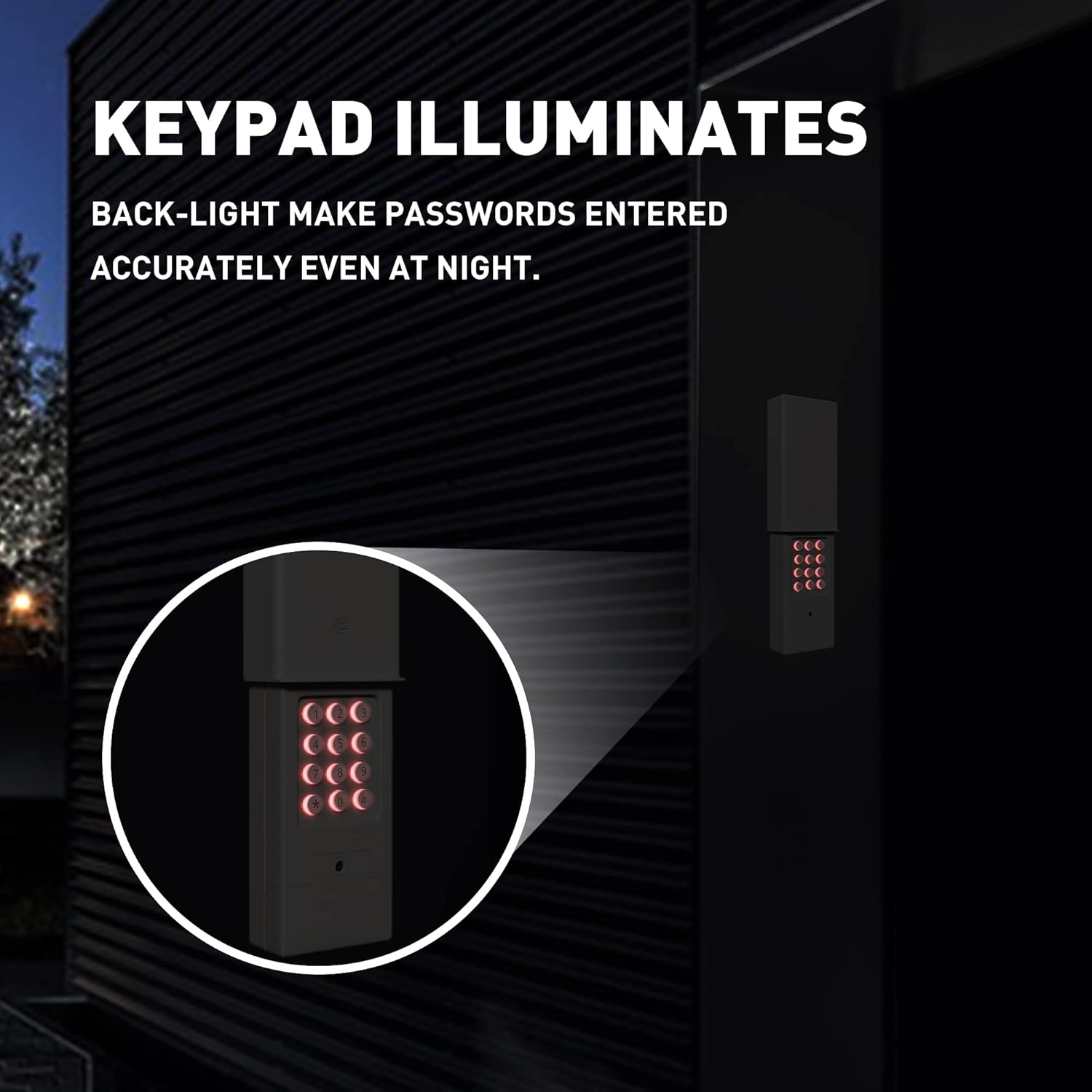
Image: Keypad with weather-resistant cover, shown during rainfall.
7. Troubleshooting
- Keypad Not Responding: Check the battery. Ensure it is properly installed and has sufficient charge. Replace if necessary.
- Garage Door Not Activating:
- Verify that the PIN was entered correctly.
- Ensure the keypad is within range of the garage door opener.
- Re-program the keypad to your garage door opener, following the steps in Section 4.3 and consulting your opener's manual.
- Confirm compatibility with your garage door opener model using the chart in Section 3.
- Interference with Other Remotes: If other garage door remotes or vehicle controls are affected after programming the keypad, try resetting the keypad and reprogramming all devices. Ensure no conflicting 'opener sort' codes are used if controlling multiple doors or if neighbors have similar systems.
- Keypad Beeps Loudly: This is a normal operational feature providing confirmation of button presses. This feature cannot be adjusted.
If issues persist after troubleshooting, contact CreaCity customer support for further assistance.
8. Specifications
| Feature | Detail |
|---|---|
| Model Number | GR181K |
| Manufacturer | CreaCity |
| Item Weight | 7.4 ounces |
| Product Dimensions | 5.9 x 2.5 x 1.1 inches |
| Special Features | Universal Compatibility |
| Batteries Included | Yes |
| Battery Cell Type | Alkaline (9V) |
| Date First Available | July 27, 2022 |
9. Warranty and Support
For warranty information or technical support regarding your CreaCity Universal Garage Door Opener Keypad (Model GR181K), please refer to the product packaging or contact CreaCity customer service directly. Contact details can typically be found on the manufacturer's website or through your purchase platform.