1. Introduction
Thank you for choosing the WOSPORTS H-111 Golf Rangefinder. This high-precision laser range finder is designed to enhance your golfing and hunting experience by providing accurate distance measurements. Featuring flag lock with pulse vibration and slope compensation, it is a versatile tool for players of all skill levels. This manual provides detailed instructions for setup, operation, and maintenance to ensure optimal performance and longevity of your device.

Figure 1: WOSPORTS H-111 Golf Rangefinder, showcasing its compact and ergonomic design with the objective and eyepiece lenses visible.
2. Key Features
- Rechargeable Battery: Equipped with a 3.7V 900mAh rechargeable lithium battery for extended use.
- Multiple Modes: Offers Distance, Slope Tech Flag Lock, and Speed (0-300 km/h) measurement options.
- Fast Focus Eyepiece: Provides clear visibility of the target for quick and precise measurements.
- High Accuracy: Measures distances from 5 to 800 yards with an accuracy of +/- 1 yard.
- Flag Lock with Pulse Vibration: Capable of locking onto flags up to 250 yards, providing a tactile vibration confirmation.
- Ergonomic Design: Designed to fit comfortably in hand for stable and continuous scanning. Features an integrated battery cover.
- Automatic Shut-off: Conserves battery life by automatically turning off after 10 seconds of inactivity.
- Slope Compensation: Calculates and displays slope-adjusted distances, aiding in accurate shot planning.

Figure 2: The ergonomic design of the rangefinder, showing how it comfortably fits in the user's hand for stable operation.
3. Package Contents
Upon opening your WOSPORTS H-111 Golf Rangefinder package, please verify that all the following items are included:
- WOSPORTS H-111 Golf Rangefinder
- Carrying Case with Carabiner
- USB Charging Cable
- Cleaning Cloth
- User Manual
4. Setup
4.1 Charging the Device
Before first use, fully charge your rangefinder. Connect the provided USB charging cable to the charging port on the device and plug the other end into a standard USB power adapter (not included). The charging indicator light will show the charging status.

Figure 3: The rangefinder connected to a USB charging cable, illustrating the charging port and indicator lights.
4.2 Adjusting the Eyepiece
To ensure a clear view, rotate the eyepiece to adjust the focus until the display and target appear sharp. This adjustment is crucial for users with varying eyesight.
5. Operating Instructions
5.1 Power On/Off
Press the Power button (usually the top button) once to turn on the device. The device will automatically shut off after 10 seconds of inactivity to save battery.
5.2 Mode Selection
Press the Mode button (usually the bottom button) to cycle through the available measurement modes:
- Distance Mode: Standard point-to-point distance measurement.
- Slope Tech Flag Lock Mode: Designed for golf, this mode provides the actual distance and the slope-compensated distance to the flag. It vibrates when the flag is locked.
- Speed Mode: Measures the speed of a moving object (0-300 km/h).
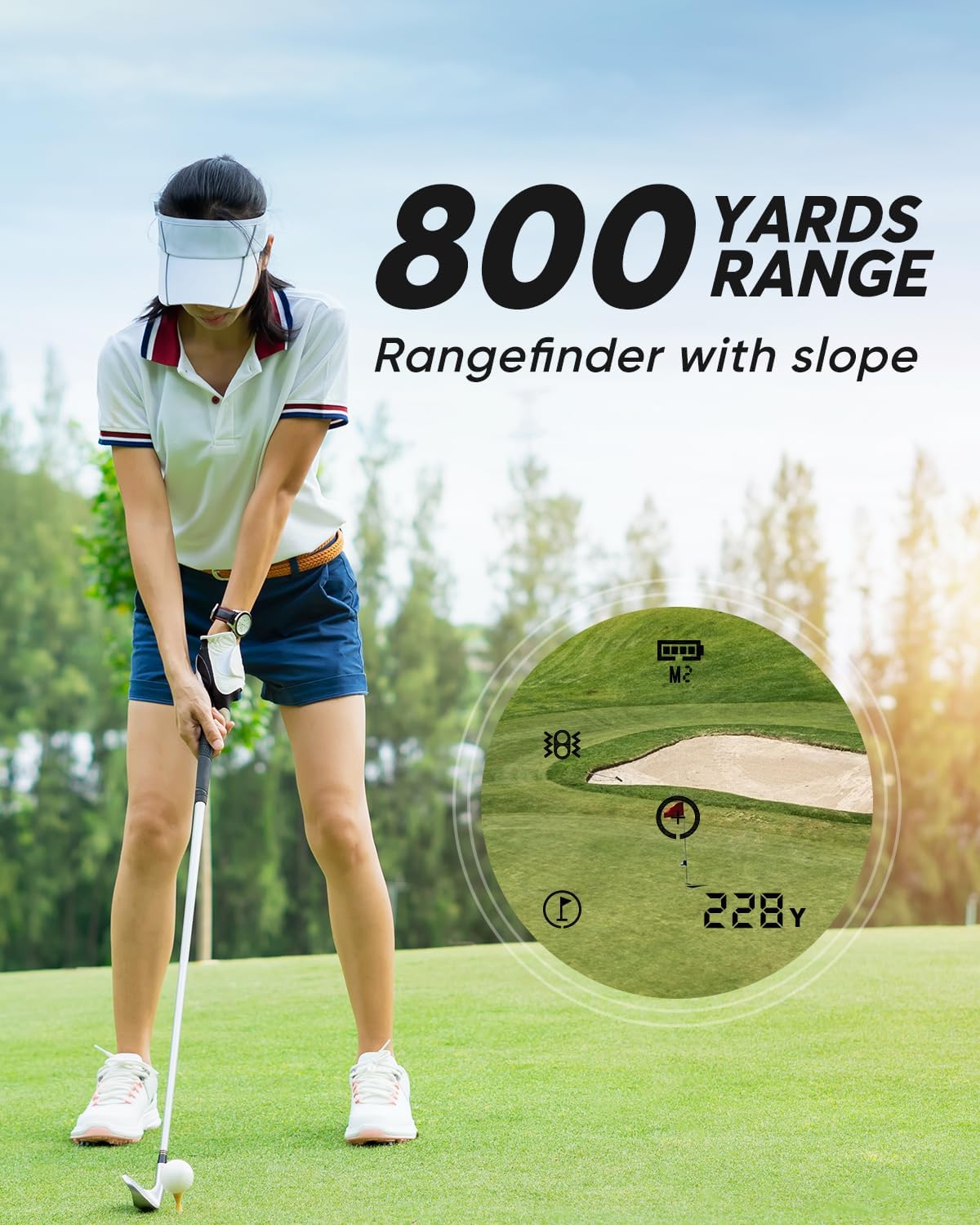
Figure 4: An illustration of the rangefinder in use on a golf course, demonstrating its 800-yard range and slope measurement capabilities.
5.3 Taking a Measurement
Once the desired mode is selected, aim the crosshairs at your target and press the Power button. The measurement will be displayed almost instantly.
5.4 Using Flag Lock with Vibration
In Slope Tech Flag Lock Mode, slowly scan the area around the flag. The rangefinder will identify and lock onto the flag, providing a short vibration and displaying both the line-of-sight and slope-adjusted distances. This feature helps to ensure you are measuring to the flagstick and not objects behind it.
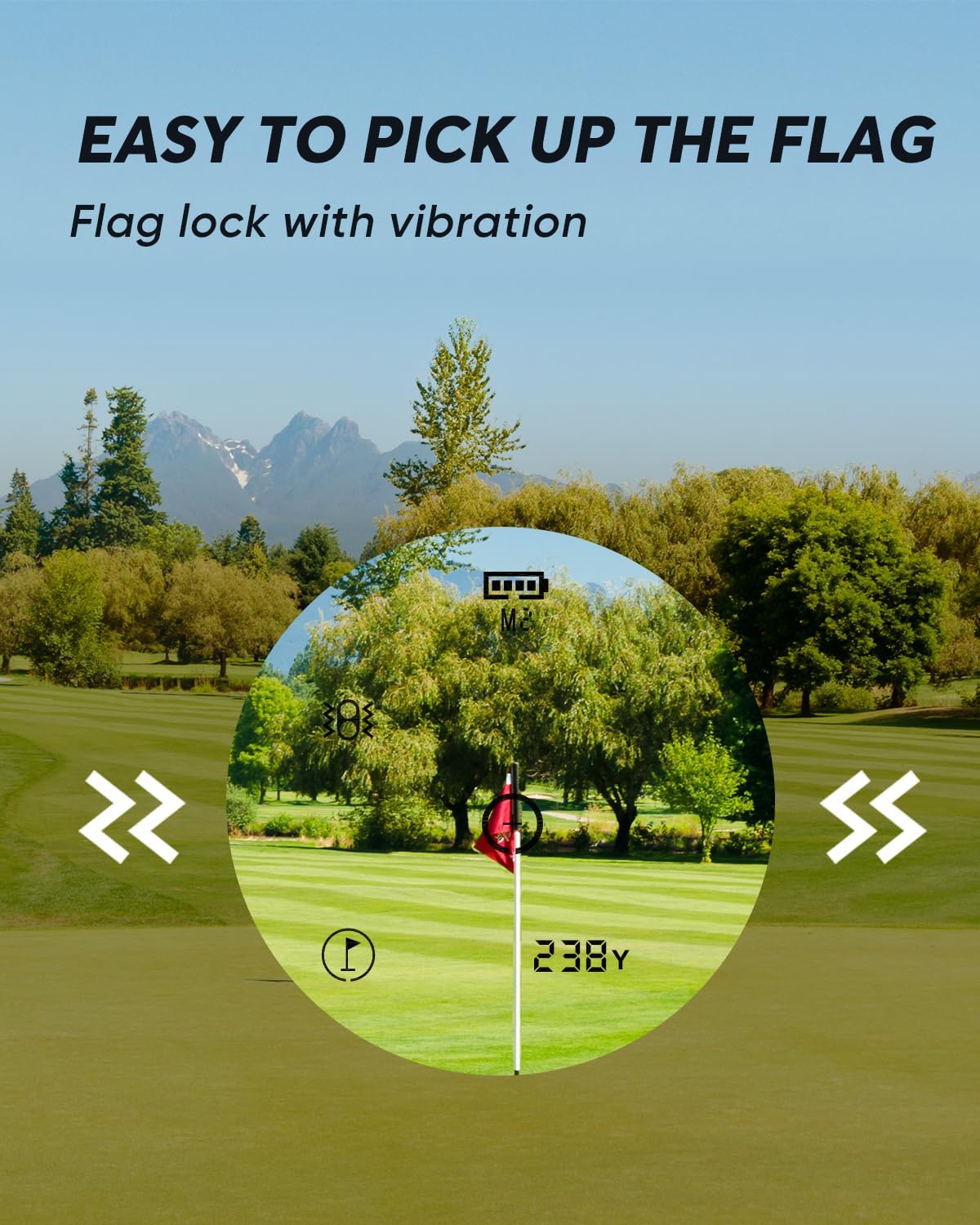
Figure 5: Visual representation of the flag lock feature, showing the rangefinder's display focusing on a golf flag and indicating vibration.

Figure 6: A golfer using the rangefinder, with an overlay illustrating the adaptive slope measurement, showing how it accounts for elevation changes.
5.5 Switching Units (Yards/Meters)
To switch between yards and meters, press and hold the Mode button for approximately 3 seconds while in a measurement mode. The unit of measurement on the display will change.
6. Maintenance
6.1 Cleaning the Lenses
Use the provided cleaning cloth to gently wipe the lenses. Do not use abrasive materials or chemical cleaners, as they may damage the optical coatings.
6.2 Storage
When not in use, store the rangefinder in its protective carrying case in a cool, dry place, away from direct sunlight and extreme temperatures.
6.3 Battery Care
For optimal battery life, charge the device regularly, even if not in frequent use. Avoid completely draining the battery before recharging.
7. Troubleshooting
- Device not powering on: Ensure the battery is fully charged. If the issue persists, contact customer support.
- Inconsistent or inaccurate readings:
- Ensure a clear line of sight to the target.
- Keep your hand steady during measurement.
- Avoid using in heavy fog or mist, as laser performance may be affected.
- If measuring to a flag, ensure the flag lock feature is properly engaged.
- Display is dim or unclear: Adjust the eyepiece focus. Ensure the lenses are clean.
8. Specifications
| Attribute | Detail |
|---|---|
| Brand | WOSPORTS |
| Model Name | H-111 |
| Measuring Range | 5 to 800 yards |
| Magnification | 6x |
| Battery Type | 3.7V 900mAh Rechargeable Lithium Battery |
| Product Dimensions (LxWxH) | 2.76"L x 1.54"W x 1.54"H |
| Item Weight | 0.24 Kilograms |
| Water Resistance Level | Water Resistant (IP54) |
| Material | Acrylonitrile Butadiene Styrene |
9. Warranty and Support
The WOSPORTS H-111 Golf Rangefinder comes with a 1-Year Warranty from the date of purchase. This warranty covers manufacturing defects and ensures the product meets its specified performance standards under normal use.
For technical support, warranty claims, or any inquiries regarding your device, please contact WOSPORTS customer service through their official website or the contact information provided in your product packaging. Please have your purchase receipt and product model number ready when contacting support.
You can visit the official WOSPORTS store for more information: WOSPORTS Store