
1. Introduction
This manual provides essential information for the proper installation, operation, and maintenance of the AHST Simplex 4100-0638 Additional 24V Harness. Please read this manual thoroughly before attempting any installation or use to ensure safe and efficient operation.
2. Safety Information
Warning: Always disconnect power before installing or servicing this device to prevent electrical shock or damage to equipment.
This harness is designed for use with compatible Simplex systems. Ensure all connections are secure and follow local electrical codes and regulations. Only qualified personnel should perform installation and maintenance.
3. Package Contents
Verify that all items are present in the package before proceeding with installation.
- 1 x AHST Simplex 4100-0638 Additional 24V Harness
- 1 x Instruction Manual (this document)
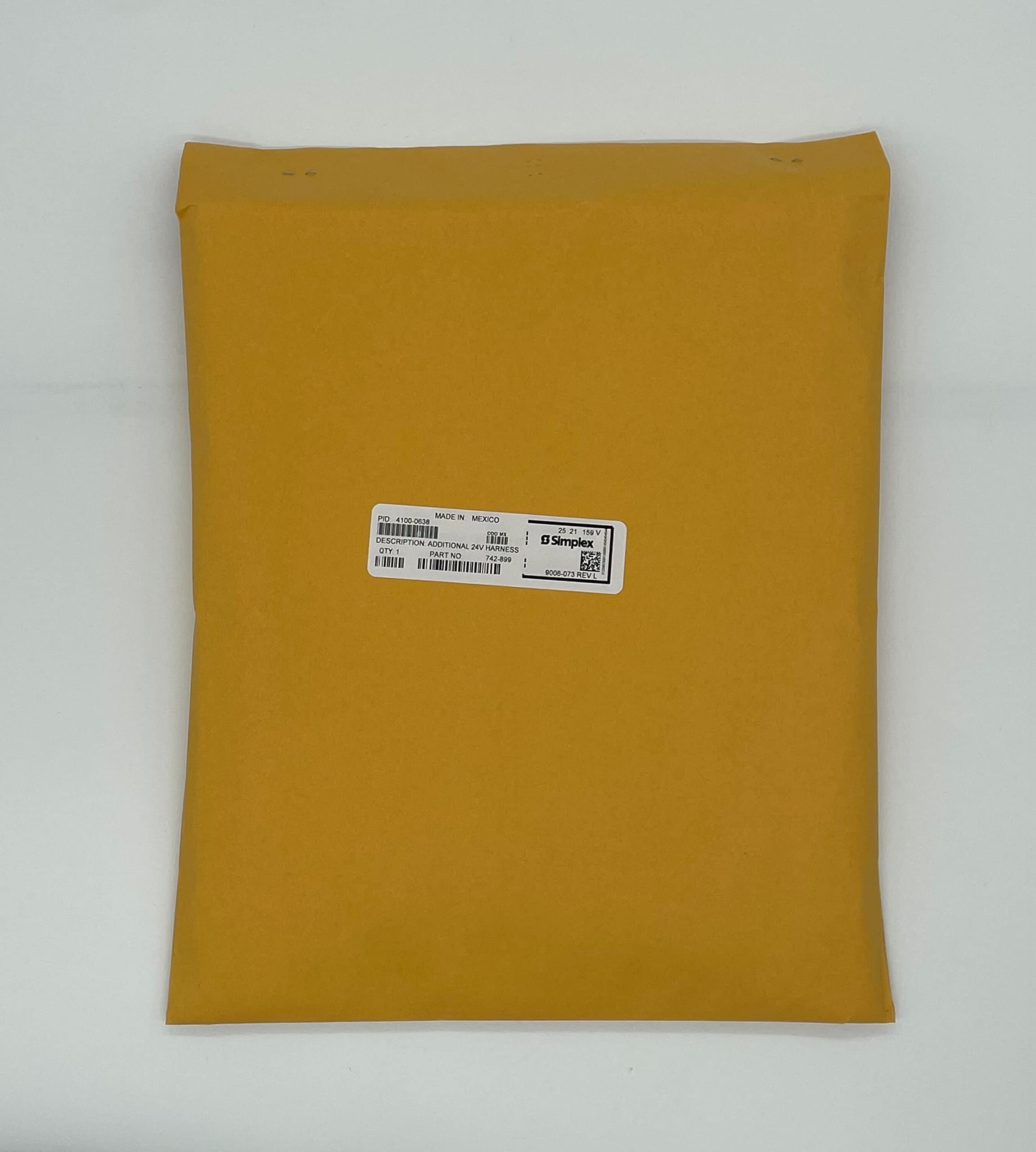
Figure 1: AHST Simplex 4100-0638 Additional 24V Harness packaging. The label on the box indicates PID: 4100-0638, Description: ADDITIONAL 24V HARNESS, Part No. 742-899, QTY: 1, and is made in Mexico.
4. Setup and Installation
The 4100-0638 harness is designed to provide additional 24V power connections within a compatible Simplex system. Specific installation steps will vary based on the host system configuration.
- Power Disconnection: Before beginning, ensure that all power to the Simplex control panel or associated equipment is completely disconnected and locked out.
- Identify Connection Points: Refer to the specific Simplex system documentation to identify the designated connection points for the additional 24V harness.
- Connect Harness: Carefully connect the 4100-0638 harness to the identified terminals. Ensure proper polarity and secure all connections firmly.
- Cable Management: Route the harness cables neatly and secure them to prevent interference or damage.
- Verify Connections: Double-check all connections for correctness and security before restoring power.
- Restore Power: Once all connections are verified, restore power to the system.
- System Test: Perform a system test as per the Simplex control panel's instructions to confirm proper operation and power delivery through the new harness.
Note: This harness is an accessory. Its functionality is dependent on the proper operation of the main Simplex system it is connected to.
5. Operating Instructions
The AHST Simplex 4100-0638 is an additional power harness and does not have user-operable controls. Once correctly installed, it functions passively to provide 24V power to connected components within the Simplex system. Its operation is integrated with the overall system's power management.
Ensure the main Simplex system is powered on and functioning correctly for the harness to supply power.
6. Maintenance
The 4100-0638 harness requires minimal maintenance. Regular inspections are recommended as part of the overall Simplex system maintenance schedule.
- Visual Inspection: Periodically inspect the harness and its connections for any signs of wear, damage, or loose connections.
- Cleaning: If necessary, gently clean the harness and connectors with a dry, lint-free cloth. Do not use liquid cleaners or solvents.
- Connection Integrity: Ensure all terminal connections remain tight and secure.
If any damage is observed, disconnect power immediately and replace the harness if necessary. Do not attempt to repair damaged wiring.
7. Troubleshooting
If the connected components are not receiving power or the system reports a power-related fault, consider the following troubleshooting steps:
| Problem | Possible Cause | Solution |
|---|---|---|
| No power to connected device | Loose connection, incorrect wiring, main system power off, faulty harness. |
|
| System fault related to 24V supply | Overload on the 24V line, short circuit, harness damage. |
|
If troubleshooting steps do not resolve the issue, contact qualified service personnel or AHST technical support.
8. Specifications
| Model Number: | 4100-0638 |
| Description: | Additional 24V Harness |
| Brand: | AHST |
| Manufacturer: | AHST |
| Power Source: | Battery Powered (as part of a larger system) |
| Item Weight: | 11.2 ounces |
| UPC: | 808237701109 |
| ASIN: | B0B7R4DKRV |
| GTIN: | 808237701109 |
| Unit Count: | 1 Count |
9. Warranty Information
AHST products are manufactured to high-quality standards. This product is covered by a limited warranty against defects in materials and workmanship. The specific terms and duration of the warranty may vary. Please refer to the warranty card included with your purchase or visit the official AHST website for detailed warranty information.
This warranty does not cover damage caused by improper installation, misuse, unauthorized modification, or natural disasters.
10. Customer Support
For technical assistance, troubleshooting, or warranty inquiries, please contact AHST customer support.
- Website: www.ahst.com (Placeholder, actual website may vary)
- Email: support@ahst.com (Placeholder, actual email may vary)
- Phone: 1-800-XXX-XXXX (Placeholder, actual phone number may vary)
When contacting support, please have your product model number (4100-0638) and purchase information readily available.