
1. Introduction
This manual provides essential information for the safe and efficient operation of your Kemot PROsinus-2000 Pure Sine Wave Inverter with Charging Function. This device is designed to provide backup power and convert 24V DC to 230V AC, ensuring continuous operation of connected appliances during power outages. Please read these instructions thoroughly before installation and use.
2. Safety Instructions
- Ensure proper ventilation around the inverter to prevent overheating.
- Do not expose the device to moisture or extreme temperatures.
- Connect the inverter only to a 24V DC battery system.
- Always disconnect power before performing any maintenance or connections.
- This device contains high voltage. Do not open the casing unless you are a qualified technician.
- Keep out of reach of children.
- The device is equipped with overload, short-circuit, over-voltage, and under-voltage protection.
3. Product Overview
3.1 Front Panel
The front panel features the main display, control buttons, and the ON/OFF switch.

Figure 1: Front view of the Kemot PROsinus-2000 inverter. This image displays the device's front, featuring a digital display that shows voltage and frequency, an ON/OFF switch, and the Kemot brand logo. The display indicates 242V and 229V output, with 50Hz/60Hz frequency. The model number PROsinus-2000/24 and URZ3428 are visible below the logo.
3.2 Rear Panel
The rear panel includes the battery terminals, AC input, AC output sockets, and the circuit breaker.

Figure 2: Rear view of the Kemot PROsinus-2000 inverter. This image shows the back of the inverter, highlighting the 24V DC battery input terminals (red for positive, black for negative), the 230V AC input socket, two 230V AC output sockets, a circuit breaker, and a cooling fan. The charger current settings (10A/15A) are also visible.

Figure 3: Close-up rear view of the Kemot PROsinus-2000 inverter with cables connected. This image provides a detailed view of the rear panel with red and black battery cables connected to the 24V DC terminals and a standard AC power cable connected to the 230V AC input. The two AC output sockets are visible, along with the circuit breaker and cooling fan.
4. Setup and Installation
- Placement: Position the inverter in a dry, well-ventilated area, away from direct sunlight and heat sources. Ensure adequate space for airflow around the cooling fan.
- Battery Connection: Connect the 24V DC battery to the designated terminals on the rear panel. Ensure correct polarity: red cable to positive (+), black cable to negative (-). Use appropriate gauge cables for your battery capacity.
- AC Input Connection: Plug the inverter's AC input cable into a standard 230V AC wall outlet. This connection is used for charging the battery and for the bypass function.
- AC Output Connection: Connect your appliances to the 230V AC output sockets on the rear panel. Do not exceed the maximum rated power of 1400W.
- Initial Power On: After all connections are secure, switch the inverter ON using the front panel switch.
5. Operating Modes
The Kemot PROsinus-2000 operates in three primary modes:
- Backup Power Mode (UPS Function): In this mode, the inverter provides 230V AC power to connected devices from the mains supply. Simultaneously, it charges the external battery. If the mains power fails, the inverter automatically switches to battery power, converting 24V DC from the battery to 230V AC. The transfer time is approximately 4ms.
- Charger Mode: When the inverter is connected to the mains and the battery, it will recharge the external battery. The charging current can be set to 10A or 15A.
- Inverter Mode: When no mains power is available, the device converts 24V DC from the connected battery into 230V AC pure sine wave output to power your appliances.

Figure 4: Power flow diagram for the Kemot PROsinus-2000 inverter. This diagram visually represents how the inverter connects to a battery, a wall outlet (mains power), and various appliances (e.g., grinder, TV, refrigerator, pellet stove). It shows the inverter's role in converting power and providing a pure sine wave output.
6. Maintenance
- Cleaning: Keep the inverter clean and free from dust. Use a dry cloth for cleaning. Do not use liquid cleaners.
- Ventilation: Regularly check that the ventilation openings are not blocked.
- Battery Care: Ensure the external battery is properly maintained according to its manufacturer's instructions. For optimal performance, a battery capacity of 50-300 Ah is recommended (e.g., 100 Ah).
- Connections: Periodically inspect all cable connections for tightness and signs of corrosion.
7. Troubleshooting
| Problem | Possible Cause | Solution |
|---|---|---|
| No power output | Inverter OFF; Low battery voltage; Overload; Blown fuse/circuit breaker. | Turn ON inverter; Charge battery; Reduce load; Check/reset circuit breaker. |
| Battery not charging | AC input not connected; Faulty AC input; Battery fault. | Connect AC input; Check AC source; Inspect battery. |
| Overload alarm | Connected load exceeds 1400W. | Reduce the total power of connected appliances. |
| Inverter shuts down | Overheating; Low/High battery voltage; Overload. | Ensure ventilation; Check battery voltage; Reduce load. |
8. Specifications
- Model: PROsinus-2000 (URZ3428)
- Rated Power: 1400 W
- Battery Voltage: 24 V DC
- Max. Battery Voltage: 30 V DC
- Input Voltage Range (AC): 190 - 260 V AC
- Input Frequency: 45 - 60 Hz
- Output Voltage (Inverter): 230 V AC +/-3%
- Output Voltage (Mains): 230 V AC +/-5%
- Output Frequency: 50/60 Hz +/-0.5 Hz
- Output Waveform: Pure Sine Wave
- Efficiency (DC to AC): >85%
- Charging Current: 10 A / 15 A
- Recommended Battery Capacity: 50-300 Ah (e.g., 100 Ah)
- Transfer Time: <= 4 ms
- Protections: Overload, Short-circuit, Over-voltage, Under-voltage
- Operating Temperature: 0-40 °C
- Operating Humidity: 10-90 % RH
- Weight: 9.6 kg
9. Warranty and Support
The Kemot PROsinus-2000 inverter typically comes with a 2-year warranty. Please refer to your purchase documentation for specific warranty terms and conditions. For technical support or service inquiries, please contact your retailer or the manufacturer directly.
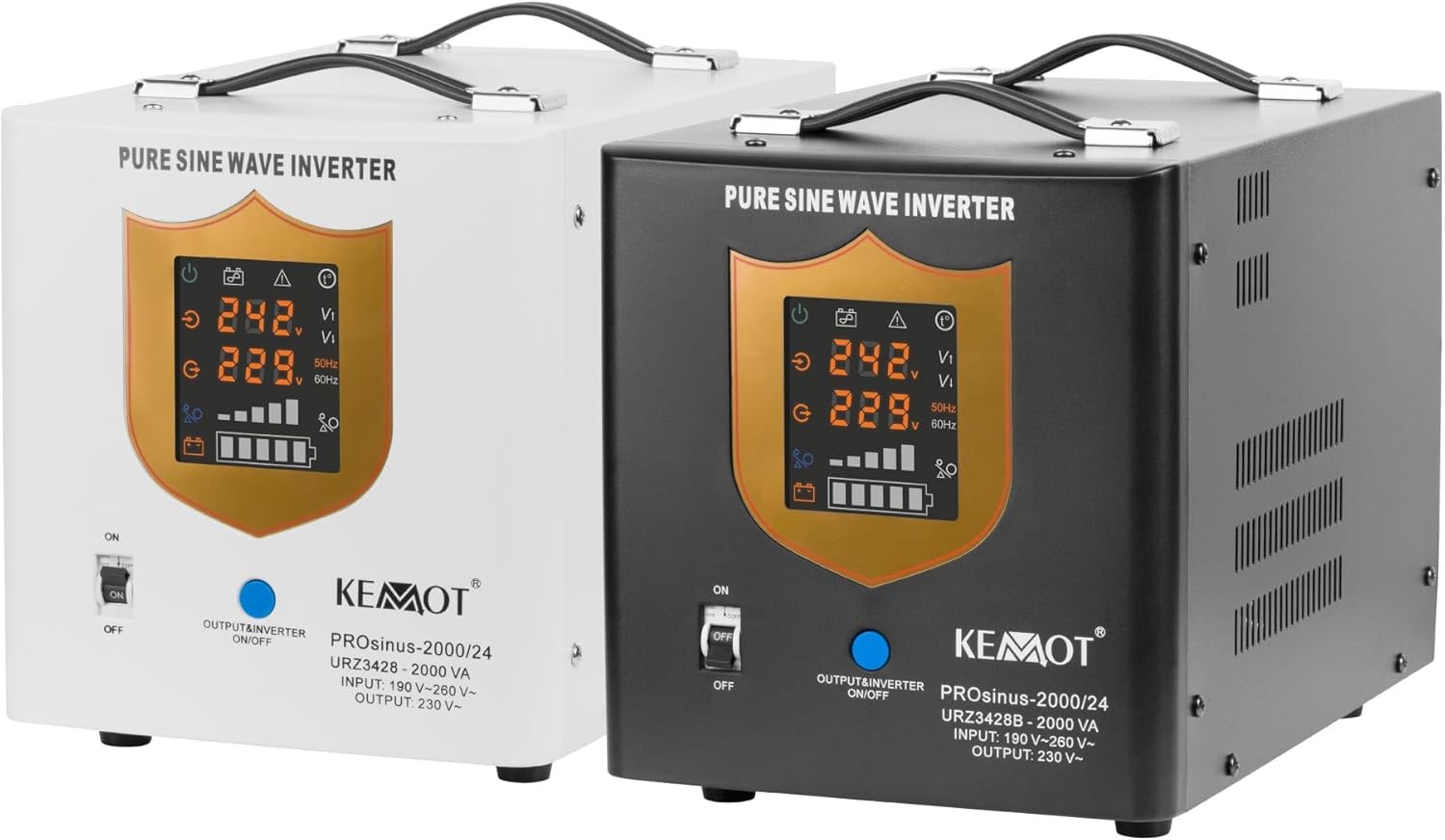
Figure 5: Kemot PROsinus-2000 with 2-year warranty badge. This image features the inverter alongside a prominent "2 YEARS WARRANTY" badge, indicating the product's warranty period.