
1. Important Safety Information
Please read all instructions carefully before using this product. Retain this manual for future reference.
- This product is intended for adult use only.
- Clean the product thoroughly before and after each use. Use warm water and a mild, toy-safe soap.
- Ensure the product is completely dry before charging or storing.
- Do not immerse the main unit in water. The inner sleeve is detachable and washable.
- Use only water-based lubricants with the silicone sleeve to prevent material degradation.
- Discontinue use immediately if you experience any discomfort, irritation, or pain.
- Keep out of reach of children.
- Do not expose the product to extreme temperatures or direct sunlight.
- Only use the provided charging cable.
Legal Disclaimer: Actual product packaging and materials may contain more and different information than what is shown. We recommend that you do not rely solely on the information presented and that you always read labels, warnings, and directions before using or consuming a product.
2. Product Overview
The AMOVIBE Automatic Male Masturbator is designed to provide a comprehensive experience with multiple functions. It features automatic thrusting, various vibration modes, a heating function, and an integrated phone holder for convenience.

Image: The AMOVIBE Automatic Male Masturbator, showcasing its sleek black design with a transparent chamber revealing the inner sleeve and control panel.

Image: An overview of the AMOVIBE masturbator, highlighting its robot-shaped design and key features including 10 thrusting modes, USB rechargeable capability, 10 vibration modes, safe material, heating function, and detachable components.
3. Package Contents
Verify that all items are present in the package:
- 1 x AMOVIBE Automatic Male Masturbator (Main Unit)
- 1 x Inner Silicone Sleeve
- 1 x Instruction Manual
- 1 x Phone Holder
- 1 x USB Charging Cable

Image: A visual representation of the package contents, including the main masturbator unit, inner sleeve, instruction manual, phone holder, and charging cable.
4. Setup and Charging
4.1 Initial Charging
Before first use, fully charge the device. Connect the USB charging cable to the charging port on the device and to a standard USB power adapter (not included). The indicator lights will show charging status. A full charge typically takes approximately 2 hours and provides up to 2 hours of operating time.

Image: An illustration showing the USB charging port and indicating a charging time of 2 hours and a playing time of 2 hours.
4.2 Sleeve Installation
The inner silicone sleeve is designed for easy installation and removal for cleaning.
- To install, ensure the sleeve is clean and dry.
- Gently slide the sleeve into the main unit's chamber, aligning it with the internal mechanism.
- Ensure it is securely seated before use.

Image: A step-by-step guide illustrating how to disassemble and install the inner sleeve for cleaning and reassembly.
5. Operating Instructions
The device features intuitive controls located on the top panel and side handles.

Image: A diagram highlighting the power button, pause button, indicator lights, patterns switching button, and functions switching button on the device.
5.1 Power On/Off
- To power on/off the device, press and hold the power button (usually indicated by a power symbol) for approximately 1.5 seconds.
- The indicator lights will illuminate when the device is on.
5.2 Thrusting Modes
The device offers 10 distinct thrusting modes.
- Press the function switching button (left/right arrows) to select the thrusting function.
- Use the patterns switching button (up/down arrows) to cycle through the 10 thrusting patterns.

Image: An illustration displaying the 10 different thrusting modes available, each represented by a unique arrow pattern.
5.3 Vibration Modes
The device includes 10 powerful vibration modes.
- Press the function switching button (left/right arrows) to select the vibration function.
- Use the patterns switching button (up/down arrows) to cycle through the 10 vibration patterns.

Image: An illustration showcasing the 10 distinct vibration modes, each depicted with a unique waveform pattern.
5.4 Heating Function
The integrated heating function warms the inner sleeve to approximately 42°C, mimicking natural body warmth.
- Press the function switching button (left/right arrows) to select the heating function.
- The device features a 2-level heating system that warms to 42°C within 5 minutes.
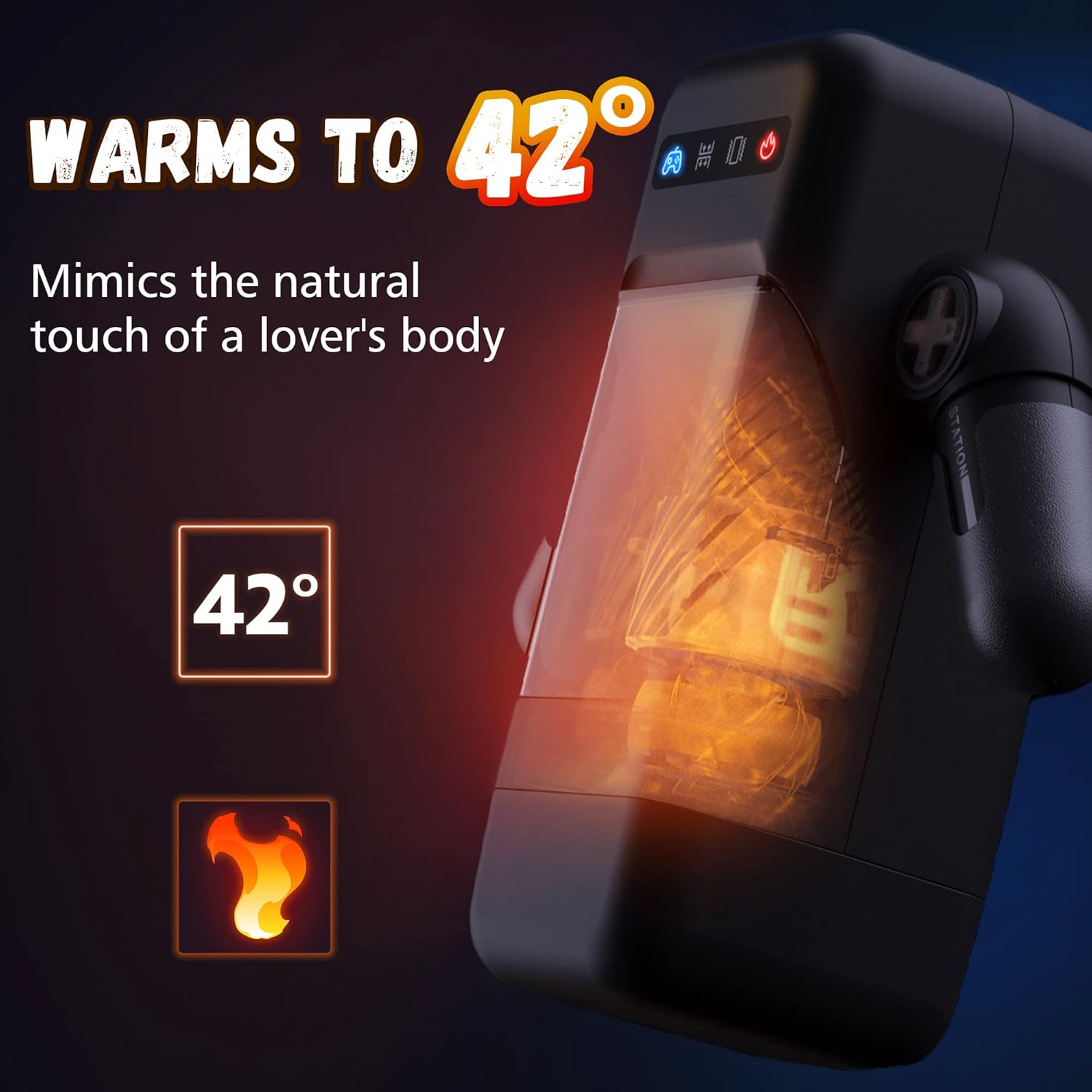
Image: A visual representation of the heating function, indicating the device warms to 42°C.

Image: An illustration detailing the rapid heating system, showing a 2-level heating process that reaches 42°C within 5 minutes.
5.5 Phone Holder Usage
The device includes an adjustable phone holder for hands-free entertainment.
- Attach the phone holder to the designated slot on the device.
- Adjust the holder to your desired angle. It supports 360-degree rotation and is compatible with various phone sizes.

Image: The device with a phone mounted in its holder, illustrating the 360-degree rotation and compatibility with various phone models.

Image: The device in its robot-shaped design, featuring an attached phone stand and adjustable gears that allow the arms to swing, along with a front opening window design.
6. Maintenance and Cleaning
Proper cleaning and maintenance ensure hygiene and prolong the product's lifespan.
6.1 Cleaning the Inner Sleeve
- Carefully remove the front shell of the device.
- Push up the orange stick (if present) or gently pull out the inner silicone sleeve from the main unit.
- Wash the inner sleeve thoroughly with warm water and a mild, toy-safe soap. Do not turn the sleeve inside out forcefully, as this may damage it.
- Rinse completely and gently wipe off excess water with a soft, lint-free cloth.
- Allow the sleeve to air dry completely before reinserting it into the main unit. The heat function can be used to assist in drying the sleeve.

Image: A close-up of the skin-like silicone sleeve, highlighting its texture and flexibility, suitable for comfortable use and easy cleaning.
6.2 Cleaning the Main Unit
- Wipe the exterior of the main unit with a damp cloth and mild soap.
- Do not immerse the main unit in water or allow water to enter the charging port or control panel.
- Ensure the main unit is completely dry before storage or recharging.
6.3 Storage
Store the device in a clean, dry, and cool place, away from direct sunlight and extreme temperatures. Keep it in its original packaging or a dedicated storage bag to protect it from dust and damage.
7. Troubleshooting
If you encounter issues with your AMOVIBE Automatic Male Masturbator, please refer to the following common problems and solutions:
- Device does not turn on:
Ensure the device is fully charged. Connect it to the charger and wait for the indicator lights to confirm charging. If it still doesn't turn on, try holding the power button for a longer duration (5-10 seconds) to reset. - Thrusting/Vibration functions are weak or not working:
Check if the device is fully charged. Ensure the inner sleeve is correctly installed and not obstructing the internal mechanism. If the issue persists, the sleeve might be worn out or damaged and may need replacement. - Heating function is not working:
Verify that the heating function is selected using the function switching button. Ensure the device is adequately charged. - Device shuts off unexpectedly:
This could indicate a low battery. Recharge the device. If it continues to shut off with a full charge, contact customer support. - Difficulty cleaning the sleeve:
Ensure you are using warm water and a mild, toy-safe soap. For stubborn residue, a soft brush designed for cleaning silicone products may be used gently. Always ensure the sleeve is completely dry before reassembly.
If these troubleshooting steps do not resolve the issue, please contact AMOVIBE customer support for further assistance.
8. Specifications
| Feature | Detail |
|---|---|
| Brand | AMOVIBE |
| Model Number | male masturbator |
| ASIN | B0B7MBZ6F2 |
| Material | Silicone |
| Color | Black |
| Product Dimensions (L x W x H) | 23.5 x 9.5 x 24 cm |
| Item Weight | 1.53 kg |
| Thrusting Modes | 10 |
| Vibration Modes | 10 |
| Heating Function | Yes (Warms to 42°C) |
| Water Resistance Level | Waterproof (Sleeve), Not submersible (Main Unit) |
| Battery Type | 1 Lithium Ion battery (included) |
| Charging Time | Approx. 2 hours |
| Operating Time | Approx. 2 hours |