
1. Introduction
Thank you for choosing the Philips Azur 8000 Series Steam Iron. This manual provides essential information for the safe and effective use, maintenance, and troubleshooting of your appliance. Please read it thoroughly before first use and retain it for future reference.

Figure 1: Philips Azur 8000 Series Steam Iron, showcasing its sleek design and color scheme.
2. Important Safety Information
Always follow basic safety precautions when using electrical appliances to reduce the risk of fire, electric shock, and personal injury.
- Ensure the voltage indicated on the iron corresponds to your local mains voltage before connecting.
- Do not immerse the iron or its base in water or any other liquid.
- Keep the iron out of reach of children and individuals with reduced physical, sensory, or mental capabilities.
- Never leave the iron unattended while it is connected to the mains or resting on the ironing board.
- Always place the iron on a stable, heat-resistant surface when not in use.
- Unplug the iron from the power outlet before filling with water, cleaning, or after each use.
- Do not use the iron if it has been dropped, if there are visible signs of damage, or if it is leaking.
3. Product Overview
Familiarize yourself with the components and key features of your Philips Azur 8000 Series Steam Iron.
- SteamGlide Elite Soleplate: Designed for smooth gliding and durability.
- OptimalTEMP Technology: Allows ironing of all ironable fabrics without temperature adjustment and without risk of burns.
- Water Tank: For filling with tap water for steam generation.
- Steam Trigger/Boost Button: Activates continuous steam or a powerful steam boost.
- Intelligent Automatic Steam: Motion detection technology automatically releases steam when the iron is moved.
- Quick Calc Release System: For easy removal of calc particles to maintain performance.

Figure 2: The SteamGlide Elite soleplate, known for its ultra-smooth glide and scratch resistance.
4. Setup and First Use
4.1 Filling the Water Tank
- Ensure the iron is unplugged from the power outlet.
- Open the water tank filling door.
- Fill the water tank with tap water up to the 'MAX' indication. Do not overfill.
- Close the water tank filling door securely.
For optimal performance and to prolong the life of your iron, it is recommended to use tap water. If you live in an area with very hard water, consider using a mixture of 50% tap water and 50% distilled water.
5. Operating Instructions
5.1 Ironing with OptimalTEMP Technology
The OptimalTEMP technology allows you to iron all ironable fabrics from denim to silk without adjusting the temperature. This eliminates the need for sorting clothes and prevents burns.

Figure 3: The iron utilizing OptimalTEMP technology on various fabrics, ensuring no burns.
5.2 Using Continuous Steam and Steam Boost
- Continuous Steam: Plug in the iron and wait for the indicator light to show it's ready. The iron delivers a continuous steam output of 70 g/min, ensuring efficient crease removal.
- Intelligent Automatic Steam: The iron features motion detection technology that automatically releases steam when you move the iron across the fabric.
- Steam Boost: For stubborn creases, press the steam boost button to release a powerful burst of up to 240 g of steam.
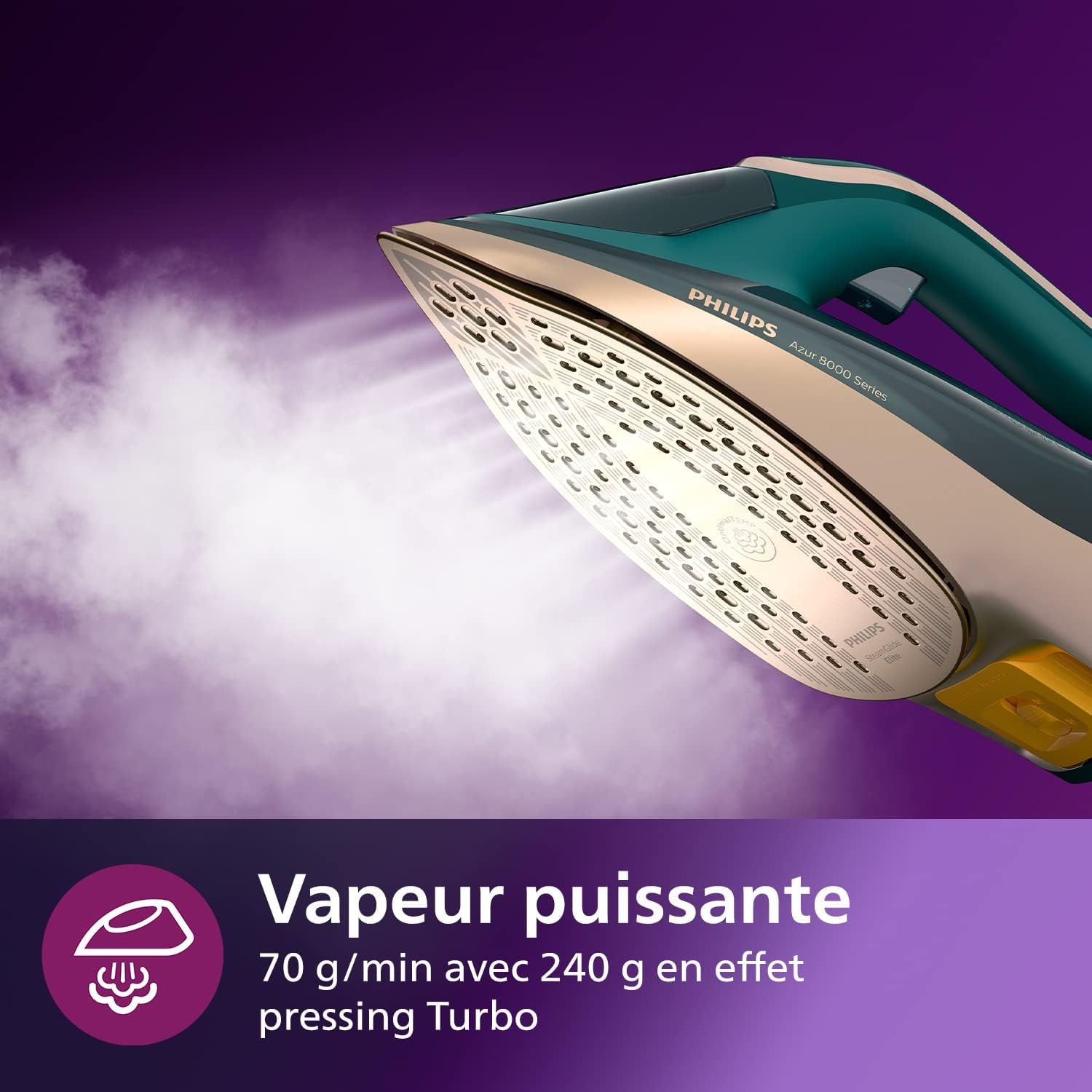
Figure 4: The iron generating powerful steam for effective crease removal.
5.3 Vertical Steaming
The iron can also be used for vertical steaming to refresh hanging garments, curtains, or delicate fabrics.
- Hang the garment on a hanger.
- Hold the iron vertically, a few centimeters away from the fabric.
- Press the steam trigger to release steam. Move the iron up and down over the fabric.
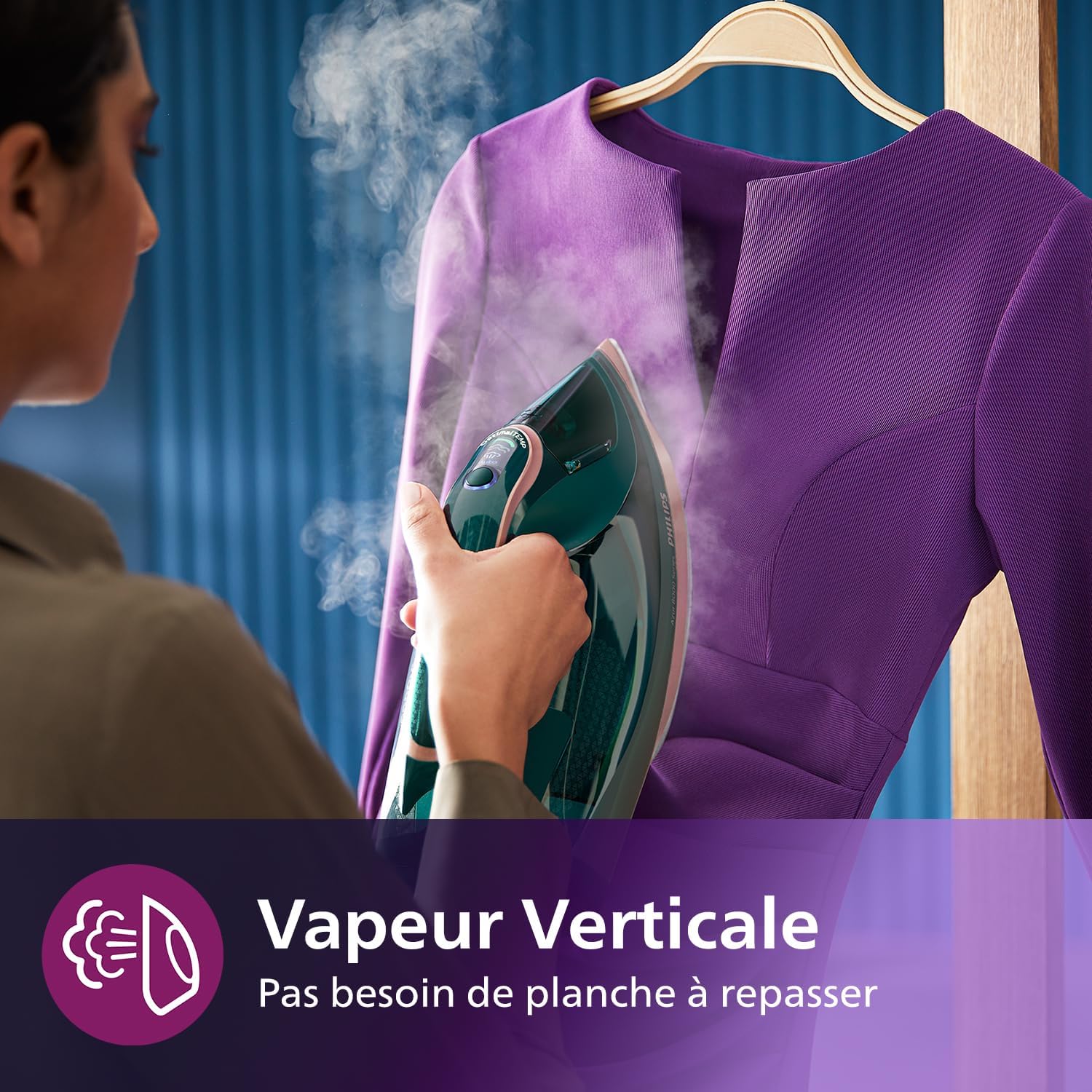
Figure 5: Demonstrating vertical steaming for hanging clothes, eliminating the need for an ironing board.
5.4 Automatic Shut-off
For safety and energy saving, the iron is equipped with an automatic shut-off function. If left unattended, the iron will automatically turn off after eight minutes when resting on its heel, or after 30 seconds when resting on its soleplate or side.

Figure 6: The iron in a resting position, highlighting the automatic shut-off safety feature.
6. Maintenance
6.1 Cleaning the Iron
- Always unplug the iron and allow it to cool down completely before cleaning.
- Wipe the soleplate with a damp cloth and a non-abrasive cleaner if necessary.
- Clean the outer casing with a damp cloth. Do not use harsh chemicals or abrasive cleaning pads.
6.2 Quick Calc Release System
The Quick Calc Release system helps maintain the iron's performance by collecting loose scale particles. Regular cleaning of this system is crucial.
- Ensure the iron is unplugged and has cooled down for at least one hour.
- Hold the iron over a sink.
- Pull the Quick Calc Release collector out of the back of the iron.
- Rinse the collector thoroughly under running water.
- Shake the iron gently to allow any loose scale particles to fall out.
- Reinsert the collector until it clicks into place.

Figure 7: The Quick Calc Release system, designed for easy removal of calc and lime scale buildup.
7. Troubleshooting
If you encounter problems with your iron, consult the following table before contacting customer support.
| Problem | Possible Cause | Solution |
|---|---|---|
| Iron does not heat up. | Not plugged in, power outlet fault, or automatic shut-off activated. | Check power connection. Test outlet with another appliance. Move the iron to reactivate if auto shut-off engaged. |
| No steam or insufficient steam. | Water tank empty, iron not hot enough, or calc buildup. | Fill water tank. Wait for the iron to reach operating temperature. Perform Quick Calc Release cleaning. |
| Water leaks from the soleplate. | Water tank overfilled, or iron not hot enough for steam. | Do not overfill the water tank. Ensure the iron has reached full temperature before using steam. |
| Brown stains on fabric. | Calc particles in the soleplate or impurities in the water. | Perform Quick Calc Release cleaning. Use distilled water if tap water is very hard. |
8. Specifications
- Brand: Philips
- Model: DST8030/70 (Azur 8000 Series)
- Power: 3000 W
- Continuous Steam Output: 70 g/min
- Steam Boost: Up to 240 g
- Soleplate: SteamGlide Elite
- Technology: OptimalTEMP, Intelligent Automatic Steam
- Descaling: Quick Calc Release
- Weight: Approximately 2 Kilograms
- Automatic Shut-off: Yes
9. Warranty and Support
This Philips appliance comes with a standard manufacturer's warranty. Please refer to the warranty card included in your product packaging for specific terms and conditions, including the warranty period applicable in your region.
For product support, frequently asked questions, or to register your product, please visit the official Philips website or contact Philips customer service in your country. Contact details can typically be found in the warranty booklet or on the Philips support website.


