1. Introduction
This manual provides instructions for the proper application and care of your Generic Drum Set Pulse Waterproof Decal Sticker (Model: CS1437-2PK). This product is designed for both indoor and outdoor use, featuring a UV-protected laminate for enhanced durability and fade resistance.

Image 1: The Drum Set Pulse decal sticker, featuring a black silhouette of a drum kit within a heartbeat line design.

Image 2: A detailed view of the Drum Set Pulse decal design, highlighting the intricate silhouette of the drum kit and the surrounding heartbeat graphic.
2. Application Instructions (Setup)
For optimal adhesion and longevity, follow these steps carefully:
- Prepare the Surface: Ensure the application surface is clean, dry, and smooth. Use a mild cleaner to remove any dirt, dust, grease, or wax. Allow the surface to dry completely before proceeding.
- Position the Decal: Carefully peel a small corner of the backing paper from the decal. Position the decal on the desired surface. Avoid touching the adhesive side with your fingers.
- Apply Gradually: Slowly peel the rest of the backing paper while simultaneously applying the decal to the surface. Use a squeegee or a credit card to smooth out the decal from the center outwards, pressing firmly to remove any air bubbles.
- Final Adhesion: Once the decal is fully applied, press firmly over the entire surface of the decal to ensure complete adhesion. For best results, allow 24-48 hours for the adhesive to fully cure before exposing to extreme conditions or washing.
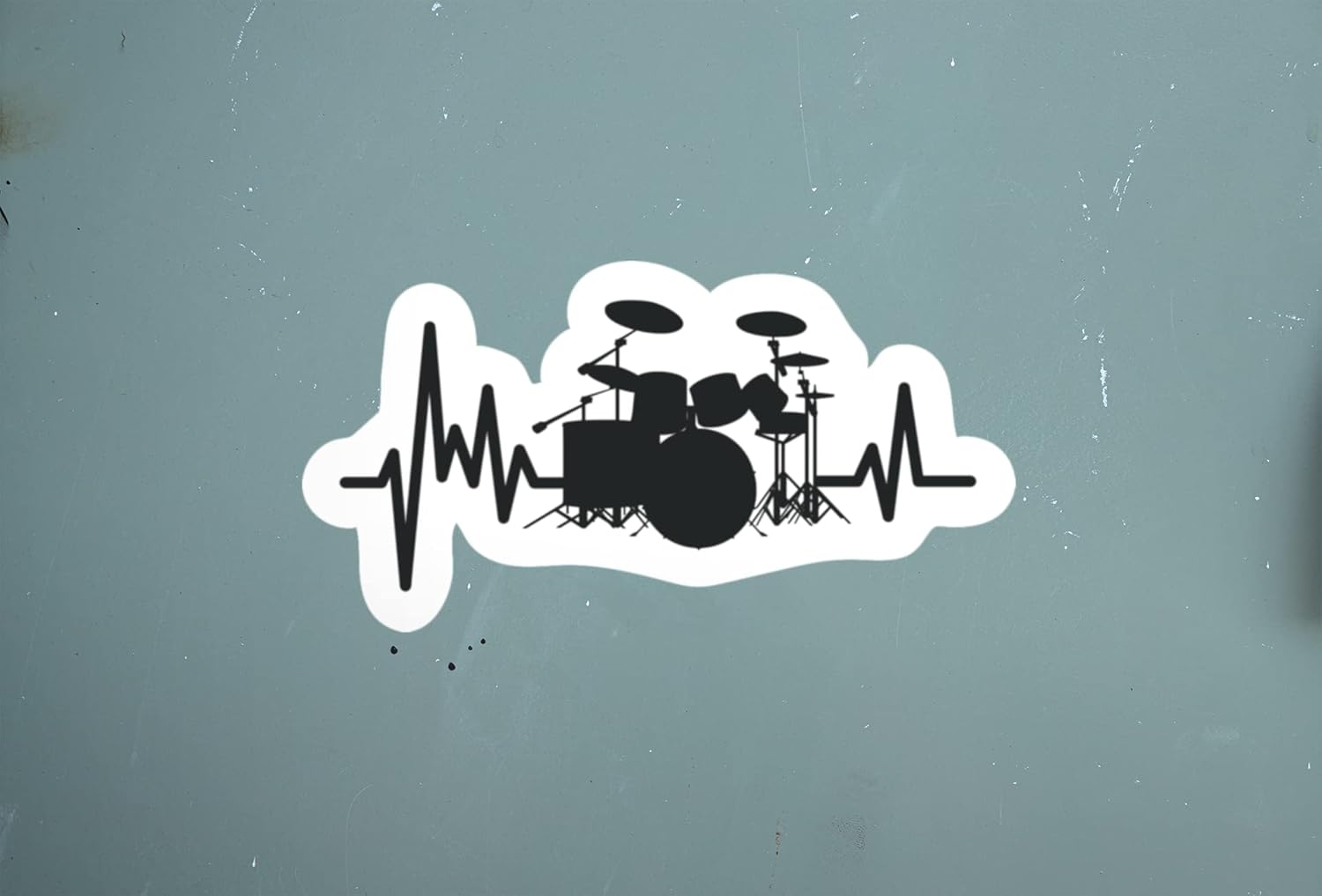
Image 3: The decal sticker shown applied to a smooth, grey surface, demonstrating its appearance after application.

Image 4: The decal sticker adhered to a car window, illustrating a common application for outdoor use.
3. Care and Maintenance
To maintain the appearance and longevity of your decal:
- Cleaning: Clean the decal gently with a soft cloth and mild soap and water. Avoid abrasive cleaners or harsh scrubbing, which can damage the laminate.
- Weather Exposure: The decal is designed to be weather and sun resistant. However, prolonged exposure to extreme conditions may eventually affect its appearance.
- Removal: This is a single-use decal. Attempting to remove and reapply it will likely damage the decal and compromise its adhesive properties.
4. Specifications
| Feature | Detail |
|---|---|
| Model Number | CS1437-2PK |
| Brand | Generic |
| Color | Black |
| Special Features | Waterproof, UV Protected Laminated, Fade Resistant |
| Number of Pieces | 2 |
| Item Form | Rectangular |
| Indoor/Outdoor Usage | Outdoor (suitable for indoor as well) |
| Recommended Uses | Cars, Trucks, Vans, SUVs, Skateboards, Laptops, Bumpers, Motorcycles |
5. Troubleshooting
- Decal not sticking: Ensure the surface was thoroughly cleaned and dry before application. Extreme cold can affect adhesion; apply in moderate temperatures.
- Air bubbles: Small bubbles can often be smoothed out by gently pressing them towards the edge with a squeegee or credit card. For stubborn bubbles, a tiny pinprick can release the air, then smooth down.
- Edges lifting: Ensure firm pressure was applied during initial application, especially around the edges. Avoid immediate exposure to water or high-pressure washing after application.
6. Support
If you encounter any issues or have questions regarding your Drum Set Pulse Waterproof Decal Sticker, please contact the seller directly through the platform where you made your purchase. Refer to your order details for seller contact information.

Image 5: A seal indicating 100% customer satisfaction is guaranteed, reflecting commitment to product quality and support.


