
Amazfit A2176
Amazfit GTS 4 Mini Smartwatch User Manual
Model: A2176
1. Introduction
The Amazfit GTS 4 Mini is a compact and feature-rich smartwatch designed to support your health and fitness journey. It combines a vibrant display with advanced health monitoring, extensive sports tracking, and smart assistant capabilities.
Key features include a 1.65-inch AMOLED display, 24/7 heart rate and blood oxygen saturation (SpO2) monitoring, over 120 sports modes with smart recognition, integrated GPS, 5 ATM water resistance, and built-in Amazon Alexa.
2. Setup Guide
2.1 Package Contents
- Amazfit GTS 4 Mini Smartwatch
- Charging Base
- User Manual
2.2 Charging the Device
Before first use, fully charge your Amazfit GTS 4 Mini. Connect the charging base to a USB power adapter (not included) and place the smartwatch onto the magnetic charging pins. The watch display will indicate charging status.
2.3 Power On/Off
- Power On: Press and hold the side button until the Amazfit logo appears.
- Power Off: From the watch face, swipe down to access the quick settings, tap the settings icon, then navigate to System > Power Off. Alternatively, press and hold the side button and select 'Power Off'.
2.4 App Installation and Pairing
- Download the Zepp App from your smartphone's app store (App Store for iOS, Google Play Store for Android).
- Open the Zepp App and create an account or log in.
- Tap the '+' icon in the app to add a new device, then select 'Watch' and scan the QR code displayed on your smartwatch screen. If no QR code is visible, manually search for your device via Bluetooth.
- Follow the on-screen prompts in the app and on your watch to complete the pairing process. Ensure Bluetooth is enabled on your smartphone.
3. Operating Instructions
3.1 Display and Navigation
The Amazfit GTS 4 Mini features a 1.65-inch HD AMOLED touchscreen display. Navigation is primarily touch-based, with a single physical button on the side for additional control.
- Swipe Up: View notifications.
- Swipe Down: Access quick settings (e.g., DND, brightness, battery saver).
- Swipe Left/Right: Cycle through widgets (e.g., activity, heart rate, weather).
- Press Side Button: Return to the watch face from any screen, or open the app list from the watch face.
- Press and Hold Side Button: Default action is to activate Alexa. This can be customized in settings.

The Amazfit GTS 4 Mini display showing key information like time, battery level, steps, and heart rate.

The 1.65-inch AMOLED display offers clear and vibrant visuals.

Customize your watch with a variety of watch faces available through the Zepp App.
3.2 Health Monitoring
The smartwatch provides comprehensive health tracking features:
- Heart Rate Monitoring: Continuous 24-hour heart rate tracking. Abnormal heart rate alerts can be configured in the Zepp App.
- Blood Oxygen Saturation (SpO2): Measure your blood oxygen levels on demand or enable continuous monitoring.
- Stress Level Monitoring: Tracks your stress levels throughout the day and offers breathing exercises to help manage stress.
- Sleep Tracking: Monitors sleep stages (light, deep, REM) and provides insights into sleep quality.
- PAI Health Assessment System: A personalized health intelligence system that converts heart rate data into a single, intuitive score.

Easy health data measurement for heart rate, stress, blood oxygen, and sleep.

Monitor your health with alerts for abnormally high or low heart rates, SpO2, and stress levels.

The PAI Health Assessment System provides a comprehensive overview of your physical activity.
3.3 Sports Modes and GPS
The watch supports over 120 sports modes, including running, cycling, swimming, and more. It features smart recognition for 7 common sports, automatically detecting and recording your activity.
- Integrated GPS: Utilizes 5 satellite positioning systems for strong and precise outdoor tracking of your routes and distance.
- ExerSense™: Smart recognition of sports activities.

Track over 120 sports modes with smart recognition.
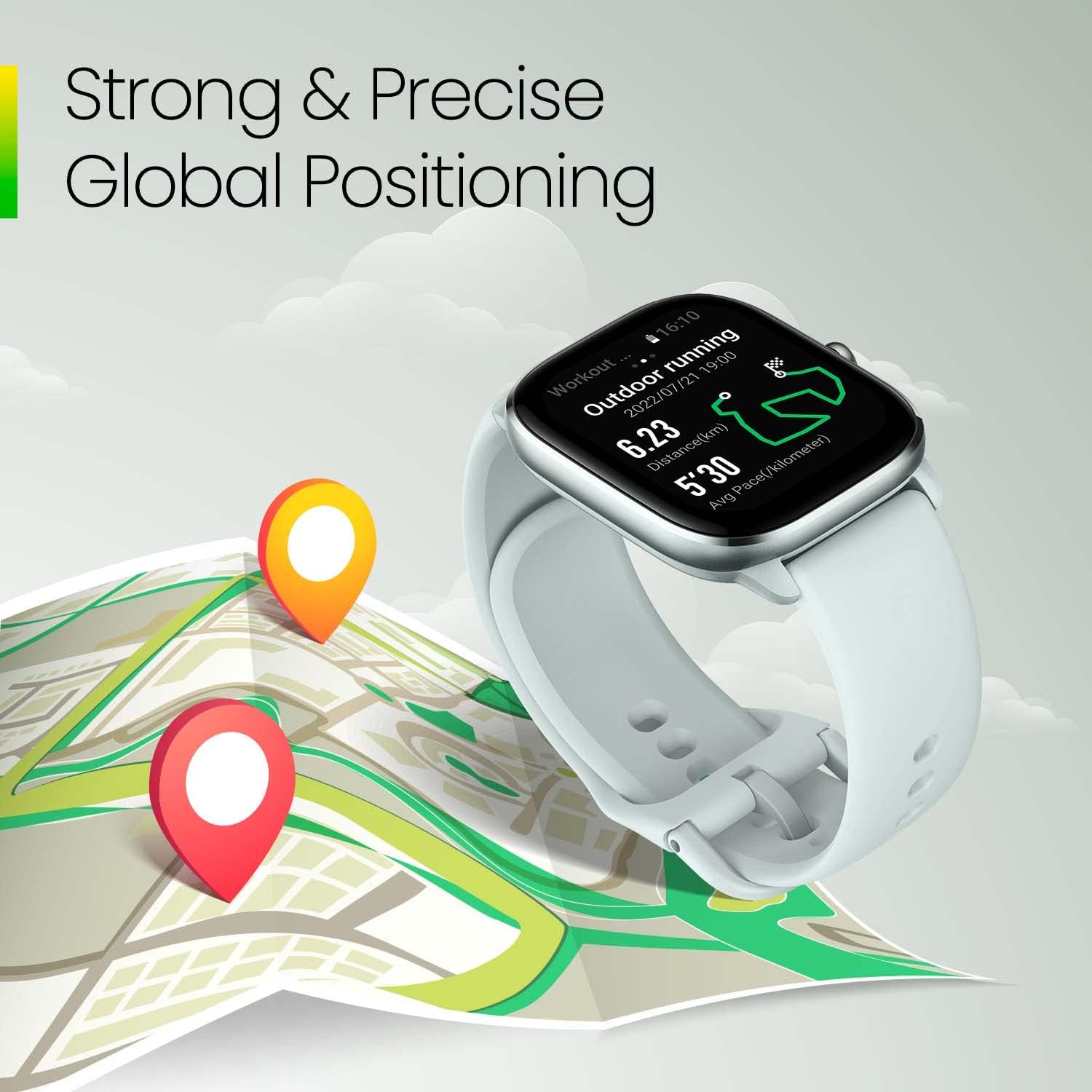
Strong and precise global positioning for accurate outdoor activity tracking.

The watch tracks various sports activities, including running.

Integrated GPS provides accurate location tracking for your workouts.
3.4 Built-in Amazon Alexa
The Amazfit GTS 4 Mini has Amazon Alexa built-in. Press and hold the side button to activate Alexa and use voice commands for various tasks, such as setting alarms, checking the weather, or controlling smart home devices. Alexa's responses will be displayed on the watch screen.
Use built-in Alexa for reminders and other voice commands.

Alexa can help you manage your schedule and daily tasks.
3.5 Notifications and Other Features
- Smart Notifications: Receive alerts for incoming calls, messages, and app notifications directly on your wrist.
- Music Control: Control music playback on your smartphone.
- Find My Phone: Locate your paired smartphone.
- Weather Forecast: Get current weather information.
- Alarm Clock & Timer: Set alarms and use stopwatch/timer functions.

The Zepp OS provides a user-friendly interface for accessing various functions.
4. Maintenance and Care
4.1 Cleaning and Storage
- Regularly clean your smartwatch and strap with a soft, damp cloth. Avoid harsh chemicals or abrasive materials.
- Ensure the charging contacts on the watch and base are clean and dry to prevent corrosion and ensure proper charging.
- Store the watch in a cool, dry place when not in use.
4.2 Water Resistance (5 ATM)
The Amazfit GTS 4 Mini has a water resistance rating of 5 ATM, meaning it can withstand pressures equivalent to a depth of 50 meters. This makes it suitable for swimming and showering. However, it is not recommended for diving, high-speed water sports, or hot water activities (e.g., saunas, hot tubs) as steam and high temperatures can compromise the seal.
- Do not operate the watch buttons underwater.
- After exposure to saltwater, rinse the watch with fresh water and dry it thoroughly.

The 5 ATM water resistance allows for tracking swimming activities.
4.3 Battery Life
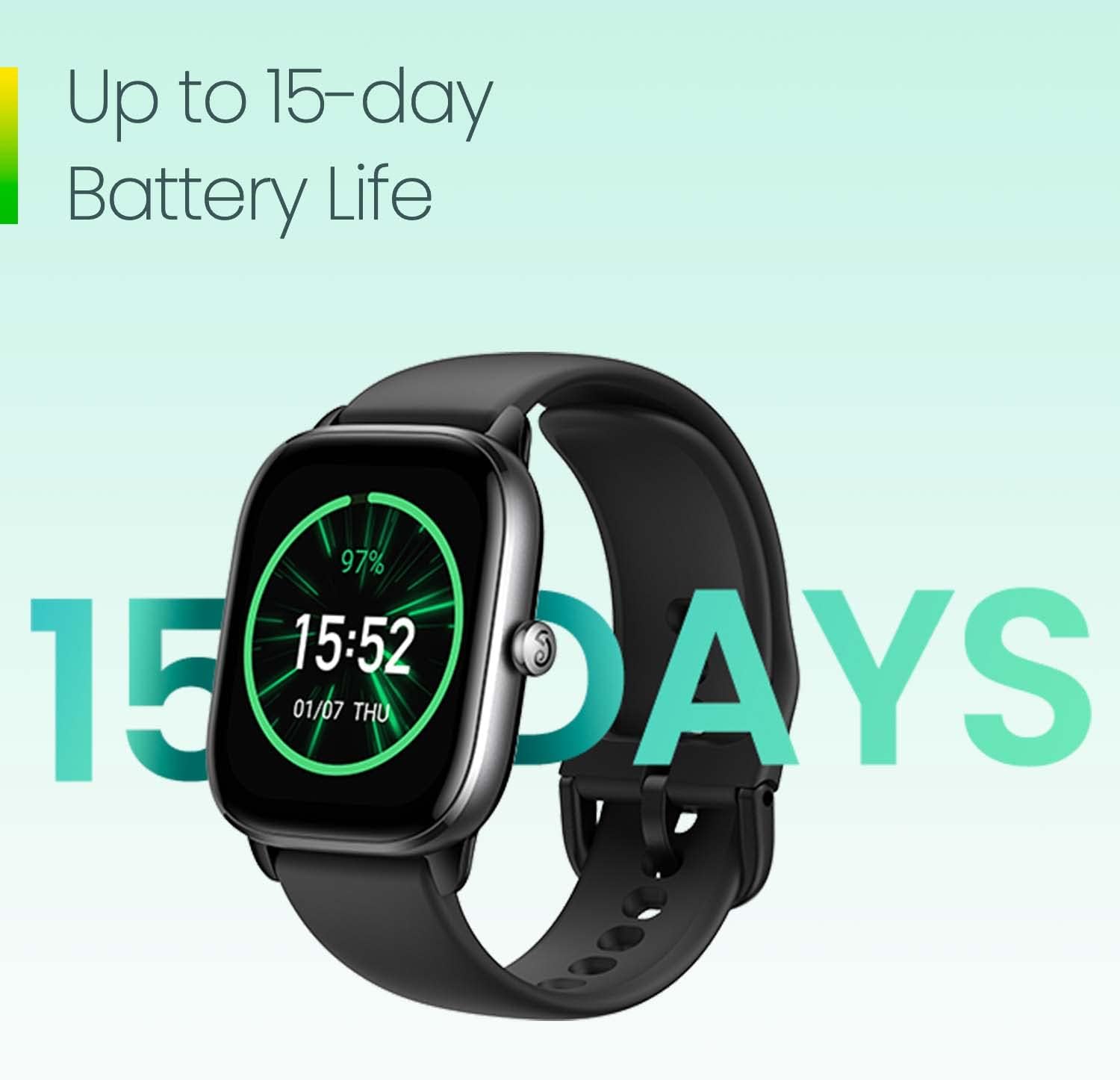
The Amazfit GTS 4 Mini offers up to 15 days of battery life under typical usage conditions. Battery life may vary based on usage patterns, enabled features (e.g., always-on display, continuous heart rate monitoring, GPS usage), and environmental factors.

Enjoy up to 15 days of battery life on a single charge.
5. Troubleshooting
If you encounter issues with your Amazfit GTS 4 Mini, refer to the following common solutions:
- Watch not turning on: Ensure the watch is fully charged. Connect it to the charging base and a power source for at least 30 minutes.
- Cannot pair with smartphone:
- Ensure Bluetooth is enabled on your smartphone.
- Make sure the Zepp App is updated to the latest version.
- Restart both your smartphone and the smartwatch.
- Try unpairing and re-pairing the device through the Zepp App.
- Inaccurate health data (heart rate, SpO2):
- Ensure the watch is worn snugly on your wrist, about one finger's width from your wrist bone.
- Avoid excessive movement during measurements.
- Clean the sensor on the back of the watch.
- GPS signal issues:
- Ensure you are in an open outdoor area with a clear view of the sky.
- Wait a few moments for the watch to acquire a GPS signal before starting an outdoor workout.
- Short battery life:
- Disable features like Always-On Display if not essential.
- Reduce the frequency of continuous heart rate or SpO2 monitoring.
- Lower screen brightness.
- Limit the number of app notifications.
For further assistance, consult the Zepp App's help section or the official Amazfit support resources.
6. Specifications
| Feature | Detail |
|---|---|
| Model Number | A2176 |
| Display | 1.65-inch AMOLED, 360 x 360 resolution |
| Battery Capacity | 290 mAh Lithium Polymer |
| Typical Battery Life | Up to 15 days |
| Connectivity | Bluetooth |
| Positioning | Integrated GPS (5 satellite systems) |
| Water Resistance | 5 ATM (up to 50 meters) |
| Sensors | Optical Heart Rate Sensor, GPS |
| Operating System | Zepp OS |
| Dimensions | 10 x 4 x 25 cm |
| Weight | 130 g |
| Case Material | Plastic |
| Strap Material | Silicone |
| Compatible Devices | iPhone and current Android devices |
7. Warranty and Support
7.1 Product Warranty
The Amazfit GTS 4 Mini Smartwatch comes with a 1 Year Limited Warranty from the date of purchase. This warranty covers manufacturing defects and issues arising from normal use. It does not cover damage caused by misuse, accidents, unauthorized modifications, or normal wear and tear.
Please retain your proof of purchase for warranty claims.
7.2 Customer Support
For technical support, troubleshooting, or warranty inquiries, please refer to the following resources:
- Zepp App: The Zepp App often contains a comprehensive help section, FAQs, and direct support contact options.
- Official Amazfit Website: Visit the official Amazfit website for product information, FAQs, and customer service contact details.
- Retailer Support: Contact the retailer from whom you purchased the device for assistance with returns or exchanges, if applicable.
Related documentsA2176


Ask a question about this manual
Ask about setup, troubleshooting, compatibility, parts, safety, or missing instructions. Manuals+ will review the question and use this page’s manual context to help answer it.