
M10
Generic M10 Smart Video Doorbell Camera Instruction Manual
Model: M10
1. Introduction
Thank you for choosing the Generic M10 Smart Video Doorbell Camera. This intelligent visual intercom system provides enhanced home security with features like HD wide-angle night vision, two-way talk, and free cloud storage. This manual will guide you through the setup, operation, and maintenance of your new doorbell.
2. Product Features
- High Definition Video: Clear video with a 90° viewing angle to display details in front of your door.
- Two-Way Intercom: WIFI connection enables two-way communication between the doorbell and your mobile phone, supporting real-time calls, photos, and recording.
- Long Battery Life: Built-in 1000mAh lithium-ion battery provides over 6 months of normal use on a single 1.5-hour charge.
- Infrared Night Vision: Automatically activates at night for clear visibility in low-light conditions.
- Storage Options: Supports up to 128GB SD card storage (not included) and includes free three-day rolling cloud storage.
- App Control: The doorbell can be controlled via a mobile application for intelligent and portable operation.
- Voice Changing Function: Enhances privacy during two-way communication.
- Low Power Consumption: Efficient design for extended standby time.

Figure 2.1: An image showcasing the M10 Smart Video Doorbell Camera along with visual icons detailing its primary functionalities, including remote access, night vision, and various storage options.
3. Package Contents
Please verify that all items are present in your package:
- 1 x Doorbell Machine
- 1 x Internal Ding-Dong Machine
- 1 x Charging Cable
- 1 x Adhesive Installation Aid
- 1 x User Manual
4. Technical Specifications
| Parameter | Value |
|---|---|
| Main Control Model | BK7252 |
| Sensor Model | GC0328 |
| Maximum Resolution | 1080p (Video Coding Standard: MJPEG) |
| Video Frame Rate | VGA 20fps |
| Viewing Angle | 90 Degrees |
| Connectivity | 2.4GHz WiFi, Bluetooth |
| Power Supply Mode | Battery Powered (DC 5V Charging) |
| Battery Capacity | 1000mAh |
| Storage | Max 128GB SD Card (not supported for direct recording), Free Cloud Storage (3-day rolling) |
| Infrared Lamp Wavelength | 850nm |
| Doorbell Machine Size | 7.5cm x 4.5cm (2.95in x 1.77in) |
| Dingdong Machine Size | 4.5cm x 3.5cm (1.77in x 1.38in) |
| Weight | 175.3g (0.39 lb) |
| Mounting Type | Wall Mount |
| International Protection Rating | IP65 |

Figure 4.1: A visual representation of the physical dimensions of both the M10 Smart Video Doorbell and its accompanying internal chime unit, useful for installation planning.
5. Setup and Installation
Follow these steps to set up and install your M10 Smart Video Doorbell:
- Charge the Doorbell: Before first use, fully charge the doorbell using the provided charging cable. The built-in 1000mAh battery typically takes 1.5 hours to fully charge.
- Download the App: Search for and download the official doorbell application on your smartphone's app store.
- Pair the Doorbell: Open the app and follow the on-screen instructions to pair the doorbell using Bluetooth distribution mode. Ensure your phone's Bluetooth and Wi-Fi are enabled.
- Connect to Wi-Fi: Once paired, connect the doorbell to your 2.4GHz Wi-Fi network through the app.
- Mount the Doorbell: Choose a suitable location near your door. Use the adhesive installation aid to securely mount the doorbell to the wall. Ensure the camera has a clear, unobstructed view.
- Insert SD Card (Optional): If you wish to use local storage, insert a compatible SD card (up to 128GB) into the designated slot on the doorbell. Note that the product description states SD card is not supported for direct recording, but for storage. Cloud storage is provided by default.

Figure 5.1: The M10 Smart Video Doorbell Camera, shown alongside a smartphone displaying a live view of a person at the door. This illustrates the real-time monitoring capability.

Figure 5.2: The M10 Smart Video Doorbell installed on a wall, with a smartphone screen showing a clear view of a person at the entrance, emphasizing its wide-angle monitoring.
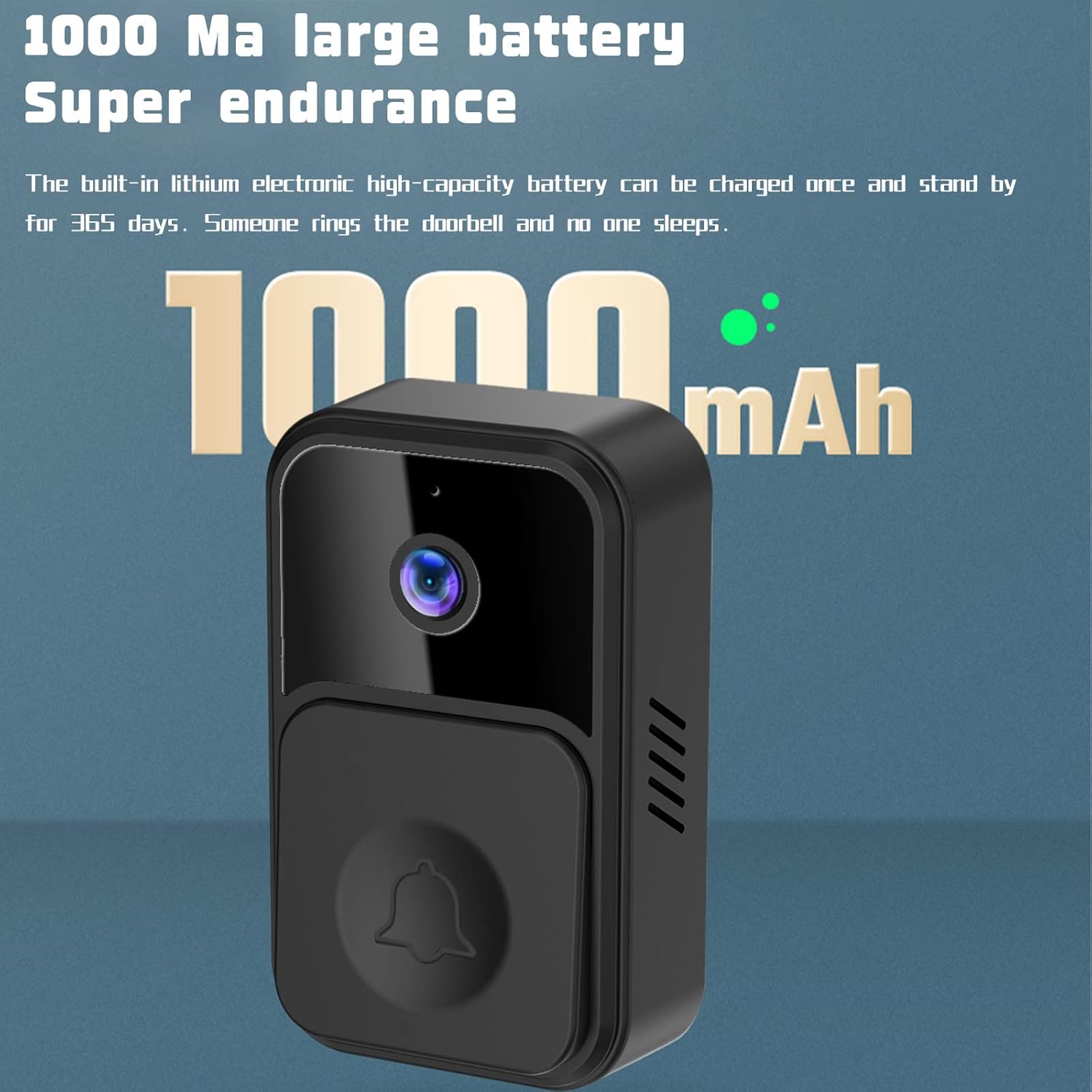
Figure 5.3: A detailed view of the doorbell's rear, indicating the slot for a memory card (up to 128GB) and illustrating both cloud storage and local memory card storage options.
6. Operating Instructions
Once installed and connected, your M10 Smart Video Doorbell is ready for use:
- Receiving Notifications: When someone presses the doorbell, your smartphone will receive an instant notification.
- Two-Way Talk: Tap the notification to open the app and initiate a two-way conversation with the visitor. You can use the voice changing feature for added privacy.
- Live View: Open the app at any time to view a live feed from the doorbell camera.
- Night Vision: The doorbell automatically switches to infrared night vision mode in low-light conditions, ensuring clear video day and night.
- Video Recording & Playback: The doorbell automatically records video when activated (e.g., by a button press or motion detection). Recordings are stored in the cloud (3-day rolling storage) or on an inserted SD card. You can review these recordings via the app.
- Visitor Snapshot: The doorbell can capture snapshots of visitors, which can be reviewed in the app.
- Unattended Standby: The doorbell operates in a low-power standby mode when not actively in use, conserving battery life.

Figure 6.1: A user interacting with the doorbell's mobile application, highlighting the voice changing function for enhanced privacy and security during two-way communication.

Figure 6.2: This image demonstrates the interaction with the doorbell: a visitor pressing the button, and a resident responding through the smartphone app, enabling two-way communication.
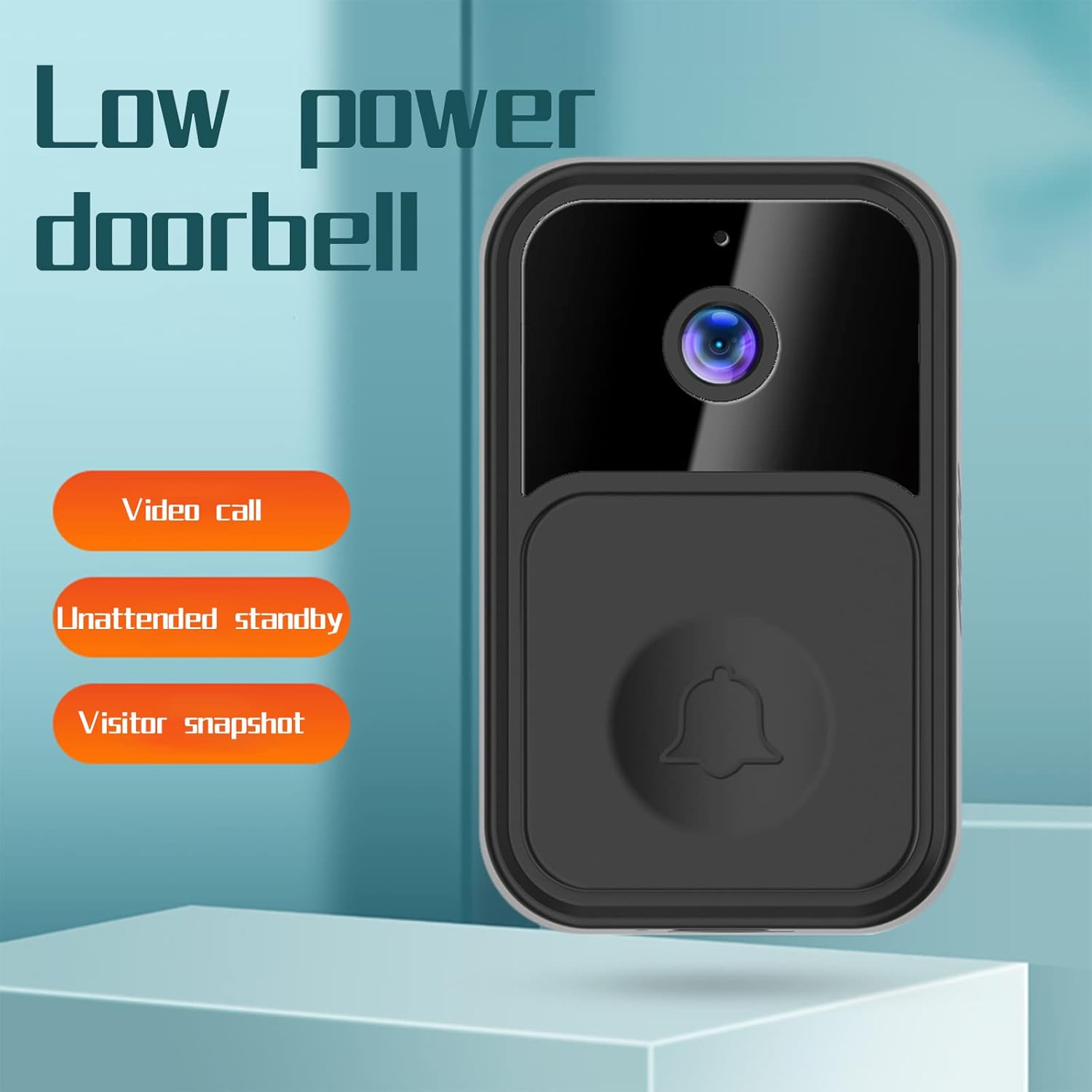
Figure 6.3: This image highlights the low power consumption design of the doorbell, along with features like direct video calls, unattended standby mode, and automatic visitor snapshots.
7. Maintenance
To ensure optimal performance and longevity of your M10 Smart Video Doorbell, follow these maintenance guidelines:
- Cleaning: Regularly wipe the camera lens and the doorbell's exterior with a soft, damp cloth to remove dust and dirt. Do not use harsh chemicals or abrasive cleaners.
- Battery Care: Recharge the doorbell promptly when the battery low indicator appears. Avoid completely draining the battery frequently to prolong its lifespan.
- Firmware Updates: Check the mobile application periodically for any available firmware updates. Keeping the firmware updated ensures the best performance and security features.
- Environmental Protection: While the doorbell has an IP65 rating, protecting it from extreme weather conditions (e.g., direct heavy rain, prolonged direct sunlight) can further extend its life.
8. Troubleshooting
If you encounter issues with your M10 Smart Video Doorbell, refer to the following common problems and solutions:
- Doorbell not connecting to Wi-Fi:
- Ensure your Wi-Fi network is 2.4GHz. The doorbell does not support 5GHz networks.
- Check your Wi-Fi password for accuracy.
- Move the doorbell closer to your Wi-Fi router to improve signal strength.
- Restart your router and the doorbell.
- No notifications on phone:
- Check your phone's notification settings for the doorbell app and ensure they are enabled.
- Ensure your phone has a stable internet connection.
- Verify that the doorbell is connected to Wi-Fi and online in the app.
- Poor video quality or black screen:
- Clean the camera lens with a soft cloth.
- Ensure adequate lighting. If it's dark, check if night vision is activating automatically.
- Check your Wi-Fi signal strength; a weak signal can affect video streaming quality.
- Battery draining quickly:
- Ensure the doorbell is fully charged (1.5 hours charging time).
- Frequent live view access or excessive motion detection events can consume more battery. Adjust motion sensitivity if necessary.
- Ensure the doorbell is not exposed to extreme temperatures.
- Two-way audio not working:
- Check the microphone and speaker settings within the app.
- Ensure there are no obstructions blocking the doorbell's microphone or speaker.
- Verify your phone's microphone permissions for the doorbell app.
9. Warranty and Support
For warranty information and customer support, please refer to the documentation provided at the time of purchase or contact the retailer where you purchased the Generic M10 Smart Video Doorbell Camera. Keep your purchase receipt as proof of purchase for any warranty claims.
For technical assistance or further inquiries, please consult the official product website or contact the manufacturer's customer service channels, if available.