
1. Introduction
Thank you for purchasing the STEELPRO Robotic Moving Head Beam 80H. This professional stage lighting fixture is designed to provide dynamic and vibrant lighting effects for various events and venues. Featuring an 80-watt RGBW LED, it offers a wide spectrum of colors and precise movement control. Please read this manual thoroughly before operation to ensure safe and optimal performance.
2. Safety Instructions
To prevent electric shock or fire, and to ensure safe operation, please observe the following precautions:
- Electrical Safety: Always connect the unit to a grounded power outlet. Ensure the power supply voltage matches the unit's requirements. Disconnect power before cleaning or servicing.
- Installation: Install the unit in a well-ventilated area, away from heat sources. Ensure secure mounting if suspended. Do not block ventilation openings.
- Handling: Avoid direct eye exposure to the light source. Do not operate the unit if the power cord is damaged. Keep away from water and moisture.
- Service: Refer all servicing to qualified personnel. There are no user-serviceable parts inside.
3. Product Features
- Powerful 80W RGBW LED for bright and versatile color mixing.
- Full color spectrum (4-in-1) for rich and dynamic lighting.
- Pan (540°) and Tilt (270°) movement for wide coverage.
- Multiple control modes: DMX512, Automatic, Sound-Activated, Master/Slave.
- Compact and portable design.
- Integrated LCD display for easy menu navigation.
4. Product Overview
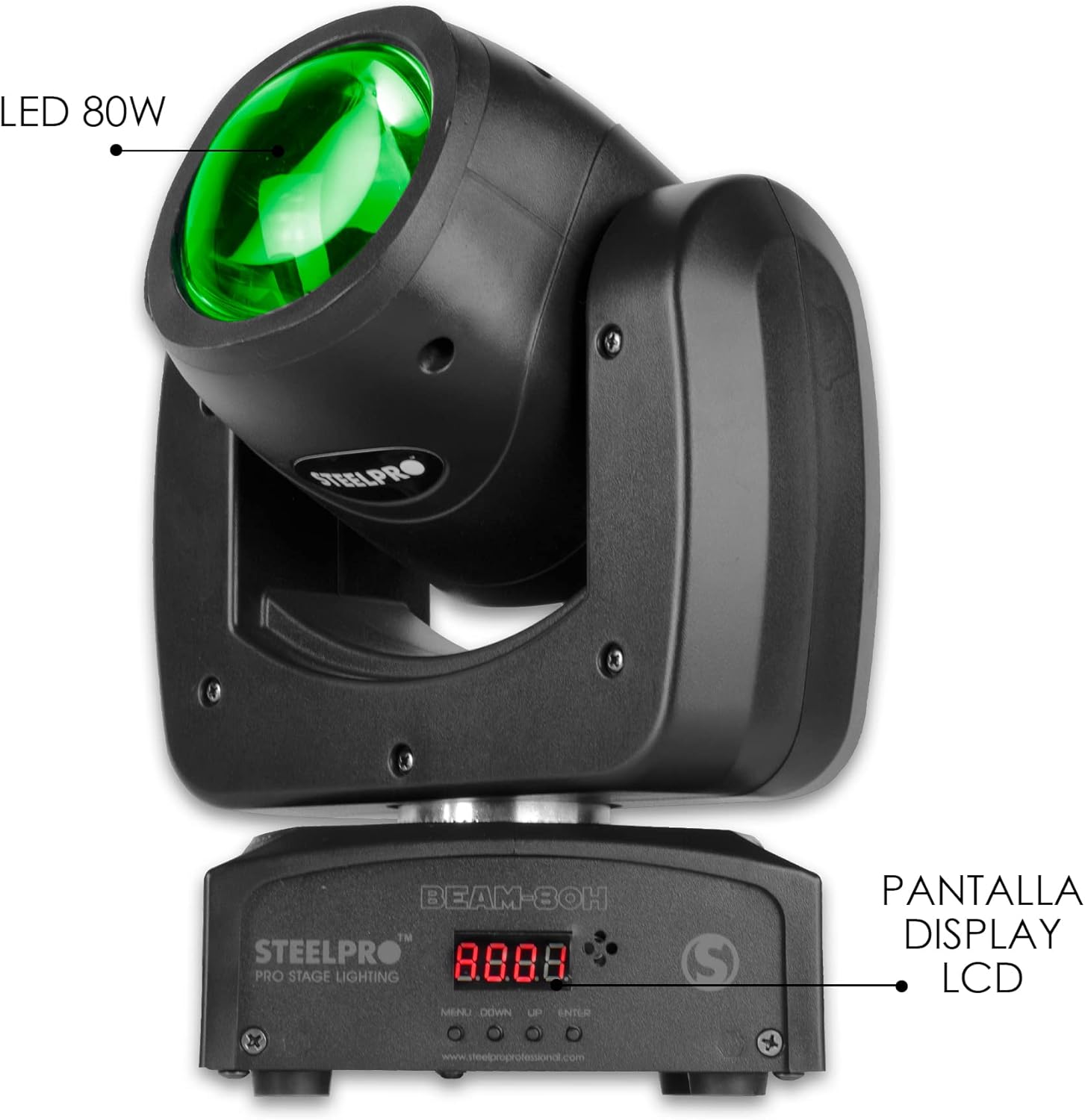
Figure 4.1: Front view of the Beam 80H, showing the 80W LED light source and the LCD display panel for controls.

Figure 4.2: Rear view of the Beam 80H, illustrating the DMX input and output ports, and the power input connection.
The Beam 80H features a robust housing, an intuitive control panel with an LCD display, and standard DMX connections for integration into professional lighting setups. Its compact size makes it suitable for various installations.
5. Setup and Installation
5.1 Unpacking
Carefully remove the fixture from its packaging. Inspect for any damage during transit. Retain the packaging for future transport or storage.
5.2 Mounting
The Beam 80H can be placed on a flat surface or mounted to a truss using appropriate clamps (not included). Ensure the mounting surface or truss can support the weight of the fixture. Always use a safety cable when suspending the unit.
5.3 Connections
- Power Connection: Connect the supplied power cable to the "POWER IN" port on the rear of the unit and then to a suitable grounded power outlet.
- DMX Connection (Optional): For DMX control, connect a DMX cable from your DMX controller's output to the "DMX IN" port of the Beam 80H. To daisy-chain multiple units, connect the "DMX OUT" of the first unit to the "DMX IN" of the next.
6. Operating Instructions
6.1 Control Panel
The control panel, located on the base of the unit, features an LCD display and four buttons: MENU, DOWN, UP, and ENTER. These buttons allow you to navigate through the settings and select operating modes.
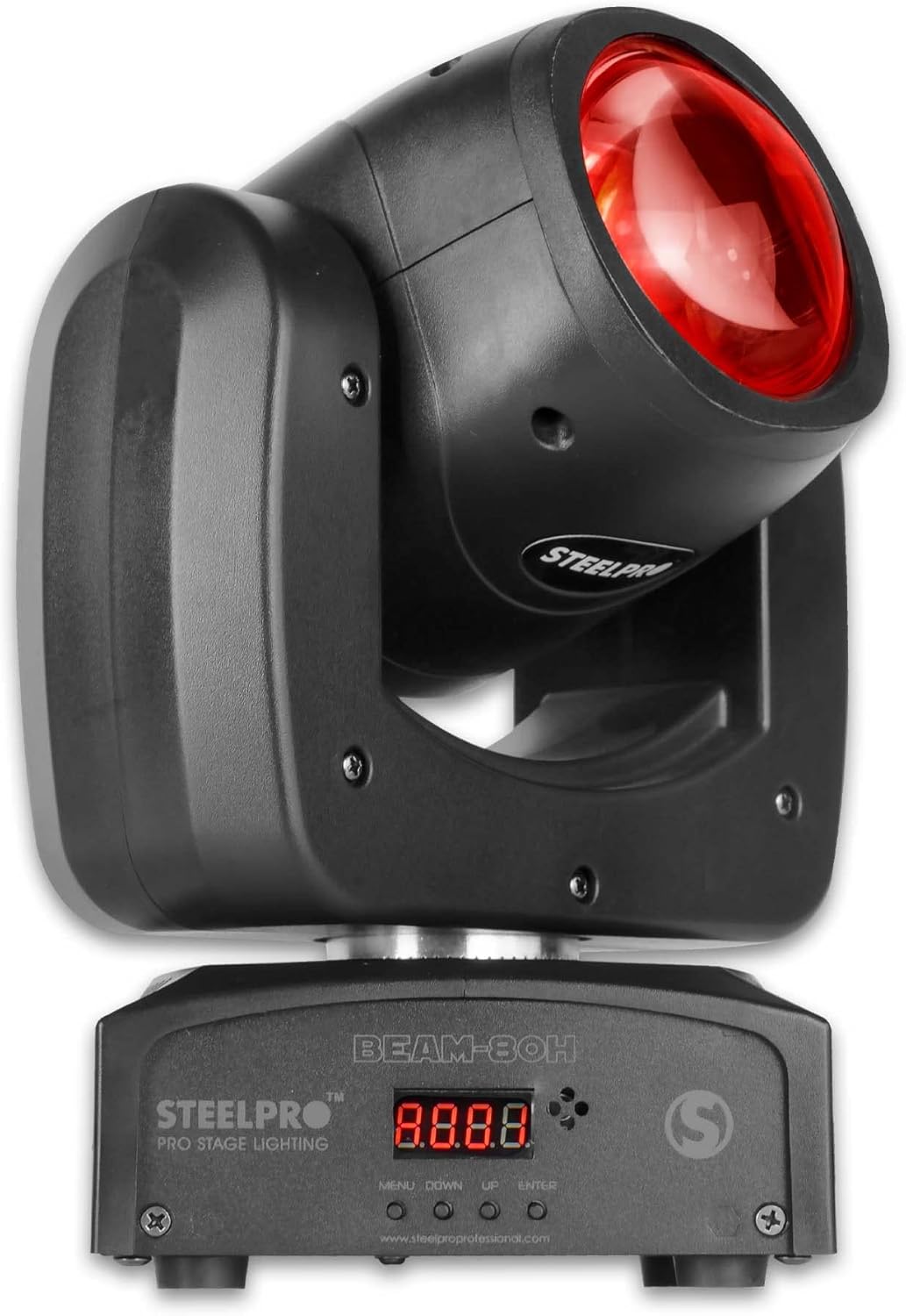
Figure 6.1: The control panel with MENU, DOWN, UP, and ENTER buttons, and the digital display.
6.2 Operating Modes
The Beam 80H offers several operating modes:
- DMX512 Mode: Allows external control via a DMX controller. Use the MENU button to set the DMX address and select the desired channel mode (9 or 13 channels).
- Automatic Mode: The fixture runs through pre-programmed light shows. Select this mode via the control panel.
- Sound-Activated Mode: The light effects react to ambient sound. Ensure the built-in microphone is not obstructed.
- Master/Slave Mode: Link multiple Beam 80H units. Set one unit as "Master" and others as "Slave" to synchronize their operation.
6.3 Pan and Tilt Movement
The fixture provides a 540° pan and 270° tilt range, allowing for dynamic beam positioning. These movements can be controlled via DMX or through the internal automatic programs.
Video 6.1: Demonstration of the STEELPRO Beam 80H's various color outputs (RGBW) and dynamic pan and tilt movements, showcasing its versatility in different lighting modes including DMX, automatic, sound-activated, and master/slave.

Figure 6.2: Example of green beam projection from two units.
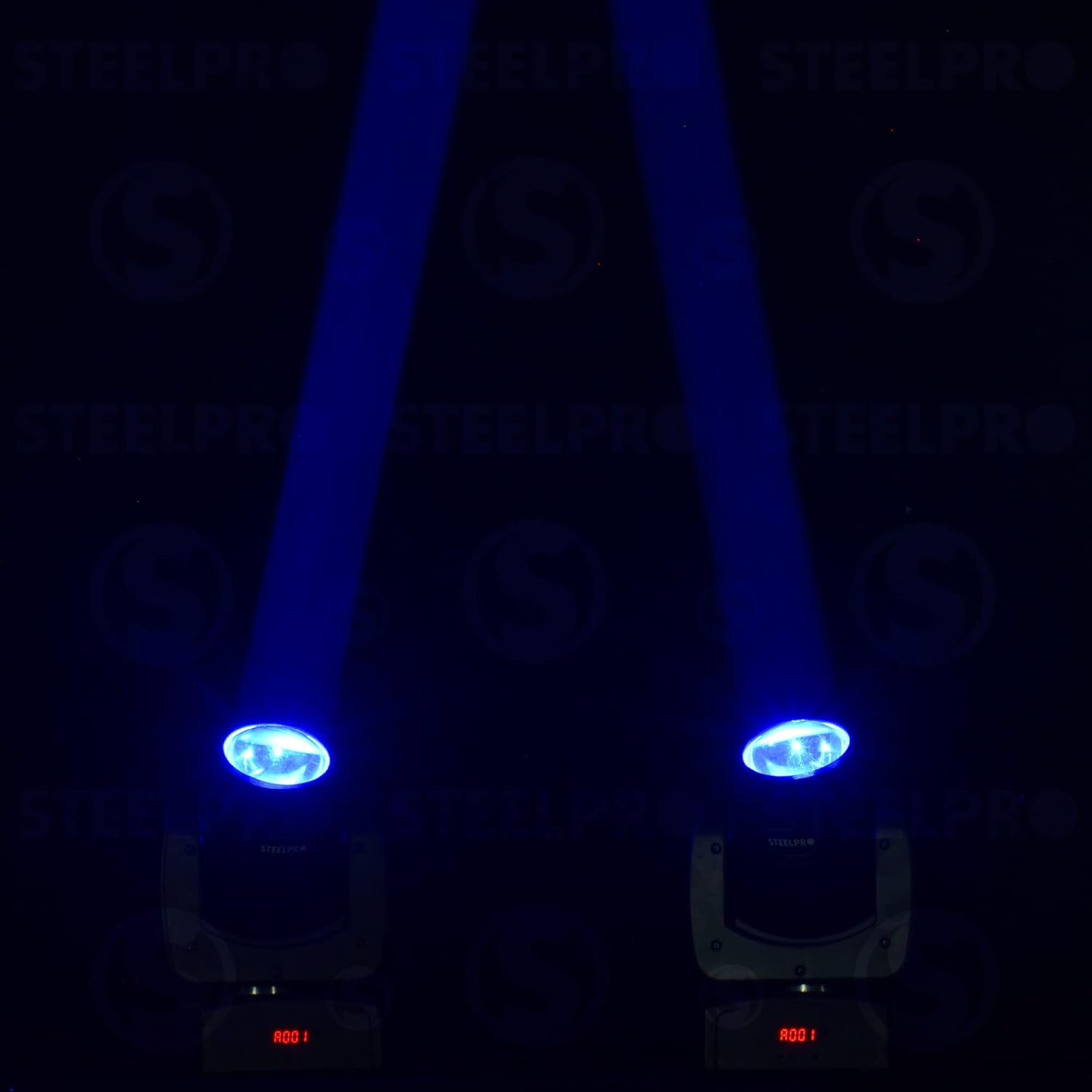
Figure 6.3: Example of blue beam projection from two units.

Figure 6.4: Example of red beam projection from two units.

Figure 6.5: Example of purple beam projection from two units.
7. Maintenance
- Cleaning: Regularly clean the lens and housing with a soft, lint-free cloth. Do not use abrasive cleaners. Ensure the unit is powered off and cool before cleaning.
- Ventilation: Keep ventilation openings clear of dust and debris to prevent overheating.
- Storage: When not in use, store the fixture in its original packaging or a suitable case in a dry, dust-free environment.
8. Troubleshooting
| Problem | Possible Cause | Solution |
|---|---|---|
| No power | Power cable disconnected; no power from outlet; fuse blown. | Check power connections; test outlet; replace fuse (if applicable, by qualified technician). |
| No DMX control | Incorrect DMX address; faulty DMX cable; DMX controller issue. | Verify DMX address setting; check DMX cable connections; test with another DMX controller. |
| Light not moving | Movement disabled in DMX; internal error. | Check DMX channel values for pan/tilt; power cycle the unit. If issue persists, contact support. |
9. Specifications
- Model: Beam 80H
- Light Source: 80W RGBW LED
- Control Modes: DMX512, Auto, Sound-Activated, Master/Slave
- DMX Channels: 9/13 Channels
- Pan Movement: 540°
- Tilt Movement: 270°
- Power Source: Battery
- Dimensions: 31.98 x 25.98 x 22 cm (approx. 12.6 x 10.2 x 8.7 inches)
- Weight: 3.5 kg (approx. 7.7 lbs)

Figure 9.1: Physical dimensions of the Beam 80H fixture.
10. Warranty and Support
For warranty information or technical support, please refer to the contact details provided with your purchase or visit the official STEELPRO website. Keep your proof of purchase for any warranty claims.