
DRW660
Instruction Manual
Denon DRW-660 Dual Cassette Deck Replacement Belt Set
Introduction
This instruction manual provides essential information for the installation and maintenance of the replacement belt set for the Denon DRW-660 Dual Cassette Deck. Please read this manual thoroughly before proceeding with any installation or maintenance to ensure proper function and longevity of your equipment.
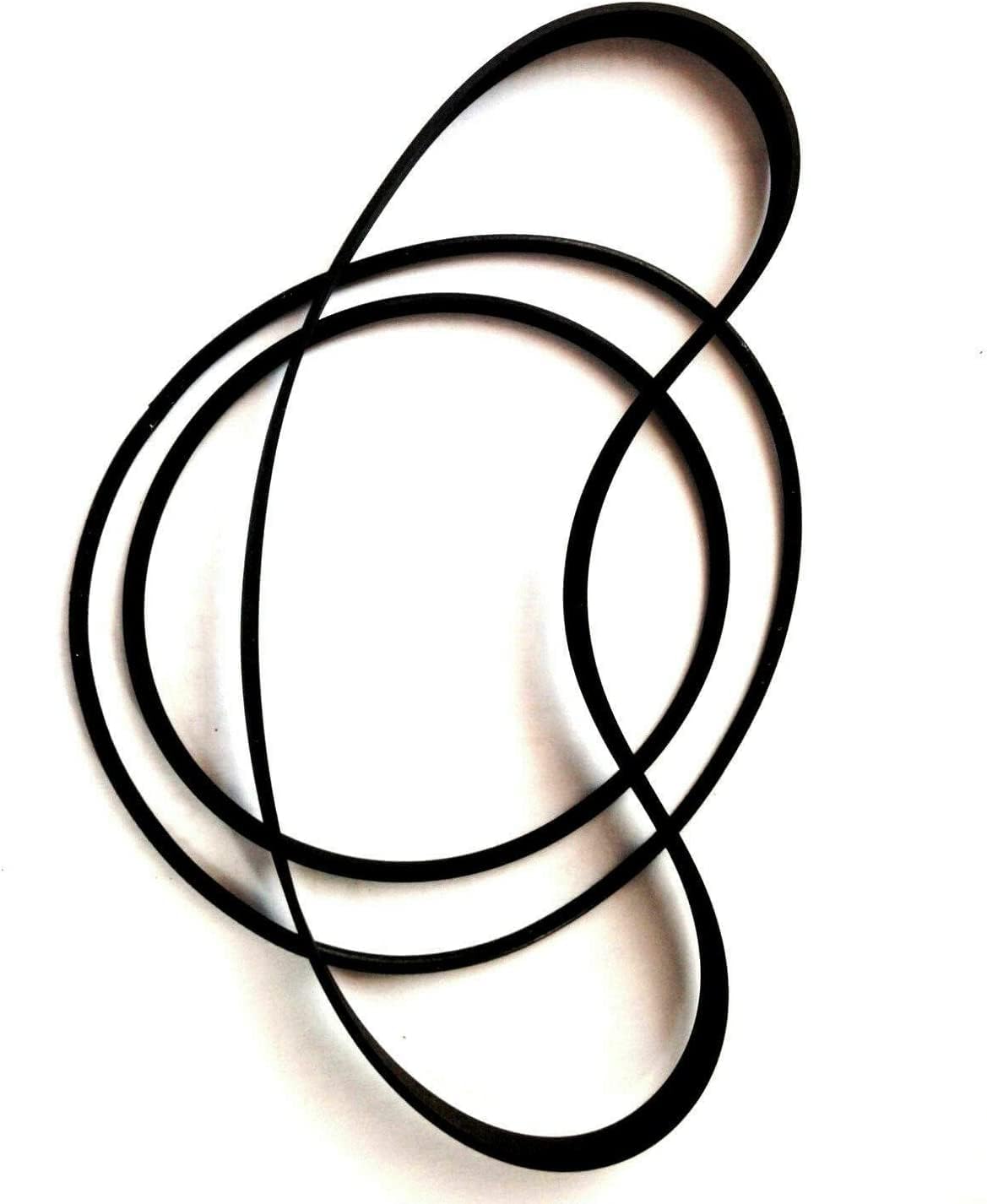
Image: A set of three replacement belts designed for the Denon DRW-660 Dual Cassette Deck. These belts are made of durable rubber and are crucial for the proper operation of the cassette mechanism.
Product Overview
This product is a set of three replacement belts specifically designed for the Denon DRW-660 Dual Cassette Deck. These belts are critical components for the tape transport mechanism, ensuring accurate playback and recording speeds.
Key Features:
- Compatibility: Specifically engineered for the Denon DRW-660 model.
- Material: Constructed from durable rubber for long-lasting performance.
- Function: Restores proper tape speed and reduces wow/flutter in the cassette deck.
Setup and Installation
Replacing the belts in a cassette deck requires careful attention and some technical aptitude. It is recommended to consult the original service manual for the Denon DRW-660 for detailed disassembly instructions. If you are not comfortable performing this procedure, seek assistance from a qualified technician.
Required Tools:
- Small Phillips head screwdriver
- Flathead screwdriver (for prying, if necessary)
- Tweezers or small pliers
- Isopropyl alcohol and cotton swabs (for cleaning old belt residue)
Installation Steps:
- Power Off and Disconnect: Ensure the Denon DRW-660 is completely powered off and unplugged from the electrical outlet before beginning any work.
- Access the Mechanism: Carefully remove the outer casing of the cassette deck to gain access to the tape transport mechanism. This typically involves removing screws from the back and sides.
- Locate Old Belts: Identify the old, worn-out belts. There are usually multiple belts for different functions (e.g., capstan, counter, reel drive).
- Remove Old Belts: Gently remove the old belts. Note their routing paths before removal, as this will be crucial for installing the new ones. Clean any residue from the pulleys and flywheels using isopropyl alcohol and cotton swabs.
- Install New Belts: Carefully route the new replacement belts onto the appropriate pulleys and flywheels. Ensure they are seated correctly and are not twisted. Refer to diagrams if available from the original service manual.
- Reassemble: Once all new belts are installed and properly tensioned, reassemble the cassette deck casing.
- Test Functionality: Plug in the unit and test its functionality with a known good cassette tape. Check for proper playback, fast forward, and rewind operations.
Operating Considerations After Belt Replacement
After successful belt replacement, the Denon DRW-660 Dual Cassette Deck should operate as intended. Observe the following:
- Tape Speed: Verify that playback and recording speeds are consistent and accurate.
- Wow and Flutter: Listen for any noticeable fluctuations in pitch (wow and flutter), which should be significantly reduced or eliminated with new belts.
- Transport Functions: Ensure all tape transport functions (Play, Record, Fast Forward, Rewind, Stop, Pause) engage smoothly and reliably.
If any issues persist, re-check the belt routing and ensure all connections are secure.
Maintenance
Proper maintenance extends the life of your cassette deck and its new belts.
- Regular Cleaning: Periodically clean the tape heads, capstan, and pinch rollers with isopropyl alcohol to prevent tape residue buildup.
- Dust Prevention: Keep the cassette deck covered when not in use to prevent dust accumulation, which can affect mechanical parts and belt longevity.
- Belt Inspection: While not easily accessible, if you notice performance degradation over time, the belts may need re-inspection or replacement again after many years of use.
Troubleshooting
This section addresses common issues that may arise after belt replacement.
| Problem | Possible Cause | Solution |
|---|---|---|
| Tape speed is incorrect or inconsistent. | Belts are twisted, improperly routed, or not seated correctly. | Re-open the unit and verify belt routing and tension. Ensure no twists. |
| Tape transport functions (FF/RW/Play) do not work. | Belt slipped off a pulley, or a connection was dislodged during reassembly. | Inspect belt placement. Check for loose wires or connectors. |
| Squealing or grinding noises. | Friction from unlubricated moving parts or improper belt alignment. | Ensure belts are not rubbing against other components. Lubricate moving parts if necessary (refer to service manual). |
Specifications
This replacement belt set is manufactured to meet or exceed the original specifications for the Denon DRW-660 Dual Cassette Deck.
- Product Type: Replacement Drive Belts
- Quantity: 3 belts per set
- Compatible Model: Denon DRW-660 Dual Cassette Deck
- Material: High-quality rubber
- Manufacturer: Nobrend (as per product specifications)
- UPC: 376282367552
Warranty and Support
For information regarding warranty or product support, please refer to the seller from whom you purchased this replacement belt set. The seller for this product is M&A Srt. For general inquiries about Denon products, please visit the official Denon website.
Seller Information: M&A Srt
Ask a question about this manual
Ask about setup, troubleshooting, compatibility, parts, safety, or missing instructions. Manuals+ will review the question and use this page’s manual context to help answer it.