
1. Introduction
The DAOKAI NE555 Pulse Generator Module is a compact, single-channel signal output device designed for generating adjustable frequency square waves. Utilizing the versatile NE555 timer integrated circuit, this module is suitable for various applications including microcontroller unit (MCU) learning, electronic competitions, and product development. It provides a stable square wave output with an approximate 50% duty cycle, and its frequency can be easily adjusted via an onboard potentiometer.
This manual provides detailed instructions for the setup, operation, and maintenance of your NE555 Pulse Generator Module.

Image 1.1: Overview of the DAOKAI NE555 Pulse Generator Modules and included Dupont cable.
2. Package Contents
Upon opening the package, verify that all components are present and undamaged:
- 5 x NE555 Pulse Generator Modules
- 1 x 15-pin Female to Male Dupont Cable
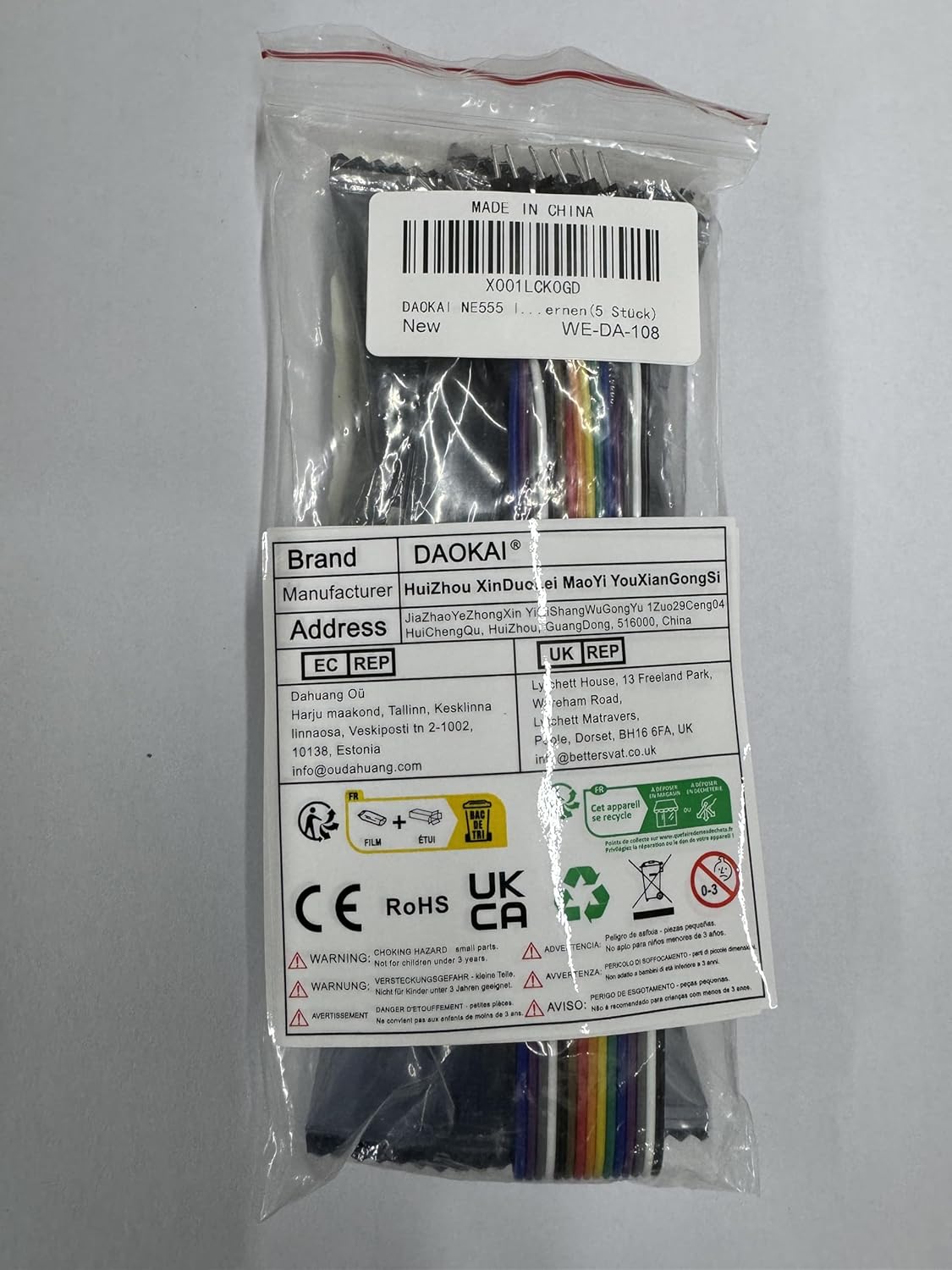
Image 2.1: Packaging of the NE555 Pulse Generator Modules and Dupont cable. The label indicates model WE-DA-108.
3. Specifications
Refer to the following technical specifications for the NE555 Pulse Generator Module:
- Chip: Onboard NE555 timer IC
- Working Voltage: 5V to 12V DC
- Output Signal: Single-channel square wave
- Output Duty Cycle: Approximately 50%
- Output Frequency Range: 5Hz to 2KHz (adjustable via potentiometer; can be modified by changing capacitor C1)
- Output Current: 225 mA (maximum)
- Output Voltage: Equal to input voltage
- Rise/Fall Time: 100 ns
- Dimensions (L x W x H): 25mm x 13mm x 12mm (0.98in x 0.51in x 0.47in)
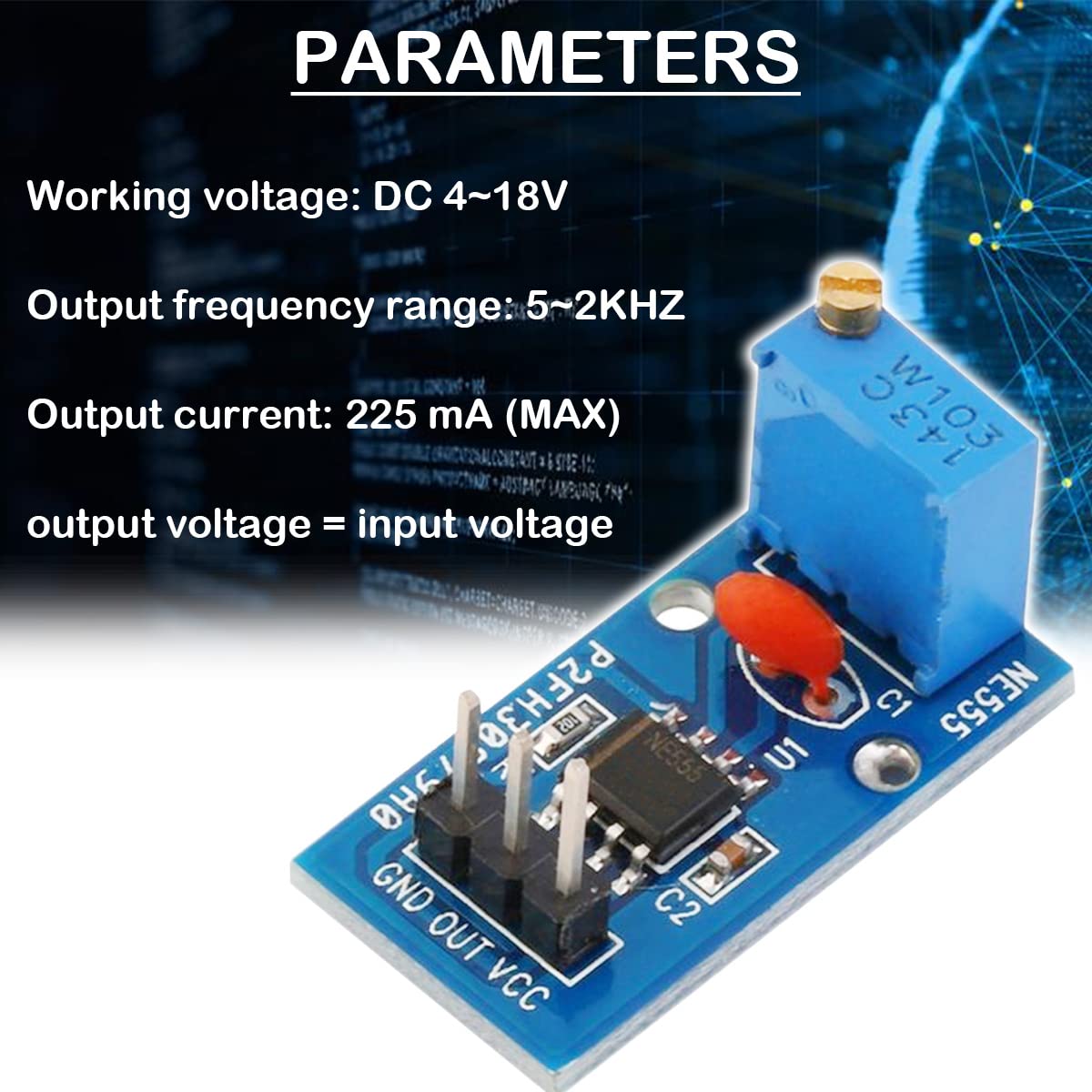
Image 3.1: Key parameters of the NE555 Pulse Generator Module.

Image 3.2: Physical dimensions of the NE555 Pulse Generator Module.
4. Setup and Connections
The module features a simple 3-pin header for power and signal output. Follow these steps for proper connection:
- Identify Pins: The module has three pins labeled GND, OUT, and VCC.
- Connect Power:
- Connect the VCC pin to your DC power supply's positive (+) terminal (5V to 12V).
- Connect the GND pin to your DC power supply's negative (-) terminal (ground).
- Connect Output: Connect the OUT pin to the input of the device or circuit you wish to drive with the pulse signal.

Image 4.1: Pin description and connection diagram for the NE555 Pulse Generator Module.
Ensure that the power supply voltage is within the specified range of 5V to 12V to prevent damage to the module.
5. Operating Instructions
Once the module is correctly powered, it will begin generating a square wave signal. The frequency of this signal can be adjusted:
- Frequency Adjustment: The module features an onboard adjustable resistor (potentiometer). Use a small screwdriver to carefully turn the potentiometer. Turning it clockwise or counter-clockwise will change the resistance value, thereby adjusting the output frequency within the 5Hz to 2KHz range.
- Output Signal: The output is a single-channel square wave with an approximate 50% duty cycle. The output voltage will match the input VCC voltage.
- Frequency Range Modification: For applications requiring a different frequency range, the capacitor C1 on the module can be replaced with a different value. Changing C1 will alter the overall frequency range of the oscillator.

Image 5.1: Detail of the adjustable resistor for frequency control and the NE555 timer pinout.

Image 5.2: Circuit diagram of the NE555 Pulse Generator Module.
6. Maintenance
The NE555 Pulse Generator Module is a robust electronic component designed for long-term use with minimal maintenance. To ensure optimal performance and longevity:
- Keep Clean: Avoid dust, dirt, and moisture accumulation on the module. If cleaning is necessary, use a soft, dry brush or a cloth lightly dampened with isopropyl alcohol.
- Handle with Care: Avoid applying excessive force to the components, especially the potentiometer and pins.
- Storage: Store the modules in a dry, cool environment, away from direct sunlight and extreme temperatures.
- Power Supply: Always use a stable power supply within the specified voltage range (5V-12V).
7. Troubleshooting
If you encounter issues with your NE555 Pulse Generator Module, consider the following troubleshooting steps:
- No Output Signal:
- Verify that the module is receiving power within the 5V-12V range.
- Check all connections (VCC, GND, OUT) for proper contact and polarity.
- Ensure the power indicator LED on the module is illuminated.
- Unstable or Incorrect Frequency:
- Adjust the onboard potentiometer slowly to see if the frequency changes.
- Ensure your power supply is stable and not fluctuating. Unstable power can lead to unstable output.
- If the desired frequency range is not achievable, consider replacing capacitor C1 with a different value. For example, a larger capacitance will generally result in lower frequencies.
- Module Gets Hot:
- Verify that the input voltage is within the 5V-12V range. Voltages significantly higher than 12V can cause overheating.
- Ensure the module is not drawing excessive current due to a short circuit in the connected load.
- While the NE555 can operate with a 9V battery, ensure the battery can provide sufficient current without significant voltage drop, especially under load.
- Output Frequency Range Does Not Match Expectations (e.g., 5-2KHz vs. 2-5KHz):
- The specified range is 5Hz to 2KHz. If your module operates outside this, verify the potentiometer is fully functional and consider the possibility of component tolerance variations.
- As mentioned, changing capacitor C1 is the primary method to shift the overall frequency range.
8. Applications
The DAOKAI NE555 Pulse Generator Module is versatile and can be used in various electronic projects and educational settings:
- Microcontroller Unit (MCU) learning and experimentation
- Electronic competition projects
- Product development and prototyping
- Generating clock signals for digital circuits
- Driving stepper motors (with appropriate driver circuitry)
- Timing circuits and delay generation
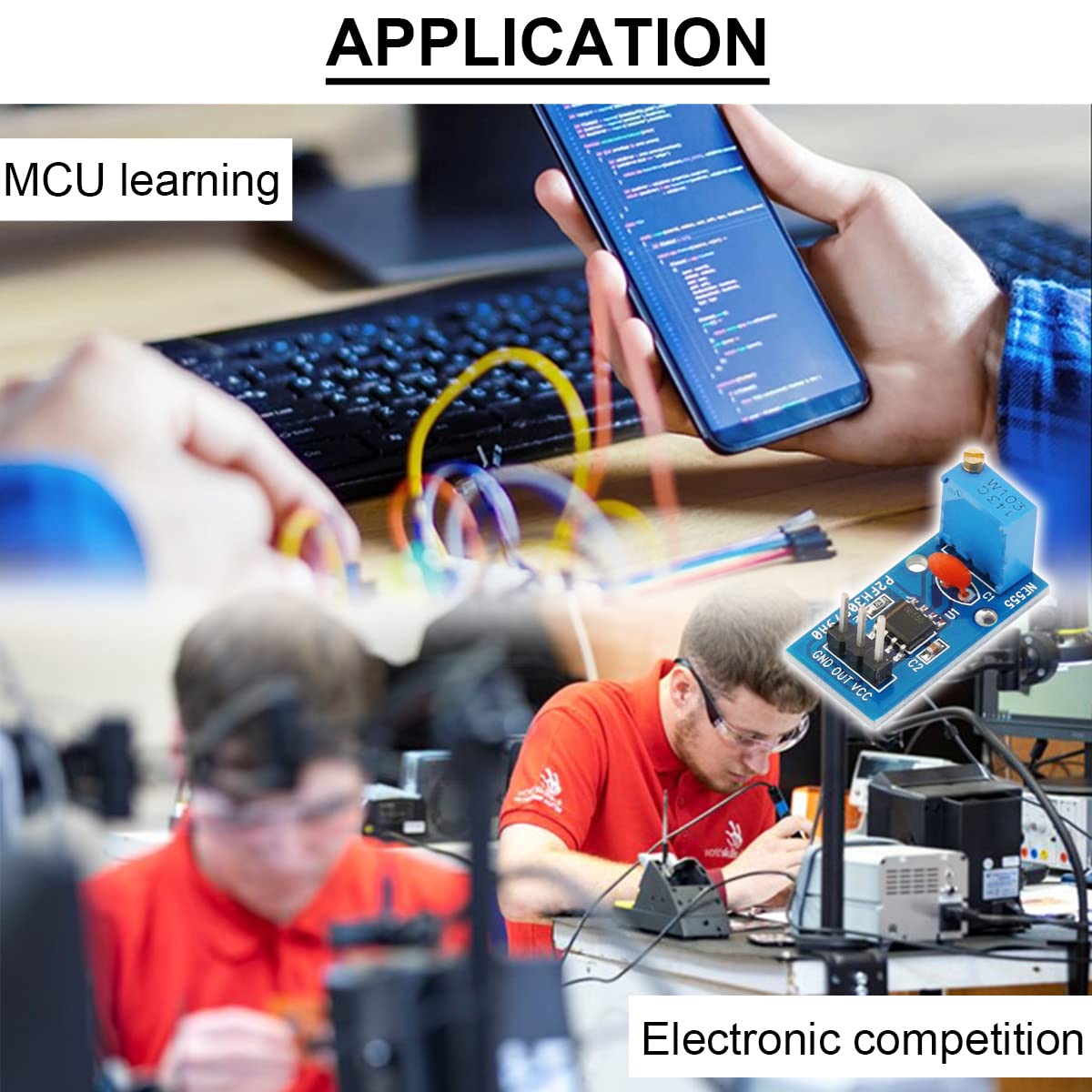
Image 8.1: Examples of applications for the NE555 Pulse Generator Module.
9. Warranty and Support
This product is manufactured by DAOKAI. Specific warranty details are not provided in the product information. For any product-related inquiries or technical support, please refer to the seller or the platform where the product was purchased. Keep your purchase records for reference.