
Vibeat OxyLink623
Vibeat Oxylink Wearable Blood Oxygen Monitor User Manual
Model: OxyLink623
1. Introduction
The Vibeat Oxylink Wearable Blood Oxygen Monitor is designed for continuous tracking of blood oxygen levels (SpO2), heart rate, and body motion. This device offers a comfortable, lightweight ring sensor for extended wear and integrates with a free mobile application for real-time data viewing and historical record management. It is intended for sports and aviation use only.
2. Safety Information
- This device is for Sports and Aviation use only and is not intended for medical use.
- Use the device just before and after exercise; do not use while vigorously exercising.
- Ensure the device is worn snugly on the thumb or index finger for accurate readings.
- Keep the device and its components out of reach of children.
3. Package Contents
Verify that all items are present in your Vibeat Oxylink package:
- Vibeat Oxylink Wearable Blood Oxygen Monitor
- USB Charging Cable
- User Manual (this document)

Image: Vibeat Oxylink product packaging, showing the device box and contents.
4. Device Overview
The Vibeat Oxylink features a compact design with an integrated ring sensor for comfortable wear. The device displays real-time data and connects wirelessly to your smartphone.

Image: The Vibeat Oxylink device shown alongside a smartphone displaying its companion application, illustrating the real-time data interface.
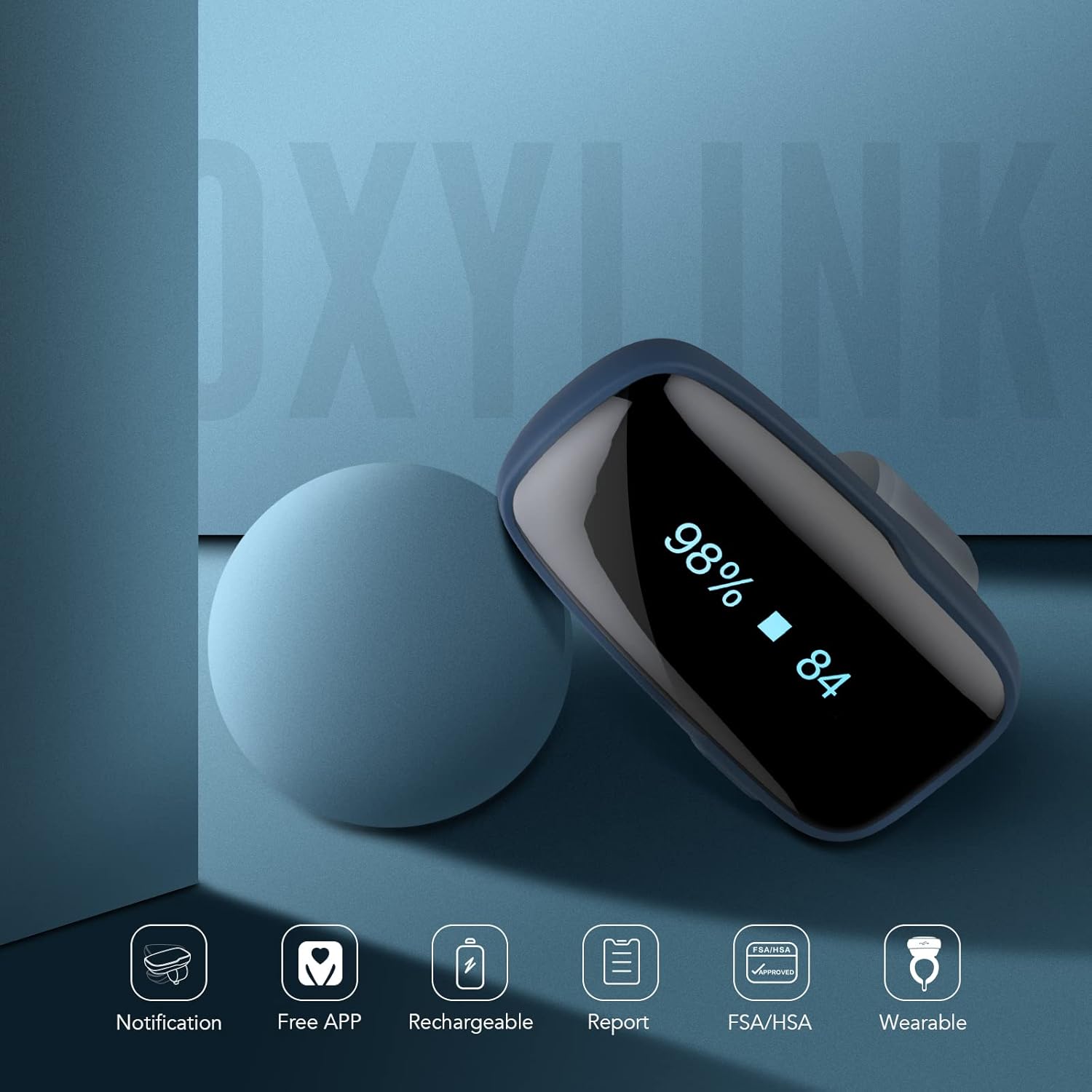
Image: The Vibeat Oxylink device on a blue background, surrounded by icons representing its key features: notification, free app, rechargeable battery, report generation, FSA/HSA eligibility, and wearable design.

Image: A visual comparison highlighting the comfort and freedom of movement offered by the Oxylink's ring sensor compared to a traditional, bulkier duckbill-style oximeter sensor.
5. Setup
5.1 Charging the Device
Before first use, fully charge your Vibeat Oxylink device using the provided USB charging cable. Connect the cable to the device and a standard USB power source (e.g., computer USB port, wall adapter).
5.2 App Installation
Download the free Vihealth app from the App Store (for iOS devices) or Google Play Store (for Android devices). Search for "Vihealth" to locate and install the application.

Image: Three smartphones showcasing the Vihealth app interface, demonstrating its ability to record average oxygen and heart rate, and display detailed trends in graphics.
5.3 Bluetooth Pairing
- Ensure Bluetooth is enabled on your smartphone.
- Long press the power button on the Oxylink device to turn it on. The current time will display, followed by a Bluetooth icon indicating it's ready for pairing.
- Open the Vihealth app on your smartphone. The app should automatically detect and connect to the Oxylink device. Follow any on-screen prompts within the app to complete the pairing process.
For a visual guide on setting up and using the Vibeat Oxylink, please watch the official product video below:
Video: An official product video from Vibeat Store demonstrating the features and usage of the Vibeat OxyLink Portable Pulse Oximeter.
6. Operating the Device
6.1 Wearing the Oxylink
Place the Oxylink device on your thumb or index finger. Ensure it fits snugly but comfortably. The device is designed for continuous tracking for up to 8-12 hours on a full charge.
6.2 Continuous Tracking and Audio Reminders
The Oxylink automatically tracks your oxygen level, heart rate, and body motion every minute. If your oxygen level or heart rate reading exceeds the thresholds you set within the Vihealth app, both the device and the app will provide an audio reminder. Note that the app reminder functions only when your phone is in the Dashboard view and not locked.

Image: A woman wearing the Vibeat Oxylink, illustrating the wireless audio reminder feature for blood oxygen and heart rate monitoring via Bluetooth.
6.3 Data Management
- Real-time Viewing: View your current blood oxygen level and heart rate directly on the device's display or within the Vihealth app's Dashboard.
- Historical Data: The device has built-in memory to store up to four records, each up to ten hours long. This allows for data storage even when your phone is not nearby.
- App Storage: The Vihealth app offers unlimited storage for your data via Bluetooth synchronization.
- Data Export: You can transfer data to your smartphone for detailed analysis and share PDF/CSV records with others, such as a consultant. The app also supports syncing with Apple Health.
| Item | Generic Oximeter | Vibeat Oxylink |
|---|---|---|
| Audio reminder in App | ✗ | ✓ |
| Audio reminder in device | ✗ | ✓ |
| Free App | ✗ | ✓ |
| Reports | ✗ | ✓ |
| Continuous tracking | ✗ | ✓ |
| Free your finger | ✗ | ✓ |
| Rechargeable | ✗ | ✓ |
Table: A comparison of features between a generic oximeter and the Vibeat Oxylink, highlighting the advanced capabilities of the Oxylink.
7. Maintenance
- Cleaning: Wipe the device with a soft, dry cloth. Do not use abrasive cleaners or immerse the device in water.
- Storage: Store the device in a cool, dry place away from direct sunlight and extreme temperatures.
- Battery Care: To prolong battery life, avoid fully discharging the device frequently. Charge it regularly, especially if not used for extended periods.
8. Troubleshooting
- Device not turning on: Ensure the device is sufficiently charged. Connect it to the USB charging cable and a power source.
- No readings/Inaccurate readings: Ensure the device is worn snugly on your thumb or index finger. Avoid excessive movement during measurement. Check if the sensor area is clean.
- App not connecting to device: Verify that Bluetooth is enabled on your phone and the Oxylink device is turned on. Ensure the Vihealth app is open and in the Dashboard view. Try restarting both the device and the app.
- App reminders not working: Confirm that the Vihealth app is open and in the Dashboard view on your phone, and that your phone is not locked. Check the threshold settings within the app.
9. Specifications
| Feature | Detail |
|---|---|
| Model Number | OxyLink623 (PO1B) |
| Brand | Vibeat |
| Manufacturer | Viatomtech |
| Measuring Range (SpO2) | 50 to 100 percent |
| Battery Type | 1 Lithium Polymer battery (included) |
| Continuous Tracking | Up to 8-12 hours |
| Connectivity | Bluetooth |
| App Compatibility | iOS and Android (Vihealth App) |
| Built-in Memory | Stores 4 records, up to 10 hours each |
| Color | Light Gray |
| Package Dimensions | 3.62 x 3.58 x 2.83 inches |
| Item Weight | 4.16 ounces |
| Country of Origin | China |
10. Warranty and Support
For warranty information or technical support, please refer to the Vibeat Store website or contact Vibeat customer service directly. Protection plans may also be available for purchase separately.
Visit the official Vibeat Store: Vibeat Store on Amazon
Ask a question about this manual
Ask about setup, troubleshooting, compatibility, parts, safety, or missing instructions. Manuals+ will review the question and use this page’s manual context to help answer it.