
StarNY LS193
LS193 Gloss Meter User Manual
Model: LS193
Brand: StarNY
1. Introduction
The LS193 Gloss Meter is a portable, high-precision instrument designed for measuring surface gloss. With its micro measuring aperture and wide measurement range of 0-1000GU, it is particularly suitable for assessing gloss on curved or small-sized materials. This manual provides essential information for the proper setup, operation, maintenance, and troubleshooting of your LS193 Gloss Meter.

This image displays the StarNY LS193 Gloss Meter, a compact, blue handheld device designed for gloss measurement. It features a clear digital display and a single control button on its top surface.
2. Setup
Before using your LS193 Gloss Meter, please ensure it is properly prepared for operation.
2.1 Unpacking and Initial Inspection
- Carefully remove the gloss meter and all accessories from the packaging.
- Verify that all components listed in the packing list (refer to Specifications section) are present and undamaged.
2.2 Charging the Device
The LS193 Gloss Meter is equipped with a built-in rechargeable lithium battery. For optimal performance, fully charge the device before first use.
- Connect the provided USB (Type-C) cable to the charging interface on the gloss meter.
- Connect the other end of the USB cable to a standard USB power adapter (not included) or a computer USB port.
- The charging indicator on the device will show the charging status. Once fully charged, the indicator will change or turn off.
3. Operating Instructions
Follow these steps to accurately measure gloss using your LS193 Gloss Meter.
3.1 Power On/Off
- To power on the device, press and hold the power button until the display illuminates.
- To power off the device, press and hold the power button until the display turns off.
3.2 Taking a Measurement
The LS193 Gloss Meter features a micro measuring aperture, making it ideal for small or curved surfaces.
- Ensure the measuring aperture is clean before each measurement.
- Place the measuring aperture of the gloss meter firmly and flatly against the surface to be measured. For curved surfaces, ensure the aperture is as flush as possible.
- The device will automatically take a measurement and display the gloss unit (GU) value on the screen.

The LS193 Gloss Meter is shown in use, demonstrating its ability to measure gloss on a curved metal railing. An inset highlights the device's precise 3mm x 6mm micro measuring aperture, ideal for small or curved surfaces.
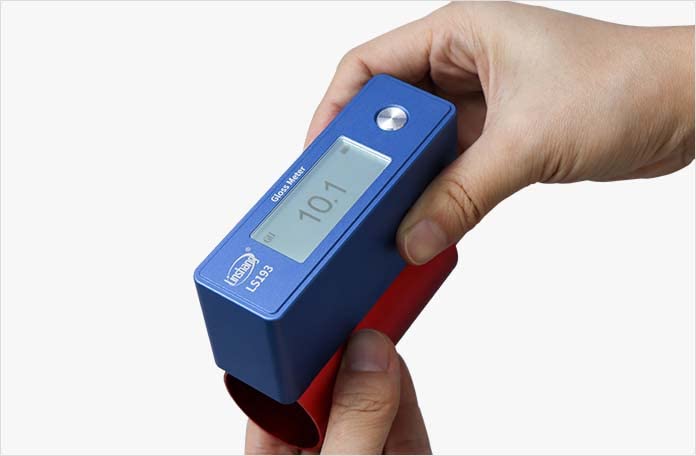
The LS193 Gloss Meter is depicted measuring the gloss of a curved red object, showcasing its adaptability to non-flat surfaces. The display shows a reading of 10.1 GU.
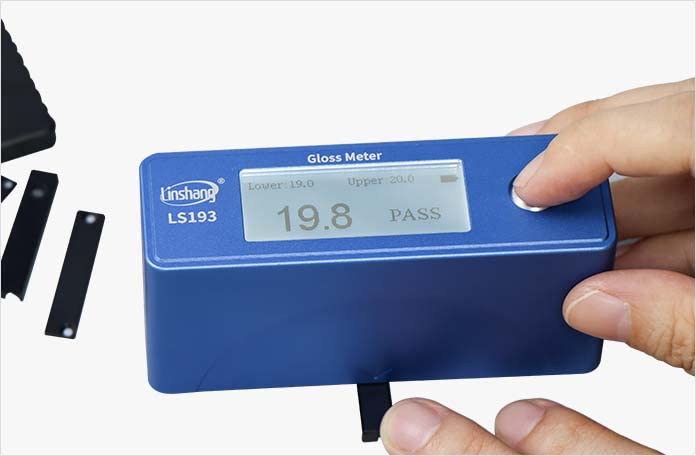
This image illustrates the LS193 Gloss Meter performing a measurement on a small, black rectangular sample. The screen indicates a gloss value of 19.8 GU and a 'PASS' status, suggesting it meets predefined criteria.
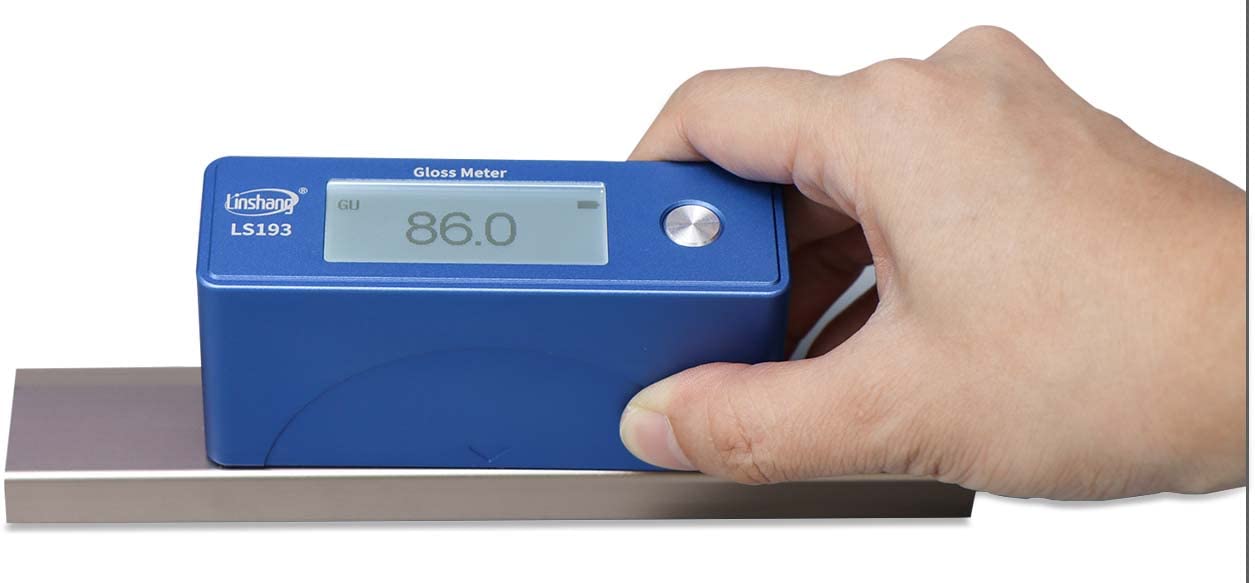
The LS193 Gloss Meter is shown measuring the gloss of a flat, reflective metallic surface. The device's display clearly shows a gloss unit (GU) reading of 86.0.
3.3 Data Management and Software
The LS193 Gloss Meter can connect to a computer for data analysis and report generation.
- Connect the gloss meter to your computer using the provided USB cable.
- Install the accompanying software from the U disk (included in the packing list).
- Use the software to view, analyze, and export measurement data, as well as generate test reports.

This image shows the LS193 Gloss Meter connected to a computer, demonstrating its accompanying software. The software interface displays measurement data, allows for data analysis, and provides options for generating test reports, including graphical representations of gloss values.
4. Maintenance
Proper maintenance ensures the longevity and accuracy of your LS193 Gloss Meter.
4.1 Cleaning
- Regularly clean the measuring aperture with the special lens cloth provided.
- Wipe the exterior of the device with a soft, dry cloth. Do not use abrasive cleaners or solvents.
4.2 Storage
- Store the gloss meter in a cool, dry place, away from direct sunlight and extreme temperatures.
- Ensure the device is powered off before storage.
4.3 Battery Care
- To maintain battery health, avoid completely discharging the battery frequently.
- If storing the device for an extended period, charge it to approximately 50% capacity every few months.
5. Troubleshooting
This section addresses common issues you might encounter with your LS193 Gloss Meter.
5.1 Device Not Powering On
- Check if the battery is charged. Connect the device to a power source and attempt to power on after a few minutes.
- Ensure the power button is pressed and held correctly.
5.2 Inaccurate Readings
- Ensure the measuring aperture is clean and free of dust or debris.
- Verify that the gloss meter is placed firmly and flatly on the measurement surface.
- Operating temperature should be within 10-45°C.
5.3 Connection Issues with PC Software
- Ensure the USB cable is securely connected to both the device and the computer.
- Verify that the software drivers are correctly installed from the U disk.
- Try restarting both the gloss meter and the computer.
6. Specifications
The following table details the technical specifications of the LS193 Gloss Meter.

A comprehensive table detailing the technical parameters of the LS193 Gloss Meter.
| Parameter | Value |
|---|---|
| Measure Angle | 60° |
| Measuring Aperture | 1.5mm*3mm |
| Minimum Testing Material Size | 3mm*6mm |
| Test Range | 0-1000GU |
| Resolution | 0.1GU |
| Repeatability | 0-100GU: ±0.2GU; 100-1000GU: ±0.2% reading |
| Reproducibility | 0-100GU: ±0.5GU; 100-1000GU: ±0.5% reading |
| Zero Error | 0.1GU |
| Error of Indication | 0-100GU: ±1.5GU; 100-1000GU: ±1.5% reading |
| Weight | 300g |
| Battery Capacity | Rechargeable lithium 3.7V@1000mAh |
| Display | 192×64 |
| System Language | Simplified Chinese, English |
| Charging Interface | USB (Type-C) |
| Data Interface | USB |
| Working Temperature | 10-45°C, 0-85%RH (no condensation) |
| Storage Temperature | -10-60°C, 0-85%RH (no condensation) |
| Packing List | Gloss meter, USB cable, U disk with software, special lens cloth, user manual, warranty card |
7. Warranty and Support
StarNY guarantees that the LS193 Gloss Meter meets the requirements of a 1st class working machine and can pass calibration by any national metrology institute.
For technical support, warranty claims, or further inquiries, please visit the manufacturer's official website or contact their customer service.
Official Website: www.linshangtech.com