
Introduction
This manual provides essential information for the assembly, operation, maintenance, and care of your Monarch Specialties I 7329 Gaming Office Chair. Designed for both work and play, this racing-style chair offers comfort and functionality. It features rounded, fixed armrests, a high-back design with an integrated headrest, and a 5-star base with casters for easy mobility. The chair includes an adjustable height mechanism and tilt control, conforming to BIFMA standards for office furniture. Please read these instructions carefully before use to ensure proper setup and longevity of your product.
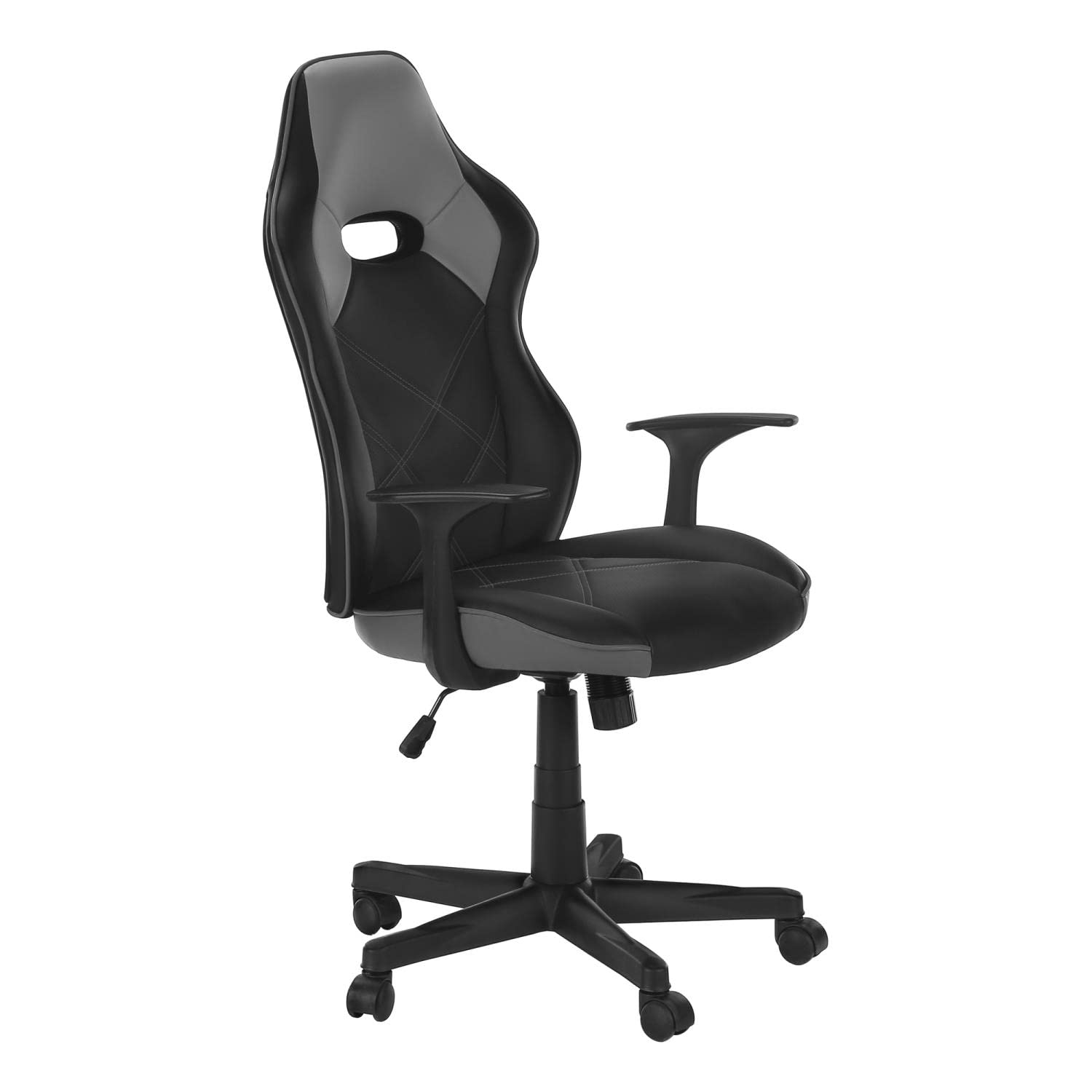
Image: Front and back view of the Monarch Specialties I 7329 Gaming Office Chair in a home office environment.
Setup and Assembly
The Monarch Specialties I 7329 Gaming Office Chair requires assembly. Detailed illustrated instructions and all necessary hardware are included with your product packaging. Additional tools may be required for complete assembly. Please follow the provided step-by-step guide carefully to ensure correct and safe construction of the chair.
Assembly Tips:
- Unpack all components and verify against the parts list in your assembly guide.
- Assemble the chair on a soft, clean surface to prevent scratches.
- Do not fully tighten all screws until the entire chair is assembled, then tighten securely.
- Ensure all connections are firm and stable before using the chair.
Operating Instructions
Your Monarch Specialties I 7329 Gaming Office Chair is designed with several adjustable features to enhance your comfort and support.
Adjustable Height:
To adjust the seat height, locate the lever on the right side, beneath the seat. While seated, pull the lever up to lower the seat. To raise the seat, stand up and pull the lever up. Release the lever at your desired height.
Swivel Function:
The chair features a 360-degree swivel function, allowing for easy rotation and access to different areas of your workspace without needing to move the chair base.
Tilt Control:
The chair includes a tilt mechanism for reclining the backrest. The same lever used for height adjustment often controls the tilt lock/unlock. Push the lever in to lock the tilt in an upright position, and pull it out to allow the chair to recline. Some models may also have a tension knob underneath the seat to adjust the resistance of the tilt function.

Image: Front view of the gaming office chair, highlighting the seat and armrests.

Image: Side view of the gaming office chair, showing the adjustable height lever.
Maintenance and Care
Proper maintenance ensures the longevity and appearance of your chair.
Cleaning Instructions:
- Spot Clean Only: For spills or stains, immediately blot the affected area with a clean, dry cloth.
- Use a mild soap solution and a damp cloth for stubborn spots. Test on an inconspicuous area first.
- Avoid harsh chemicals, abrasive cleaners, or excessive moisture, as these can damage the polyurethane (leather-look) material and metal components.
- Wipe down the metal base and plastic parts with a damp cloth as needed.
General Care:
- Regularly check all screws and bolts to ensure they remain tight. Retighten as necessary.
- Avoid exposing the chair to direct sunlight for prolonged periods to prevent fading and material degradation.
- Do not stand on the chair or use it for purposes other than its intended use as an office/gaming chair.
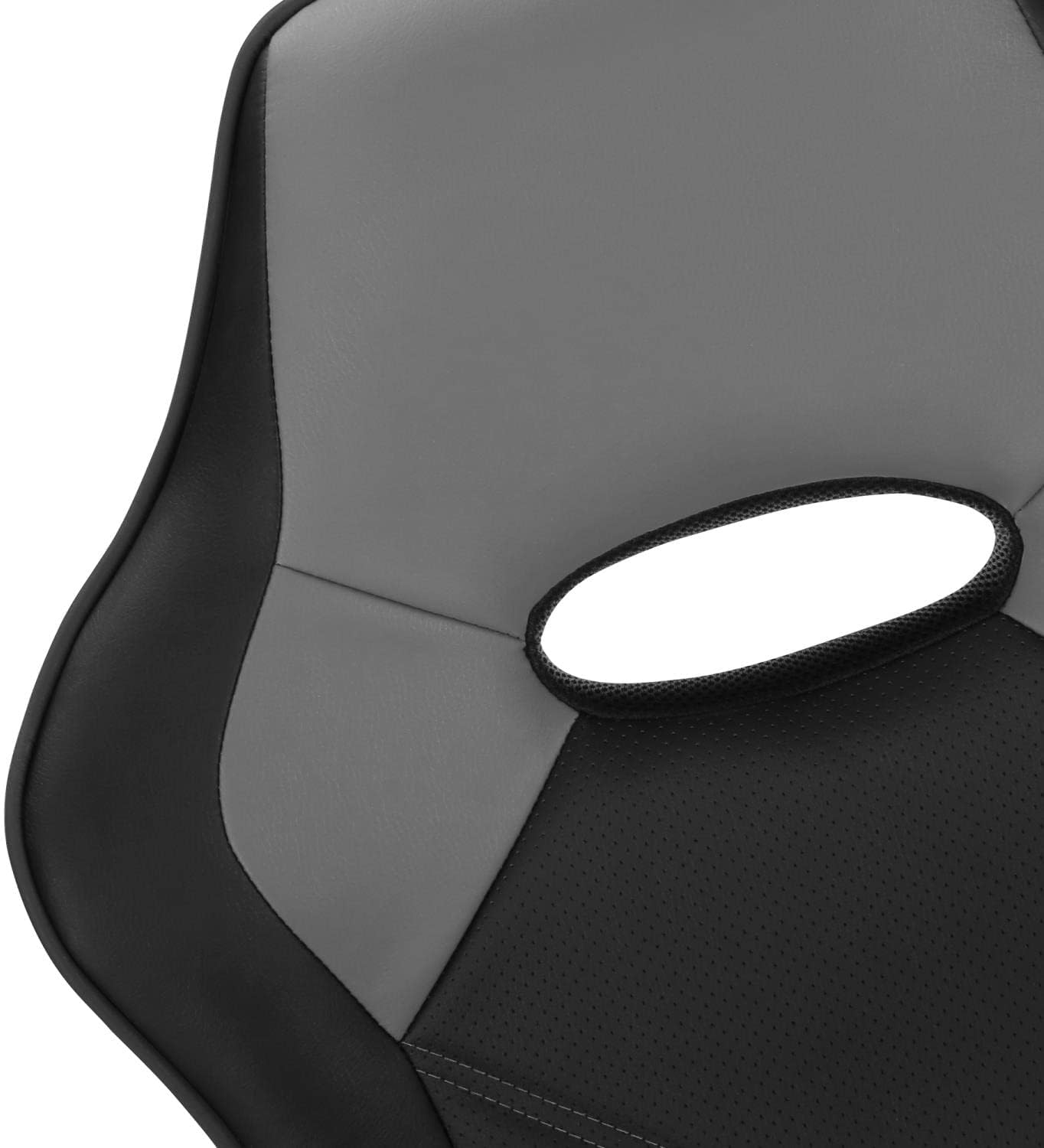
Image: Close-up view of the backrest, showing the black and grey leather-look material and stitching details.

Image: Close-up view of the seat and armrest, illustrating the texture and design of the chair's seating surface.
Troubleshooting
If you encounter any issues with your chair, refer to the following common solutions:
- Chair Wobbles: Ensure all assembly screws are securely tightened. Check that the casters are fully inserted into the base.
- Height Adjustment Not Working: Verify that the gas lift cylinder is correctly installed and that the lever mechanism is not obstructed. If the issue persists, the gas lift may need replacement.
- Casters Not Rolling Smoothly: Check for debris (hair, dust) caught in the caster wheels. Clean them thoroughly. Ensure the casters are properly inserted into the chair base.
- Squeaking Noises: Apply a small amount of silicone-based lubricant to moving parts, such as the tilt mechanism or where the gas lift meets the base. Avoid oil-based lubricants on plastic parts.
If these steps do not resolve the issue, please contact customer support.
Specifications
Detailed specifications for the Monarch Specialties I 7329 Gaming Office Chair:
| Feature | Detail |
|---|---|
| Model Name | Monarch Specialties I 7329 Office Chair, Gaming |
| Brand | Monarch Specialties |
| Color | Black/Grey |
| Material | Foam, Metal, Polyurethane (Leather-Look) |
| Product Dimensions (D x W x H) | 25"D x 25.5"W x 42"H |
| Adjustable Height Range | 17" - 20.75" (Seat Height) |
| Maximum Weight Recommendation | 300 pounds |
| Features | Adjustable Height, Swivel, Ergonomic Design, Armrests, Tilt Control |
| Frame Material | Metal |
| Back Style | Solid Back (Racing Style) |
| UPC | 680796079543 |

Image: Technical drawing illustrating the dimensions of the chair, including height, width, and depth measurements.
Product Overview Video
Video: An official product video from Monarch Specialties showcasing the OFFICE CHAIR GAMING in BLACK GREY LEATHER-LOOK, demonstrating its features and design.
Warranty Information
The Monarch Specialties I 7329 Gaming Office Chair comes with a 1-year limited warranty on parts only. This warranty covers manufacturing defects in materials and workmanship under normal use. It does not cover damage resulting from misuse, abuse, accidents, modifications, or normal wear and tear. Please retain your proof of purchase for warranty claims.
Customer Support
For further assistance, parts replacement, or warranty inquiries, please contact Monarch Specialties customer service. Refer to the contact information provided in your product packaging or visit the official Monarch Specialties website.
When contacting support, please have your model number (I 7329) and proof of purchase readily available.