
1. Introduction
This manual provides detailed instructions for the operation and maintenance of your WEIIBDIE CS02 1080P Body Camera. Please read this manual thoroughly before using the device to ensure proper functionality and to prevent damage. Keep this manual for future reference.

Image 1.1: The WEIIBDIE CS02 1080P Body Camera, a compact device designed for portable video and audio recording.
2. Safety Guidelines
- Do not expose the camera to extreme temperatures or direct sunlight for extended periods.
- Avoid dropping or subjecting the camera to strong impacts.
- Keep the camera away from strong magnetic fields.
- Do not attempt to disassemble or modify the camera. This will void the warranty.
- Ensure the USB port cover is securely closed when the camera is exposed to water to maintain its waterproof rating.
- Use only the provided or recommended charging cable and power adapter.
3. Package Contents
Verify that all items are present in the package:
- WEIIBDIE CS02 Body Camera
- USB Data Cable
- User Manual
- 64GB Micro SD Memory Card
- Simple Bicycle Stand
4. Product Overview
The WEIIBDIE CS02 is a compact and portable body camera featuring 1080P video recording, night vision, and Wi-Fi connectivity. It is designed for various uses, including personal security, outdoor activities, and recording important events.

Image 4.1: Key features of the CS02 camera, including HD lens, infrared night vision, built-in Wi-Fi hotspot, IPX4 waterproof rating, built-in battery, loop video recording, USB 2.0 interface, and support for up to 256GB Micro SD card.
4.1. Physical Components
The camera features a compact design with easily accessible buttons for operation. It includes a wide-angle lens and infrared LEDs for night vision.

Image 4.2: An overview of the WEIIBDIE CS02 camera, highlighting its wide-angle lens, video mode, photo mode, Wi-Fi hotspot, night vision capabilities, and battery life.

Image 4.3: The compact size (41.2*48.6*60mm) and net weight (83g / 2.9oz) of the WEIIBDIE CS02 camera, demonstrating its portability.
5. Getting Started
5.1. Charging the Camera
Before first use, fully charge the camera. Connect the camera to a USB power source (e.g., computer, wall adapter) using the provided USB data cable. The charging indicator light will show the charging status.
5.2. Memory Card Installation
The camera supports Micro SD cards up to 128GB (a 64GB card is included). Ensure the camera is powered off before inserting or removing the memory card.
- Locate the Micro SD card slot on the camera.
- Gently insert the Micro SD card with the gold contacts facing down until it clicks into place.
- To remove, push the card in slightly until it springs out.
5.3. Mounting Options
The camera comes with a stable back clip and a simple bicycle stand for versatile attachment.
- Back Clip: Attach the camera to a shirt pocket, belt, or other suitable clothing.
- Bicycle Stand: Use the provided stand to mount the camera on bicycle handlebars.

Image 5.1: The camera's back clip design allows for easy attachment to clothing, such as a jeans pocket, for portable use.

Image 5.2: The camera can be mounted using the back clip bracket, a standard 1/4" nut bracket, or the included bicycle riding stand for diverse applications.
6. Basic Operation
6.1. Power On/Off
- Power On: Long press the power button until the indicator light illuminates.
- Power Off: Long press the power button until the indicator light turns off.
6.2. Video Recording
The camera records video with synchronized audio in 1080P resolution.
- Ensure the camera is powered on.
- Press the video recording button once to start recording. The indicator light will flash.
- Press the video recording button again to stop recording. The indicator light will stop flashing.

Image 6.1: The camera supports one-click recording, capturing both video and audio simultaneously with its built-in microphone.
6.3. Photo Capture
To take a still photograph:
- Ensure the camera is powered on.
- Press the photo button once to capture an image.
6.4. Night Vision
The camera is equipped with infrared LEDs for night vision, allowing clear recording in low-light conditions up to 13 feet (4 meters).
- To activate night vision, double-click the designated button (refer to button layout in section 4.1).
- To deactivate, double-click the button again.
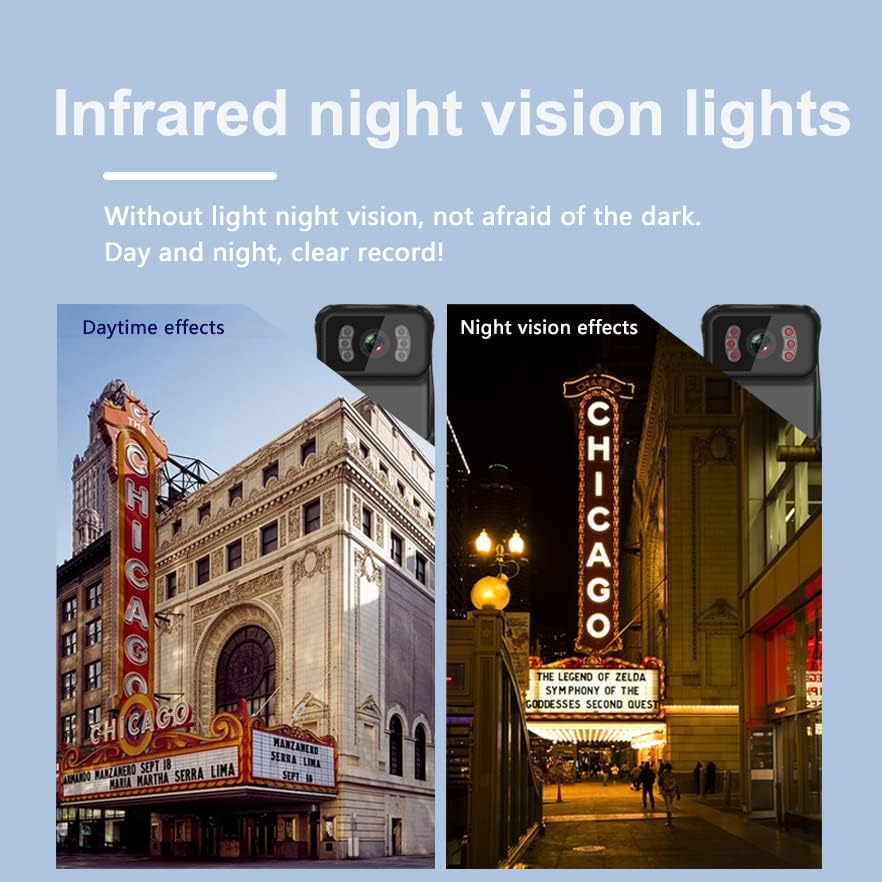
Image 6.2: Illustrates the camera's infrared night vision capabilities, providing clear recordings day and night even without visible light.
6.5. Loop Recording
The camera supports automatic loop recording, which continuously records video. When the memory card is full, the oldest files are overwritten to make space for new recordings.
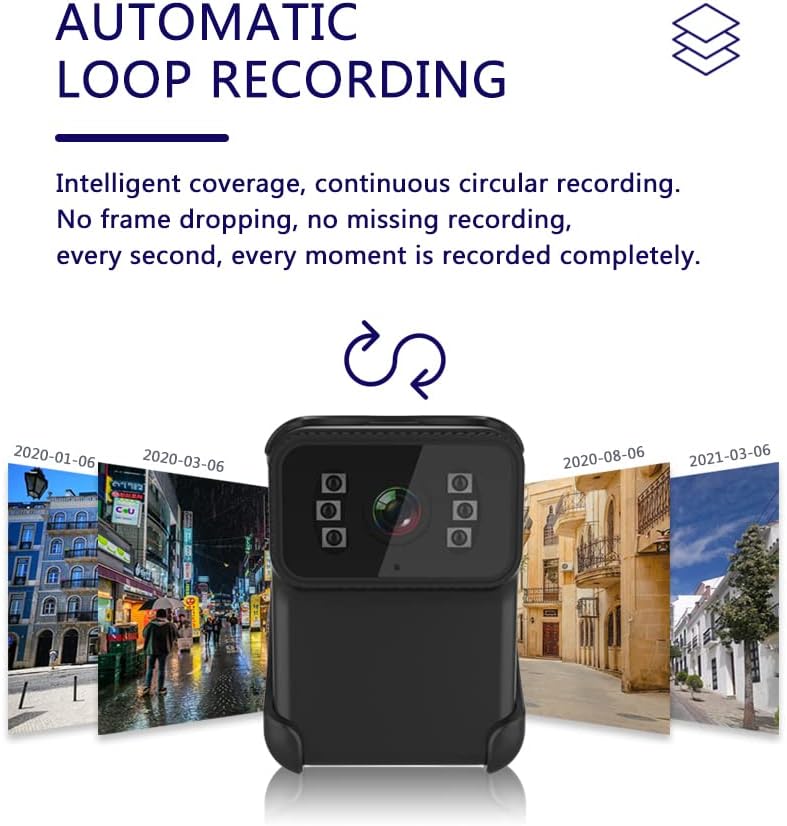
Image 6.3: The camera features intelligent continuous circular recording, ensuring no frame dropping or missing recordings by overwriting older files when storage is full.
7. Advanced Features
7.1. Wi-Fi Connection and App Usage
The camera features a built-in Wi-Fi hotspot, allowing you to connect to a smartphone or computer for live viewing, playback, and settings adjustment via the "Sports Camera" application.
- Download the "Sports Camera" app from your device's app store (available for Android and iOS).
- Long press the photo button on the camera to activate the Wi-Fi hotspot.
- On your smartphone or computer, connect to the camera's Wi-Fi network (SSID and password typically found in the camera's settings or initial setup).
- Open the "Sports Camera" app to view live footage, manage recordings, and configure camera settings.

Image 7.1: The camera's built-in Wi-Fi hotspot enables multi-platform viewing on mobile phones, computers, and laptops, allowing users to access recordings remotely.

Image 7.2: The camera supports Wi-Fi connection, allowing data transfer to a phone and control of recording settings via the 'Sports Camera' app.
7.2. Connecting to a Computer
To transfer files or view recordings on a computer:
- Connect the camera to your computer using the provided USB data cable.
- The camera will appear as a removable disk drive.
- Open the drive to access and transfer your video and photo files.
8. Maintenance
- Cleaning: Use a soft, dry cloth to clean the camera body. For the lens, use a specialized lens cleaning cloth. Do not use harsh chemicals or abrasive materials.
- Storage: Store the camera in a cool, dry place away from direct sunlight and extreme temperatures.
- Battery Care: For optimal battery life, avoid fully discharging the battery frequently. Charge the camera regularly, even if not in use for extended periods.

Image 8.1: The camera features a waterproof and dustproof case, protecting it from splashes and environmental elements.
9. Troubleshooting
| Issue | Possible Cause | Solution |
|---|---|---|
| Camera does not power on. | Low battery; device malfunction. | Charge the camera fully. If issue persists, contact support. |
| Recording stops unexpectedly. | Memory card full; card error; low battery. | Check memory card capacity, format or replace card. Charge camera. |
| Night vision is unclear or dark. | Insufficient ambient light for IR; IR not activated. | Ensure IR is activated. Note that IR performance can vary based on environment. |
| Wi-Fi connection issues. | Wi-Fi hotspot not activated; incorrect app settings. | Activate Wi-Fi hotspot on camera. Ensure correct app and connection steps are followed. |
| Camera locks up or becomes unresponsive. | Software glitch; rapid mode changes. | Perform a hard reboot by holding the power button for approximately 15 seconds. |
10. Specifications
- Model: CS02
- Video Resolution: 1080P
- Lens: 120° Wide-angle
- Night Vision: Infrared LEDs, effective up to 13 feet (4 meters)
- Storage: External Micro SD card, supports up to 128GB (64GB included)
- Battery: Built-in 900mAh rechargeable battery
- Battery Life: Approximately 4-5 hours of video recording
- Connectivity: Wi-Fi Hotspot, USB 2.0
- Waterproof Rating: IPX4 (splash-proof)
- Dimensions: 1.65 x 1.93 x 2.36 inches (41.2 x 48.6 x 60 mm)
- Weight: 2.4 ounces (83 grams)
- Video Format: AVI
- Supported Audio Format: AVI
11. Warranty and Support
The WEIIBDIE CS02 Body Camera comes with a standard manufacturer's warranty. For specific warranty terms, please refer to the documentation provided at the time of purchase or contact WEIIBDIE customer support.
If you encounter any issues not covered in this manual or require further assistance, please contact WEIIBDIE customer support through the official website or your retailer.


